Main Points
- Open table formats and lakehouse features change where your data lives and who can use it.
- Serverless and edition pricing reward planned workloads and punish careless queries.
- AI functions and vector search are worth a small pilot with a deadline.
- Give every team a budget before you adopt the next feature.
The cloud data warehouse market is changing in ways that affect your bill and your architecture. In cloud data warehouse consulting work I see the same twelve shifts come up in almost every planning conversation, whether the client is a fintech, a retailer or a SaaS team.
I sort them by how much they should change your decisions this year. Some are mature enough to build on. Others are worth a small pilot. A few are marketing noise, and I say so. Where a claim needs a source, you will find it linked at the end.
The 12 Trends at a Glance
| Trend | Maturity | What to do now |
|---|---|---|
| 1. Open table formats | Mainstream | Prefer open formats for new data |
| 2. Lakehouse and warehouse convergence | Mainstream | Stop treating them as separate projects |
| 3. Serverless and elastic compute | Mainstream | Pause idle capacity by default |
| 4. Capacity and edition pricing | Mainstream | Model costs per edition before committing |
| 5. AI functions inside SQL | Growing fast | Pilot on one low-risk use case |
| 6. Vector search in the warehouse | Growing | Try it before buying a separate database |
| 7. Zero-ETL and managed ingestion | Growing | Use it where sources are supported |
| 8. Real-time and streaming loads | Growing | Reserve for use cases that need it |
| 9. FinOps for data platforms | Mainstream | Give every team a budget |
| 10. Data sharing and clean rooms | Growing | Start with one partner use case |
| 11. Catalogs, lineage and data contracts | Growing | Name owners for key tables |
| 12. Multi-cloud and data residency controls | Mixed | Decide by need, not by fashion |
1. Open Table Formats Become the Shared Layer
Apache Iceberg and similar open table formats let several engines read the same files in object storage. Major warehouses now support them, so you can keep your data in one place and query it from more than one tool. Lock-in and copy jobs shrink.
I would not move everything at once. Start with new datasets and large tables that several teams use, and keep hot, performance-critical tables in the native format until you have measured the difference on your queries.
2. Lakehouse and Warehouse Convergence Ends the Either-Or Debate
Warehouse vendors added lake features and lake vendors added warehouse features. The practical result is that the old question of lake versus warehouse matters less than the question of who owns which data and which workload runs where.
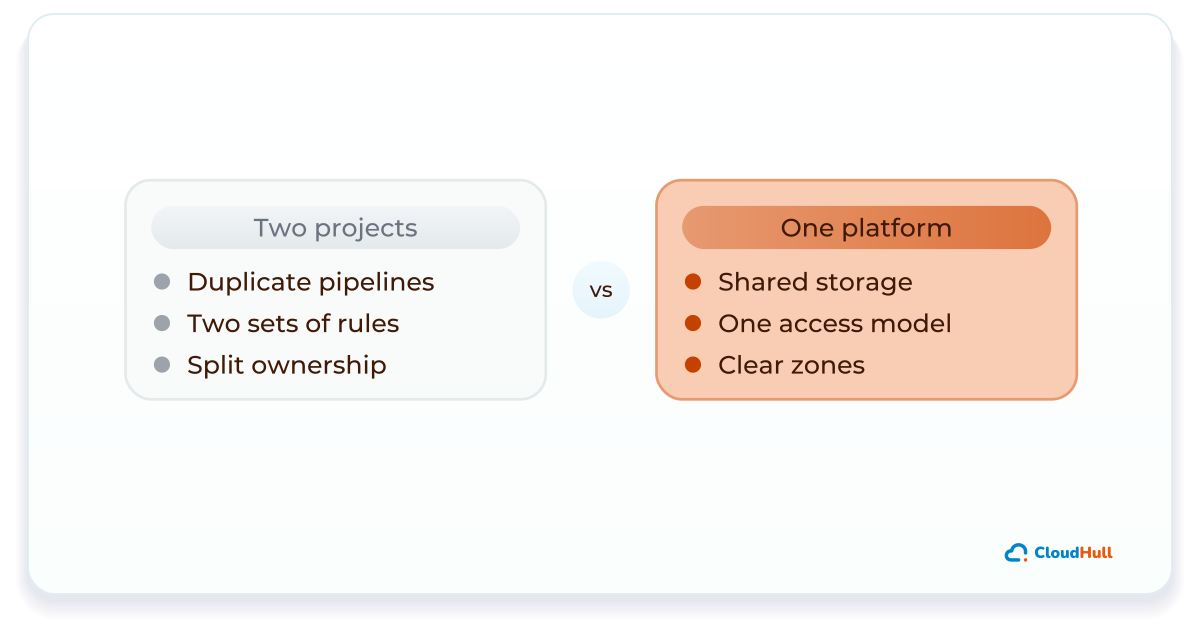
For you, the takeaway is to design one data platform with clear zones and not two competing projects. Raw files, curated tables and serving layers can sit on the same foundation, with access rules per zone.
3. Serverless and Elastic Compute Becomes the Default
Redshift Serverless bills per RPU-hour with per-second billing, and BigQuery bills by slot-hour or by data processed, as the vendors list on their pricing pages. Compute that scales with demand and stops when idle suits uneven reporting loads well.
The catch is predictability. A steady heavy workload can cost more on a pay-per-use model than on reserved capacity. Check both views before you pick, and keep a cap on maximum compute so one runaway job cannot empty the budget.
4. Pricing Moves Toward Editions and Capacity Commitments
BigQuery now sells compute in editions with different per-slot-hour rates and commitment discounts, next to its on-demand rate of $6.25 per TiB processed. Other platforms use credits, capacity units or compute tiers. Each model rewards different habits.
Ask any vendor for a cost model on your own queries at expected and double volume. A published unit price tells you little until you know how many units your workload burns.
| Pricing model | Example | Good fit |
|---|---|---|
| Per data scanned | BigQuery on-demand | Light, occasional querying |
| Per compute time | Redshift Serverless, Snowflake credits | Variable workloads with idle periods |
| Committed capacity | BigQuery editions with commitments | Steady, predictable workloads |
| Fixed capacity units | Fabric capacities | Teams already on Microsoft tools |
5. AI Functions Move Inside the SQL Layer
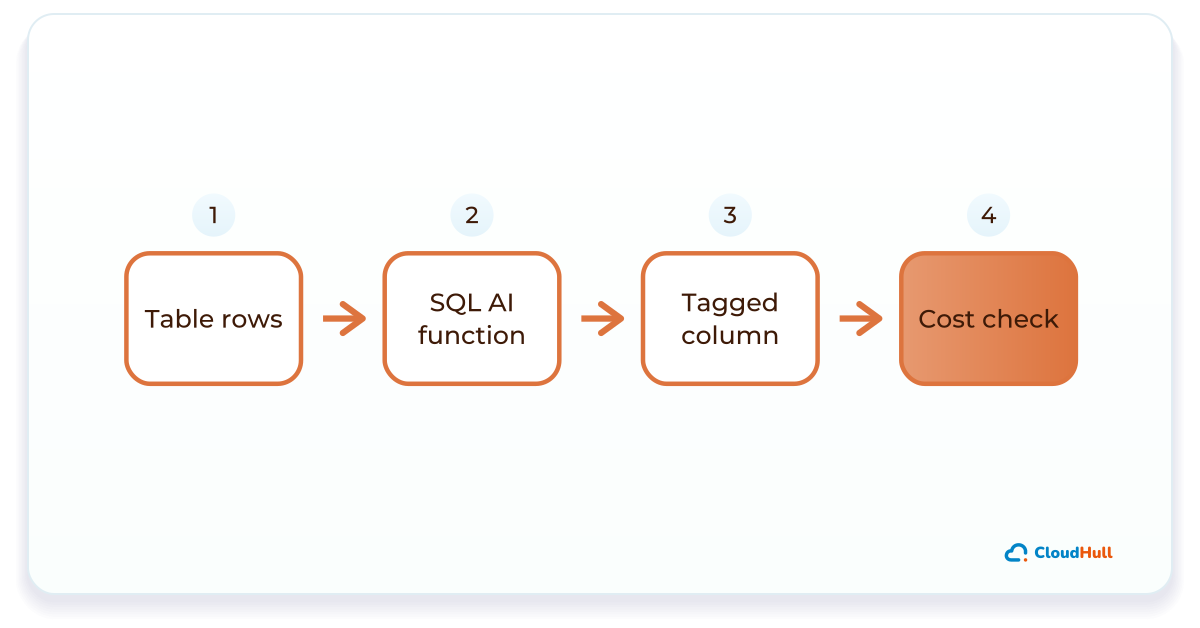
Major platforms now let analysts call language models and ML functions from SQL: classify support tickets, summarize text or extract fields from documents without leaving the warehouse. Data stays where it is, which helps governance.
Start with one low-risk job, such as tagging ticket topics. Check cost per thousand rows before running it across a large table, because model calls can cost far more than normal queries. Keep a person in the loop for anything customer-facing.
6. Vector Search Arrives in the Warehouse
Several warehouses now store embeddings and run similarity search. For many retrieval use cases, this is enough, and you avoid running a separate vector database. It also keeps access rules and lineage in one place.
Dedicated vector stores still win on very large, low-latency search. If your use case is an internal assistant over a few million rows, try the warehouse first and measure latency before adding another system.
7. Zero-ETL and Managed Ingestion Cut Pipeline Work
Cloud providers now offer managed replication from operational databases into the warehouse without custom pipeline code. AWS describes this approach as zero-ETL, and similar features exist on other platforms.
These services save real engineering time for supported sources. Check which tables and data types are supported, how schema changes are handled and what the replication costs. A managed feature that covers sixty percent of your sources still leaves forty percent to build.
8. Real-Time Loading Is Useful and Often Overused
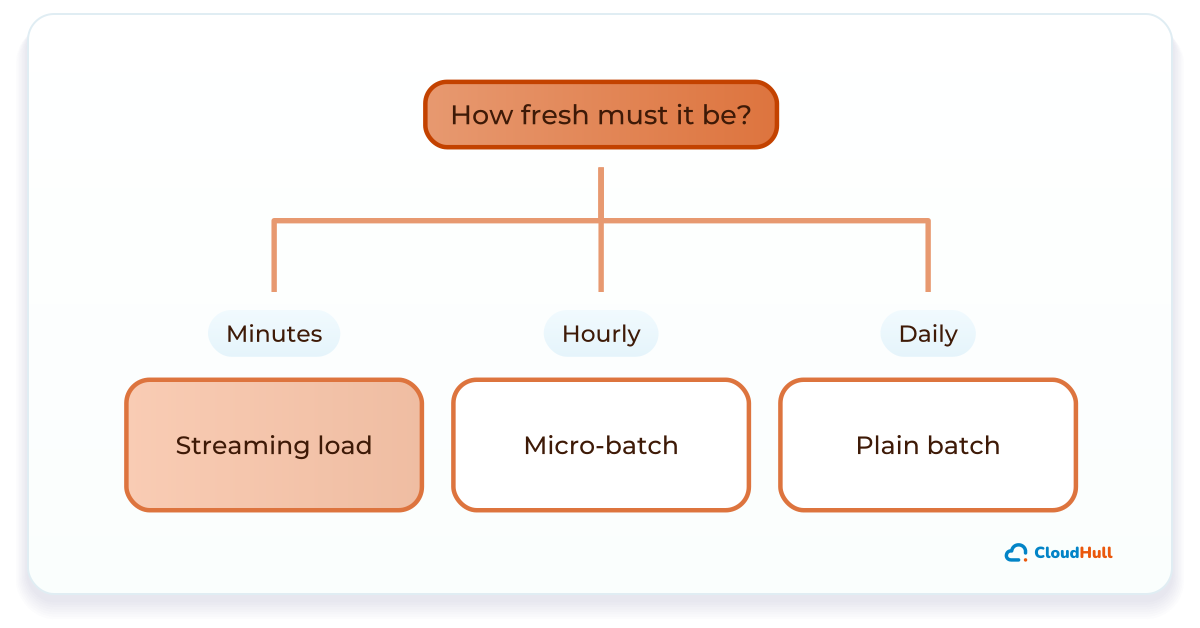
Streaming ingestion is easier than it used to be, and vendors push it hard. It pays off for fraud checks, inventory and operational dashboards where minutes matter. For monthly finance reports, it adds cost and complexity for no benefit.
Ask each team how fast the data truly needs to arrive. In my reviews, more than half of the "real-time" requests turn out to be satisfied by a refresh every fifteen minutes or every hour.
9. FinOps Reaches the Data Platform
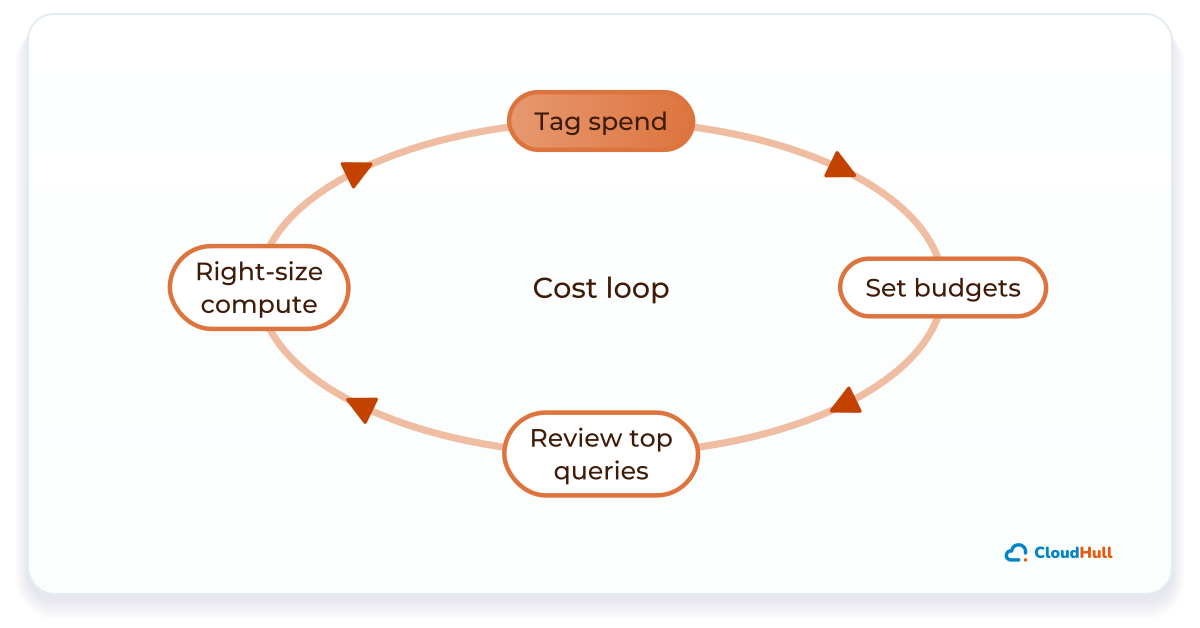
Warehouse spend now sits next to compute and storage in finance reviews. The FinOps community publishes practices for tagging, showback and budgets that apply here as well. Teams that give every group its own budget see waste sooner.
The first steps are cheap: separate compute per team, resource monitors or quotas, and a weekly view of the top ten queries by cost. Most platforms offer these controls out of the box, and few teams switch them on before the first shock invoice.
10. Data Sharing and Clean Rooms Open New Partnerships
Warehouses can share live data with partners without copying files, and clean rooms let two parties compare data without exposing raw records. Retailers and advertisers use them for audience overlap, and fintechs use them for fraud signals.
Start with one partner and a narrow question. Agree on what is shared, who can query it and how results are checked. Legal and privacy review takes longer than the technical setup, so involve them early.
11. Catalogs, Lineage and Data Contracts Grow Up
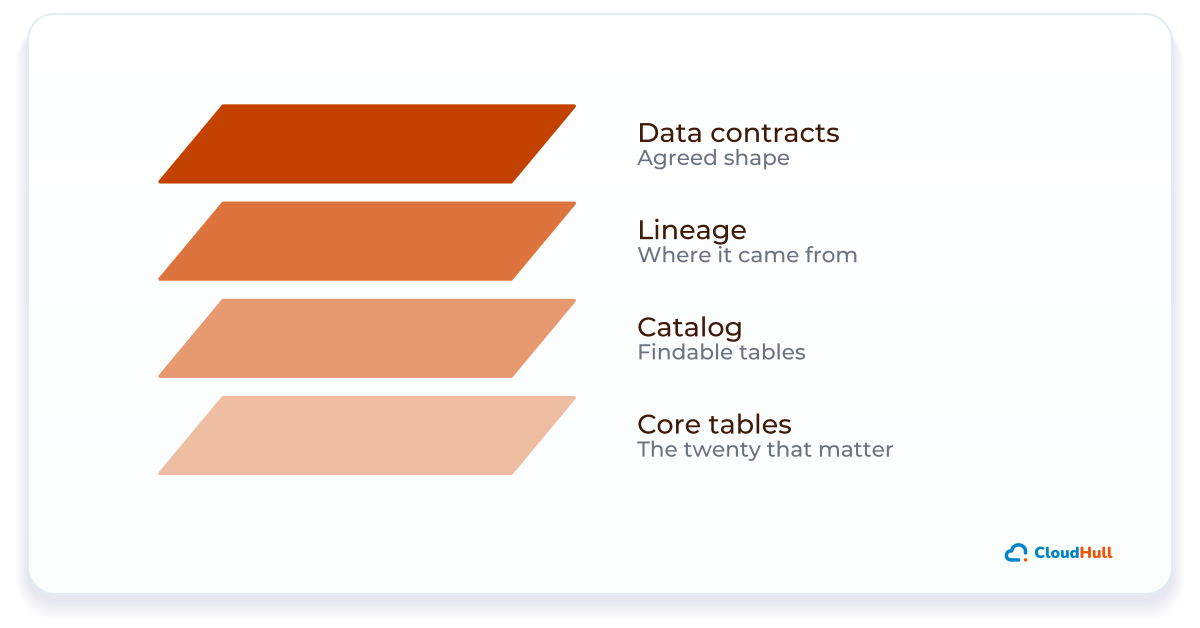
As more teams build on the same warehouse, the lack of ownership hurts. Catalogs now show where each table comes from, who owns it and who uses it. Data contracts add written agreements between the team that produces data and the teams that consume it.
Do not start with a big catalog rollout. Pick the twenty tables behind your key reports, name an owner for each and record what a breaking change means. My list of cloud data warehouse examples shows where governed tables pay off.
12. Multi-Cloud and Data Residency Controls Matter More Than Hype
Some companies need data in specific regions, or want to avoid dependence on a single provider. Warehouses now offer cross-region and cross-cloud features, and open formats make moving data easier.
Multi-cloud for its own sake adds cost and skill demands. Choose it when a customer, a regulator or a partner requires it. Residency rules differ by country and change, so check the current requirements with your legal advisers before you design around them.
Trends I Would Not Chase Yet
A few ideas get more airtime than results. Fully autonomous agents that write and run warehouse queries without review are one. They work in demos and make expensive mistakes on messy schemas. Use them to draft queries that a person checks, and measure how often the draft is right on your own tables.
Another is moving every workload to a new engine because a benchmark says it is faster. Benchmarks use clean data and tuned queries. Your data is neither. Test on a copy of your slowest ten queries, and switch only when the gain is large enough to pay for the migration.
What These Trends Mean for Your Budget
Most trends shift cost from fixed to variable, or from storage to compute. It is good news if you watch it and bad news if you do not. A practical plan has three parts. First, a monthly cost review with the top spenders named. Second, a budget and alert for every team. Third, a rule that any new feature, such as an AI function or a streaming load, gets a cost estimate before it runs on production data.
Plan a small buffer for pilots. A pilot that costs five percent of the warehouse budget and tells you whether a trend fits is cheap compared with a full rollout that does not. Close each pilot with a short written result, so the next planning round starts from facts.
A useful habit is to keep a one-page trend log. For each trend, note the problem it would solve, the date you last checked the vendor docs and your current decision: ignore, pilot or adopt. Reviewing that page twice a year takes an hour and keeps your platform plan from being driven by whichever announcement arrived last.
Questions to Ask Your Vendor About Each Trend
Vendor announcements are written to sound finished. Your questions should find out whether the feature works for your workload today. These are the ones I ask in every review:
| Question | Why it matters |
|---|---|
| Is it generally available or in preview? | Preview features can change or disappear |
| What does it cost per unit of work? | AI calls and streaming can cost far more than normal queries |
| Which sources and data types are supported? | Partial coverage leaves custom work for you |
| How are access rules and audit logs handled? | Governance must follow the data into new features |
| What happens when the schema changes? | Breaking changes cause failed jobs at night |
Write the answers down next to the pilot plan. Six months later, you can compare what the vendor said with what you saw, and that record makes the next renewal conversation much easier.
How to Choose Which Trends to Act On
Rank each trend by two questions: does it solve a problem you have today, and is it mature enough to rely on? Trends with a yes to both go into this year's plan. Trends with a yes to only the first deserve a pilot with a deadline and a clear success measure.
- Which cost or speed problem would the trend fix for you?
- Does your platform support it in production, or only in preview?
- What does a pilot cost, and who runs it?
- How will you know in 60 days that it worked?
When you are ready to compare platforms against these trends, my ranking of cloud data warehouse tools lists nine options with current pricing models and review scores.
Sources
- Apache Iceberg project
- Google Cloud BigQuery pricing
- Amazon Redshift pricing
- AWS: What is zero-ETL?
- FinOps Foundation
Disclaimer: This article is for general information only and is not legal, financial or tax advice. Platform features and prices change often, so check each vendor current documentation before you decide.
Did this article help you?
Thanks, noted.
Garrett Linville
Garrett leads the Cloud Hull editorial team and works with the consultants to turn real client projects into practical guides on cloud migration, DevOps, security and cost control. Each article is edited together with the consultant who did the work, and every price and limit is checked against current provider documentation. He is based in the USA and works remotely.