Main Points
- Choose a managed platform unless you have someone who can run servers.
- Compare yearly cost including renewal prices, extras and your own hours.
- Test the new host with a copy of your site before you switch the domain.
- A monthly one-hour check of backups, updates and the bill keeps the setup healthy.
A small business does not need a cloud strategy document. It needs a website that loads fast, stays online and costs about what you planned. In my cloud hosting consulting work with companies of five to fifty people, the best results come from a handful of simple choices made in the right order.
This guide walks you through five phases, from taking stock to a monthly check. Each phase is short, and you can finish the first two in an afternoon. I name the typical traps as I go, and I mention prices only where I read them on vendor pages for this article.
Overview of the Five Phases
| Phase | What you do | Time it takes | Result |
|---|---|---|---|
| 1. Take stock | List sites, tools, traffic and who touches them | One afternoon | A one-page picture of what you run |
| 2. Choose a model | Pick managed, self-managed or a mix | A few days | A shortlist of two or three options |
| 3. Compare costs | Price the real bill, including extras | A few days | A monthly cost you can defend |
| 4. Move and test | Copy the site, test, then switch | One to three weeks | A live site on the new host |
| 5. Keep it healthy | Backups, updates and a monthly check | One hour a month | A site that stays fast and safe |
Phase One: Take Stock of What You Run
Write down every site, shop, booking tool and email service that depends on your hosting. Note who has the logins, where the domain is registered and how much traffic you get in a normal week and in your busiest week. Many small businesses cannot answer the last question, and it decides your plan.
Look at the last twelve months of traffic. A flat line points to a simple plan, and sharp peaks around sales or seasons point to a plan that can scale. Also note what an hour of downtime costs you. For a local shop with online orders, the number is often higher than the owner expects.
Phase Two: Choose a Management Model
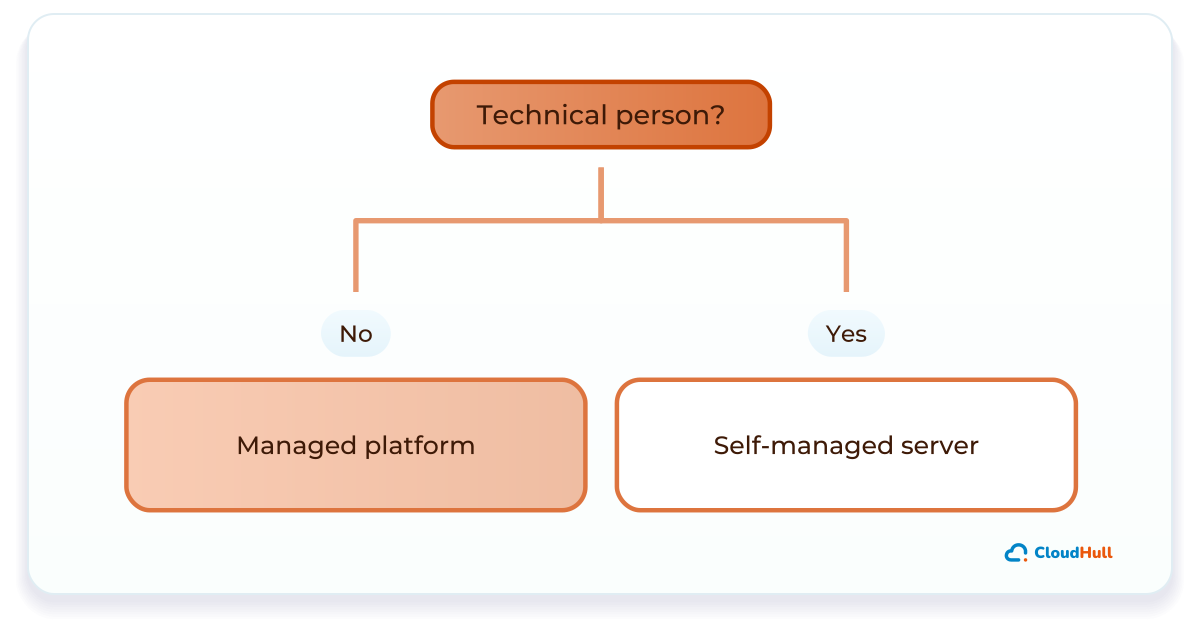
This is the main decision. You can pay for a managed platform that handles servers, updates and backups, run your own cloud server, or mix the two. Be honest about who on your team can handle server work. A friend who set it up once is not a maintenance plan.
| Model | Example from vendor pages | Best when | Look out for |
|---|---|---|---|
| Managed WordPress | Kinsta lists entry plans at $35 a month | Your site is WordPress and earns money | Price per site rises quickly with many sites |
| Managed cloud layer | Cloudways lists Flexible plans from $14 a month | You want cloud servers without the chores | Extra fee on top of the server |
| Managed cloud plan | Hostinger lists Cloud Startup at $7.99 a month on a 48-month term | You want generous resources at a low price | Renewal price is higher, long contract |
| Self-managed server | DigitalOcean lists a Droplet at $4 a month | You have a technical person | You own updates, security and backups |
For most small businesses without a technical person, a managed option is the right start. The full comparison with prices and G2 ratings is in my ranking of cloud hosting platforms.
Phase Three: Compare the Real Monthly Cost
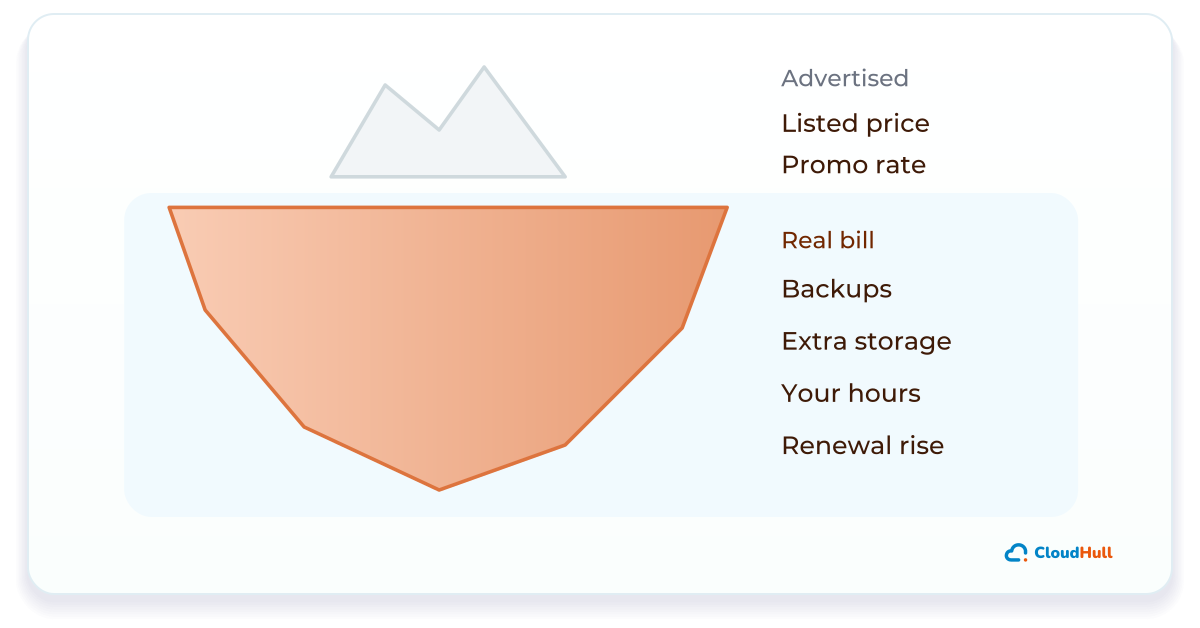
A listed price is the start of the bill. Add backups, extra storage, data transfer above the plan, email, a content delivery network and the renewal price after any promotion. Add your own time too, because a cheap server that eats four hours a month is not cheap.
A Simple Cost Worksheet
List each cost line for your top two options: hosting plan, backups, extras, renewal price and your estimated hours at an hourly rate. Compare the yearly total instead of the monthly price. The cheapest monthly option often loses on yearly cost once the renewal kicks in.
| Cost line | Option A | Option B |
|---|---|---|
| Plan price per month | Fill in | Fill in |
| Backups and extras | Fill in | Fill in |
| Price after the promotion | Fill in | Fill in |
| Your hours per month | Fill in | Fill in |
| Yearly total | Add up | Add up |
A Worked Example With Round Numbers
Imagine two options for a local services firm with one site. Option A is a self-managed server at $5 a month plus $2 for backups, and the owner spends three hours a month on updates at $40 an hour. Option B is a managed plan at $35 a month with backups included and one hour of the owner's time for checks.
Option A costs $7 plus $120 of time, so $127 a month, or $1,524 a year. Option B costs $35 plus $40 of time, so $75 a month, or $900 a year. The numbers are illustrations, and your hourly value and time estimates will differ. The point is that the cheap server loses once your own hours count, unless you enjoy the work or have someone who does.
A thin budget is exactly where usage-based billing hurts. If you pick a platform that bills per second, such as Google Compute Engine or a DigitalOcean Droplet, set a budget alert on the first day. The longer view on cost is in my guide to cloud cost optimization.
Phase Four: Move the Site Without Losing Sleep
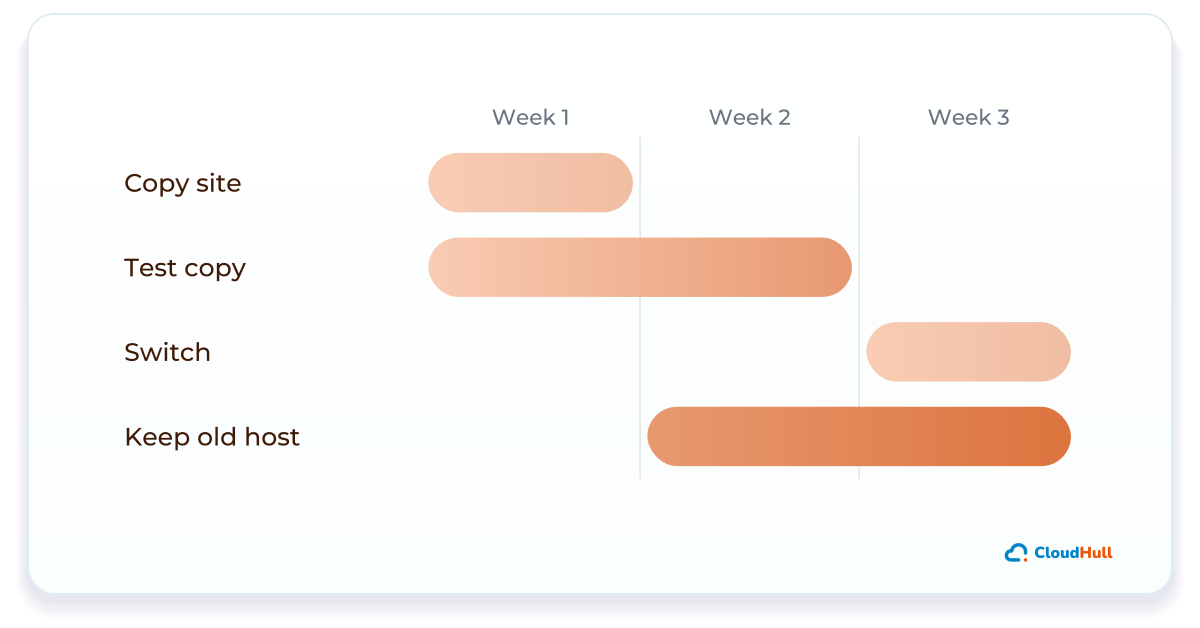
Never move a live site on a Friday afternoon. Copy the site to the new host first, test every page that earns money, then switch the domain settings at a quiet time. Keep the old hosting active for a week so you can switch back.
A Short Pre-Move Checklist
- Take a full backup and confirm you can open it.
- Lower the domain's cache time a day before the move.
- Test the checkout, forms and booking on the new host.
- Tell your team the date and who handles problems.
- Keep the old host for at least a week.
If your move involves more than one site or a custom application, treat it as a larger project and read my notes on cloud migration consulting for the planning steps. A smaller business can follow the same ideas on a lighter scale.
Phase Five: Keep It Healthy
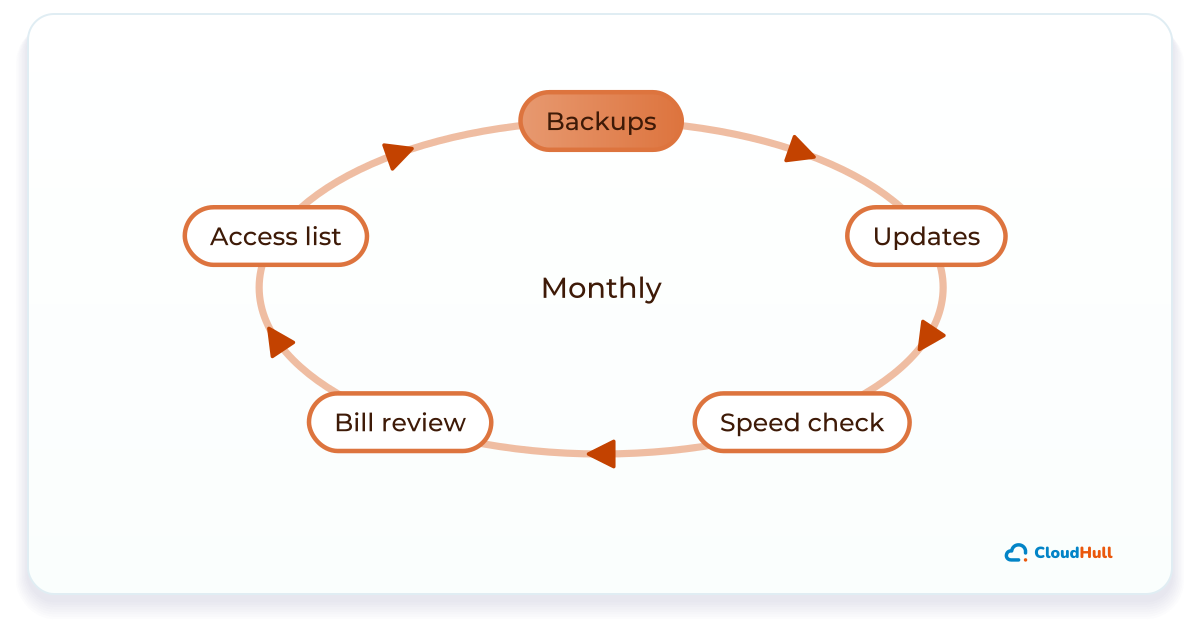
Set a one-hour monthly routine and put it in the calendar. Check that backups ran, test restoring one file, update software, review the bill and read the uptime report. This routine is boring, and boring is the goal.
| Check | How often | Who does it |
|---|---|---|
| Backups ran and one restore tested | Monthly | Technical person or provider |
| Software updates applied | Weekly or monthly | Technical person or managed host |
| Uptime and speed review | Monthly | Site owner |
| Bill compared with budget | Monthly | Site owner |
| Access list reviewed | Quarterly | Site owner |
Security is part of the routine. Turn on multi-factor sign-in, give each person their own login and remove people when they leave. Small companies are frequent targets because they are easy to reach, and the basics stop most attacks. My cloud security consulting work for small teams starts with exactly these basics.
What a Good First Month Looks Like
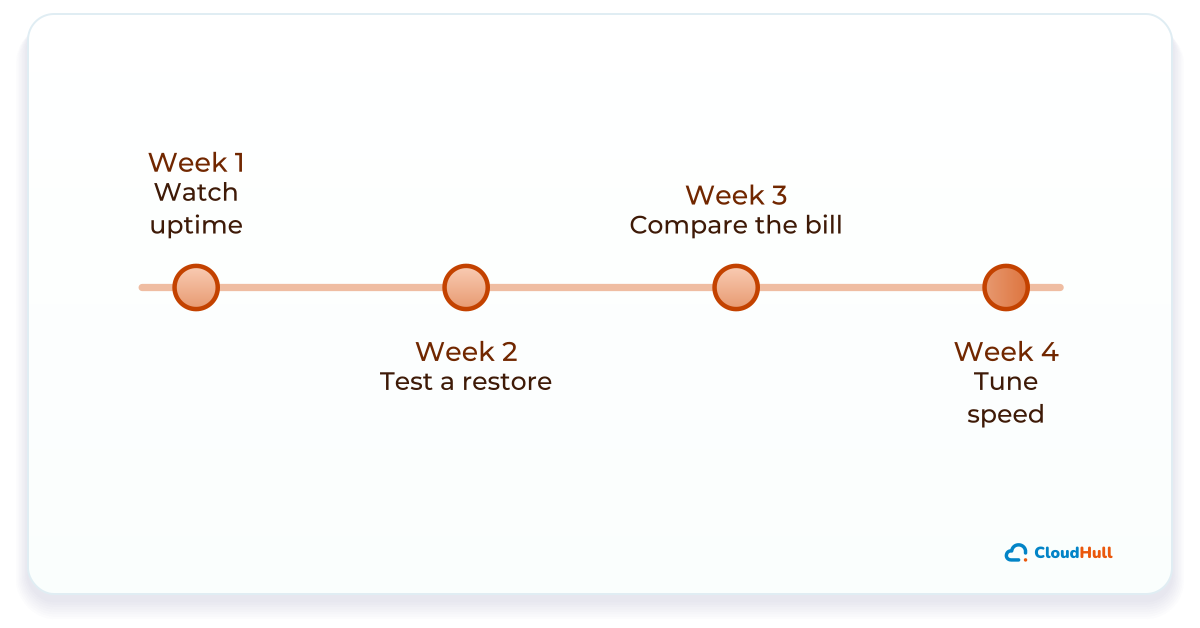
In the first week, you finish phases one and two and pick a host. In the second week, you build and test the copy of your site. In the third week, you switch the domain on a quiet day and watch the site closely for two days. In the fourth week, you run your first monthly check and set up the alerts that tell you when something breaks.
Resist the urge to tune everything at once. Speed work, such as caching and image sizes, is more effective after the site is stable. If you notice slow pages after the move, check the plan size and the caching settings before you buy a larger plan. Often the fix is a setting, not a bigger server.
Three Mistakes Small Businesses Make
The first is buying on the promotional price. A $7.99 plan that renews at $25.99 on a 48-month term is a different product from the one on the banner. The second is skipping staging, which turns every update into a gamble on live customers. The third is leaving the domain and the hosting account in an employee's name. When that person leaves, you have a problem.
I also see businesses pay for resources they never use. A site with a few hundred visitors a day rarely needs the largest plan. Start small and move up when the symptoms appear, such as slow pages at peak times. The bigger picture is in my overview of cloud hosting pros and cons.
When a Small Business Should Ask for Outside Help
You can do most of this yourself, and I encourage you to. Outside help pays for itself in a few situations. One is when your site takes real money and nobody on your team can restore it after a failure. Another is when you run several sites or an online shop with custom code, so a mistake in the move is costly.
A third case is when your bill is growing and you cannot say why. A short review can find oversized plans, unused servers and extras you do not need. Ask for a fixed price and a written summary, and keep the accounts in your own name so you stay in control.
Whichever way you go, write down three numbers now: your monthly hosting cost, the page load time on your busiest page and your uptime for the last month. You will need them to judge any change, and most small businesses have never written them down.
Picking Your First Step
Answer four questions:
- Do we have a technical person who can run servers?
- Is our site WordPress or a custom application?
- Do we have traffic peaks around sales or seasons?
- How much does an hour of downtime cost us?
If the first answer is no, pick a managed platform. If the third is yes, check that the plan can scale on demand. If the fourth is a large number, add monitoring and a tested backup before anything else. New to the terms? The cloud hosting guide explains them from the start.
Questions About Cloud Hosting for Small Business
What Is the Best Cloud Hosting for a Small Business?
It depends on your skills. A managed platform suits most small teams, while a self-managed server fits businesses with a technical person. Compare real monthly costs including renewal prices.
How Much Does Cloud Hosting Cost for a Small Business?
Prices on vendor pages I read ranged from $4 a month for a basic DigitalOcean Droplet to $14 a month for Cloudways Flexible and $35 a month for Kinsta entry plans. Extras and renewal prices change the total.
Do I Need a Developer to Use Cloud Hosting?
Not for managed platforms. For self-managed servers, you need someone who can handle updates, security and backups.
Is Cloud Hosting Safer than My Current Host?
It can be, but safety depends on your settings. Use multi-factor sign-in, keep software updated and test your backups.
How Long Does It Take to Move My Site?
A simple site can move in a few days once you have chosen a host. A shop or a custom application needs more testing, often one to three weeks.
Should I Sign a Long Contract to Get a Lower Price?
Only when you are sure of the provider. Check the renewal price and the refund period before you agree.
When Should a Small Business Upgrade Its Hosting Plan?
When pages slow down at peak times, when outages happen during campaigns or when you need a separate test copy of your site.
Sources
Please note: this guide is general information and not legal, financial or tax advice. Numbers and examples are typical-project estimates; confirm current details with your providers and advisers.
Did this article help you?
Thanks, noted.
Garrett Linville
Garrett leads the Cloud Hull editorial team and works with the consultants to turn real client projects into practical guides on cloud migration, DevOps, security and cost control. Each article is edited together with the consultant who did the work, and every price and limit is checked against current provider documentation. He is based in the USA and works remotely.