Main Points
- Consistent naming and tags come first, because every saving depends on knowing what a file is.
- Match storage tiers to use, and test a restore before moving any archive.
- Keep the rendition ladder lean and design jobs that are safe to run twice.
- Rehearse failover, monitor what viewers see and keep an exit plan for managed services.
Media workloads punish sloppy habits. A mistake in naming, storage class or failover does not show up in a test, and then costs you thousands on a busy night or in an invoice a month later. In my media cloud consulting projects, the same eight practices separate calm setups from fragile ones.
Each practice below has one thing to do and one thing to avoid, plus the reason from real experience. Read them once in order, then use the table to find the ones your setup is missing.
Eight Practices Grouped by Where They Protect You
| Area | Practices | What they protect |
|---|---|---|
| Files | 1 and 2: naming and storage tiers | Findability and cost |
| Processing | 3 and 4: lean renditions and idempotent jobs | Cost and reliability |
| Delivery | 5 and 6: failover and monitoring from the viewer's side | Playback quality |
| Control | 7 and 8: access rules and an exit plan | Security and independence |
Eight Media Cloud Practices That Hold Up
Name and Tag Every Asset From the Start
Files with names like final_v3_new.mov cannot be found, tiered or deleted safely. Consistent names and metadata are the foundation for every later saving, because automation needs something to act on. In my client work, teams that added a naming rule in week one saved months of clean-up later.
Do this: Define a naming pattern with project, date and version, and require owner and project tags on every bucket and file group.
Avoid this: Letting each team invent its own scheme because "we will tidy it up later".
Quick check: pick ten random files and ask someone from another team to find them. If it takes longer than a minute each, your naming rule is not working yet.
Match Storage Tiers to How Files Are Used
Most footage is touched heavily for a few weeks and rarely after that. Keeping all of it on the fastest tier is the most common source of waste I find. Lifecycle rules can move files down automatically, and restore times and fees are known in advance.
Do this: Move finished projects to a colder tier after a set number of days, and keep proxies and thumbnails on fast storage.
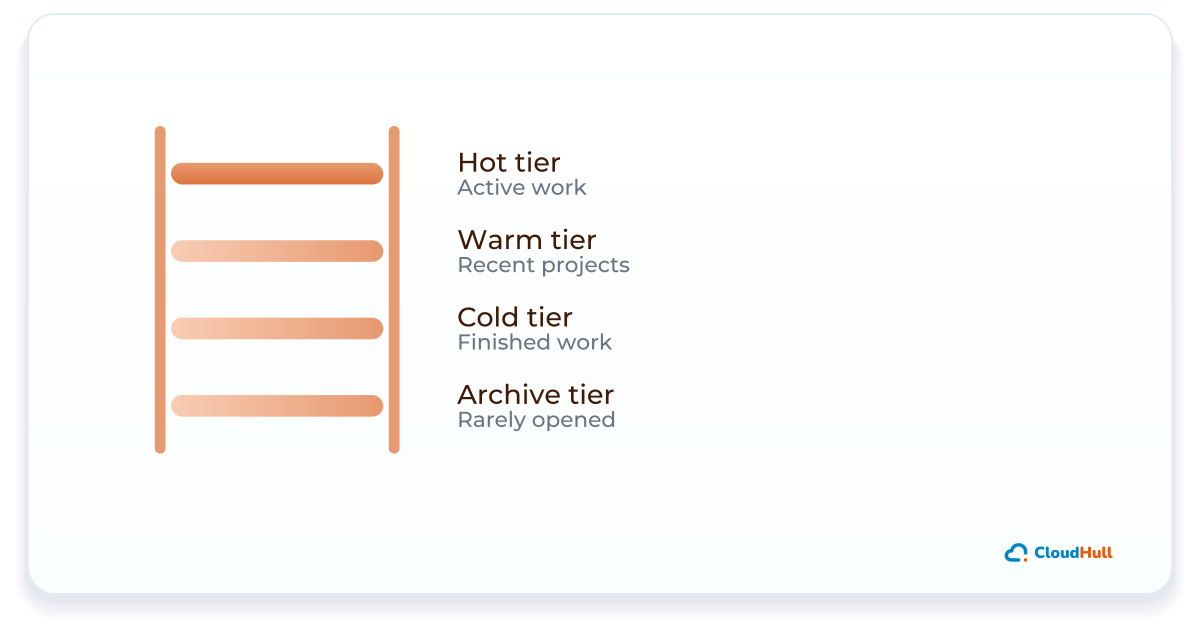
Avoid this: Moving files to an archive tier without testing a restore and checking retrieval fees.
Quick check: compare your storage cost by tier with the share of files opened in the last ninety days. A large gap is your first saving.
Keep the Rendition Ladder Lean
Every extra video version costs storage and delivery. A ladder with twelve rungs looks thorough but often serves the same phones at slightly different sizes. Check your players' real use before choosing the rungs.
Do this: Start with the fewest renditions that cover your devices, and remove the ones that get almost no views each quarter.
Avoid this: Copying the ladder of a large streamer. Their audience and economics are not yours.
Quick check: list the views per rendition for the last month. Any rung under two percent of views is a candidate for removal.
Design Jobs So They Can Run Twice Safely
Cloud jobs fail and retry. If a transcoding job running twice creates duplicate files or double-charges a partner, you will find out at the worst time. An idempotent job produces the same result no matter how many times it runs.
Do this: Write outputs to predictable names, check before you create and log each job's input and output.
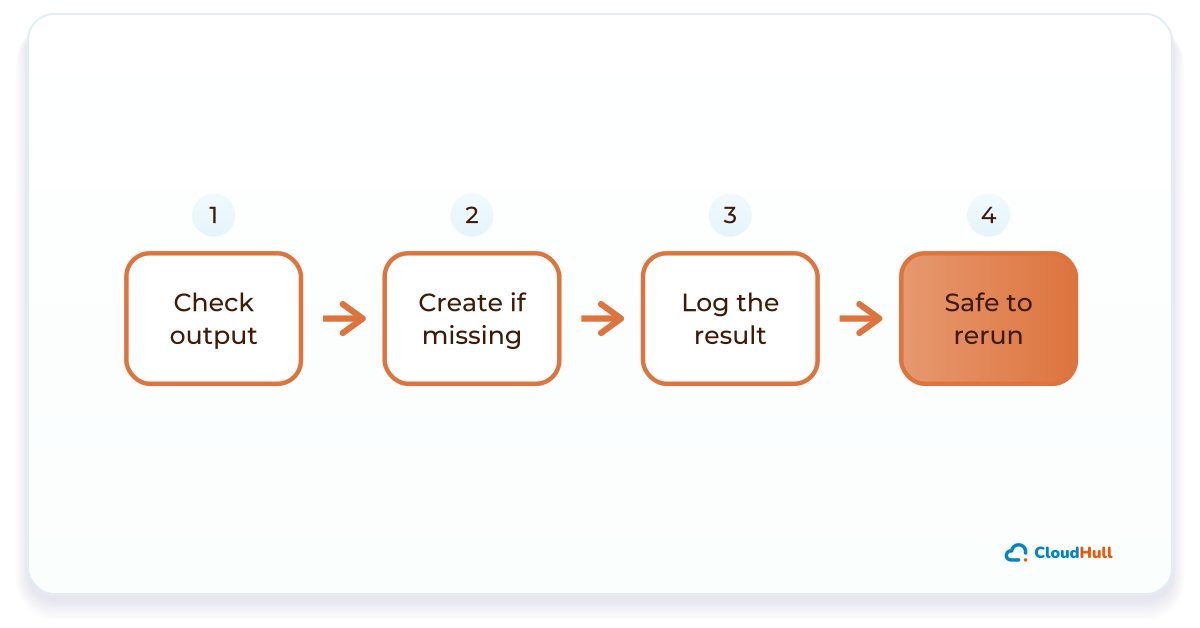
Avoid this: Writing jobs that append to shared files or send emails without checking whether they already did.
Quick check: run the same job twice in a test account and compare the outputs. Duplicates or double messages show a job that is not safe to retry.
Build a Failover for Every Live Path
A live stream has several points that can fail: the source, the encoder, the packager and the delivery network. A backup you have never switched to is a guess. I rehearse failover with every client before the first live event, and the rehearsal finds a problem more often than not.
Do this: Add a second input and a second encoder, and switch to them on purpose during a quiet period.
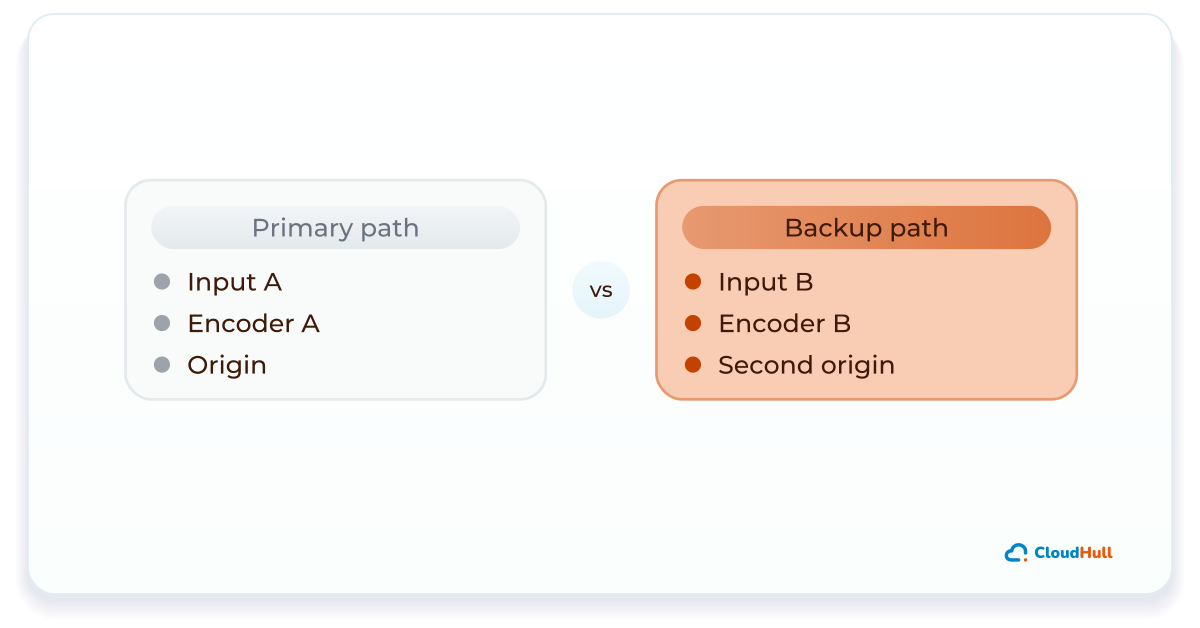
Avoid this: Assuming the provider's redundancy covers your own configuration mistakes.
Quick check: ask who last switched a stream to its backup, and when. If the answer is nobody, schedule the test this month.
Monitor What the Viewer Experiences
Server health can be green while viewers see a spinning wheel. Playback start time, rebuffering and error rates, broken down by region and device, tell you what people feel. Alerts should go to a person who can act on them.
Do this: Track start time, rebuffering ratio and playback errors, and alert on changes, not only on hard failures.
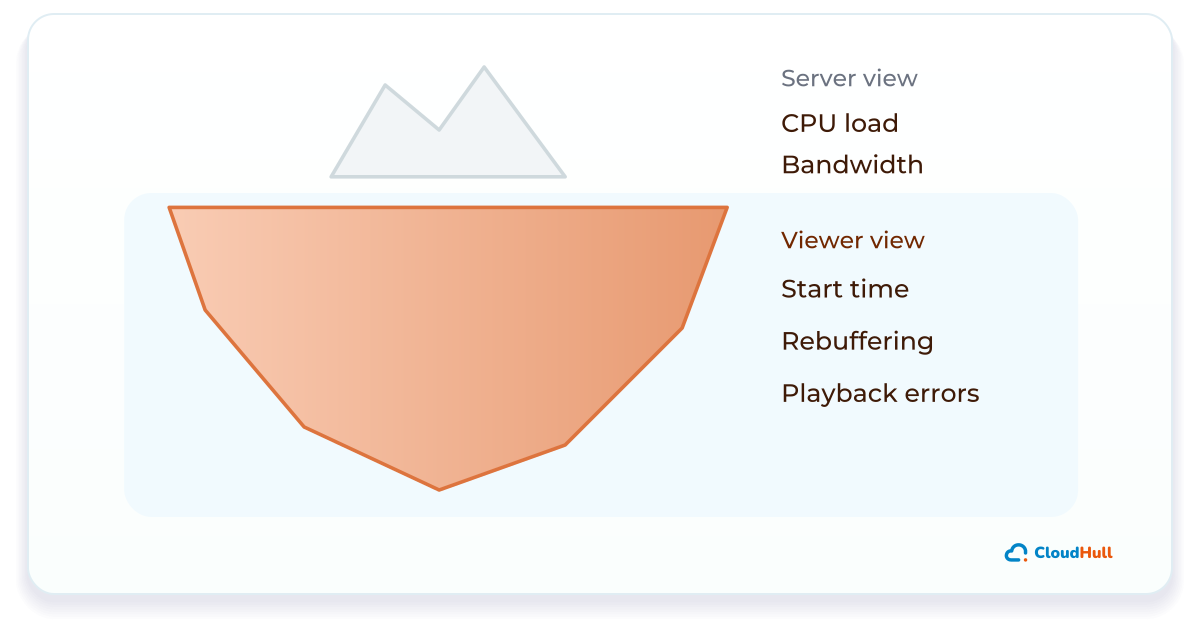
Avoid this: Watching only CPU and bandwidth charts.
Quick check: look at your last three incidents. If you learned about them from viewers, your monitoring watches the wrong side.
Lock Down Access to Unreleased Content
Leaks of unreleased content are expensive and hard to trace. Access rules, expiring links and watermarks on review copies reduce the risk. The principle is the same as in any cloud setup: give people the least access they need. My cloud security consulting work uses the same approach for production systems.
Do this: Use named accounts, expiring links and access logs, and review who holds access after each project.
Avoid this: Sharing a single login for a project folder or leaving review links open forever.
Quick check: list everyone with access to unreleased files. Remove anyone who no longer works on the project.
Keep an Exit Plan for Every Managed Service
Managed services are convenient and sometimes retired. Microsoft ended Azure Media Services on June 30, 2024, and customers had to move on its schedule. Your assets and metadata should be portable enough that such a change is an inconvenience, not a crisis.
Do this: Keep originals in storage you control, export metadata regularly and write down an alternative for each service.
Avoid this: Storing the only copy of important metadata inside a proprietary tool.
Quick check: try to export the metadata for one title. The time it takes shows how portable your setup really is.
How These Practices Show Up on Your Bill
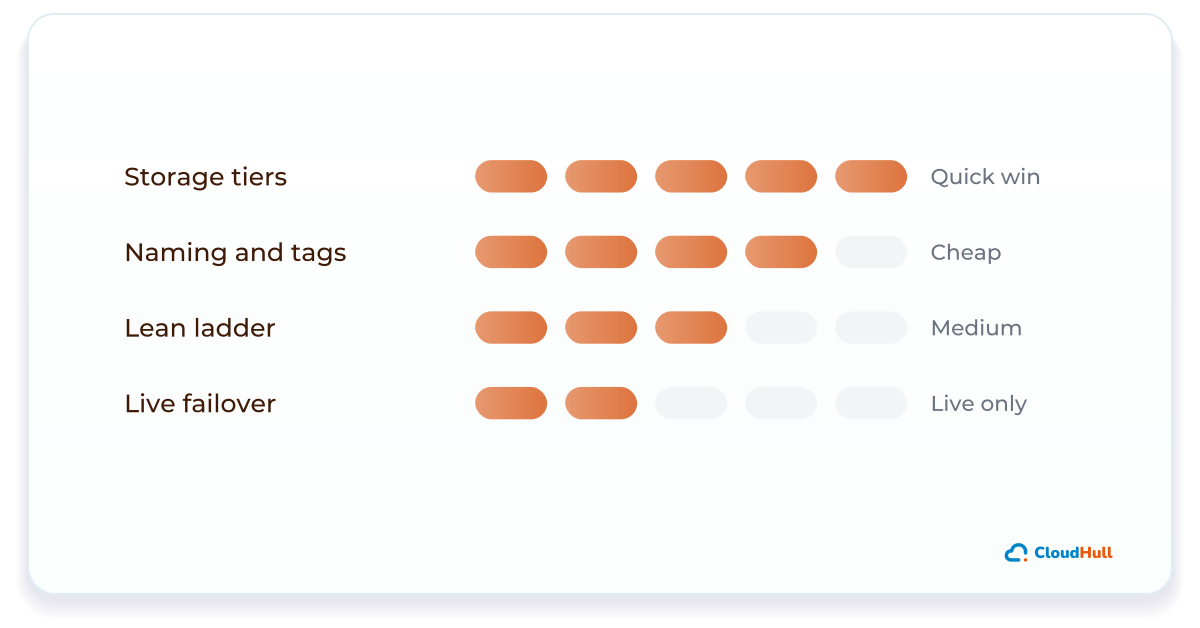
Four of the eight practices change the invoice directly: storage tiers, a lean ladder, safe job retries and an exit plan that keeps you from paying twice during a move. The others protect revenue and reputation, which do not appear on the bill but cost more when they fail.
| Cost area | Practice that helps | What to check monthly |
|---|---|---|
| Storage | Tiers and naming | Terabytes by tier and age |
| Processing | Lean ladder and safe jobs | Minutes processed per title |
| Delivery | Caching and monitoring | Egress per viewing hour |
| Risk | Exit plan and access rules | Open links and old accounts |
If you are still deciding what to build first, the scenarios in media cloud use cases help you rank them. To see how the practices look in real setups, read my media cloud examples.
A Small Studio Example in Numbers
A small production studio I advised kept 180 terabytes on one fast storage tier. Only about a fifth had been opened in the last quarter. After naming rules and lifecycle policies, roughly two thirds of the library moved to colder tiers. These figures come from my own project notes, so your mix will differ.
The monthly storage cost dropped noticeably, though the first restore from the cold tier took longer than the team expected. That is why practice two includes a restore test. Nobody was upset after the test, and one editor said the tags made footage easier to find than the old folders ever did.
| Team size | Start with | Add later |
|---|---|---|
| One to five people | Naming, tiers, access rules | Failover for live events |
| Six to twenty people | All of the above plus monitoring | Idempotent jobs and lean ladders |
| Larger teams | Every practice with named owners | Multi-provider exit rehearsals |
Why Media Needs Its Own Habits
Ordinary business systems store small records and serve many small requests. Media does the opposite. Files are large, reads are bursty and a single title can create most of a month's traffic in one evening. That changes where the money goes and where failures hurt.
General cloud advice, such as right-sizing servers, matters less here than storage class, egress and the number of renditions. When a client asks why their bill rose with no new servers, the answer is almost always one popular title and a delivery fee. Knowing that before launch changes how you set budgets and alerts.
Tools That Make the Habits Easier
You do not need a long tool list. Object storage lifecycle rules handle the tiers. A media asset manager holds the naming rule and the metadata. A job orchestrator or workflow service runs the processing jobs and records each run, and a viewer-side monitoring service watches playback.
The more important decision is who owns each tool. A tool nobody owns drifts, and the practice it supports disappears with it. When you assess the setup, my notes on cloud DevOps consulting explain how pipelines and checks stay maintained.
Where Teams Slip After Launch
Launch day is rarely the problem. The slip comes three months later, when the original builder has moved on and nobody owns the lifecycle rules, the naming standard or the failover test. I have seen perfect setups drift into the same mess they replaced.
Give each practice an owner and a date for the next check. A quarterly half-day review of the eight items is enough for most teams. It is dull work, and that is why it works.
Which Practices to Adopt First
If you cannot do all eight, rank them by your risk:
- Can your editors find a file from last year in under a minute?
- Do you know your cost per hour of video delivered?
- Have you ever switched a live stream to its backup on purpose?
- Could you export your metadata tomorrow?
A no on any line is the next practice to work on. If most answers are no, a short outside review is a quick way to rank the work.
Questions About Media Cloud Best Practices
What Is the Most Important Media Cloud Best Practice?
Consistent naming and tagging. Every other saving, from tiering to deletion, relies on knowing what a file is and who owns it.
How Do I Reduce Media Storage Costs?
Use lifecycle rules to move finished projects to colder tiers, keep proxies on fast storage and remove duplicate renditions. Test restore times and fees before you move large collections.
How Many Video Renditions Do I Need?
As few as cover your real devices and bandwidths. Review the views per rendition each quarter and retire the ones nobody uses.
How Do I Make Live Streams More Reliable?
Add a second input and encoder, rehearse the switch and monitor viewer-side metrics such as start time and rebuffering.
How Should I Protect Unreleased Content?
Use named accounts, expiring links, watermarks on review copies and access logs. Review who has access after each project ends.
What If My Cloud Provider Retires a Media Service?
Keep originals and metadata in portable storage and document an alternative for each managed service. Azure Media Services, retired on June 30, 2024, is a recent example.
How Often Should I Review These Practices?
A short quarterly review is enough for most teams. Assign each practice an owner and a date for the next check.
Sources
Please note: this guide is general information and not legal, financial or tax advice. Numbers and examples are typical-project estimates; confirm current details with your providers and advisers.
Did this article help you?
Thanks, noted.
Garrett Linville
Garrett leads the Cloud Hull editorial team and works with the consultants to turn real client projects into practical guides on cloud migration, DevOps, security and cost control. Each article is edited together with the consultant who did the work, and every price and limit is checked against current provider documentation. He is based in the USA and works remotely.