Main Points
- Run six steps in order: goals, visibility, unit cost, waste removal, rates and a monthly cycle.
- Each step ends with a gate, so you never move on by assumption.
- Clean up usage before you buy commitments.
- Match the framework's weight to your spend, and review it monthly.
Cost savings fade when they come from one heroic cleanup. A framework gives the work a cycle: a clear order of steps, an owner for each and a point where you check the result. The model below is the one I use in cloud cost optimization consulting. It follows the three phases of the FinOps Foundation framework, Inform, Optimize and Operate, and splits them into six steps a mid-sized team can run.
You will see each step's purpose, its output and the gate you pass before moving on. Timelines suit companies spending roughly $50,000 to $500,000 a month in the cloud.
Six Steps From Goals to a Running Cycle
| Step | FinOps phase | Timing | Output |
|---|---|---|---|
| 1. Set Goals and Owners | Inform | Week 1 to 2 | Savings target, sponsor and a cost owner per team |
| 2. Make Spend Visible | Inform | Week 2 to 5 | Tagged spend, allocation rules and a baseline |
| 3. Measure Unit Cost | Inform | Week 4 to 7 | Cost per order, customer or transaction |
| 4. Remove Waste | Optimize | Week 6 to 12 | Ranked backlog worked down, schedules, cleanup |
| 5. Improve Rates | Optimize | Week 10 to 14 | Commitments on proven usage |
| 6. Operate the Cycle | Operate | Ongoing | Monthly review, budgets, forecasts and policy |
The steps overlap a little, and step 6 begins the day step 2 ends. What stays fixed is the gate at the end of each one.
Step 1: Set Goals and Name the Owners
Write a goal with a number and a date, such as lowering the monthly bill by 18 percent in two quarters without hurting release speed. Pick a sponsor with authority over both engineering and finance, because cost work crosses both.
Then name a cost owner for every team or product. This person does not need to be an expert, and they do need to be accountable for the bill.
Gate: The sponsor has signed the goal, and every account has an owner.
Step 2: Make Spend Visible
Enforce a small set of tags (team, product, environment, owner), organize accounts so they match your teams and turn on resource-level billing exports. Handle shared costs such as networking and support with an agreed allocation rule, even a simple split by usage.
Visibility is where most programs stall. If more than 15 percent of spend has no owner, fix that before you try to optimize. A cloud cost optimization assessment is a good way to get this baseline in two to three weeks.
Gate: At least 85 percent of spend is allocated to an owner, and the baseline month is recorded.
Step 3: Measure Unit Cost
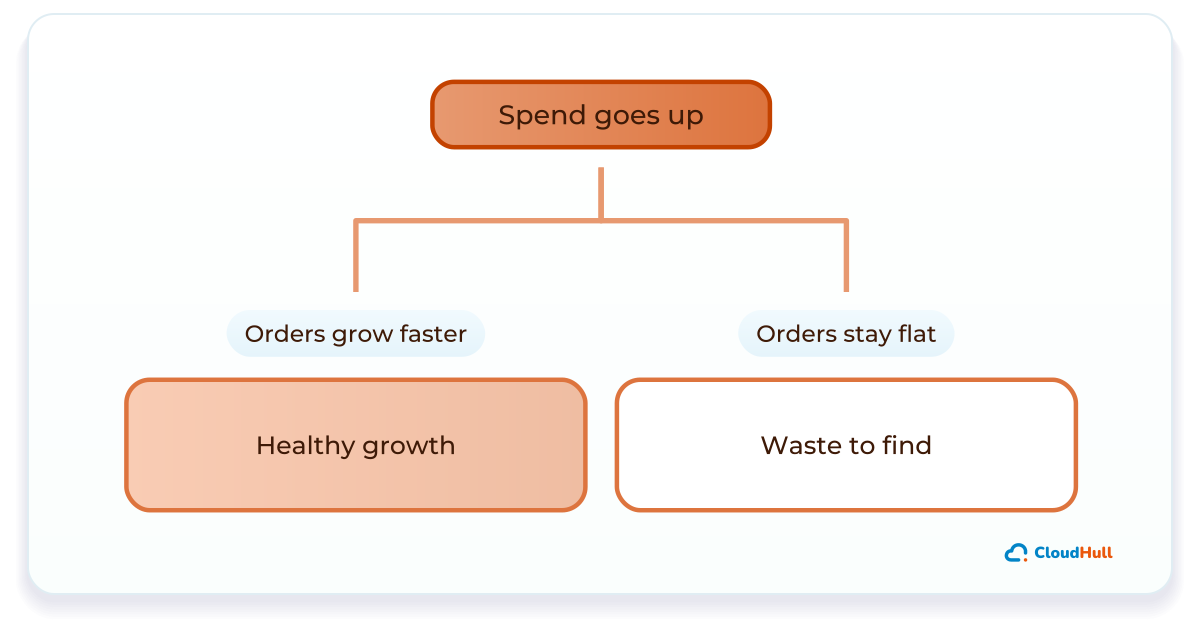
Total spend rises when your business grows, and that is not a problem. What matters is cost per unit of value: cost per order for a shop, per active customer for a SaaS product or per transaction for a fintech. Pick one unit per product and calculate it monthly.
Unit cost lets you tell good growth from waste. If spend rises 20 percent and orders rise 30 percent, the cost per order fell. The metrics worth tracking are explained in my article on cloud cost optimization metrics.
Gate: Each product has a unit cost, reported for at least two months.
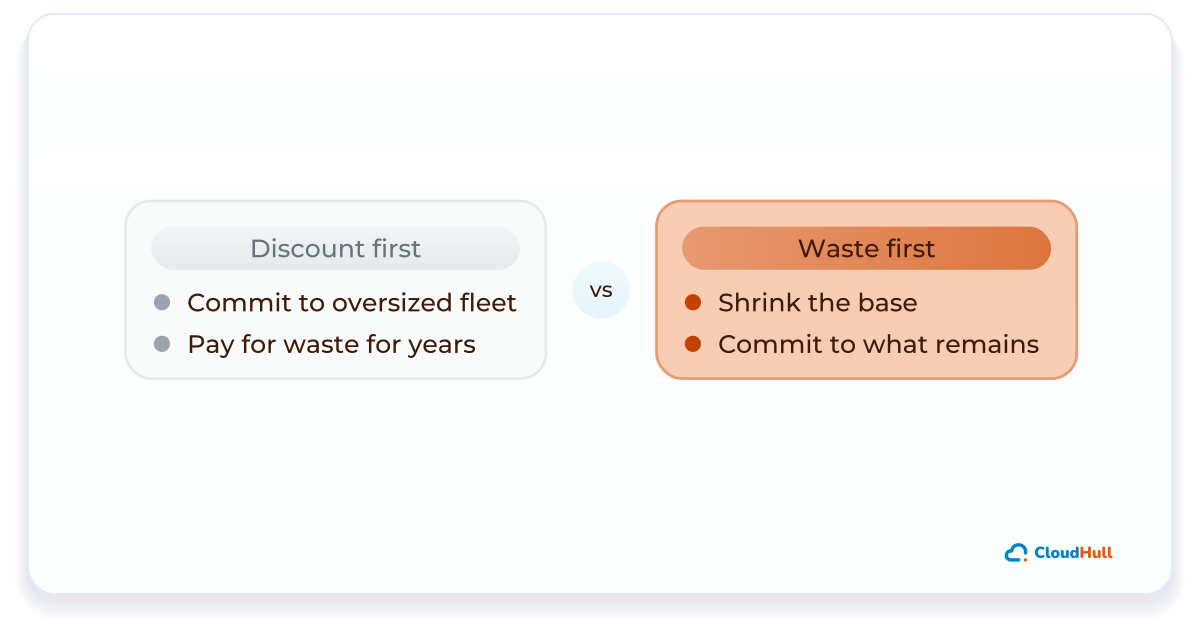
Step 4: Remove Waste Before You Buy Discounts
Work the backlog from step 2, starting with low-risk, high-saving items: schedules for non-production, orphaned resources, storage tiers and oversized databases. Rightsize using measured peaks, not averages.
Apply changes in small batches and compare performance before and after. The detailed do and avoid list is in my guide to cloud cost optimization best practices.
Gate: The top ten findings are done or have a dated plan, and spend has dropped to a new level.
Step 5: Improve Rates on Usage You Have Proven
Once usage is clean, buy discounts. Savings Plans, reserved instances and committed use discounts reduce the unit price for steady load, and AWS lists savings of up to 72 percent for Savings Plans compared with On-Demand pricing. Cover part of your steady baseline first, then add in steps while tracking coverage and utilization.
Consider automation here. Some platforms manage commitments for a share of the savings, which helps teams without the time to do it by hand. My ranking of cloud cost optimization tools compares those options.
Gate: Commitment utilization is above 90 percent for two consecutive months.
Step 6: Operate the Cycle Every Month
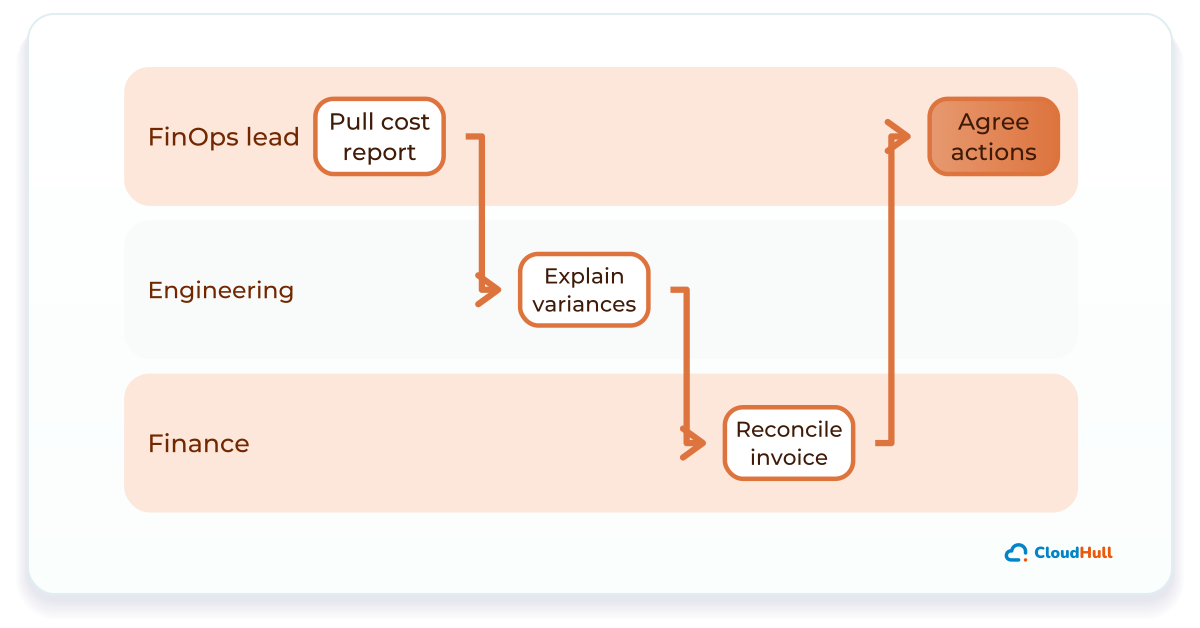
Set a monthly review with finance, engineering and the sponsor. Review the top ten cost drivers, budget against actual, unit cost, open findings and commitments that expire within 90 days. Keep it to 45 minutes and track actions to completion.
Add guardrails: budgets and alerts per owner, policy checks for tags and a cost estimate in design reviews. Repeat the full assessment once a year or after a large change.
Gate: The review has run three months in a row, and forecast error is under 10 percent.
Where Your Team Stands: A Quick Maturity Check
The FinOps Foundation describes teams as crawling, walking or running in each capability. You do not need to run in every area, and your goal should match your spend. A team spending $30,000 a month does not need the same process as one spending $3 million.
| Stage | How it shows up | Next move |
|---|---|---|
| Crawl | Invoice reviewed once a month, few tags, no budgets | Do steps 1 and 2 |
| Walk | Most spend allocated, budgets in place, a monthly meeting | Add unit cost and commitments |
| Run | Unit costs drive decisions, automation handles waste and rates | Refine forecasts and policy |
Most teams I meet sit between crawl and walk. Moving one stage on a few capabilities beats trying to reach the top everywhere at once.
Who Does What Across the Six Steps
A framework without roles is a poster. These are the responsibilities I assign, and one person can hold more than one.
| Role | Main responsibility | Steps |
|---|---|---|
| Executive sponsor | Owns the goal and settles trade-offs between cost, speed and risk | 1, 6 |
| FinOps lead | Runs the cycle, the backlog and the monthly review | 2 to 6 |
| Team cost owners | Approve and deliver changes for their own spend | 2, 4 |
| Finance partner | Reconciles the invoice and the forecast, and tracks savings delivered | 3, 5, 6 |
| Platform engineers | Build tagging, schedules, policies and automation | 2, 4, 6 |
The FinOps lead does not need to be a full-time role in a small company. Half a day a week from a cost-minded engineer is enough while spend is under $100,000 a month.
A Month-by-Month View of the First Two Quarters
Month one covers steps 1 and 2: the goal, the owners, the tag policy and the first baseline. Month two covers step 3 and the start of step 4, with unit cost reported and the first low-risk savings delivered. Month three finishes the main waste backlog and starts the commitment analysis.
In months four to six, the program moves into step 5 and step 6 as a routine. Commitments are bought in stages, the monthly review has run several times and the forecast starts to match the invoice. A common slip is month three, when release freezes delay database changes. Build a buffer for it.
At the end of six months, ask two questions: did unit cost go down, and does every team know its own number? If both answers are yes, the cycle has taken hold.
Pitfalls That Break the Cycle
The framework fails in predictable ways. Savings are credited to the program, and costs go to the teams, which breeds resentment. Meetings happen without engineers, so no one acts. And targets are set once and never revisited. For fixes to each of these, see cloud cost optimization challenges.
Where Tools Fit in the Framework
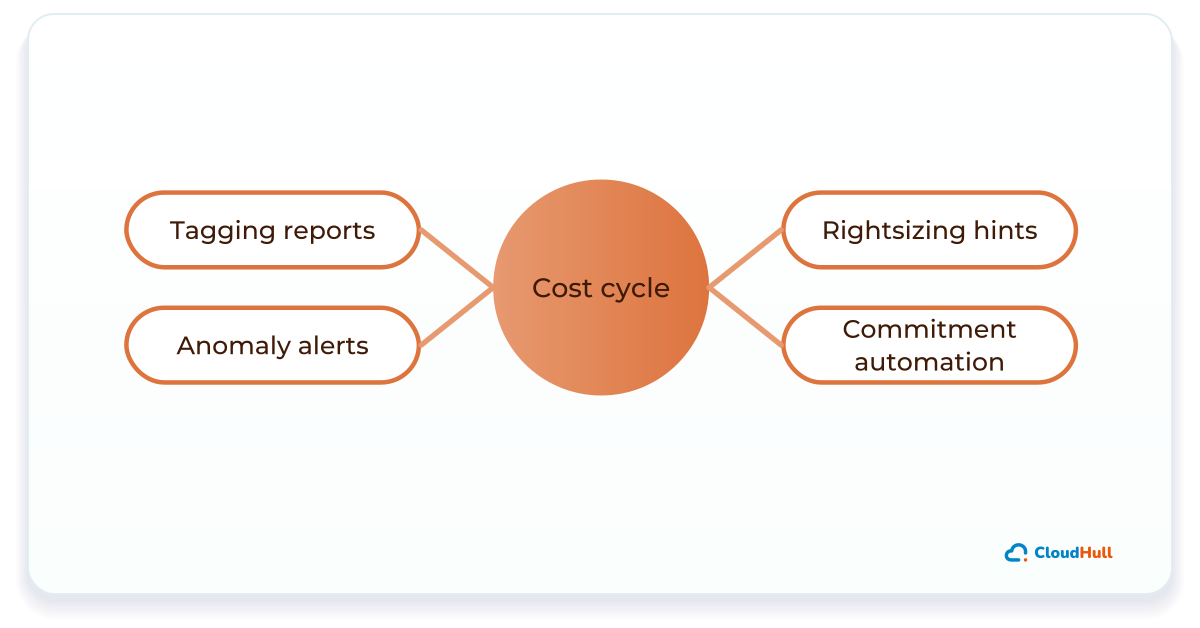
Tools support the steps and do not replace them. Native provider tools are enough for steps 1 to 3 in a small environment. Reporting platforms help most in steps 2 and 3 when allocation is complex. Commitment automation fits step 5, and anomaly detection fits step 6.
Choose tools after you have run steps 1 and 2 by hand for a month. By then you know what you need to see, and you can judge a vendor demo against your own questions. Buying first usually produces a dashboard that nobody opens.
Linking the Cycle to Budgeting and Forecasting
The framework pays off most when it feeds your planning. Use unit cost and the monthly review to build a forecast for each team, then compare it with the invoice every month. When forecast error stays under 10 percent for a quarter, finance can set budgets with more confidence, and engineers can plan launches without surprise.
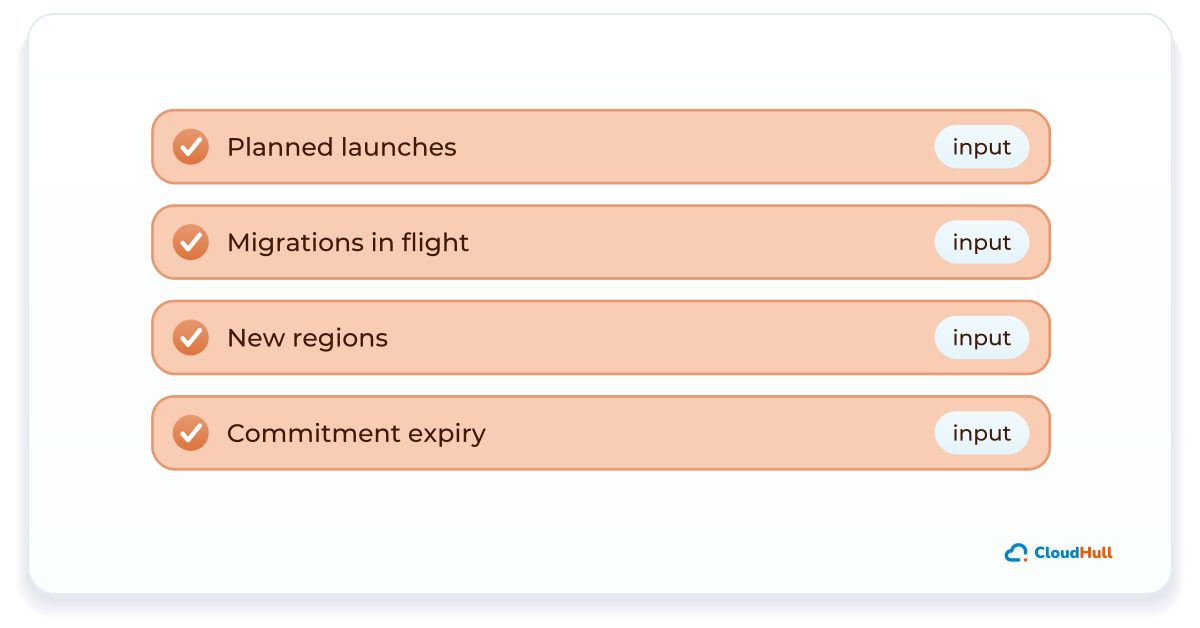
Include planned changes in the forecast: launches, migrations, a new region or an AI feature with its own usage costs. These are the events that move spend by more than any cleanup, and the people planning them should see the cost effect before the work starts.
At year end, review the whole cycle. Compare the starting goal with the result, list what worked and reset the target for the next year. Teams that skip this review often drift back to old habits within two quarters.
If you remember one thing, make it the gates. A step is finished when its proof exists, and not when its meeting has been held. That habit alone separates programs that keep their savings from those that lose them within a year, and it costs nothing to adopt.
How to Adapt the Framework to Your Size
Below $50,000 a month, merge steps 2 and 3, and run the review every two months. Between $500,000 and a few million, add a dedicated FinOps lead and a tool for allocation. Above that, add automation for rates and anomaly response.
- Do you have a goal with a number and a date?
- Does every account have a named owner?
- Do you measure unit cost for at least one product?
- Is there a monthly review with finance and engineering?
Sources
Questions About Cloud Cost Optimization Frameworks
What Is a Cloud Cost Optimization Framework?
It is a repeatable model for controlling cloud spend, with steps, owners and checkpoints. It makes cost work a cycle instead of a one-time cleanup.
How Is This Different from the FinOps Foundation Framework?
This model follows the same three phases, Inform, Optimize and Operate, and splits them into six practical steps with gates. The FinOps Foundation framework is broader and covers more domains.
How Long Does It Take to Set Up?
The first five steps take about three to four months for a mid-sized company. Step 6 is a monthly habit that continues.
Who Should Lead the Work?
A sponsor with authority over engineering and finance, supported by a FinOps lead or a cost-minded engineer. Each team owns its own spend.
Do I Need a Dedicated Tool?
Not at the start. Native provider tools are enough for a small footprint. Consider a platform once you run several clouds or need allocation for many teams.
What Should My Savings Target Be?
Base it on a baseline assessment, not a round number. Many teams aim for 15 to 25 percent in the first two quarters, then hold unit cost steady as they grow.
What If Engineers Resist Cost Work?
Show each team its own spend and unit cost, include cost in design reviews and make sure savings do not slow releases. Cost goals work when engineers see them as design inputs.
Disclaimer: This article is for general information only and is not financial advice. Discount programs and prices change often, so check current details with your cloud provider.
Did this article help you?
Thanks, noted.
Garrett Linville
Garrett leads the Cloud Hull editorial team and works with the consultants to turn real client projects into practical guides on cloud migration, DevOps, security and cost control. Each article is edited together with the consultant who did the work, and every price and limit is checked against current provider documentation. He is based in the USA and works remotely.