Main Points
- Vantage is the easiest place to start, with published prices and a free tier.
- CloudZero suits SaaS teams that need cost per customer, and nOps and ProsperOps automate AWS commitments.
- Kubecost, Cast AI and ScaleOps focus on Kubernetes, from free visibility to automation.
- Most prices are quotes, so compare the pricing model and test on one account first.
The Best Cloud Cost Optimization Tools at a Glance
| Tool | Type | Best for |
|---|---|---|
| 1. Vantage | Cost reporting platform | Teams that want fast, clear reports |
| 2. CloudZero | Unit cost platform | SaaS teams tracking cost per customer |
| 3. nOps | Rate optimization and visibility | AWS teams automating commitments |
| 4. Finout | Allocation platform | Multi-cloud and Kubernetes allocation |
| 5. ProsperOps | Commitment automation | Stable compute on AWS |
| 6. Cast AI | Kubernetes automation | Teams with large clusters |
| 7. IBM Cloudability | Enterprise FinOps suite | Large firms with chargeback |
| 8. Flexera One | FinOps and IT asset portfolio | Existing Flexera customers |
| 9. CloudKeeper | Software and services | Teams wanting a partner |
| 10. PointFive | Enterprise efficiency platform | Enterprises testing newer tools |
| 11. Kubecost | Kubernetes cost monitoring | Free cluster cost visibility |
| 12. ScaleOps | Kubernetes resource automation | Clusters with oversized requests |
The 12 Best Cloud Cost Optimization Tools, Ranked
I rank tools by how many teams they suit, starting with platforms that show your bill clearly and moving toward specialists for commitments and Kubernetes. A tool finds savings and does not make them for you: in the cloud cost optimization consulting work I do, the biggest gains come from owners acting on findings. If you want to size the opportunity before you buy anything, start with a cloud cost optimization assessment, and keep the cloud cost optimization best practices list beside you while you evaluate.
Vantage
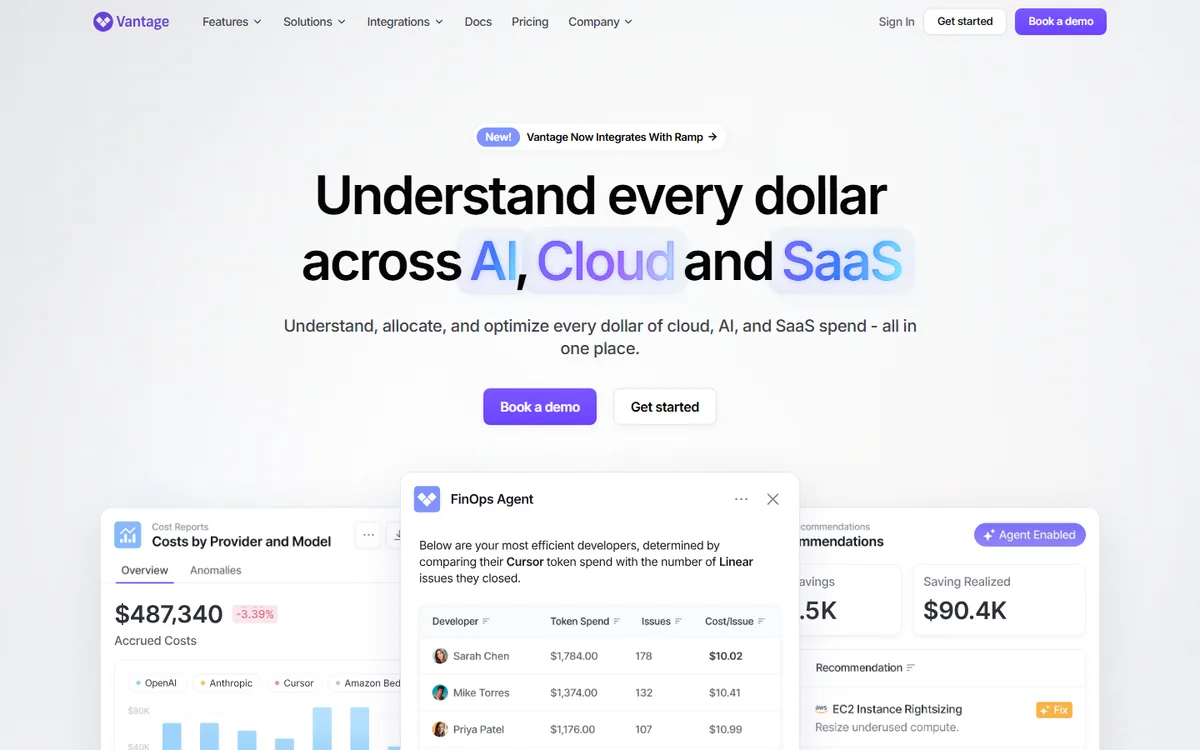
The Best Starting Point for Teams That Want Clear Cost Reports and a Real Free Tier
Vantage is a self-service cost platform for AWS, Azure and Google Cloud that also tracks AI and SaaS spend. It adds virtual tagging for costs that lack native tags, anomaly and budget alerts, a Kubernetes agent and an Autopilot feature that buys AWS Savings Plans.
I suggest Vantage to teams that want to see their bill clearly this week without a sales process. Published prices make it easy to test on one account, and the free tier shows quickly whether the reports answer your questions. The catch is that each tier caps the spend you can track, so a growing company moves up fast.
Vantage Strengths
- Published, low-cost tiers and a free plan
- Virtual tagging helps where native tags are missing
- Cloud, Kubernetes and AI spend in one view
Vantage Weaknesses
- Each tier caps the cloud spend you can track
- Free plan support is best effort
Vantage Pricing
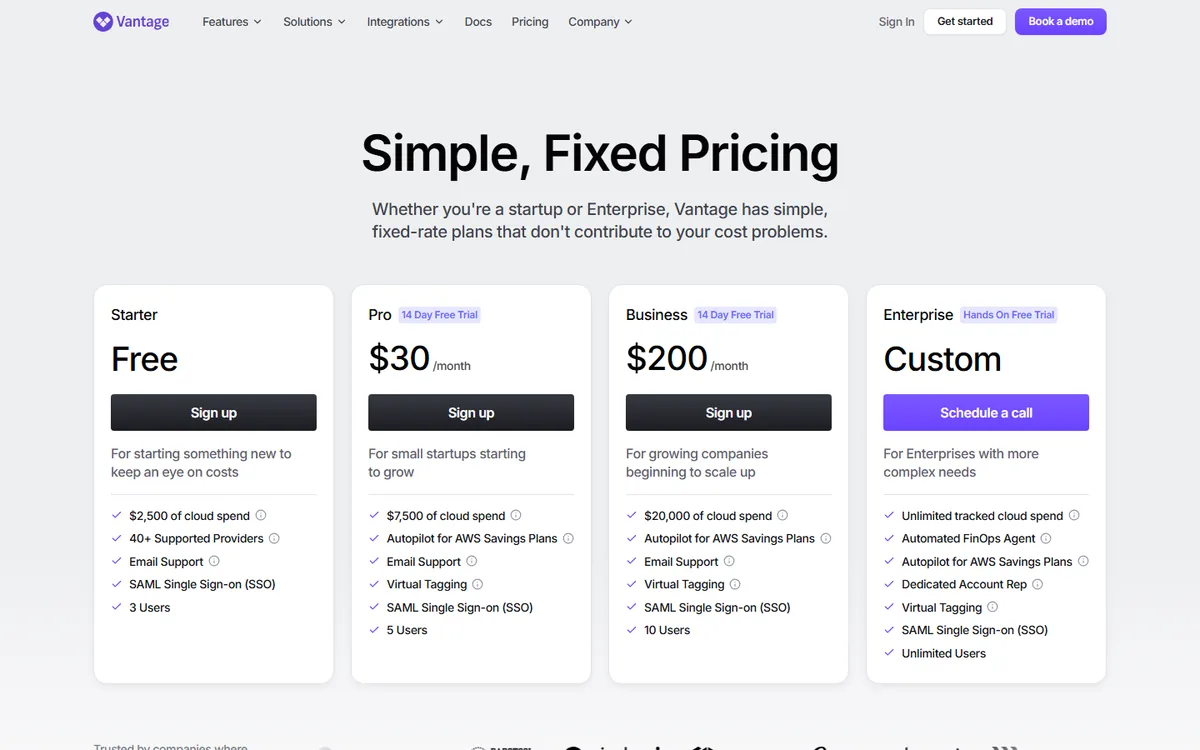
Vantage lists a free Starter plan for up to $2,500 of tracked cloud spend and three users. Pro costs $30 a month for up to $7,500 of spend, and Business costs $200 a month for up to $20,000, both with a 14-day free trial. Enterprise is custom priced with unlimited spend.
Vantage Reviews
- G2: 4.7 of 5 stars (based on 72 verified reviews for Vantage)
CloudZero
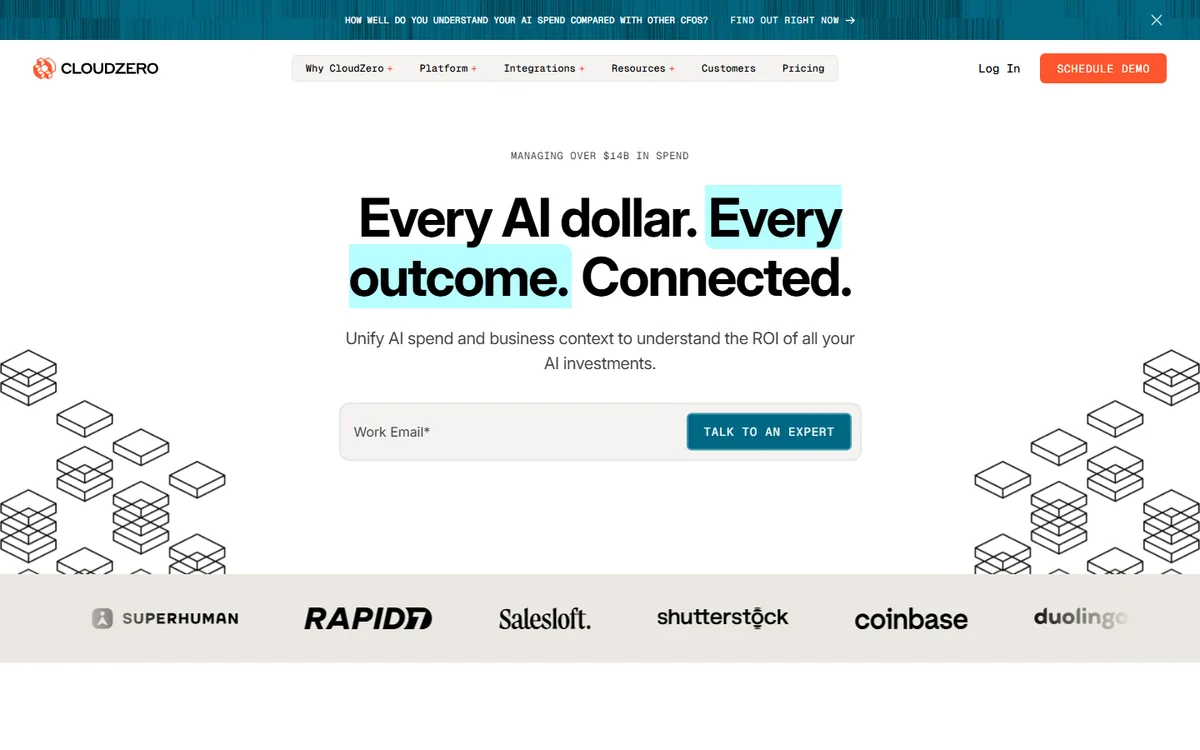
The Pick for SaaS Teams That Need Cost per Customer and Cost per Feature
CloudZero is a FinOps platform that ties cloud and AI spend to business outcomes. You define unit costs such as cost per customer, feature or transaction, and its allocation traces spend through those dimensions. It supports AWS, Azure, Google Cloud, Kubernetes, Databricks, Snowflake and AI providers.
I recommend CloudZero when margin per customer is the question your finance team keeps asking. Unit cost is the hardest part of cloud cost work, and this tool is built around it. Expect an allocation project at the start, because the value depends on how well you define your dimensions.
CloudZero Strengths
- Unit cost and allocation are the core of the product
- Streaming telemetry flags anomalies quickly
- One subscription includes unlimited users and dashboards
CloudZero Weaknesses
- Contact sales for pricing
- Setup needs thought about allocation dimensions
CloudZero Pricing
CloudZero does not publish prices. It offers a single subscription with all capabilities included, aligned to the scale and complexity of your environment, and you request a custom quote.
CloudZero Reviews
- G2: 4.6 of 5 stars (based on 64 verified reviews for CloudZero)
nOps
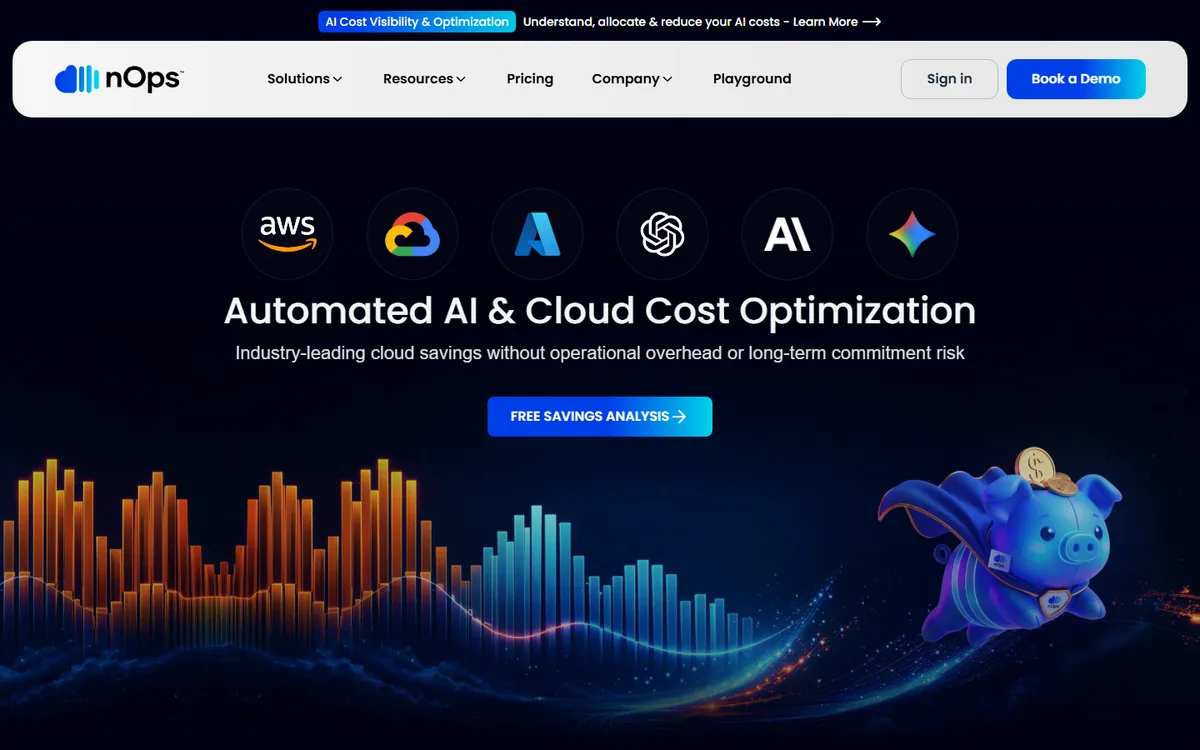
A Strong Pick for AWS Teams That Want Commitments Managed Automatically
nOps offers two main products: autonomous rate optimization, which manages commitment discounts for you, and cost visibility and allocation. The rate product is paid from the savings it delivers, so you can test it with little upfront risk.
I like nOps for AWS-heavy companies with steady compute and no one who wants to manage Savings Plans by hand. Check the contract terms for how fees are calculated and what happens when you leave, since savings-share models differ in the details.
nOps Strengths
- Savings-share pricing aligns cost with results
- Free savings analysis and a 14-day trial
- Strong ratings from a large review base
nOps Weaknesses
- The savings percentage and fixed fees are not published
- Best value is on AWS commitments
nOps Pricing
nOps charges a percentage of realized savings for rate optimization and a fixed fee based on cloud spend for cost visibility and allocation. Exact rates are not published. A 14-day free trial and a free savings analysis are offered.
nOps Reviews
- G2: 4.8 of 5 stars (based on 152 verified reviews for nOps)
Finout
The Pick for Multi-Cloud Teams That Need Shared Cost Views Across Many Sources
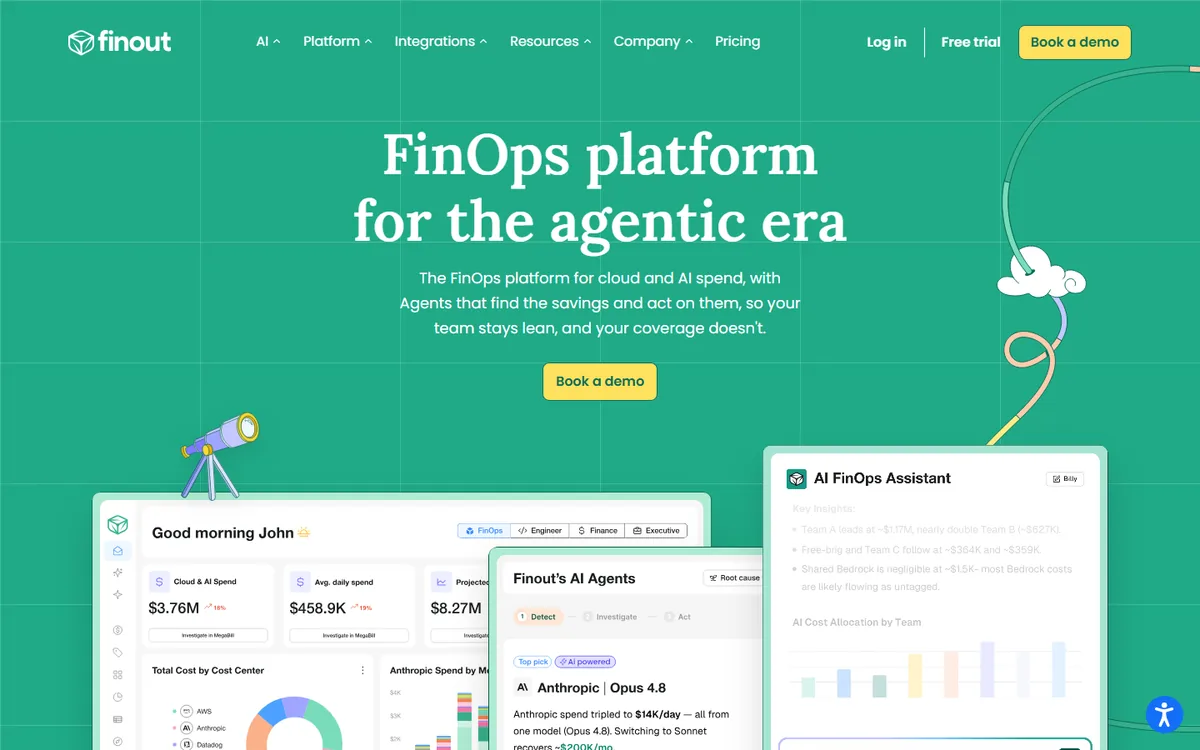
Finout pulls cloud, Kubernetes and SaaS costs into one allocation model so teams can share a single view of spend. It focuses on allocating shared costs, building virtual views and showing each team its own number.
I would shortlist Finout when your costs come from several clouds and tools and nobody trusts the spreadsheet that combines them. The flat annual fee is easier to budget than a percentage of spend, though you need a quote to see it.
Finout Strengths
- Flat yearly fee, not a share of spend
- Good for allocating shared and Kubernetes costs
- Free trial on your own environment
Finout Weaknesses
- No list prices; you must request a quote
- Plan features are not detailed on the pricing page
Finout Pricing
Finout does not publish list prices. It charges a flat fee for the contract term, set by a committed spend tier, and the FAQ names three plans: Business, Pro and Enterprise. You can start a free trial or request a quote.
Finout Reviews
- G2: 4.5 of 5 stars (based on 85 verified reviews for Finout)
ProsperOps
The Specialist for Hands-Off Commitment Management on Steady Compute
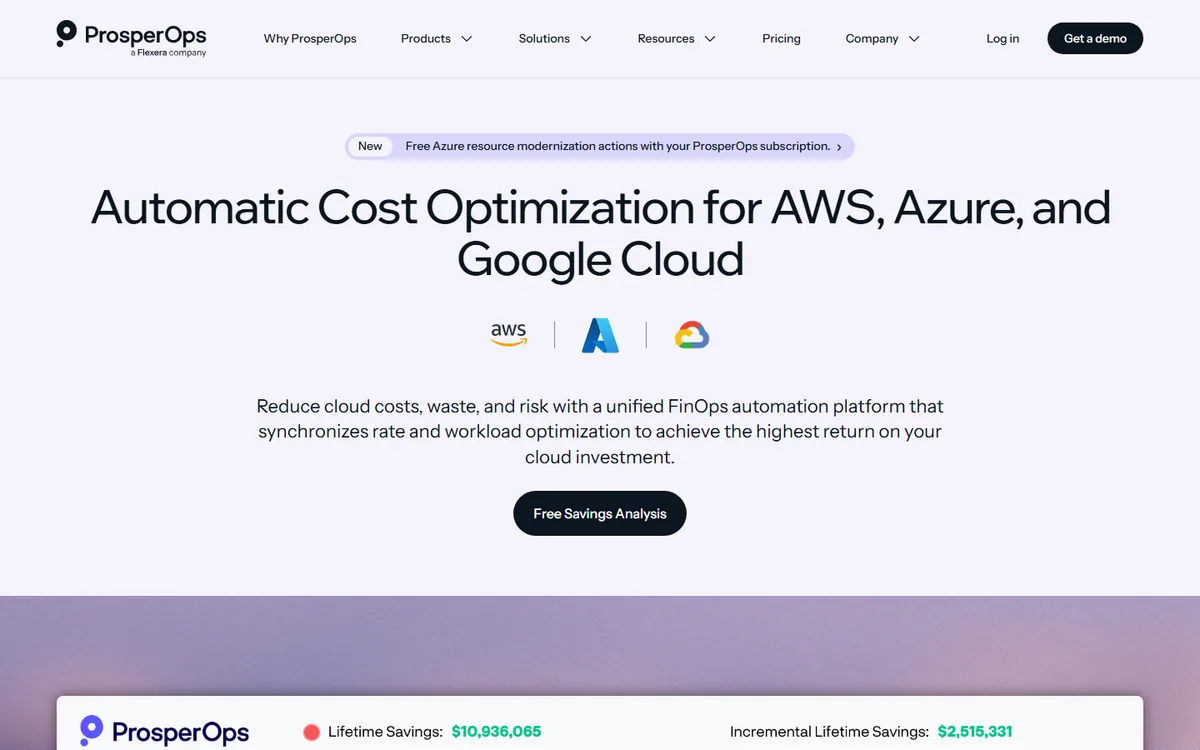
ProsperOps focuses on one job: managing cloud commitment discounts automatically. Its autonomous discount management buys and adjusts commitments, and a separate resource management product adds scheduling for AWS compute.
I recommend it when your usage is stable, your team has no time to manage Savings Plans and you accept a savings-share fee. It does not replace a cost visibility tool, so most teams pair it with one. Read the cancellation terms before you sign, because unrealized fees can apply for the remaining term of managed commitments.
ProsperOps Strengths
- Free savings analysis with results in about 24 hours
- You pay a share of realized savings
- Focused on one problem and does it well
ProsperOps Weaknesses
- Percentages and tiers are not published
- Early termination can trigger unrealized fees
ProsperOps Pricing
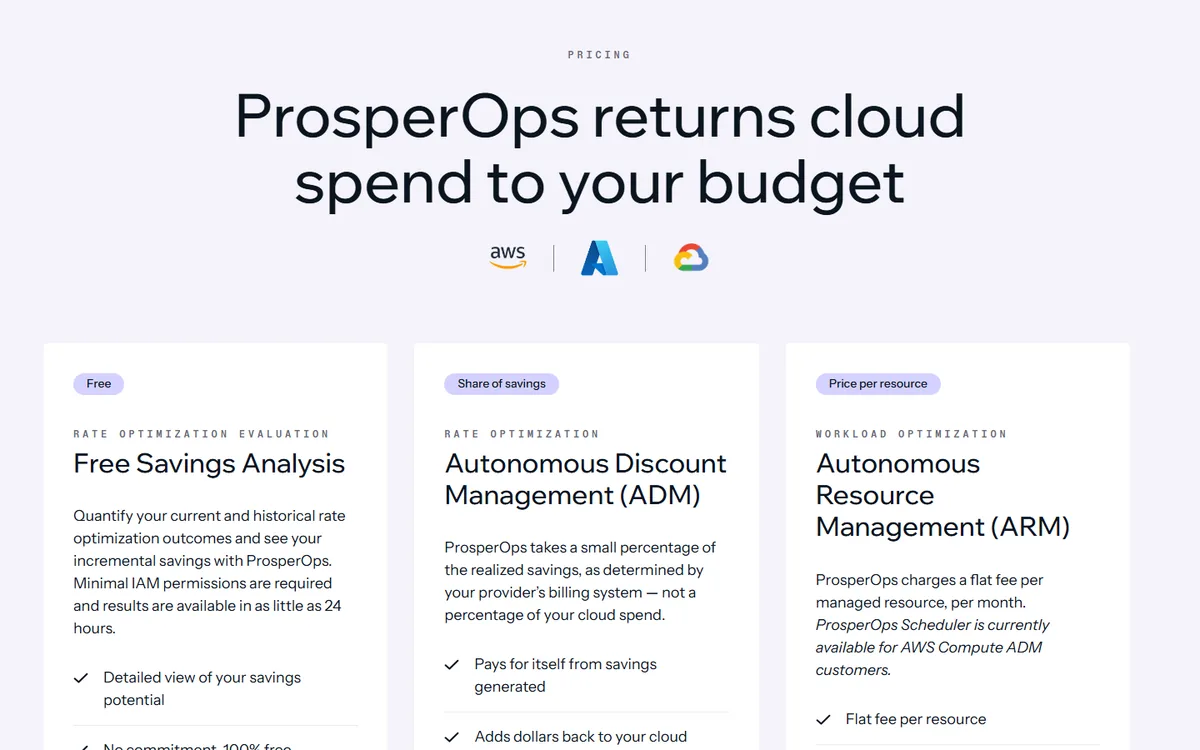
ProsperOps offers a free savings analysis. Autonomous discount management is paid as a small percentage of realized savings, and resource management uses a flat fee per managed resource per month. Specific rates are not published, and subscriptions are monthly by default.
ProsperOps Reviews
- G2: 4.7 of 5 stars (based on 21 verified reviews for ProsperOps)
Cast AI
The Choice for Kubernetes Teams That Want Automated Node and Spot Savings
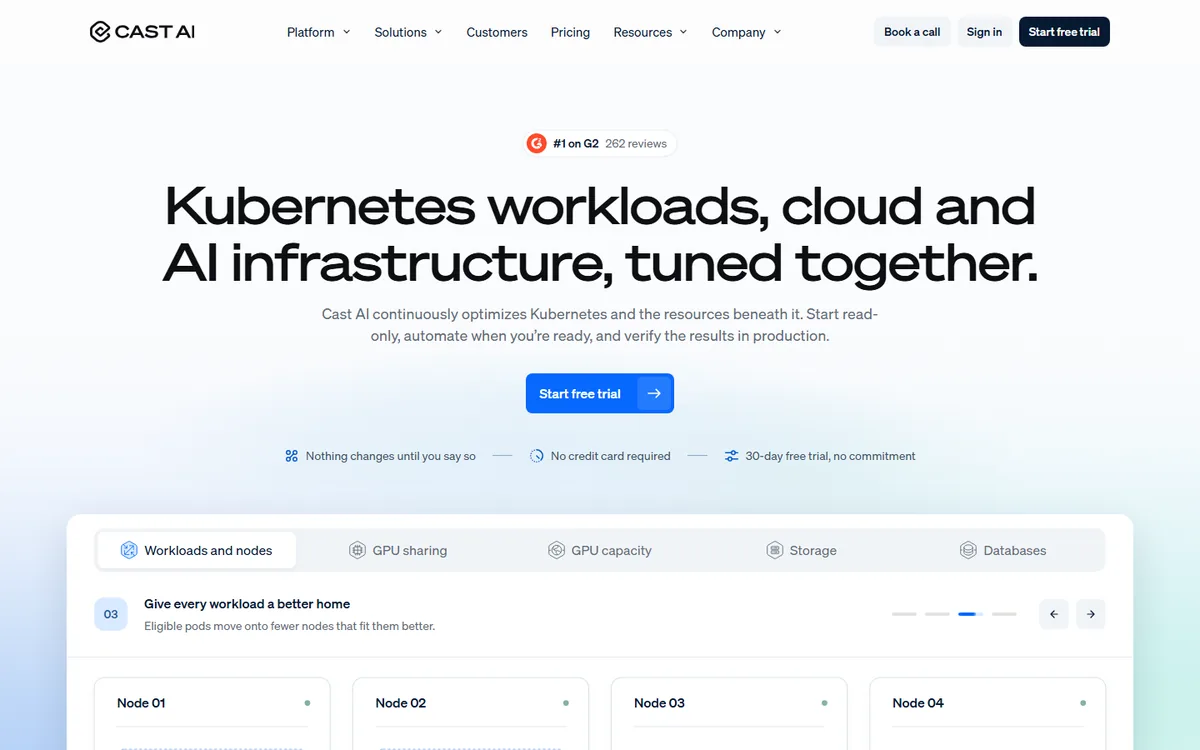
Cast AI is a Kubernetes automation platform. It rightsizes workloads and nodes, uses spot capacity and works with EKS, GKE, AKS and OpenShift on AWS. Its focus is the compute under your clusters, not the whole cloud bill.
I suggest Cast AI when most of your spend is Kubernetes and your team is comfortable letting automation change node pools. Start in a non-production cluster and watch the behavior for a few weeks. Automation that moves workloads needs good disruption budgets on your side.
Cast AI Strengths
- Automates node, rightsizing and spot decisions
- Covers the main managed Kubernetes services
- Large review base on G2
Cast AI Weaknesses
- Contact sales for pricing
- Value is limited if you run little Kubernetes
Cast AI Pricing
Cast AI does not publish plans or prices. The page describes usage-based plans tied to compute consumption and asks for a quote that depends on your cluster count, GPU use and Kubernetes services. No free tier is listed.
Cast AI Reviews
- G2: 4.5 of 5 stars (based on 284 verified reviews for Cast AI)
IBM Cloudability
A Mature Enterprise Option for Large Teams With Formal FinOps Processes
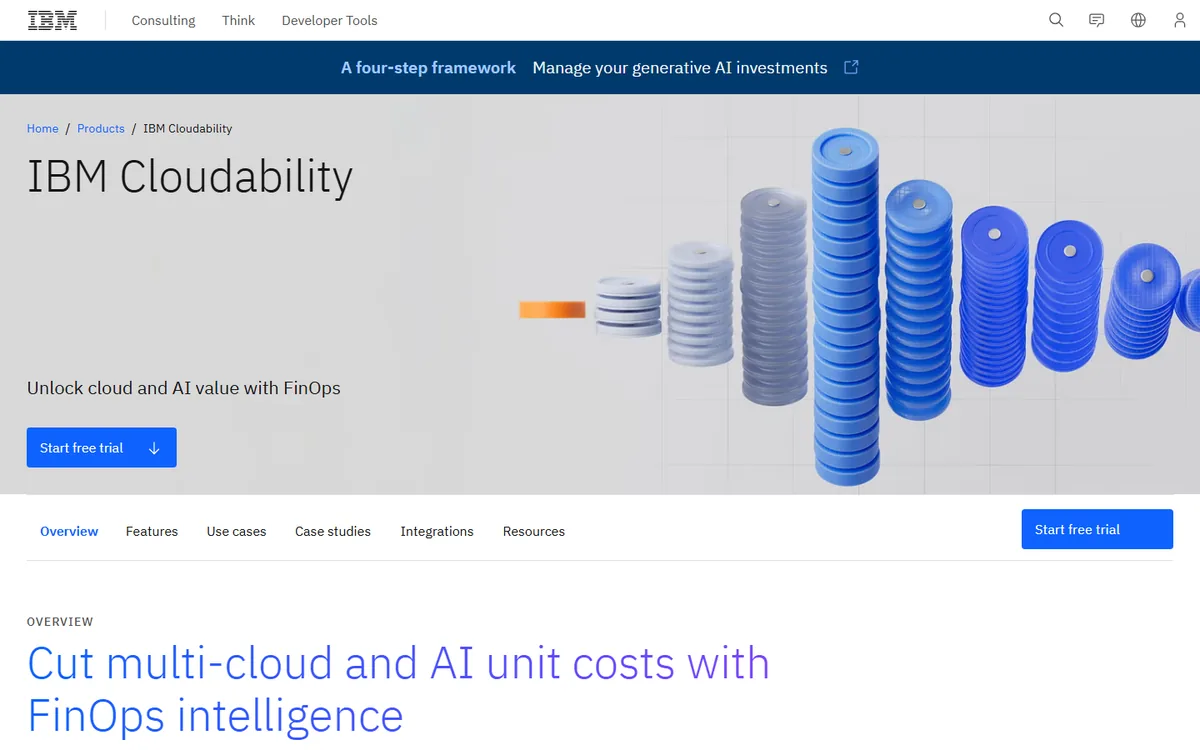
Cloudability, formerly Apptio Cloudability and now part of IBM, is a long-standing FinOps platform for reporting, allocation, budgeting and optimization across the major clouds. It suits organizations with several business units and a formal cost governance process.
I would put it on the list for large companies that already use IBM or Apptio products and need chargeback and showback at scale. Smaller teams usually find lighter tools easier to start with, and its G2 score is the lowest in this list, so read recent reviews before you commit.
IBM Cloudability Strengths
- Established platform with deep reporting and allocation
- Fits companies with formal chargeback processes
- A free trial is offered
IBM Cloudability Weaknesses
- Contact sales for pricing
- Can feel heavy for small teams
IBM Cloudability Pricing
IBM does not publish plans or prices for Cloudability. The pricing page offers a free trial and asks you to contact IBM for details.
IBM Cloudability Reviews
- G2: 4.2 of 5 stars (based on 252 verified reviews for IBM Cloudability)
Flexera One

A Wide FinOps Portfolio for Companies That Also Manage Software and IT Assets
Flexera One FinOps groups cost visibility and forecasting, commitment discount management through ProsperOps, workload optimization and data cloud optimization for Databricks and Snowflake. It handles AI and Kubernetes costs and offers automation from human-in-the-loop to fully autonomous.
I recommend it to large companies that already use Flexera for software or IT asset management and want cloud cost in the same place. It is a portfolio, so ask the vendor which modules your use case needs and price them one by one.
Flexera One Strengths
- Broad coverage from visibility to autonomous optimization
- Includes commitment and data cloud optimization
- Fits companies that already use Flexera
Flexera One Weaknesses
- Pricing on request
- Wide scope makes it harder to evaluate quickly
Flexera One Pricing
Flexera does not publish prices for Flexera One FinOps. The page offers a demo and a conversation with an expert.
Flexera One Reviews
- G2: 4.4 of 5 stars (based on 195 verified reviews for Flexera One)
CloudKeeper
The Pick for Teams That Want a Service Partner, Not Only Software
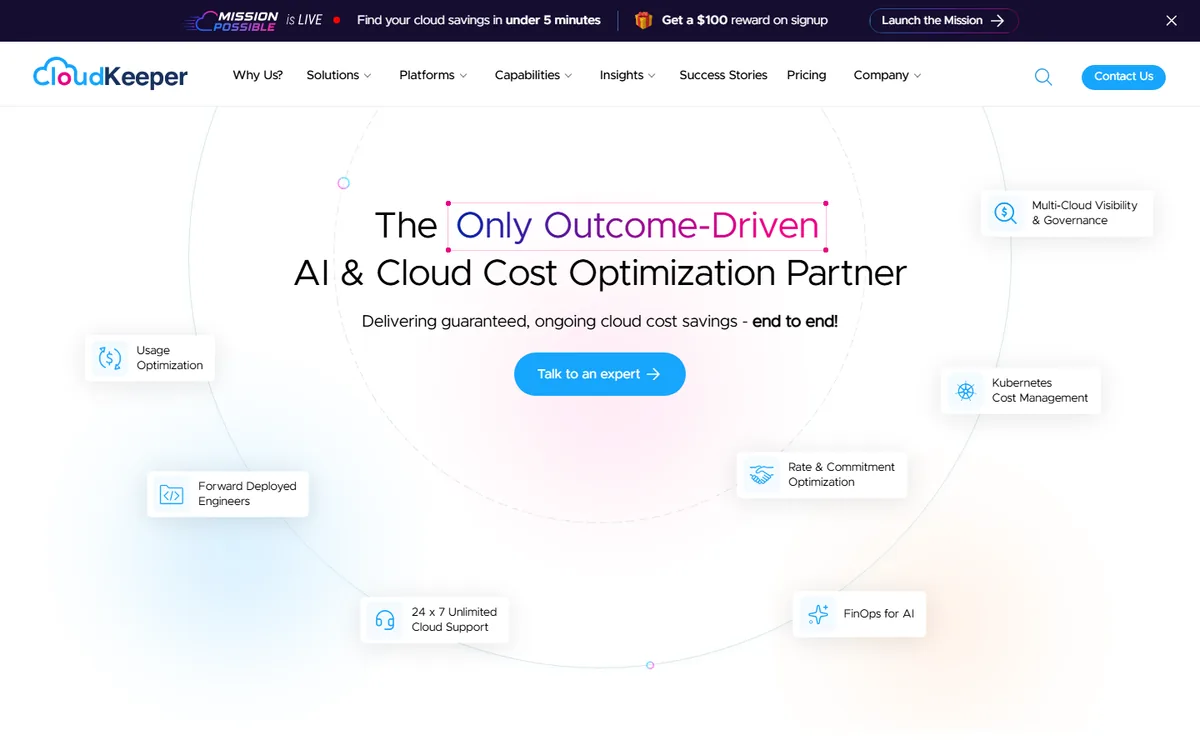
CloudKeeper is a cloud cost optimization partner for AWS, Google Cloud and Azure. Its platforms include Lens for visibility, Tuner for usage optimization and Commit for AWS reserved instance management, and it adds services such as support, Well-Architected reviews and DevOps.
I suggest CloudKeeper to companies that want someone else to run the work. The pricing is published as a percentage of your bill or savings, which is easy to compare. Percentage-of-bill pricing grows with your spend, so check how it behaves at your size.
CloudKeeper Strengths
- Published percentage-based pricing
- Software and services in one package
- A free savings assessment is offered
CloudKeeper Weaknesses
- Percentage of bill rises as spend grows
- Platform coverage varies by cloud, so confirm what applies to you
CloudKeeper Pricing
CloudKeeper lists Lens and Tuner at 2% of the monthly cloud bill each, and Commit at 18% of the savings delivered, all month to month. Minimum fees and contract terms are not published. A free savings assessment and a 30-day trial of its FinOps for AI offer are listed.
CloudKeeper Reviews
- G2: 4.7 of 5 stars (based on 358 verified reviews for CloudKeeper)
PointFive
A Newer Enterprise Platform With Excellent Early Reviews
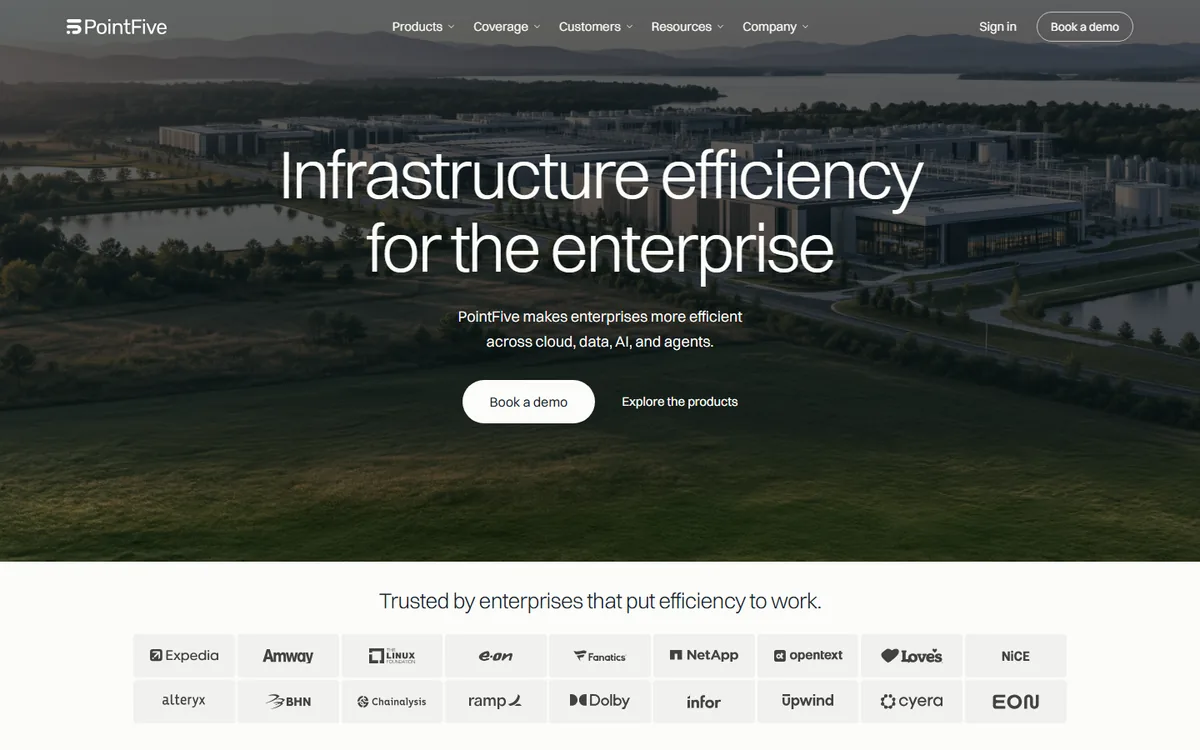
PointFive positions itself as infrastructure efficiency for the enterprise, with a focus on cloud and AI spend. Its site lists products such as PointFive OS, which includes an AI efficiency engineer, and TokenShift.
I consider PointFive a shortlist item for enterprises that want to look at newer platforms. Its G2 rating is the highest in this list, but it rests on 35 reviews, so ask for references and run a proof of concept on a real account before you decide.
PointFive Strengths
- Highest G2 rating in this list
- Focus on both cloud and AI spend
PointFive Weaknesses
- Small review base compared with older tools
- Prices and plan details are not published
PointFive Pricing
PointFive does not publish plans or prices. The site directs you to email the company or schedule a walkthrough.
PointFive Reviews
- G2: 4.9 of 5 stars (based on 35 verified reviews for PointFive)
Kubecost
The Free Way to See Kubernetes Cost by Namespace, Team and Workload
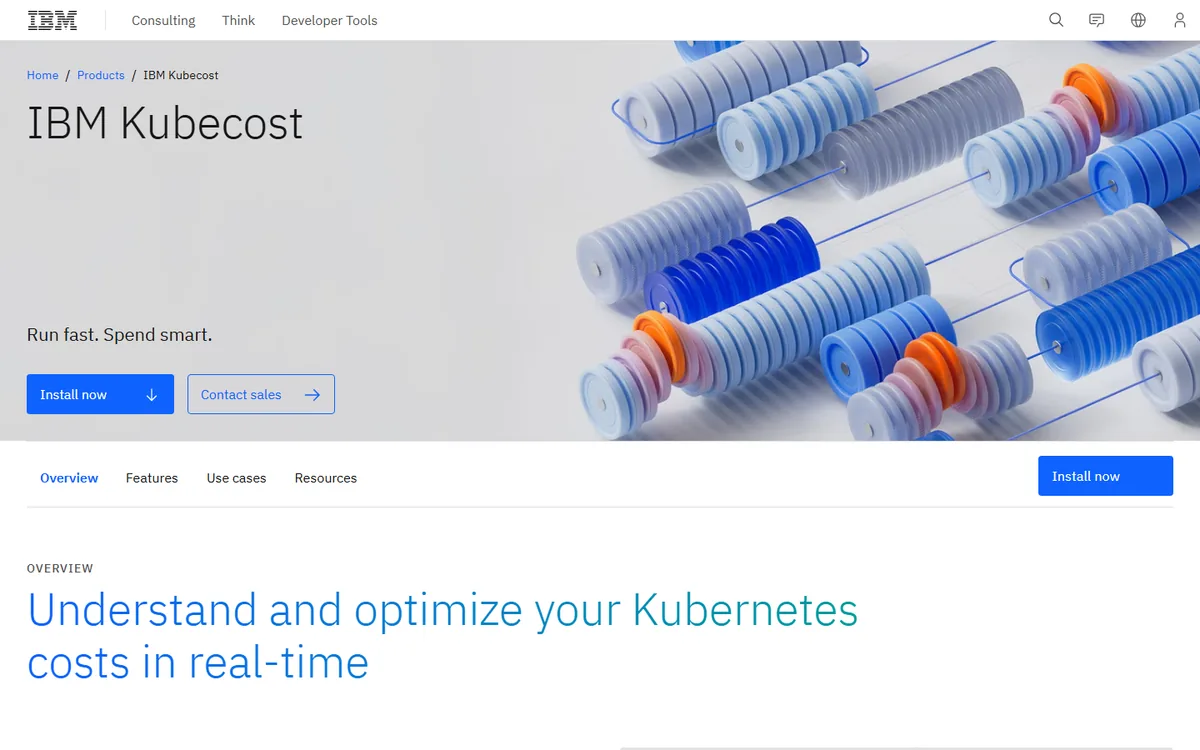
Kubecost, now part of IBM, shows Kubernetes spend by cluster, namespace, workload and team, and reconciles it with the cloud bill for showback and chargeback. It flags overprovisioned workloads and offers budgets, forecasts and anomaly alerts.
I use the free tier as the first step for Kubernetes cost work, because it answers who is spending what in a cluster. It is a Kubernetes tool, so it does not replace a view of your whole cloud bill. Note that its G2 profile has only two reviews.
Kubecost Strengths
- An always-free tier for up to 250 cores
- Namespace and workload level allocation
- Self-hosted option
Kubecost Weaknesses
- Enterprise prices are not published
- Covers Kubernetes only
Kubecost Pricing
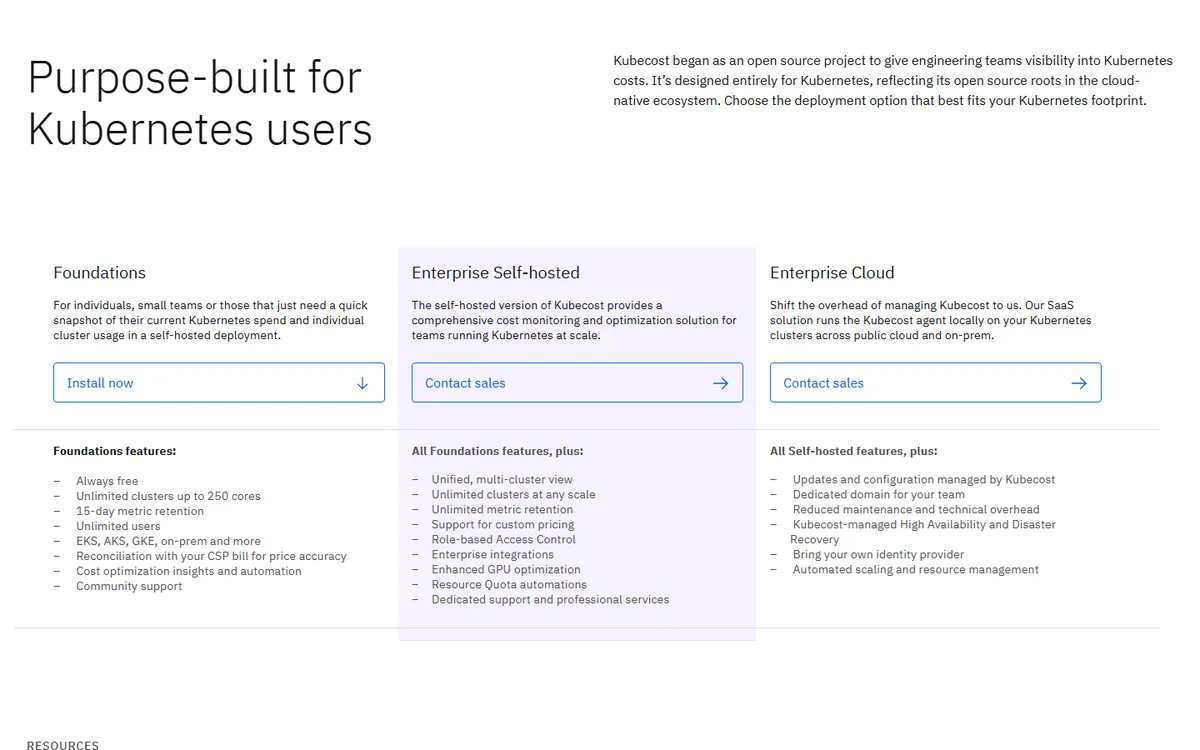
IBM lists a free Foundations tier with unlimited clusters up to 250 cores, 15-day metric retention and community support. Enterprise Self-hosted and Enterprise Cloud need a sales contact, and prices are not published.
Kubecost Reviews
- G2: 5.0 of 5 stars (based on 2 verified reviews for Kubecost)
ScaleOps
An Automation Layer for Kubernetes Resource Requests and Node Efficiency
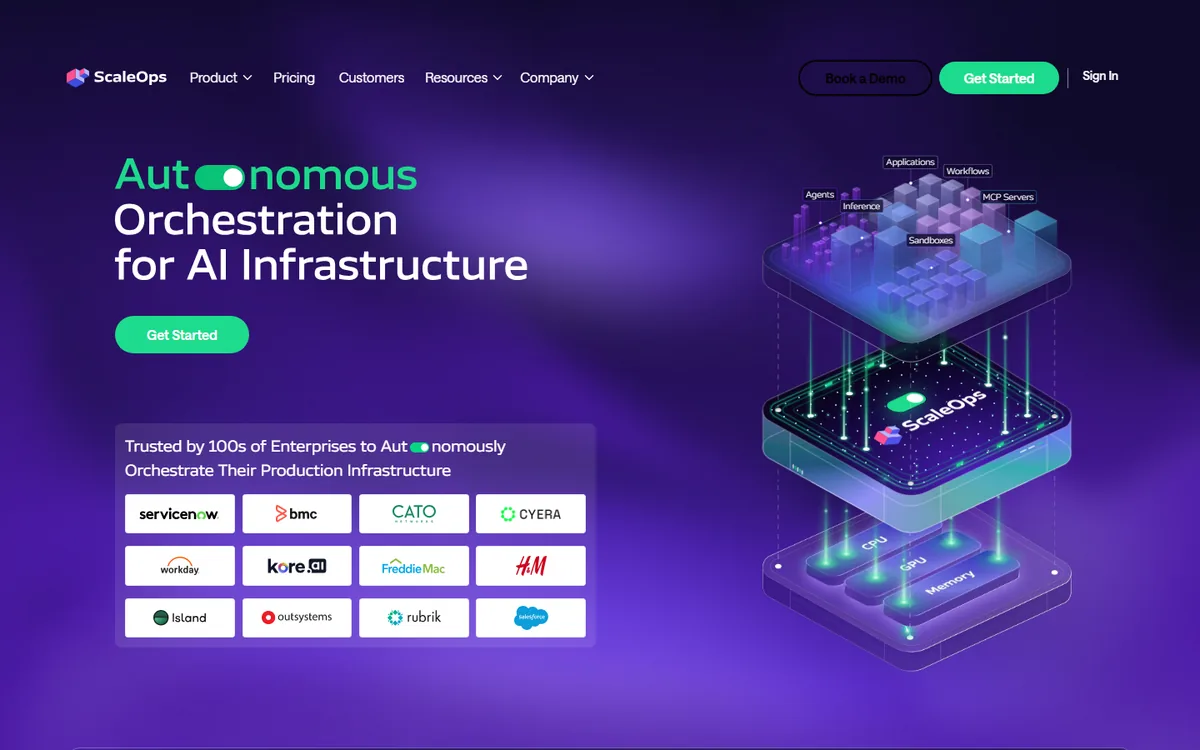
ScaleOps automatically manages CPU and memory allocation for Kubernetes workloads, along with replica counts, pod placement, node optimization and spot and Karpenter optimization. It also offers GPU optimization for self-hosted inference and can be self-hosted, run as a cloud service or deployed in air-gapped setups.
I would test ScaleOps when engineers set resource requests by guess and clusters run half empty. The vendor's savings claims are high and not backed by detail on the page, so measure the result on one cluster before you extend it.
ScaleOps Strengths
- Automates requests, replicas and node efficiency
- Flexible deployment, including air-gapped
- GPU optimization for inference workloads
ScaleOps Weaknesses
- Contact sales for pricing
- Savings claims need your own proof
ScaleOps Pricing
ScaleOps does not publish prices. It says pricing depends on your environment and asks for a quote through a contact form or demo. A free trial is mentioned without terms.
ScaleOps Reviews
- G2: I could not read a rating for ScaleOps, so I have left it out. Check G2 for the current listing.
Estimate What a Cost Tool Is Worth to Your Team
Cost reviews, allocation work and commitment management take real hours. Enter the hours your team spends on them each week and the monthly price of the tool you are considering. For savings-share tools, use your expected monthly fee. The result covers time saved, not the cloud savings the tool finds, so treat it as a minimum.
Does the Tool Make Sense for You?
Drag the sliders to reflect your tasks and the plan you want to compare.
How to Choose the Right Cloud Cost Optimization Tool
In my experience, the right tool depends on where your spend sits and who needs the numbers. Before you compare vendors, I suggest you answer four questions:
- Is most of your spend in Kubernetes, on commitments or spread across many services?
- Do you need cost per customer or per feature, or only a clear bill by team?
- Who will act on the findings, and do they have time?
- How is the tool priced: flat, percentage of spend or share of savings?
Start with native tools if your estate is small, add a reporting platform when allocation gets hard, and add commitment automation once usage is stable. Kubernetes-heavy teams can begin with Kubecost's free tier. Whatever you choose, a tool needs a process around it, and the cloud cost optimization framework I use shows how to build one. Track the right numbers with the cloud cost optimization metrics guide, and read cloud cost optimization challenges for the roadblocks tools do not remove.
Questions About Choosing Cloud Cost Optimization Tools
What Is the Best Cloud Cost Optimization Tool for Most Teams?
Vantage is my default for teams that want clear reports and published prices. CloudZero suits SaaS teams that need unit costs, and nOps or ProsperOps suit AWS teams that want commitments handled automatically.
Are There Free Cloud Cost Optimization Tools?
Yes. Vantage has a free Starter plan for up to $2,500 of tracked spend, and Kubecost has an always-free tier for up to 250 cores. AWS, Azure and Google Cloud also include native cost tools.
Do I Need a Tool or Can I Use Native Cloud Tools?
Native tools cover a lot for a small footprint. A third-party platform helps when you run several clouds, need allocation across many teams or want automated commitment management.
How Do Savings-Share Tools Work?
You pay a percentage of the savings the tool delivers, often on commitment discounts. It lowers upfront risk, and you should read the contract for how savings are measured and what fees apply when you leave.
Which Tool Is Best for Kubernetes Cost?
Kubecost shows cost by namespace and workload and has a free tier. Cast AI and ScaleOps automate rightsizing and node decisions, and Vantage and Finout add Kubernetes views to wider reports.
How Much Can These Tools Save?
It depends on how much waste you start with and who acts on the findings. Tools find savings, and your team has to deliver them. Vendor claims are marketing, so measure on one account first.
Why Are Most Prices Not Published?
Cost tool pricing usually depends on your cloud spend, clusters or contract length, so vendors ask for a quote. Compare the pricing model, such as flat fee, percentage of spend or share of savings, as well as the number.
Important: prices, plans and ratings move quickly. They were checked on vendor and G2 pages when this article was last updated, so confirm them before you buy. Nothing in this article is legal or financial advice.
Did this article help you?
Thanks, noted.
Garrett Linville
Garrett leads the Cloud Hull editorial team and works with the consultants to turn real client projects into practical guides on cloud migration, DevOps, security and cost control. Each article is edited together with the consultant who did the work, and every price and limit is checked against current provider documentation. He is based in the USA and works remotely.