Main Points
- Terraform, OpenTofu and Pulumi cover provisioning, and the choice comes down to license, language and ecosystem.
- Ansible configures what runs on your machines, and it works well next to a provisioning tool.
- Kubernetes and managed monitoring add power and cost, so adopt them when your workloads justify the effort.
- Several strong options are free, so start small and pay only when limits or support start to matter.
The Best Cloud Infrastructure Tools at a Glance
| Tool | Type | Best for |
|---|---|---|
| 1. Terraform | Infrastructure as code | Teams that manage several clouds from one codebase |
| 2. OpenTofu | Open-source infrastructure as code | Teams that want Terraform workflows under open governance |
| 3. Pulumi | Infrastructure as code in general-purpose languages | Developer-led teams that prefer real programming languages |
| 4. Ansible | Configuration management and automation | Teams that configure servers, networks and applications at scale |
| 5. AWS CloudFormation | AWS-native infrastructure as code | Teams that run mostly or only on AWS |
| 6. Kubernetes | Container orchestration | Teams that run many containerized services |
| 7. Datadog | Monitoring and observability platform | Teams that want monitoring, logs and traces in one hosted product |
| 8. Grafana Cloud | Observability built on open source | Teams that want open tooling with a hosted option |
| 9. Spacelift | Infrastructure as code orchestration | Teams that run infrastructure as code at scale with guardrails |
The 9 Best Cloud Infrastructure Tools, Ranked
I start with provisioning tools, because most cloud projects begin there, and move toward orchestration and monitoring. Keep in mind that tools are only part of the result: in the cloud infrastructure consulting work I review, a clear design and good habits matter more than the logo on the tool.
Terraform
The Default Language for Describing Cloud Infrastructure Across Providers
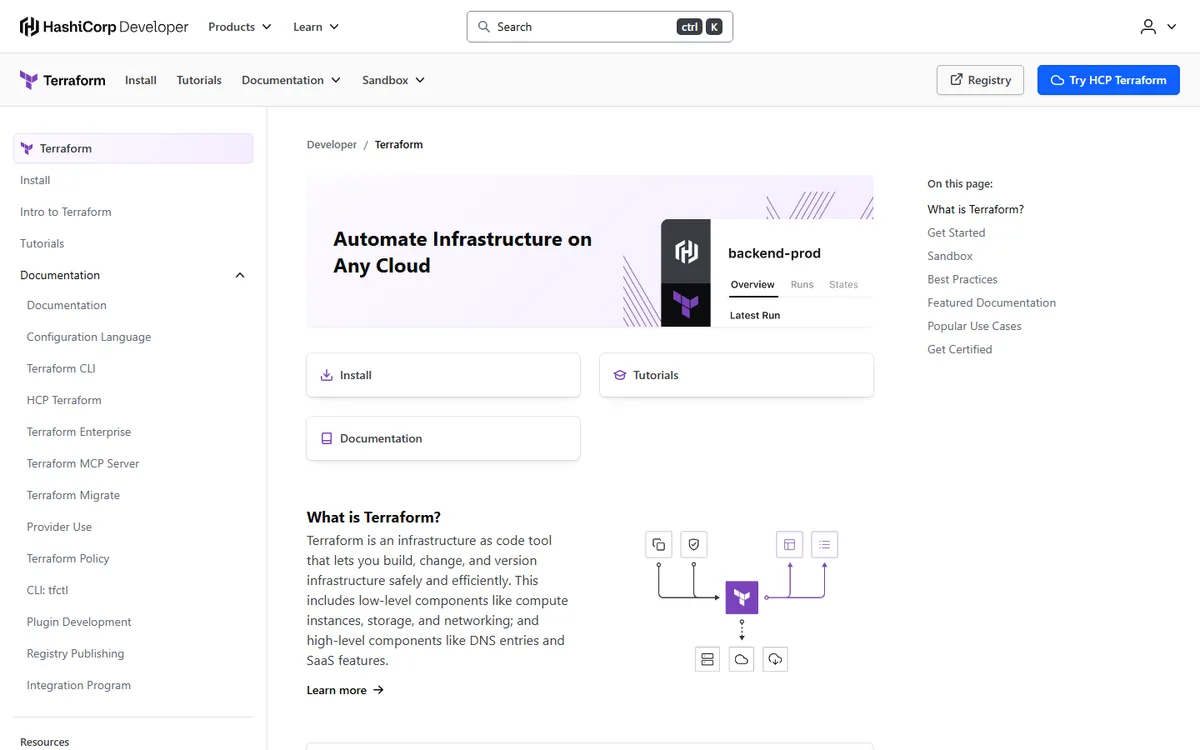
Terraform describes servers, networks, databases and permissions in configuration files, then plans and applies the difference against your cloud accounts.
Terraform, now sold as IBM Terraform after the HashiCorp acquisition, is the tool I meet most often on cloud projects. You write resources in HCL, run a plan to see exactly what will change and apply it. The provider registry covers AWS, Azure, Google Cloud and hundreds of other services, so one workflow can manage a database in one cloud and a DNS record in another.
What I like most is the plan step. A reviewer can read a pull request and see the firewall rule that is about to open before it opens. The catch is state: Terraform keeps a state file that must be stored safely and locked, and a corrupted or shared state file causes the worst incidents I have cleaned up. Licensing also changed in 2023 to the Business Source License, which is why OpenTofu exists, so check the terms against how you plan to use it. Pair it with my notes on cloud infrastructure automation to see where it fits in a wider pipeline.
Terraform Strengths
- The plan output makes changes easy to review before they happen
- The provider ecosystem is the largest of any infrastructure as code tool
- Modules let you reuse tested building blocks across teams
Terraform Weaknesses
- State files need careful storage, locking and access control
- The Business Source License limits some commercial uses, so read it
Terraform Pricing
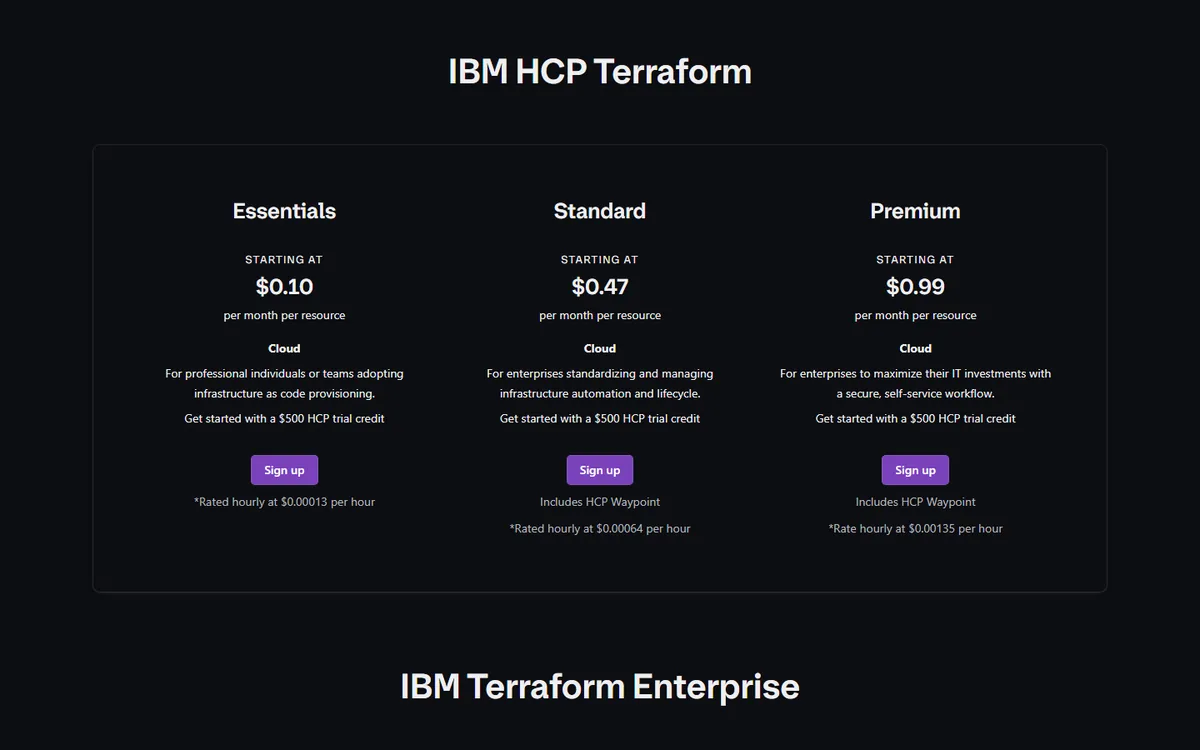
Terraform CLI itself is free to download. HCP Terraform, the hosted service, offers pay-as-you-go billing with a $500 credit for new users, and Flex and Enterprise Self Managed plans are priced through sales. The IBM pricing table lists the pay-as-you-go rates, and I did not find fixed per-seat prices on the page.
Terraform Reviews
- G2: 4.6 of 5 stars (based on 152 verified reviews)
OpenTofu
The Open-Source Drop-In Alternative to Terraform, Governed by the Linux Foundation
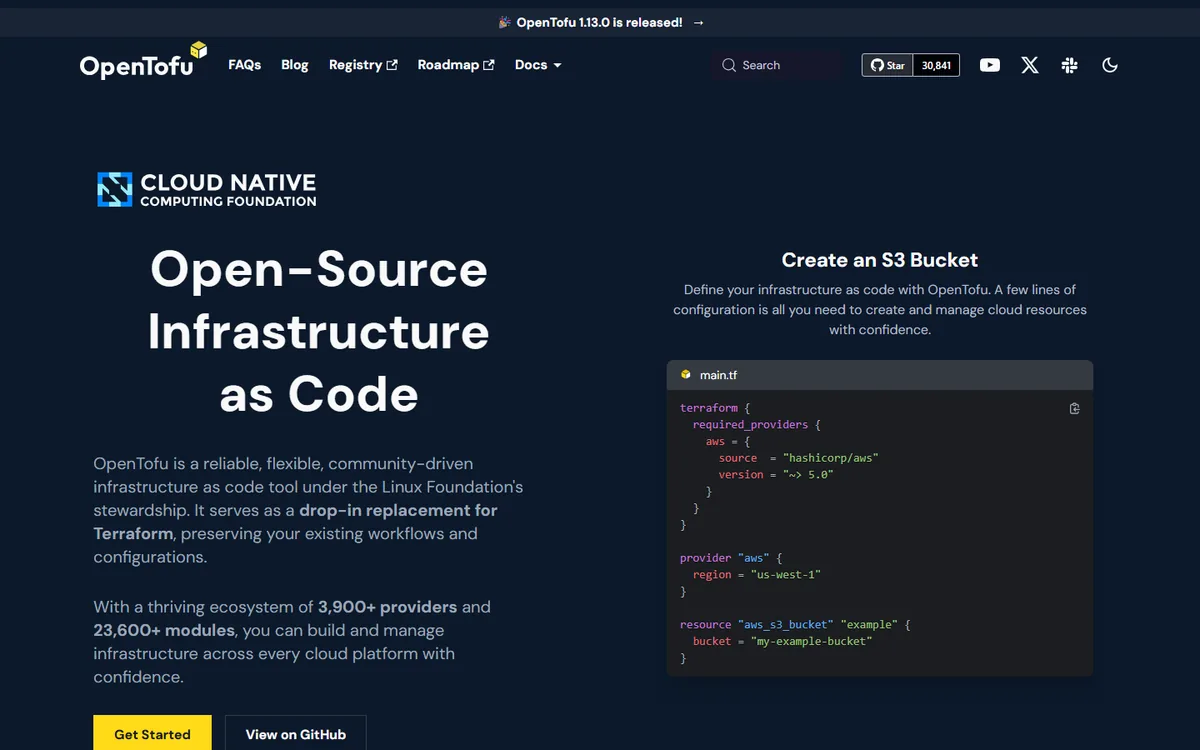
OpenTofu is a community-driven infrastructure as code tool under the Linux Foundation that reads existing Terraform configurations.
OpenTofu was created after HashiCorp moved Terraform from an open-source license to the Business Source License. The project describes itself as a drop-in replacement, so your existing configurations, modules and workflows carry over, and the community decides which features it gets through public discussions.
In my client work, the decision is rarely about features. It is about risk appetite. If your legal team prefers a license that will stay open and you do not depend on a vendor's hosted service, OpenTofu removes a question. It has its own additions, such as state encryption, which are worth reading about. Compatibility can drift over time as the two projects evolve, so test your providers and modules before you switch, and plan to re-check as versions change. The wider habits that make either tool safe are covered in my guide to cloud infrastructure management.
OpenTofu Strengths
- Open-source governance under the Linux Foundation
- Existing Terraform configurations and workflows carry over
- Free to use, with no license fee
OpenTofu Weaknesses
- The ecosystem and hosted services are smaller than Terraform's
- Compatibility with Terraform may drift as both projects evolve
OpenTofu Pricing
OpenTofu is open source and free to download, with no paid plans. You pay only for the cloud resources it creates and for whatever remote state storage and automation platform you choose to run it in.
OpenTofu Reviews
- G2: No overall rating could be read when I checked, so none is shown here. Check the current G2 listing yourself.
Pulumi
Infrastructure as Code for Teams That Would Rather Write TypeScript or Python Than a New Language
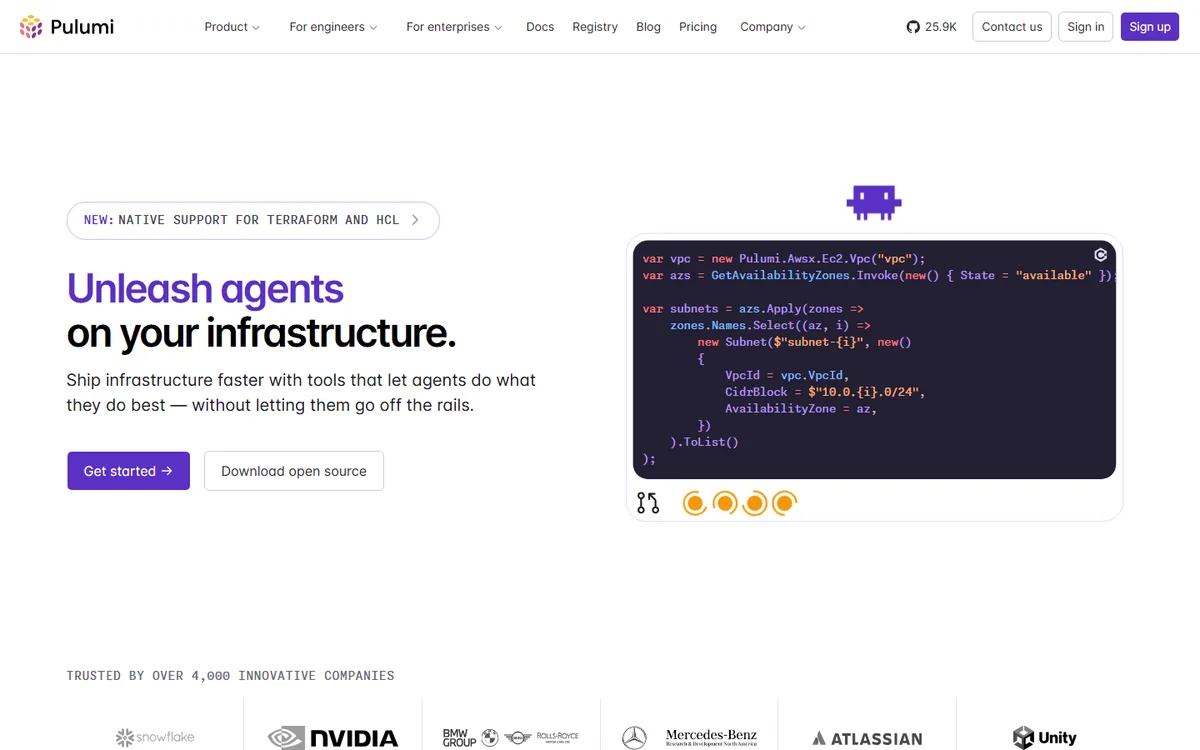
Pulumi lets you define cloud infrastructure in languages such as TypeScript, Python, Go, C# and Java, with loops, functions and tests.
Pulumi takes a different route from Terraform: instead of a configuration language, you use a real programming language. That makes loops, conditionals, shared libraries and unit tests ordinary parts of your infrastructure code. Developers who already write TypeScript or Python pick it up quickly, and platform teams can wrap common patterns in typed components.
The flip side is discipline. Freedom to write any code also means freedom to write code that nobody else can read, so I ask teams to agree on a small set of component patterns early. Pulumi Cloud adds state management, secrets and policy, with a free tier and paid plans that scale by managed resources. If your engineers are the main users, it is a strong option. If a separate operations team maintains the code, a declarative language is often easier to hand over.
Pulumi Strengths
- Real programming languages bring loops, functions and tests
- Strong fit for developer-led platform teams
- State, secrets and policy are available in the hosted service
Pulumi Weaknesses
- Code freedom can produce hard-to-read infrastructure code
- The community and module ecosystem are smaller than Terraform's
Pulumi Pricing
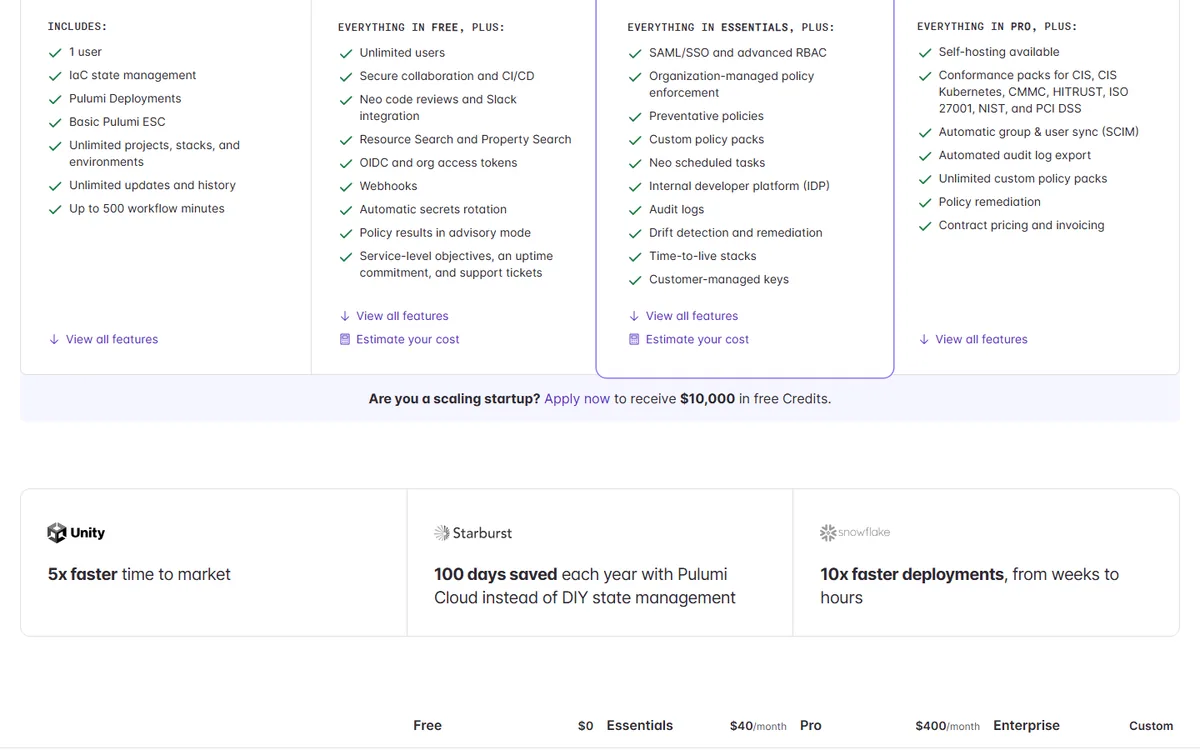
Pulumi lists a Free plan at $0 for one user, Essentials at $40 per month with 40 credits and up to 500 managed resources, and Pro at $400 per month with 400 credits and up to 2,000 managed resources. Enterprise is priced by contract. Beyond the included amounts, managed resources start at $0.1825 per resource per month on Essentials and $0.365 on Pro.
Pulumi Reviews
- G2: 4.8 of 5 stars (based on 25 verified reviews)
Ansible
The Practical Choice for Configuring Machines and Orchestrating Changes Without Agents
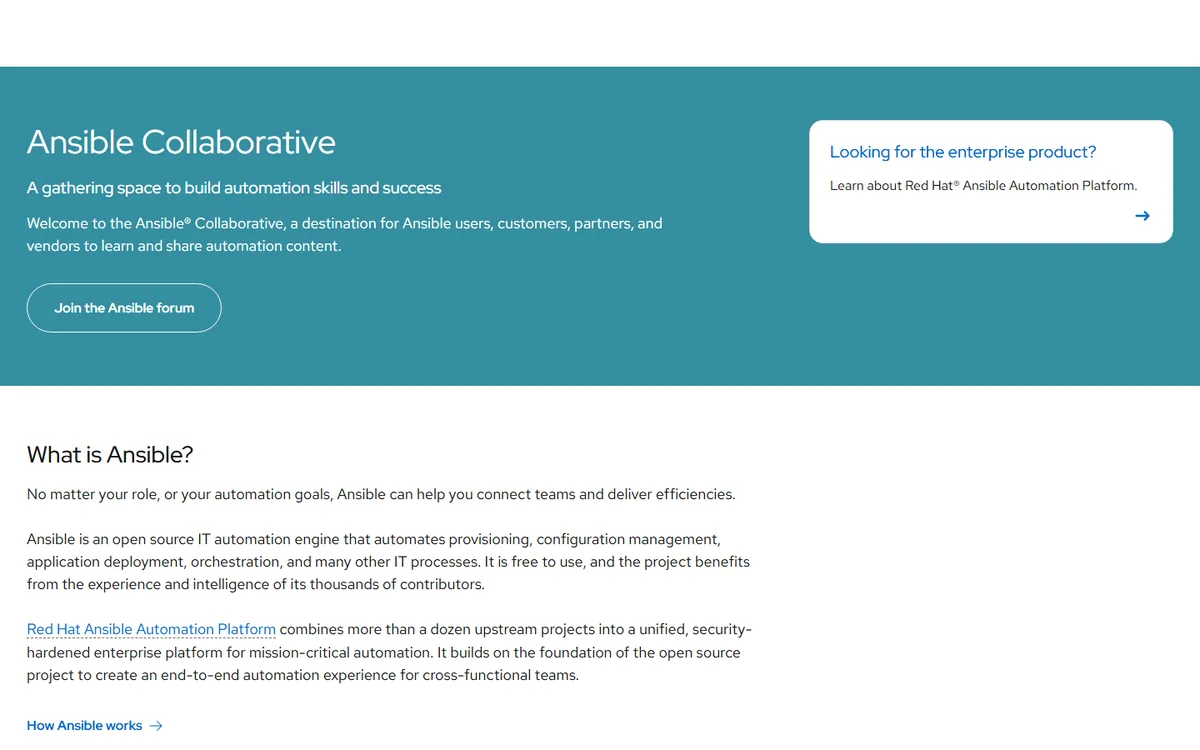
Ansible runs YAML playbooks over SSH or APIs to configure servers, deploy applications and automate network and cloud tasks.
Ansible sits next to infrastructure as code rather than against it. Terraform or OpenTofu creates the virtual machines and networks, and Ansible configures what runs on them: packages, users, services, patches and application deployments. It needs no agent on the target machine, which keeps the setup simple and the security review short.
Playbooks are readable by people who are not programmers, and that is the main reason I recommend it for operations teams. The weak spot is scale and state. Ansible is procedural, so a playbook that works on ten servers can behave differently on ten thousand, and it does not track state the way Terraform does. For larger estates, Red Hat Ansible Automation Platform adds an execution environment, role-based access and a web interface. My notes on cloud infrastructure strategy show where configuration management fits next to provisioning.
Ansible Strengths
- Agentless design keeps setup and security review simple
- Readable YAML playbooks that non-programmers can follow
- Strong module library for servers, networks and cloud services
Ansible Weaknesses
- Procedural playbooks can get slow and inconsistent at large scale
- No built-in state tracking like infrastructure as code tools have
Ansible Pricing
Community Ansible is free and open source. Red Hat Ansible Automation Platform is sold by subscription, and Red Hat does not publish prices: it says pricing varies by sizing and subscription choices, with Standard (business hours) and Premium (24x7) support tiers. Deployment options include a Red Hat managed service, a managed application in your cloud account and self-managed.
Ansible Reviews
- G2: 4.6 of 5 stars (based on 378 verified reviews)
AWS CloudFormation
The Built-In Option for Teams That Live Inside AWS and Want No Extra Tool to Run
CloudFormation is AWS's own service for describing and deploying resources from templates, with stacks, change sets and drift detection.
If your workloads run on AWS and you want infrastructure as code with the least operational overhead, CloudFormation deserves a look. There is nothing to install and no state file to store, because AWS keeps the state for you. Change sets show what will happen before you apply them, and drift detection tells you when someone changed a resource by hand.
The limits are the usual ones for a native tool. Templates are written in YAML or JSON, which gets verbose, and it manages AWS only. Many teams add the AWS CDK to write templates in a programming language, or choose Terraform to cover several clouds. A rollback that gets stuck can also take time to untangle. I use it most for foundations such as accounts, roles and networking that AWS recommends managing this way.
AWS CloudFormation Strengths
- No tool to install and no state file to manage
- Change sets and drift detection are built in
- Tight integration with new AWS services and permissions
AWS CloudFormation Weaknesses
- AWS only, so it does not help with other clouds
- Raw templates get long and hard to read
AWS CloudFormation Pricing
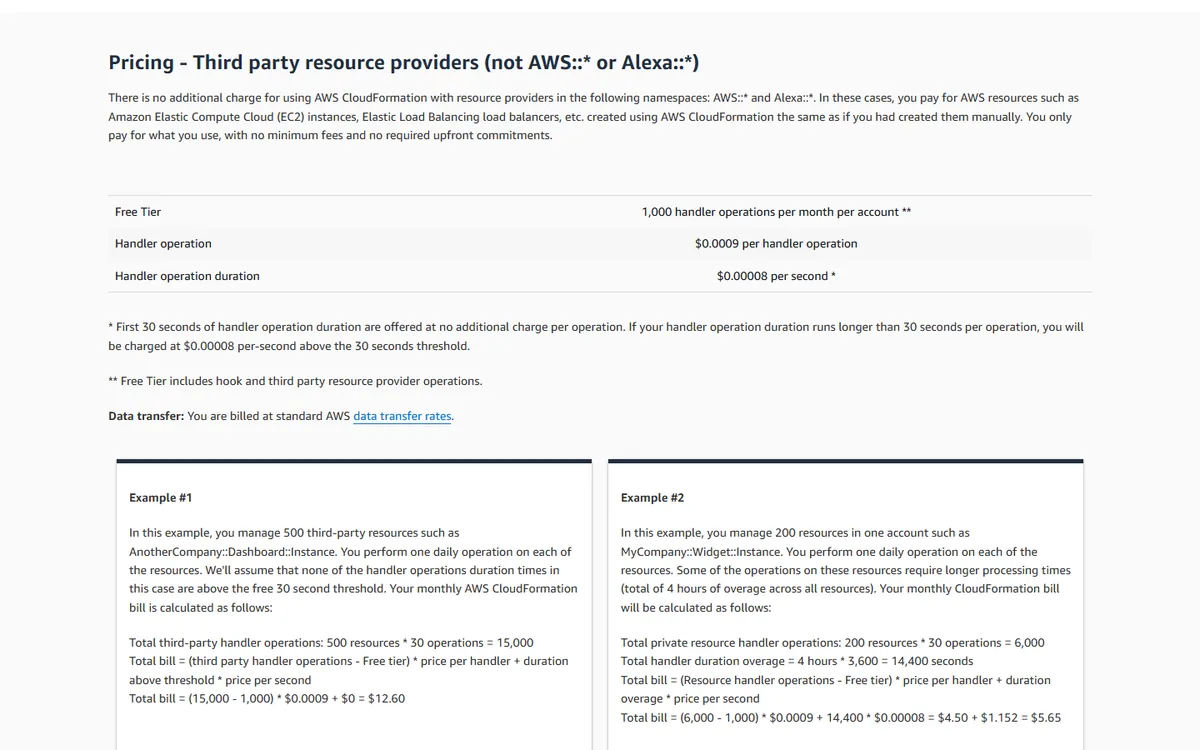
CloudFormation has no additional charge for AWS resource types, so you pay only for the resources it creates. Third-party resource types and custom hooks are billed per handler operation, at $0.0009 per operation based on the examples on the pricing page, with the first 30 seconds of each operation free and $0.00008 per second after that.
AWS CloudFormation Reviews
- G2: No overall rating could be read when I checked, so none is shown here. Check the current G2 listing yourself.
Kubernetes
The Standard Platform for Running Containers at Scale, If You Have the People to Run It
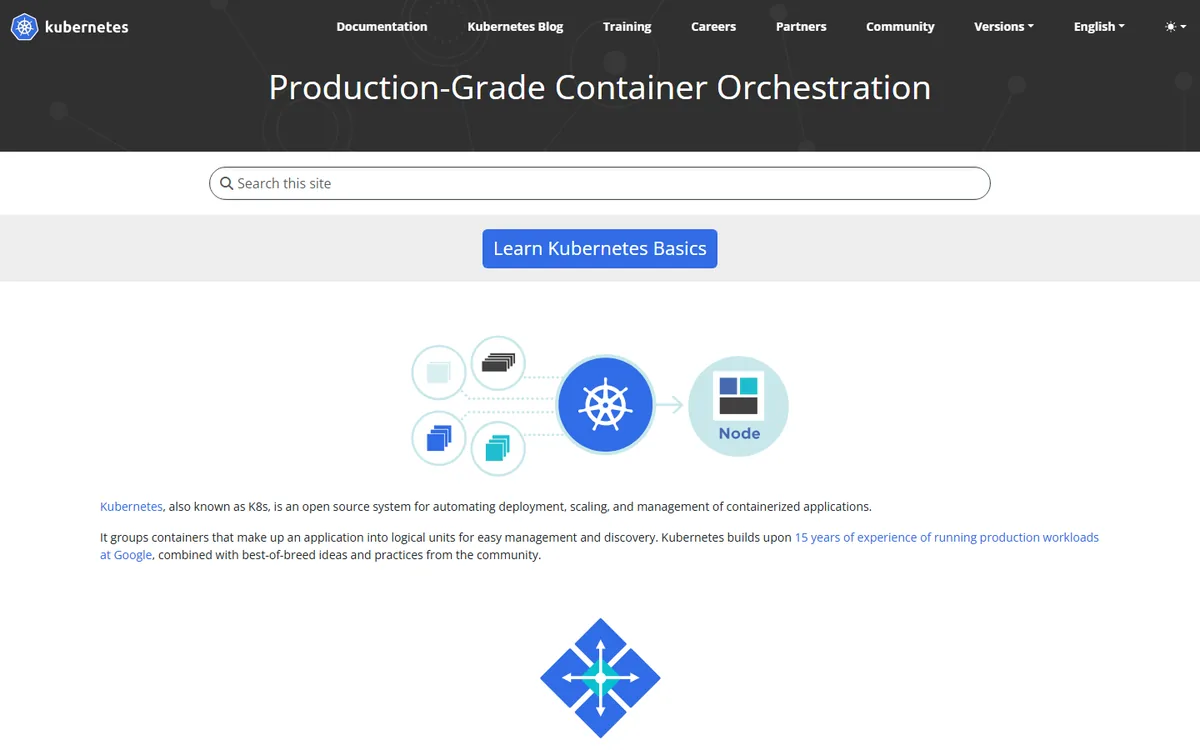
Kubernetes schedules, scales and heals containers across a cluster, and it has become the common layer on which cloud native applications run.
Kubernetes is less a tool you add than a platform you adopt. It decides where containers run, restarts them when they fail, scales them with demand and gives every cloud the same API. The CNCF 2025 survey found that 82% of container users run it in production, which tells you how much tooling and knowledge exists around it.
It also tells you something about the cost. A cluster brings networking, access control, upgrades and monitoring, and a small team can spend more time on the cluster than on the product. I suggest managed Kubernetes from your cloud provider for most teams, and a simpler container service when you run only a handful of workloads. For the reasons behind that advice, my cloud infrastructure assessment checklist asks what a cluster would really have to run.
Kubernetes Strengths
- Portable across clouds and well supported everywhere
- Self-healing and autoscaling remove a lot of manual work
- A huge ecosystem of tools and trained engineers
Kubernetes Weaknesses
- Operational complexity is high, even with managed offerings
- Easy to overbuild for a handful of workloads
Kubernetes Pricing
Kubernetes itself is free and open source. Managed services charge for the control plane and the nodes: Amazon EKS, for example, lists $0.10 per cluster per hour in standard support and $0.60 per cluster per hour in extended support, plus the cost of the worker nodes. Other providers price their managed services differently, so check each one.
Kubernetes Reviews
- G2: 4.6 of 5 stars (based on 160 verified reviews)
Datadog
The Broadest Hosted Monitoring Suite, With a Bill That Needs Watching
Datadog collects metrics, logs, traces and security signals from your cloud and applications into one hosted platform.
Datadog is where many teams land when they want to see everything without running the monitoring stack themselves. Agents and integrations cover the major clouds, Kubernetes, databases and hundreds of other services, and dashboards, alerts and traces share one data model. Setup is quick, and the first dashboards are useful within a day.
The price model is the thing to understand before you commit. Infrastructure is billed per host, and logs, traces, custom metrics and other products have their own meters, so a busy Kubernetes environment can produce a larger bill than expected. I ask clients to set a budget per product and review usage monthly. If you want cost control and openness more than convenience, the next entry on this list is worth comparing.
Datadog Strengths
- One platform for metrics, logs, traces and security
- Large integration catalog and fast setup
- Polished dashboards and alerting
Datadog Weaknesses
- Costs grow quickly with hosts, logs and custom metrics
- Proprietary platform, so moving away takes real work
Datadog Pricing
Datadog's infrastructure plans are priced per host per month. Pro starts at $15 billed annually ($18 on demand), Enterprise at $23 ($27 on demand), and the DevSecOps Pro and Enterprise bundles start at $22 and $34. Basic is available through sales. Logs, APM and other products are priced separately, and volume discounts apply from 500 hosts.
Datadog Reviews
- G2: 4.4 of 5 stars (based on 749 verified reviews)
Grafana Cloud
Open-Source Dashboards and Metrics With a Hosted Version and a Free Tier That Actually Works
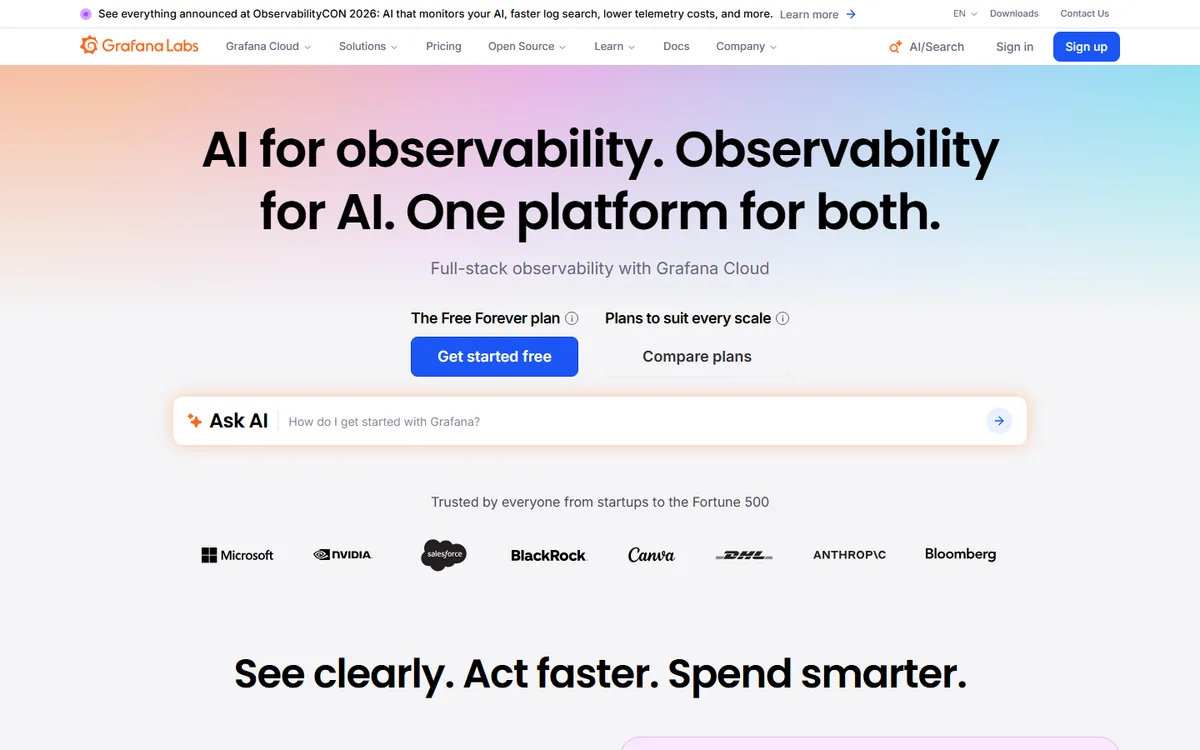
Grafana Cloud hosts Grafana dashboards, Prometheus-compatible metrics, Loki logs and Tempo traces, and you can move to self-hosting later.
Grafana started as the dashboard tool that nearly every Prometheus user installs. Grafana Cloud adds hosted metrics, logs, traces and alerting, so you keep the open formats and skip running the storage yourself. Because the data formats and query languages are open, you are less tied to the vendor than with a closed suite.
In practice, I recommend it to teams that already run Prometheus or OpenTelemetry and want a managed backend. The free tier is generous enough to monitor a small production system. The work shows up in tuning: cardinality of metrics drives cost, and you need discipline about labels. Grafana also offers adaptive tools to reduce metrics and log volume, which can help once the bill grows.
Grafana Cloud Strengths
- Open formats and the option to self-host later
- A free tier that covers a small production setup
- Excellent dashboards that most engineers already know
Grafana Cloud Weaknesses
- You assemble more of the observability setup yourself
- Costs depend on metric cardinality, which needs ongoing care
Grafana Cloud Pricing
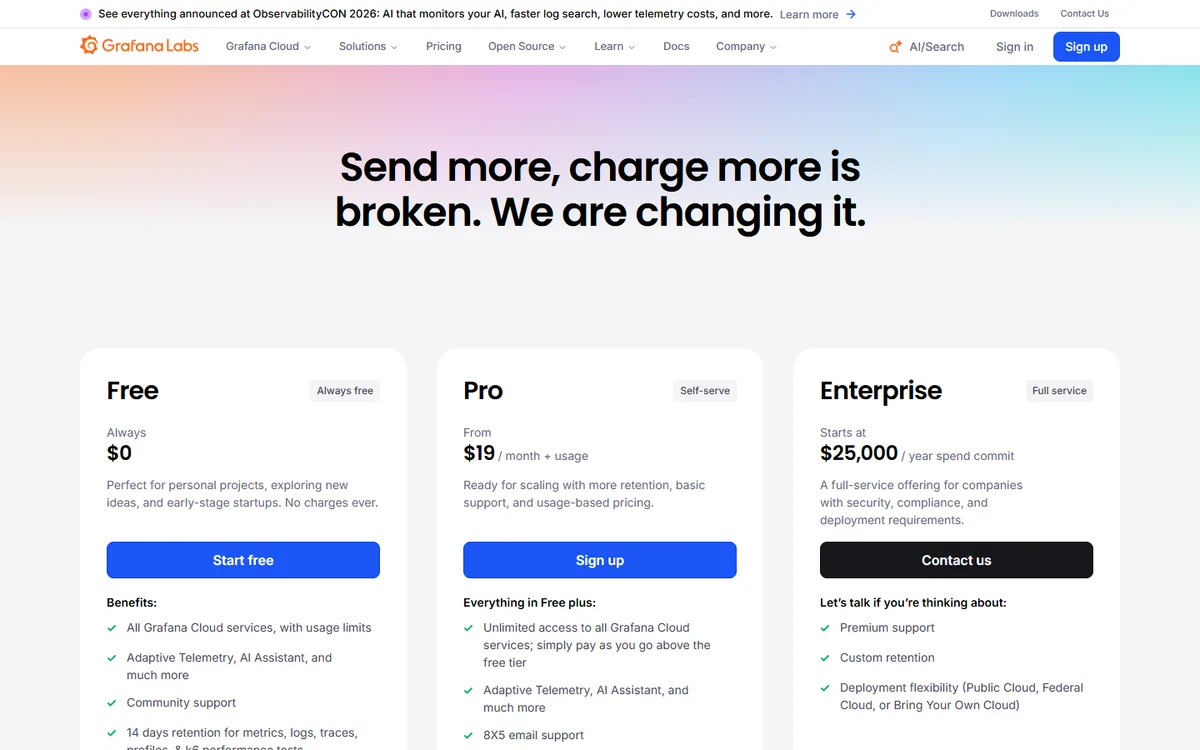
Grafana Cloud's Free tier costs $0 and includes 10k active metric series and 50 GB of logs, traces or profiles per month, with 14-day retention. Pro has a $19 per month platform fee plus usage, with metrics starting at $6.50 per 1,000 series. Enterprise has a $25,000 per year minimum commit.
Grafana Cloud Reviews
- G2: 4.5 of 5 stars (based on 221 verified reviews)
Spacelift
A Control Layer for Terraform, OpenTofu, Pulumi and Ansible Runs, With Policies Built In
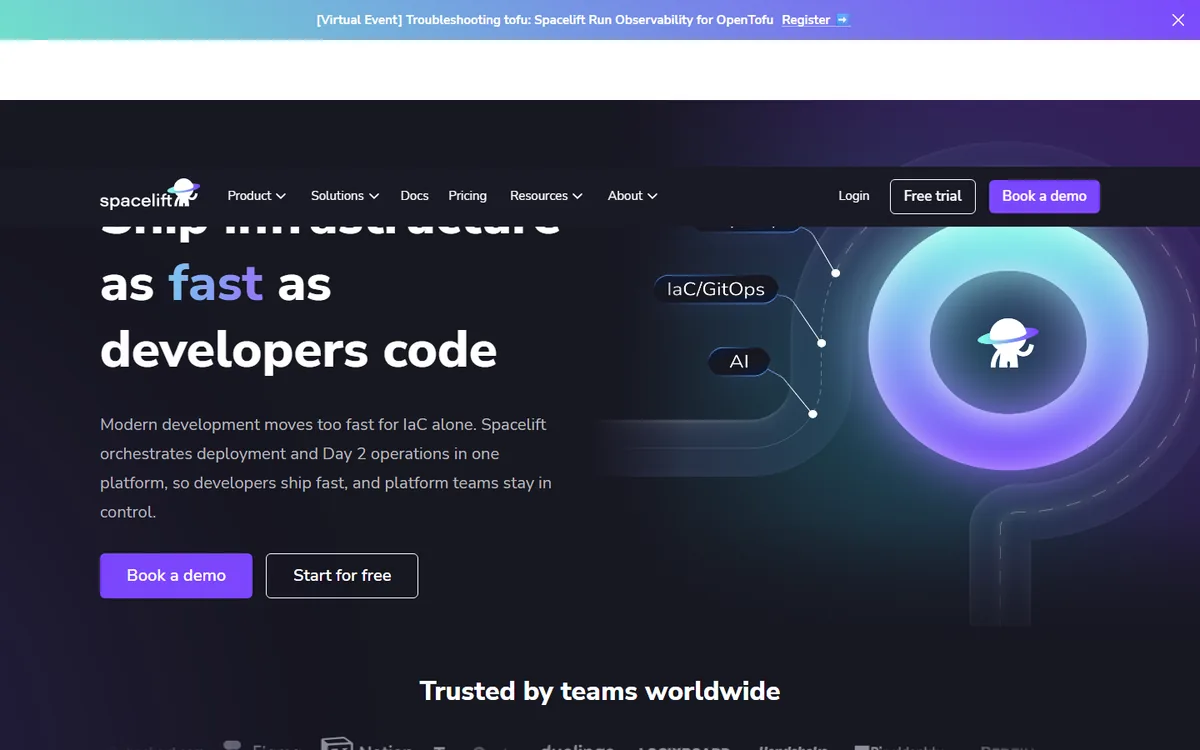
Spacelift runs your infrastructure as code through managed workflows, with policies, approvals, drift detection and audit trails.
Once more than one team changes infrastructure, the question shifts from how to write the code to who may run it and where. Spacelift sits in front of tools such as Terraform, OpenTofu, Pulumi and Ansible, runs the plans and applies in controlled workers and enforces policies on who can change what.
I see the value on teams with many stacks and repeated incidents from manual applies. Policy as code lets you block a change that opens a database to the internet, and drift detection catches console edits. If you have a handful of stacks and a CI system you trust, you may not need another layer, and the cost may not pay back. For larger setups, it replaces a lot of homegrown pipeline scripts.
Spacelift Strengths
- Policies and approvals stop risky changes before they apply
- Supports several infrastructure as code tools in one workflow
- Drift detection and audit trails come built in
Spacelift Weaknesses
- Another platform to buy and learn when a plain CI pipeline would do
- Paid tiers start well above what a small team spends on tooling
Spacelift Pricing
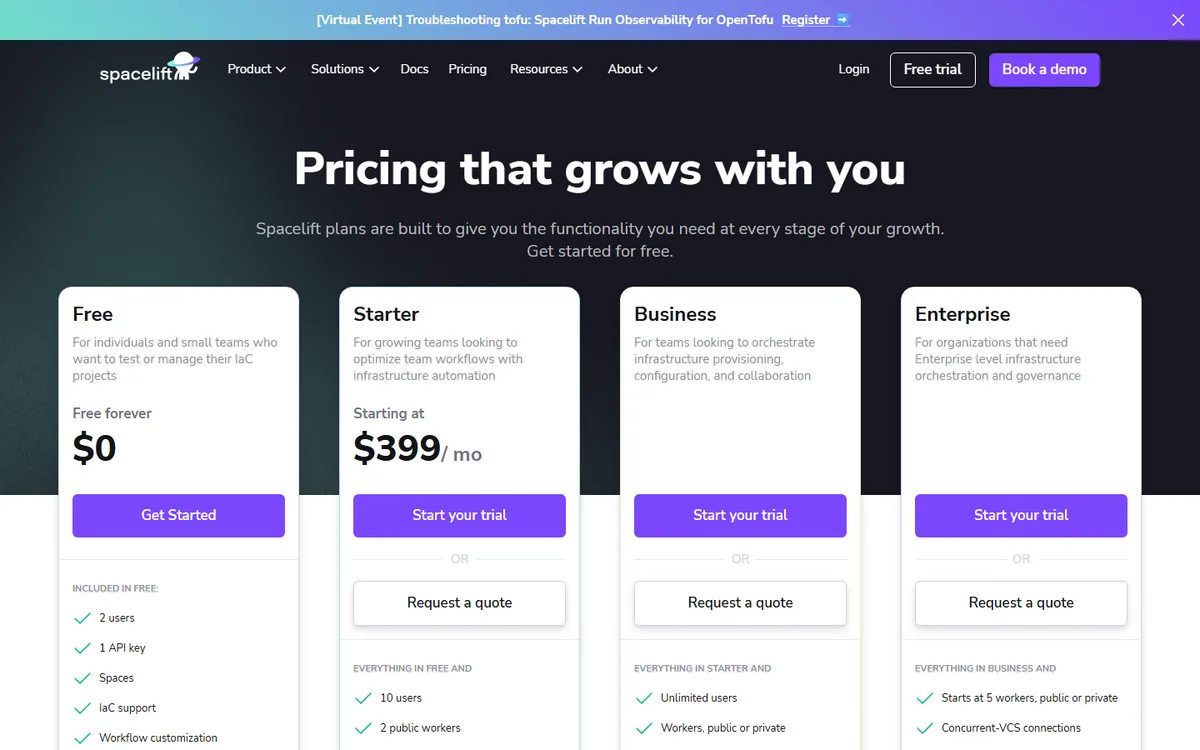
Spacelift lists a Free plan at $0, a Starter plan from $399 per month, and Business and Enterprise plans that are priced by quote. Check the pricing page for the limits that apply to each plan before you compare it with a CI-based setup.
Spacelift Reviews
- G2: 4.8 of 5 stars (based on 23 verified reviews)
Estimate the Return on an Infrastructure Tool
Before you pick a plan, check whether the numbers work. Enter the manual hours your team spends on provisioning, patching or incident work that the tool could cover, and the monthly price of the plan you are considering. You will see what it could return in a year.
Does the Tool Make Sense for You?
Drag the sliders to reflect your tasks and the plan you want to compare.
How to Choose the Right Cloud Infrastructure Tools
In my experience, fit with your team decides more than any feature list. Before you compare vendors, I suggest you answer four questions:
- Which clouds do you run on today, and which may you add?
- Who will write and maintain the infrastructure code: developers, operations or a platform team?
- Do you run servers, containers or both, and how many workloads are there?
- How much of the monitoring stack do you want to run yourself?
If you run only on AWS, CloudFormation is the lowest-overhead start. If you span clouds, pick Terraform or OpenTofu, and choose Pulumi when developers lead. Add Ansible for server configuration, Kubernetes when you run many containers and a monitoring suite that matches your budget. Setting these choices against your goals is easier with a written plan and a quick look at where your current setup falls short.
Questions About Choosing Cloud Infrastructure Tools
What Are the Best Free Cloud Infrastructure Tools?
OpenTofu and Ansible are fully free and open source, and Terraform's command line tool is free to download. Kubernetes is free too, though running it costs time and compute. Grafana Cloud and Pulumi offer free plans, which are enough to prove a first setup before you pay.
What Is the Difference Between Terraform and Ansible?
Terraform creates and changes infrastructure such as networks, servers and databases, and it tracks state. Ansible configures what runs on the machines: packages, services and application deployments. Many teams use both, with Terraform first and Ansible second.
Should I Choose Terraform or OpenTofu?
If you rely on HashiCorp's hosted service or want its support, Terraform is the natural choice. If you want an open-source license under neutral governance and your configurations are standard, OpenTofu is a solid alternative. Test your providers and modules with a copy of your code before you decide.
Do I Need Kubernetes for Cloud Infrastructure?
No. A handful of workloads often run well on a managed container service or serverless platform with far less operational work. Kubernetes pays off when you run many services, need portability or want fine-grained control, and you have people to operate it.
Is CloudFormation Better than Terraform on AWS?
It depends on your priorities. CloudFormation needs no extra tool or state file and supports new AWS features quickly. Terraform covers several clouds and has a larger community. If you run only on AWS and want the lowest overhead, CloudFormation is a good fit.
How Much Does Cloud Monitoring Cost?
It ranges from free to thousands of dollars a month. Datadog charges per host plus separate meters for logs and traces, and Grafana Cloud charges for metric series and log volume after a free tier. Set a budget per product and review usage every month.
How Do I Choose the Right Combination of Tools?
Start from your needs: a provisioning tool, a configuration tool if you run servers, an orchestration layer if you run containers, and monitoring. Choose the simplest option for each and add a layer such as Spacelift only when manual applies or access control become a problem.
Important: prices, plans and ratings move quickly. They were read from vendor and G2 pages when this article was last updated, so confirm them on each vendor’s site before you buy. Nothing in this article is legal or financial advice.
Did this article help you?
Thanks, noted.
Garrett Linville
Garrett leads the Cloud Hull editorial team and works with the consultants to turn real client projects into practical guides on cloud migration, DevOps, security and cost control. Each article is edited together with the consultant who did the work, and every price and limit is checked against current provider documentation. He is based in the USA and works remotely.