Main Points
- The biggest public wins came from small steps: one service, one shard, one pipeline at a time.
- Savings in the examples came from utilization and autoscaling, not from cheaper providers.
- Release speed improved most when training and a paved road for developers came with the platform.
- Check each result against your own baseline before you copy the approach.
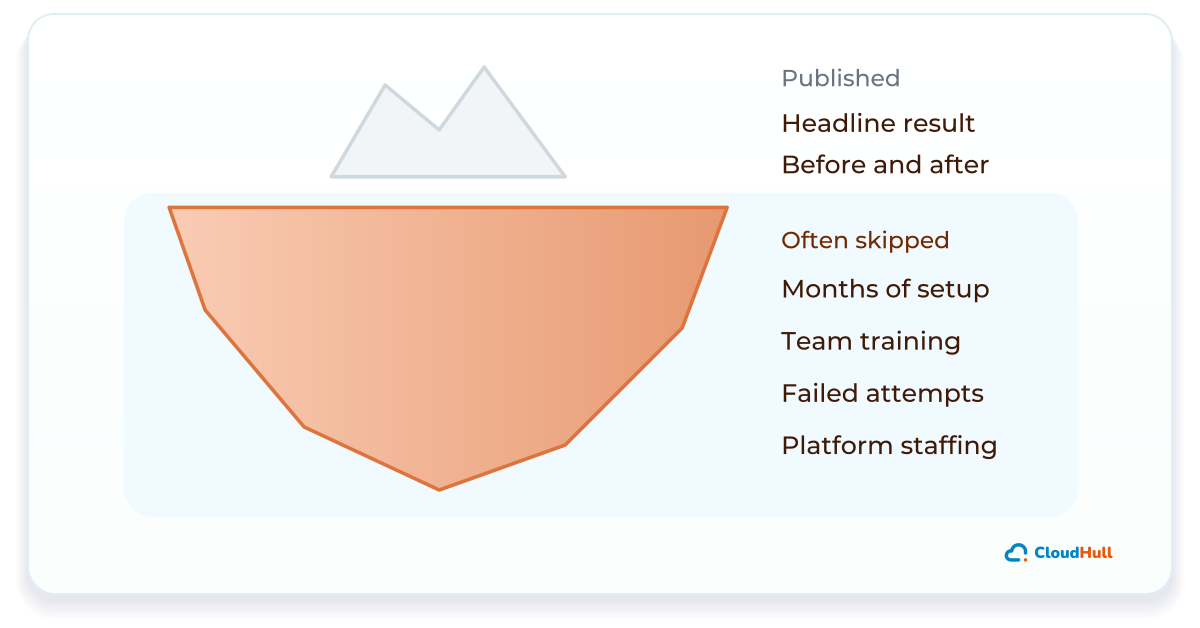
Cloud native advice is easy to find and hard to trust, because many case studies skip the awkward parts. For this article I picked three published cases with numbers and five projects from my own client work, and I kept the details that showed what was difficult.
If you are weighing cloud native consulting for your own platform, use the examples to see which patterns match your situation. Each one lists the steps and the tools, so you can judge the effort before you commit.
The Eight Examples Side by Side
| Example | Setting | Result |
|---|---|---|
| 1. Nubank Deploys 700 Times a Week | Fintech, public case | 90 to 15 minutes per production deployment |
| 2. Nav Lifts Utilization From 1% to 40% | Fintech, public case | 50% lower compute cost |
| 3. Tokyo Gas Refactors After a Lift and Shift | Energy, public case | 30% lower cost from dynamic scaling |
| 4. GitOps Ends Configuration Drift | Payments, my client work | Zero untracked production changes after month two |
| 5. Autoscaling for a Holiday Traffic Spike | Ecommerce, my client work | 3x peak traffic with page times under two seconds |
| 6. Preview Environments for Every Pull Request | SaaS, my client work | 11 days to 2 from change to customer feedback |
| 7. Service Level Objectives Replace Noisy Alerts | Logistics, my client work | From 140 to 9 alerts per week reaching on-call |
| 8. Cost Labels Find Idle Namespaces | Cost control, my client work | 22% lower monthly cluster bill in ten weeks |
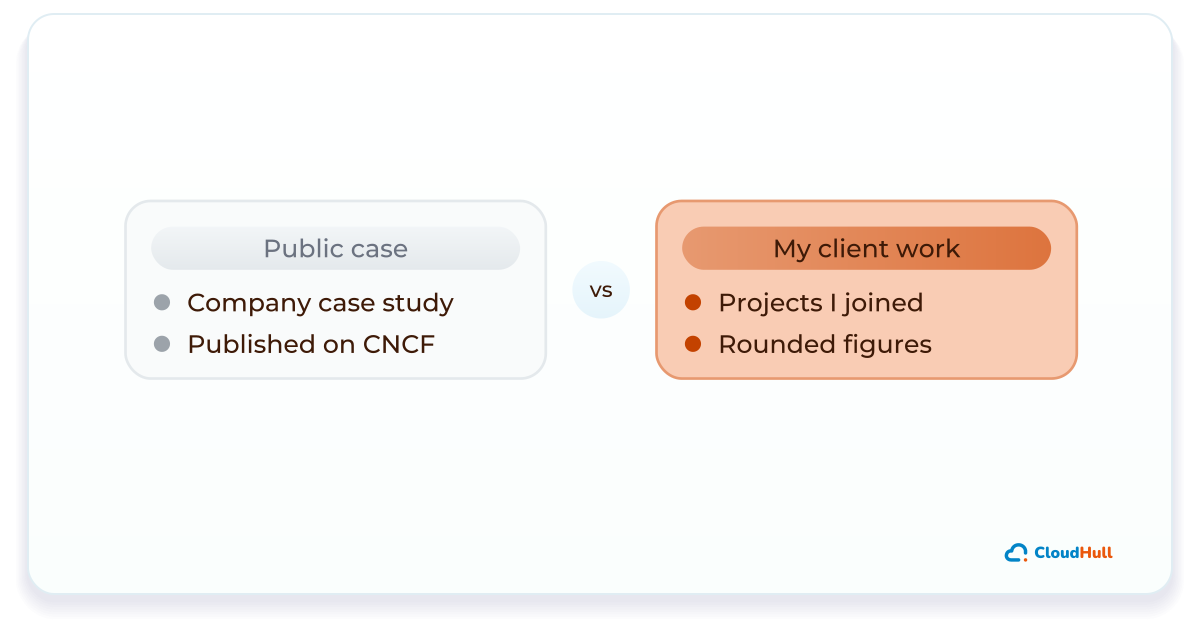
Numbers marked "public case" come from the companies' own case studies on the CNCF site. Numbers marked "my client work" are from projects I took part in, rounded or anonymized where the client asked. Treat them as ranges, not promises.
Nubank Deploys 700 Times a Week
Nubank, the Brazilian digital bank, moved its containerized services to Kubernetes and cut a production deployment from 90 minutes to 15 minutes. Its engineers now deploy about 700 times a week, with a team that grew from 30 to more than 520 people and over 400 microservices serving 23 million customers, according to the CNCF case study.
What I find instructive is the sequence. A test shard served around 20 customers for a couple of months before production shards moved one by one, and the company ran extensive training and built a command-line tool to make the paved road the easy road. The platform team grew from 5 to 50 people over three years, which is a reminder that a platform is a product with its own staffing.
How They Got There
- Keep the containers already in use and add an orchestrator.
- Move a staging environment first and learn from it.
- Run a small test shard with real customers for weeks, not days.
- Migrate production shards one at a time.
- Train every engineer and give them a tool for the common tasks.
- Use blue/green and canary releases to limit the blast radius.
What It Was Built With
Kubernetes with Prometheus, Thanos and Grafana for monitoring and Fluentd for logging. A small team can start with a managed Kubernetes service and the same monitoring stack.
Tokyo Gas Refactors After a Lift and Shift
Tokyo Gas moved its myTOKYOGAS platform to the cloud as it was, and found it still tied to a monolith, rigid virtual machines and slow releases. A refactor onto Kubernetes, Argo CD and Istio brought 30% savings from dynamic scaling with Karpenter, 30% less operational effort through auto-healing and a drop in testing time from two months to two weeks, according to the CNCF announcement.
Lift and shift gets you out of the data center, but it does not change how software is built or released. A first microservice reached production within a few months, which is a realistic pace for a small team with a clear target.
What Changed, Step by Step
- Name the limits that a plain migration left in place.
- Choose open tooling to reduce lock-in and operational load.
- Start with one microservice and a small team.
- Adopt GitOps for releases and drift control.
- Replace slow manual test cycles with load tests in the cluster.
- Let autoscaling follow demand instead of sizing for peak.
Tools in This Setup
Kubernetes, Argo CD for GitOps, Istio for service networking and Karpenter for node scaling. The k6 tool ran load tests inside the cluster.
GitOps Ends Configuration Drift
A payments client came to me after an outage that nobody could explain. Three engineers had edited live objects in the cluster over the previous week, and none of it was in Git. The team and I moved the cluster configuration into a repository and let a GitOps controller apply it, and untracked changes stopped within two months because the controller reverted them.
The first two weeks were uncomfortable. Engineers complained that fixes took longer, until a rollback on a bad Friday release took four minutes instead of an evening. After that the objections went away. Access to edit live objects was removed for everyone except an on-call break-glass role.
How the Setup Works
- Export the running configuration into a repository.
- Review the export and remove what nobody can explain.
- Install the controller and start in report-only mode.
- Switch to automatic sync, one namespace at a time.
- Remove direct edit rights and keep a logged break-glass role.
- Add pull request checks for policy and security rules.
Tools to Look At
Argo CD and Flux are the two main controllers, and both are free. Add a policy engine such as Open Policy Agent or Kyverno to catch risky changes before they merge.
Autoscaling for a Holiday Traffic Spike
An online retailer slowed to a crawl every holiday season. After the storefront moved to containers with horizontal autoscaling and a managed cache in front of the product service, the next peak ran at three times the previous year's traffic while page times stayed under two seconds. The team scaled on request rate and queue depth, not only on CPU.
The part I would repeat on every project is the load test two months earlier. It found a database connection limit that no dashboard had shown, and fixing it cost a day instead of a Black Friday. Autoscaling cannot fix a bottleneck that sits in a shared dependency.
How the Scaling Was Built
- Containerize the storefront and its worker services.
- Set requests and limits from measured usage.
- Add horizontal autoscaling on request rate and queue depth.
- Place a managed cache in front of the product catalog.
- Load test at twice the expected peak, two months out.
- Fix the shared dependencies the test exposes.
What to Use
The built-in Kubernetes horizontal autoscaler plus KEDA for event-based scaling. A managed cache such as Redis from your cloud provider absorbs read traffic cheaply.
Preview Environments for Every Pull Request
A SaaS team shared one staging environment, so changes queued behind each other. In my client work, building a preview environment per pull request, created and deleted by the pipeline, cut the time from finished code to customer feedback from about eleven days to two. Product managers could open a link and click through a feature before it merged.
Cost was the worry, and it was solved with a time-to-live: environments shut down after the pull request closed or after 48 hours of inactivity. Spend on previews stayed under a few percent of the production bill. The catch is data. You need a small, safe seed dataset, never a copy of production.
How the Pipeline Creates Them
- Define the application as a reusable deployment template.
- Create a namespace per pull request from the pipeline.
- Seed it with a small, anonymized dataset.
- Post the preview link on the pull request.
- Delete the environment on merge or after a set time.
- Report the weekly cost of previews to the team.
Helpful Tools
Helm charts or Kustomize overlays for the template, and your CI system for the lifecycle. Argo CD ApplicationSets can generate one environment per branch automatically.
Service Level Objectives Replace Noisy Alerts
A logistics platform paged its on-call engineer all night about CPU spikes that never affected a customer. Replacing resource alerts with three service level objectives, covering availability, latency and order-processing delay, reduced weekly pages from about 140 to 9, and every remaining page pointed at something users felt.
The change that mattered most was agreeing on an error budget with the product owner. When the budget was nearly spent, new features waited and reliability work went first. That turned an argument about priorities into a number both sides could read.
How to Define the Objectives
- List the three user journeys that matter most.
- Define a measurable indicator for each journey.
- Set a target with the product owner, such as 99.9% of orders processed within five minutes.
- Alert when the error budget burns faster than planned.
- Delete alerts that do not point to a user-facing problem.
- Review the budget in a monthly meeting.
Where to Start
Prometheus with Grafana covers metrics and dashboards, and the OpenTelemetry project gives you a vendor-neutral way to collect traces. Managed observability suites can save setup time.
Cost Labels Find Idle Namespaces
A scale-up had a Kubernetes bill that doubled in a year, and nobody could say why. Labeling every namespace with a team and a product exposed more than a dozen idle test environments and a handful of workloads requesting five times the memory they used. Removing those and rightsizing the requests lowered the monthly cluster bill by 22% in ten weeks.
None of it needed a new tool. The work was a labeling policy, a monthly report to each team and a rule that non-production environments sleep outside working hours. Flexera's 2026 report puts typical waste at 29% of cloud spend, so a number in this range is common at the start.
How the Audit Runs
- Require team and product labels on every namespace.
- Export spend by label each month.
- List workloads whose requests far exceed use.
- Shut non-production environments down outside working hours.
- Move steady workloads to committed pricing.
- Share each team's number with the team that owns it.
Tools for Cost Visibility
Your provider's cost explorer reads labels once they are activated, and open source tools such as OpenCost show spend per namespace. Pair them with the monthly review so the numbers lead to action.
What the Eight Examples Have in Common
Looking across them, four patterns repeat. First, every team started small. Nubank ran a test shard with about 20 customers, Tokyo Gas started with one microservice and my retail client began with the storefront and its workers. Second, each team trained its people. Nav ran a week of hands-on labs for 50 engineers, and Nubank built tooling so the right way was the easy way.
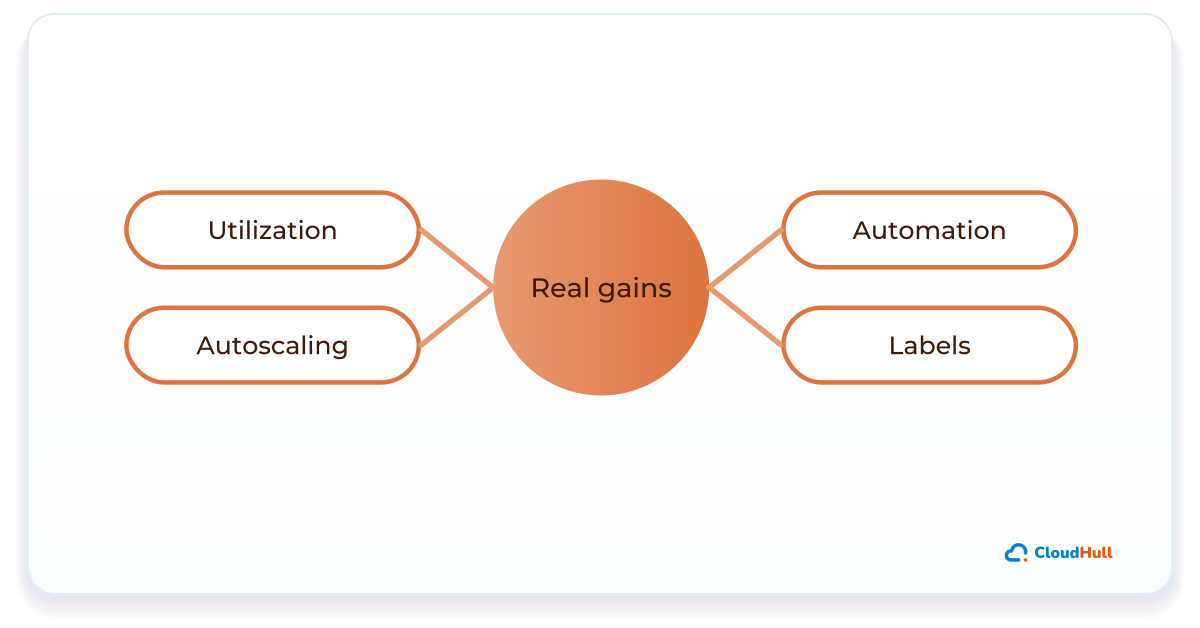
Third, the gains came from boring mechanics: utilization, autoscaling, automation and labels. Nobody in these examples reached for novelty. Fourth, each had a baseline. Nav knew it ran at 1% utilization, and my cost client knew its bill had doubled. That is why the results can be stated at all. The cloud native strategy guide shows how to set that baseline before you begin.
What These Projects Cost in Effort
Results are only half the story, so here is the other half. The table gives my estimate of the effort for a team of your size, based on the examples above and my own projects. It excludes licenses and cloud spend.
| Project type | Typical team | Time to first result | Main risk |
|---|---|---|---|
| Pipeline and GitOps for one service | 2 engineers | 4 to 8 weeks | Skipping the training |
| Autoscaling for a spike | 2 to 3 engineers | 6 to 10 weeks | A shared dependency that does not scale |
| Preview environments | 1 to 2 engineers | 3 to 6 weeks | Production data in test |
| Cost labels and rightsizing | 1 engineer plus finance | 2 to 4 weeks | No owner for the monthly report |
| Full platform migration | 5 or more engineers | 6 to 12 months | Underestimating the platform team |
The planning side of a larger move is covered in my cloud native roadmap, and the problems you can expect along the way are in a separate piece on cloud native challenges.
How to Choose the Example to Copy First
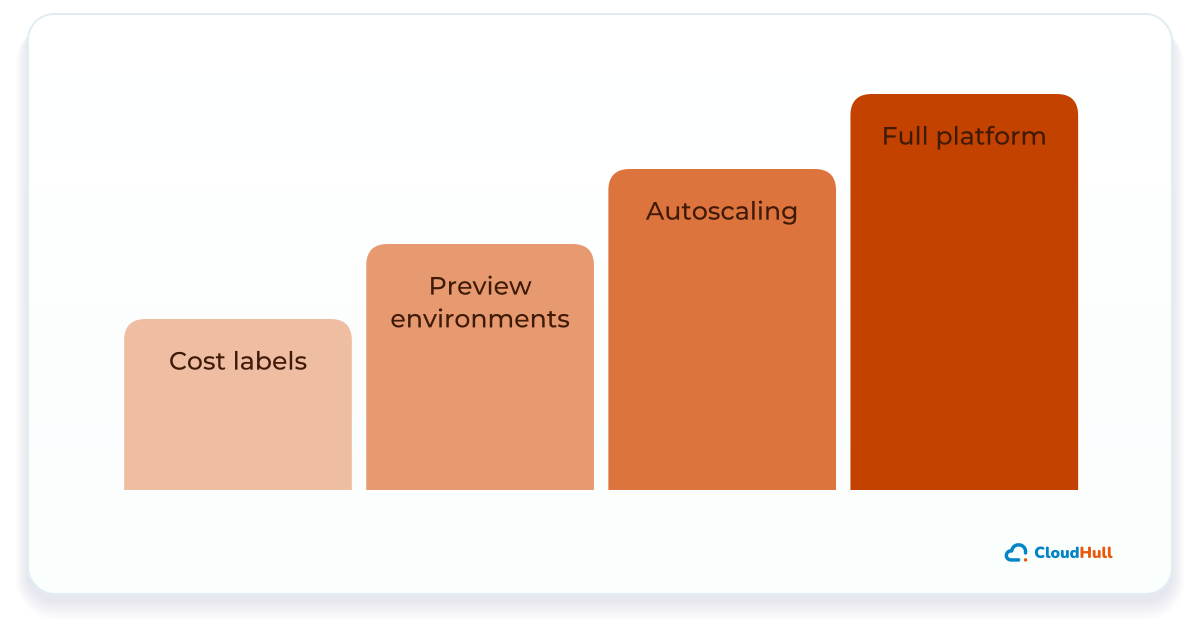
Pick the example that answers your most expensive problem. A short check helps:
- If the cloud bill is your problem, copy the cost labels and utilization examples first.
- If releases are the problem, copy the pipeline, GitOps and preview environment examples.
- If outages are the problem, copy the service level objectives and autoscaling examples.
- If you ran a lift and shift and feel stuck, start with the Tokyo Gas pattern.
Then write down the baseline and the target before you start. The best practices I use around each of these examples are listed in a separate guide, and they help you avoid the mistakes the teams above had to learn from.
Questions About Cloud Native Examples
What Is a Good First Cloud Native Project?
A service that changes often, has real traffic and is not the most critical system you own. The search or catalog service of a store is a typical example. It teaches the pipeline, monitoring and platform lessons without putting the main revenue path at risk.
Are the Results in These Examples Typical?
They are real, but they are not guarantees. The public cases come from case studies by the companies themselves, and the others come from my client work. Your result depends on your starting point, your team and how much time goes into training.
Do I Need Microservices to Be Cloud Native?
No. Several of these examples came from containerizing and automating existing applications. Microservices help when teams need to release independently, and they add operational cost. Split a service only when a clear boundary or scaling need exists.
How Long Does a First Project Take?
In the public examples, the first service reached production within a few months. A small team with a clear target and a managed Kubernetes service can often move faster, while a full migration of many services takes a year or more.
What Does a Team Need to Start?
A repository, a pipeline, a container registry, a place to run containers and basic monitoring. People matter more than tools: two or three engineers who can own the platform and the time to train others.
Is Kubernetes the Only Way to Get These Results?
No. Managed container services and serverless platforms deliver many of the same gains for smaller portfolios. Kubernetes is a good fit for many services, portability needs and fine-grained control, and it comes with more work to run.
How Do I Get Management to Support the Project?
Bring a baseline and one measurable goal, such as release time or monthly cost, and show the example that fits your situation. A small pilot with numbers is far easier to approve than a platform program.
Sources
- CNCF case study: Nubank
- CNCF case study: Nav
- CNCF announcement: Tokyo Gas
- Flexera 2026 State of the Cloud Report
Please note: this guide is general information and not legal, financial or tax advice. Numbers and examples are typical-project estimates; confirm current details with your providers and advisers.
Did this article help you?
Thanks, noted.
Garrett Linville
Garrett leads the Cloud Hull editorial team and works with the consultants to turn real client projects into practical guides on cloud migration, DevOps, security and cost control. Each article is edited together with the consultant who did the work, and every price and limit is checked against current provider documentation. He is based in the USA and works remotely.