Main Points
- Assess five areas: applications, infrastructure, security, people and finances.
- Run five passes and score every application on the same 1 to 5 scale.
- Interview on-call engineers as well as owners, since they know where the real risks sit.
- The output should be a ranked wave plan, a risk register and a cost range.
A cloud transformation assessment tells you how ready your applications, people and processes are for the move, and what it will cost to close the gaps. It is the cheapest part of the program and the one that most changes the plan. A good one takes four to six weeks and ends with a ranked list of applications, a risk register and a budget range.
I run these as the first step of cloud transformation consulting work, and the method below is the one I would use on my own estate. Read it as a guide to doing the assessment yourself or to checking one you have commissioned.
What the Assessment Covers
People often confuse this with a technical scan. Discovery tools list servers and dependencies, which is useful input. An assessment goes further and asks whether the organization can run what it moves. I cover five areas, and the weak spot is rarely where leaders expect it.
| Area | What you check | Common finding |
|---|---|---|
| Applications | Age, technology, licensing, dependencies, cloud fit | One in five has no active owner |
| Infrastructure and data | Hosting, network links, data volumes and sensitivity | Data transfer time underestimated |
| Security and compliance | Identity, logging, encryption, regulatory duties | Shared admin accounts and no log retention policy |
| People and process | Skills, release process, on-call duties, change control | Nobody owns cloud cost |
| Financials | Current run cost, expected cloud cost, one-time cost | Costs of the double-running period missing |
The last two rows are where assessments done by tool vendors tend to be thin. Skills and money decide the outcome of the program more often than a technical limitation does.
Before You Start: Scope and Sponsors
Fix the scope in one paragraph: which business units, which environments and which target provider if you have one. Name a sponsor who can unlock interviews, because the assessment depends on people giving an hour of their time. The sponsor also settles disputes about which applications are in scope.
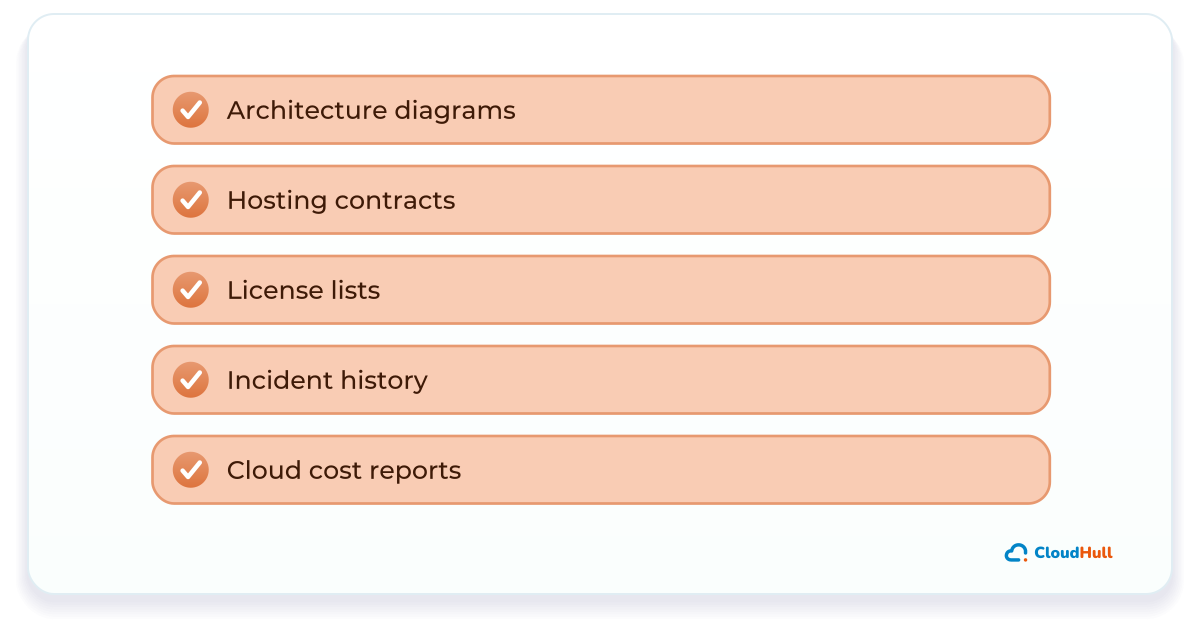
Collect what already exists before you schedule anything: architecture diagrams, the configuration database export, the last three invoices from your hosting providers and any security audit reports. Even outdated material saves hours of questions.
Run the Assessment in Five Passes
Pass 1: Inventory and ownership
List every application with an owner, a business function, users and monthly cost. If an application has no owner, assign a temporary one now, because unowned systems cannot be moved or retired. Compare the list with a discovery scan, and chase every difference.
Pass 2: Technical fit
For each application, note the operating system, database, licensing model and integrations. Mark blockers such as unsupported software, hardware dependencies, license terms tied to physical servers and very high latency needs. The AWS and Microsoft frameworks both publish readiness questions you can reuse. I point readers to the AWS Cloud Adoption Framework and its six perspectives of business, people, governance, platform, security and operations as a checklist for the non-technical areas.
Pass 3: Risk and compliance
Classify data by sensitivity and map it to regulations that apply to you. A payments workload and an internal wiki do not carry the same obligations. Record where data may legally reside, and who must approve its movement. Ask your legal advisers for the current rules and deadlines instead of relying on a generic list.
Pass 4: Operating readiness
Look at how releases, incidents and changes work today. A team that deploys once a quarter by hand will find cloud-native tooling unfamiliar. Score the skills gap honestly and plan training before the first wave, not during it.
Pass 5: Cost and business case
Estimate the run cost in the cloud for the first wave using the provider calculators, then add migration effort, training and double-running costs. Give the board a range with the assumptions stated, because a single number invites a false sense of precision.
Score Every Application the Same Way
A simple 1 to 5 score on four criteria is enough, and the same scale across the whole estate lets you rank without arguments. Weight the criteria to match the drivers in your cloud transformation strategy.
| Criterion | 1 (hard) | 3 (moderate) | 5 (easy) |
|---|---|---|---|
| Technical fit | Unsupported OS or hardware tie | Needs minor changes | Runs as is or on a managed service |
| Business value of moving | No clear gain | Some cost or speed gain | Removes a hard constraint |
| Risk | Regulated, high impact | Moderate impact | Internal, low impact |
| Dependencies | Tightly coupled to many systems | A few known links | Stand-alone |
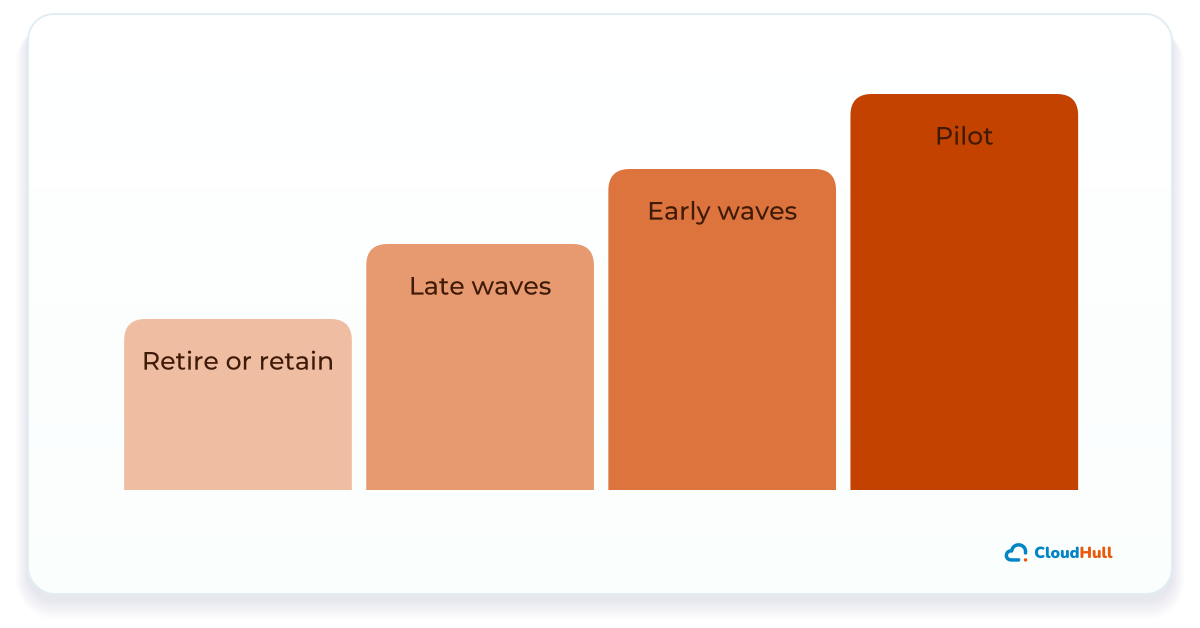
Add the scores and sort. High scorers are your pilot and early-wave candidates, and low scorers need a different plan, such as refactoring, replacement or leaving them in place. Applications with a high value score and a low fit score are the interesting group, because that is where modernization budget gets spent.
A Worked Example
A regional lender I worked with had 94 applications on paper. Interviews raised the list to 118. Scoring put 22 in the easy group, 51 in the middle, 31 in the hard group and 14 up for retirement. The pilot used four easy applications. The plan then sequenced the middle group in three waves and left six hard systems in the data center for a further review in twelve months. Those numbers are specific to that client, and your split will differ.
What You Should Receive at the End
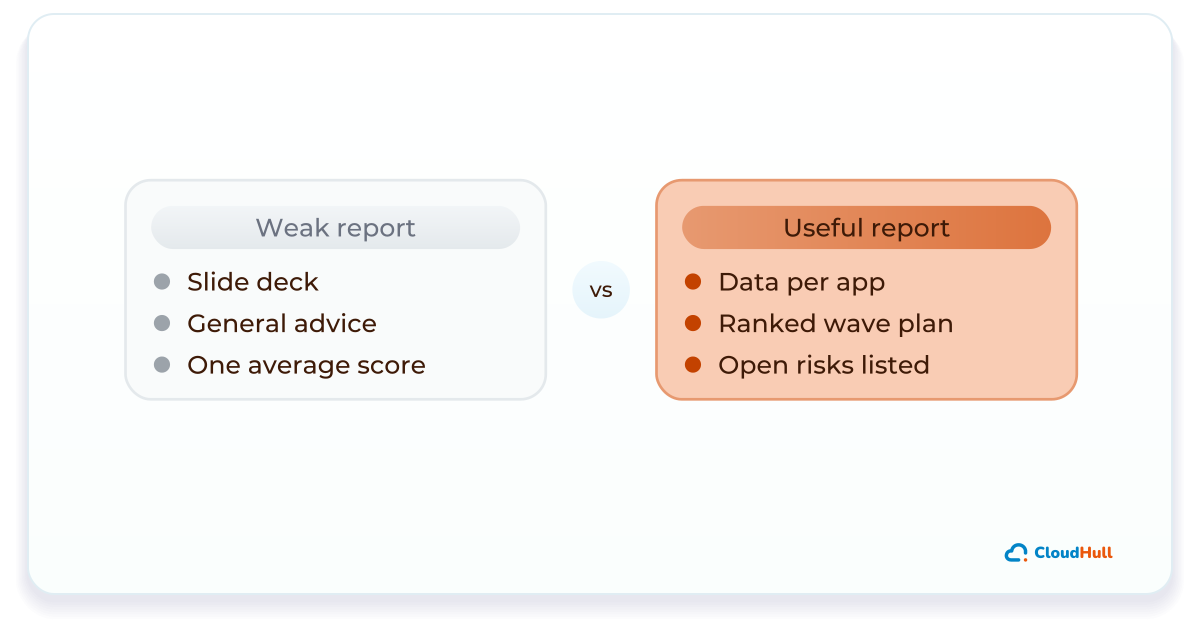
The deliverable should fit into one folder, and every item should be something you can act on:
- An application inventory with owner, disposition and score.
- A wave plan in the order that dependencies allow.
- A risk register with an owner and a date for each item.
- A skills and training plan for the first wave.
- A cost range with stated assumptions and the double-running period.
- A list of quick fixes you can do before migration starts, such as deleting idle resources.
If the report is a long slide deck of general findings, ask for the data behind it. The data is what lets you plan, and it feeds directly into your cloud transformation roadmap.
Mistakes That Weaken an Assessment
Three show up repeatedly. The first is scanning only, with no interviews, which misses the manual processes around each system. The second is a scoring model so detailed that nobody can explain it, and the third is skipping people and cost because they are harder to measure. Most of what goes wrong later in a program traces back to a gap the assessment missed, a pattern I describe in the cloud transformation challenges article. The best practices that follow assume the assessment was done properly.
How to Choose Who Runs It
Your own team knows the systems, and an outside assessor knows the patterns. Both help, and the combination works best: internal staff provide access and context, and an external lead supplies the scoring method and a view of what similar companies faced. Ask any assessor for a sample report with the client name removed.
Interview Questions That Surface the Real Risks
Interviews decide the quality of the assessment, and the questions matter more than the template. I keep the same short list for every application owner and add follow-ups where answers sound vague. Short, repeated questions make answers comparable across the estate.
| Question | What it reveals |
|---|---|
| What breaks if this system stops for an hour, and for a day? | Business impact and recovery targets |
| Which systems call this one, and which does it call? | Dependencies that discovery tools miss |
| Who changes it, and how often? | Release process and skills needed |
| Which data does it hold, and who may see it? | Sensitivity and regulatory scope |
| What would you fix first if you had a month? | Technical debt and migration blockers |
The last question is my favorite. Owners usually answer it immediately, and the answer often contains the single biggest risk for the migration, such as a backup that has never been restored or a license that expires next spring.
Present the Findings So Leaders Act on Them
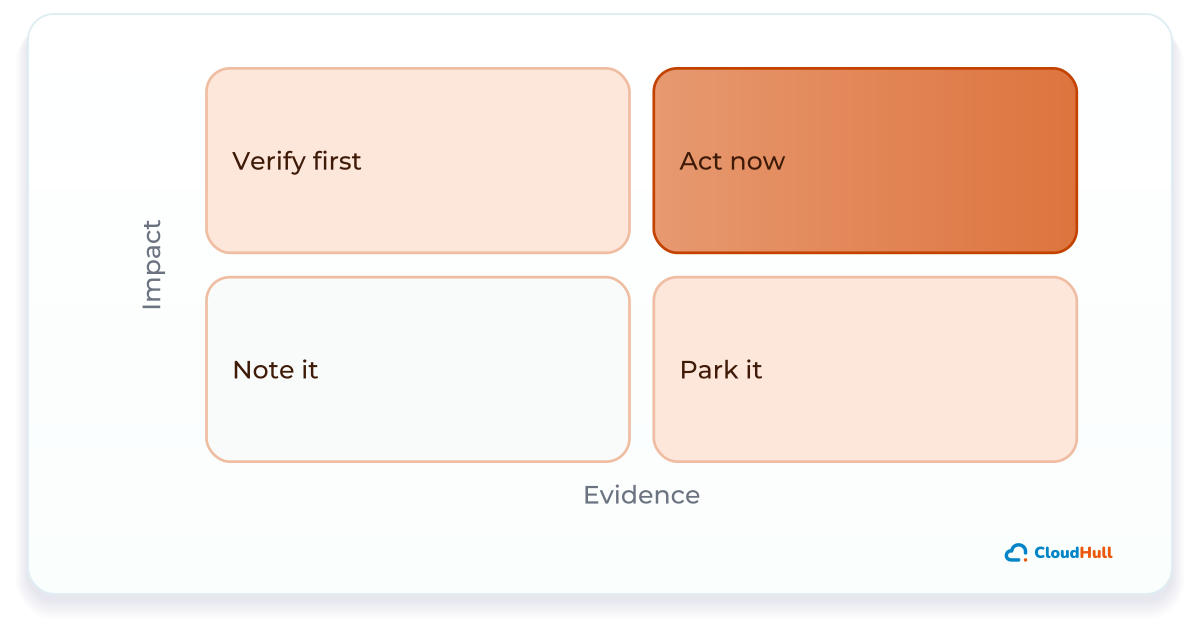
Leaders do not need the full spreadsheet. Give them one page with three parts: the overall readiness picture, the three risks that could stop or delay the program, and the decisions you need from them. Attach the detail for anyone who wants it, and keep the first page free of jargon.
Say plainly what the assessment could not determine. If two applications have no owner or a data set has an unclear legal status, name it and give a date by which it will be resolved. Executives trust a report that admits gaps far more than one that appears to know everything.
After the Assessment: The First 30 Days
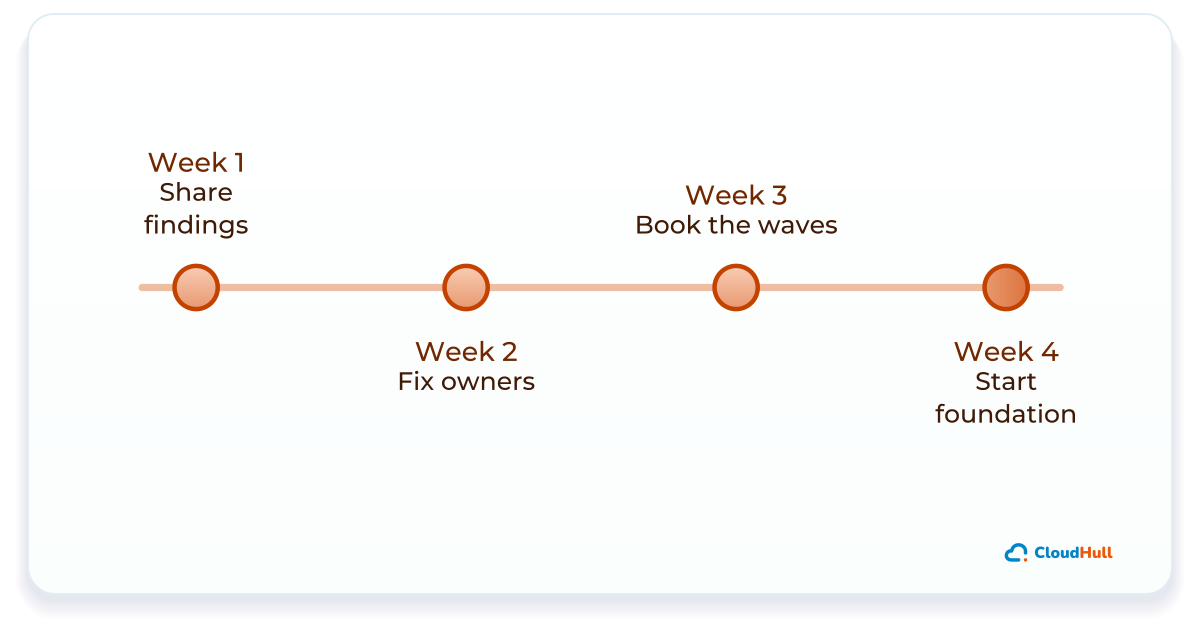
Use the momentum. In the first week, assign owners to every risk in the register and book the pilot applications. In the second, fix the quick wins the assessment found, such as deleting idle resources and closing shared admin accounts. They lower the bill before migration starts, and they show the sponsor that the work already pays.
By the end of the month, the wave plan should be on the calendar with the names of the application owners who have agreed to test. That commitment is worth more than any slide, because owner availability decides whether waves keep their dates.
Keep the scoring sheet alive after the report. Update it as owners fix blockers, and the readiness picture improves in front of everyone, which keeps attention on the work.
If you commissioned the assessment from an outside firm, ask for the scoring sheet in editable form. Owning the data lets your team rerun the ranking when priorities change, and it avoids paying again for the same analysis.
Finally, store the interview notes next to the sheet. Months later, the reason an application scored low is often in a single sentence from the owner, and that sentence saves a long debate.
Questions About Cloud Transformation Assessments
How Long Does a Cloud Transformation Assessment Take?
Four to six weeks for a mid-sized estate. Small companies can finish in two weeks, and large regulated ones take eight or more. Most of the time goes to interviews and to chasing missing owners and documents.
How Much Does a Cloud Transformation Assessment Cost?
Cost depends on the number of applications and the depth of review. It is usually a small fraction of the program budget. Ask for a fixed price tied to a stated scope, and check that people and cost analysis are included.
What Is the Difference Between an Assessment and a Discovery Scan?
A scan lists servers, services and network links automatically. An assessment adds interviews, scoring, risk review, skills analysis and a cost estimate. The scan is an input to the assessment, not a replacement.
Which Tools Help with a Readiness Assessment?
Discovery and dependency tools from the major providers, plus your configuration database and cost reports. They speed up the technical pass. They do not cover ownership, skills or process, so plan interviews as well.
What Does a Readiness Score Tell Me?
It ranks applications by how easy and valuable they are to move. High scores suit early waves, and low scores need a different treatment such as refactoring, replacement or staying put.
Can We Do the Assessment Ourselves?
Yes, if you have the time and someone who has seen a migration before. The risk is blind spots. A short external review of your scoring and findings is a cheaper alternative to outsourcing the whole job.
What Happens After the Assessment?
You turn the wave plan into a dated roadmap, approve the budget and start the foundation phase. The assessment findings also give you a list of quick fixes you can start immediately.
Please note: this guide is general information and not legal, financial or tax advice. Numbers and examples are typical-project estimates; confirm current details with your providers and advisers.
Did this article help you?
Thanks, noted.
Garrett Linville
Garrett leads the Cloud Hull editorial team and works with the consultants to turn real client projects into practical guides on cloud migration, DevOps, security and cost control. Each article is edited together with the consultant who did the work, and every price and limit is checked against current provider documentation. He is based in the USA and works remotely.