Main Points
- Tie each workstream to a business outcome with a number and a date.
- Build the landing zone and a small platform team before the first workload moves.
- Automate infrastructure, deployments and guardrails so rules hold without reminders.
- Move in rehearsed waves, then review cost and performance 60 to 90 days after each.
Most cloud transformation programs do not fail because of technology. They stall because of unclear goals, missing owners and surprises nobody planned for. The eight practices below target those causes, and each one comes from patterns I see repeatedly in cloud transformation consulting projects.
Every practice has a short do and avoid pair so you can use the list as a review. If you only have time for three, start with numbers 1, 2 and 4.
The Eight Practices at a Glance
| Practice | Use it to | Effort |
|---|---|---|
| 1. Outcome-first goals | Keep scope under control | Low |
| 2. Landing zone first | Avoid permission and tagging cleanup | Medium |
| 3. Per-application assessment | Right-size every move | Medium |
| 4. Platform team | Keep product teams fast | High |
| 5. Infrastructure as code | Make environments repeatable | Medium |
| 6. Automatic guardrails | Hold security and cost rules | Medium |
| 7. Small, rehearsed waves | Limit cutover risk | Medium |
| 8. Optimize and train | Capture the savings | Low to medium |
Eight Practices, Each With a Do and an Avoid
1. Tie Every Workstream to a Business Outcome
A program justified by "moving to the cloud" has no finish line. Write the outcome next to each workstream: cut release time from weeks to days, end a data center lease, keep checkout up during a peak. The cloud transformation strategy gives you the ranking, and the outcome keeps teams honest when scope pressure builds.
Report progress in outcomes as well as workloads moved. Boards stop asking about servers once they see deploy frequency and cost per product.
| Do this | Avoid this |
|---|---|
| Pick two or three outcomes with a number and a date. | Count migrated servers as the main success measure. |
2. Build the Landing Zone Before the First Workload
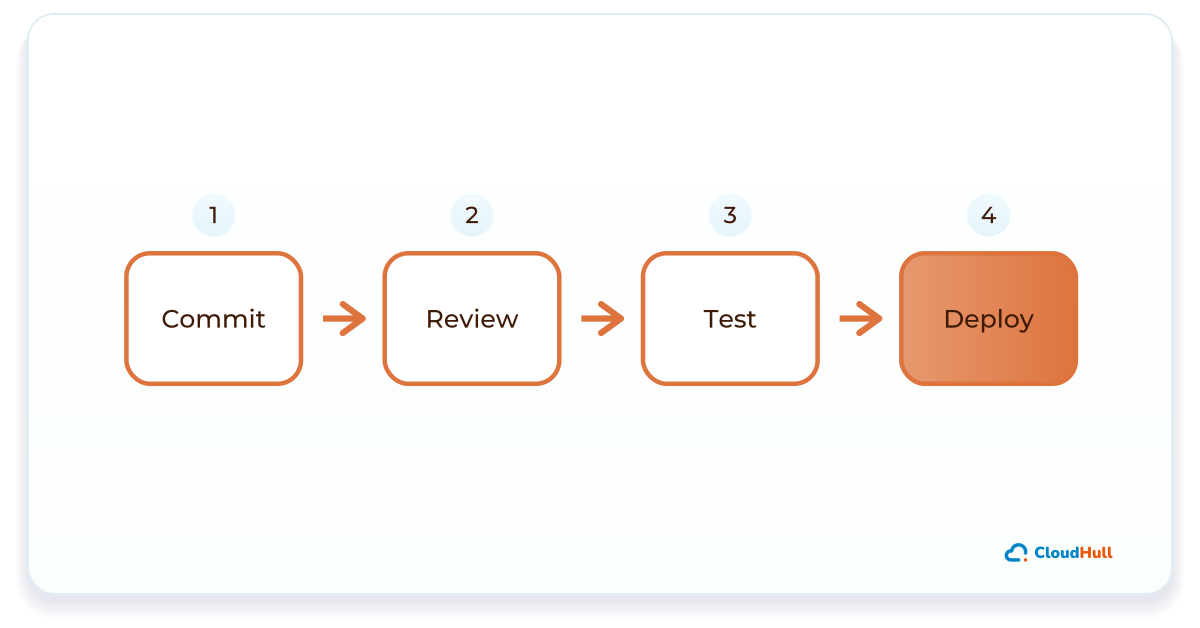
Accounts, identity, networking, logging and budgets should exist before anything runs there. In my client work, the programs that skipped this spent the third quarter untangling permissions and untagged resources. The landing zone architecture approach also gives your security team something to review once, instead of a new design per team.
Keep version one small and put it in code, so changes get reviewed like any other change.
| Do this | Avoid this |
|---|---|
| Use one reviewed template with policies that apply by default. | Let each squad create accounts and networks its own way. |
3. Assess Applications Individually, Not by Department
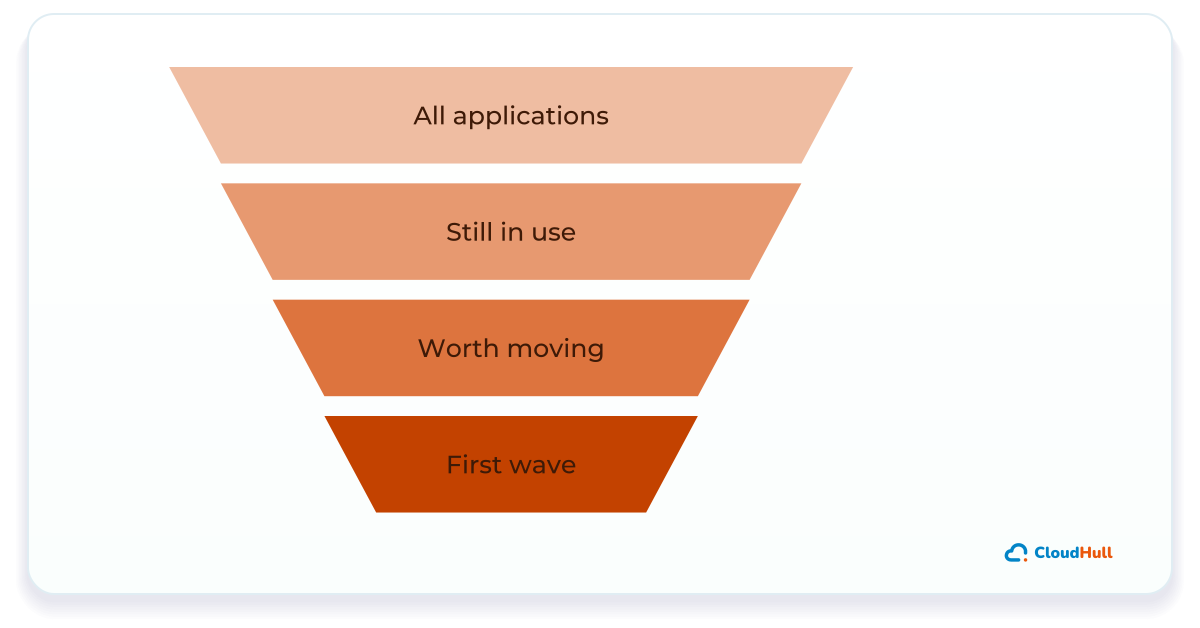
Applications in the same department can need completely different treatment: one is a stand-alone tool, another sits on a ten-year-old database with licensing tied to hardware. Score each on fit, value, risk and dependencies, as described in the cloud transformation assessment guide, and plan waves from the scores.
Retire what nobody uses before you pay to move it. The savings from this single habit often pay for the pilot.
| Do this | Avoid this |
|---|---|
| Group by dependency and sequence by score. | Move whole departments as one block because it looks tidy on the chart. |
4. Give the Cloud a Platform Team and a Clear Owner
A small team that owns the shared foundation, pipelines and cost reporting keeps product teams fast. Without it, every team solves the same problems and nobody answers when a shared service fails at 2 a.m. Three to six people usually cover a mid-sized company.
Treat the platform as a product with internal customers. Collect feedback, publish a roadmap and measure how long a new service takes to reach production.
| Do this | Avoid this |
|---|---|
| Offer self-service templates and review exceptions only. | Create the team as a ticket queue that every request waits in. |
5. Automate Infrastructure and Deployments From Day One
Infrastructure as code and automated pipelines make environments repeatable, reviewable and quick to rebuild. They also make audits much easier, since the code shows what is running. Start with the landing zone and the pipeline for the pilot, and require every later workload to use them.
Manual changes in the console are acceptable during exploration. They should never reach production without being captured in code.
| Do this | Avoid this |
|---|---|
| Review every infrastructure change as a pull request. | Click-build production and write the documentation later. |
6. Make Security and Cost Rules Automatic
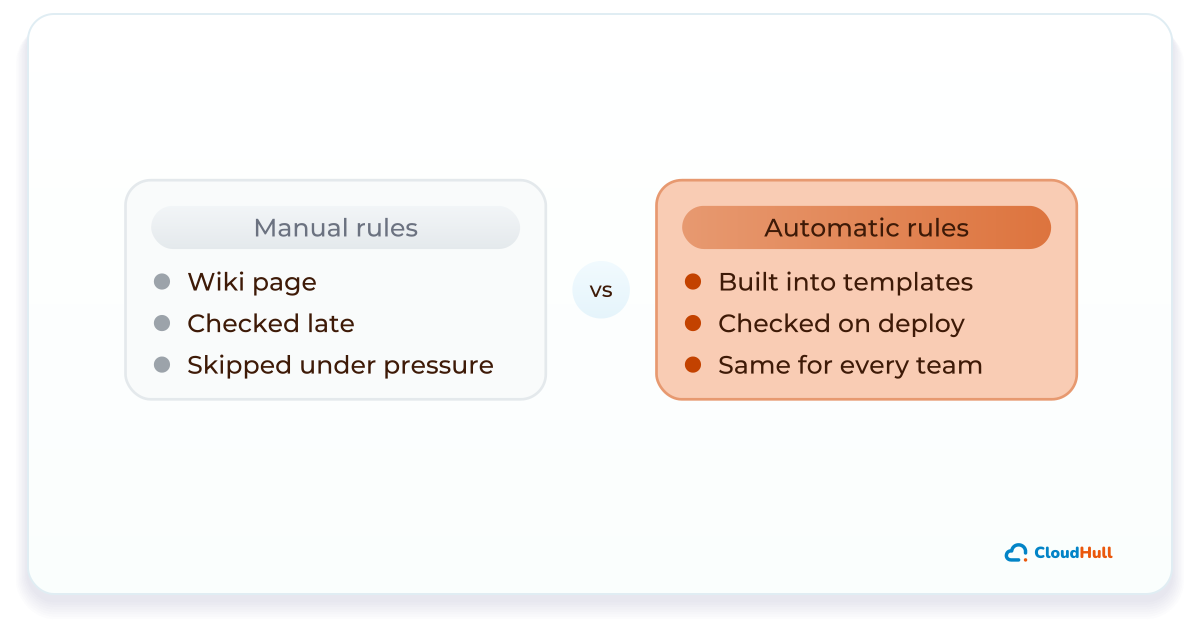
Rules that depend on someone remembering them fail by month three. Enforce tags, encryption and approved regions with policy, and set budget alerts per account that go to a named person. The Well-Architected frameworks from AWS and Google Cloud both treat security and cost as design pillars, and I agree that they belong in the design, not in a later review.
Make the safe path the easy path. Developers follow the template that works instead of fighting a review board.
| Do this | Avoid this |
|---|---|
| Block non-compliant resources at creation and alert on drift. | Rely on quarterly audits to catch drift. |
7. Move in Small, Rehearsed Waves
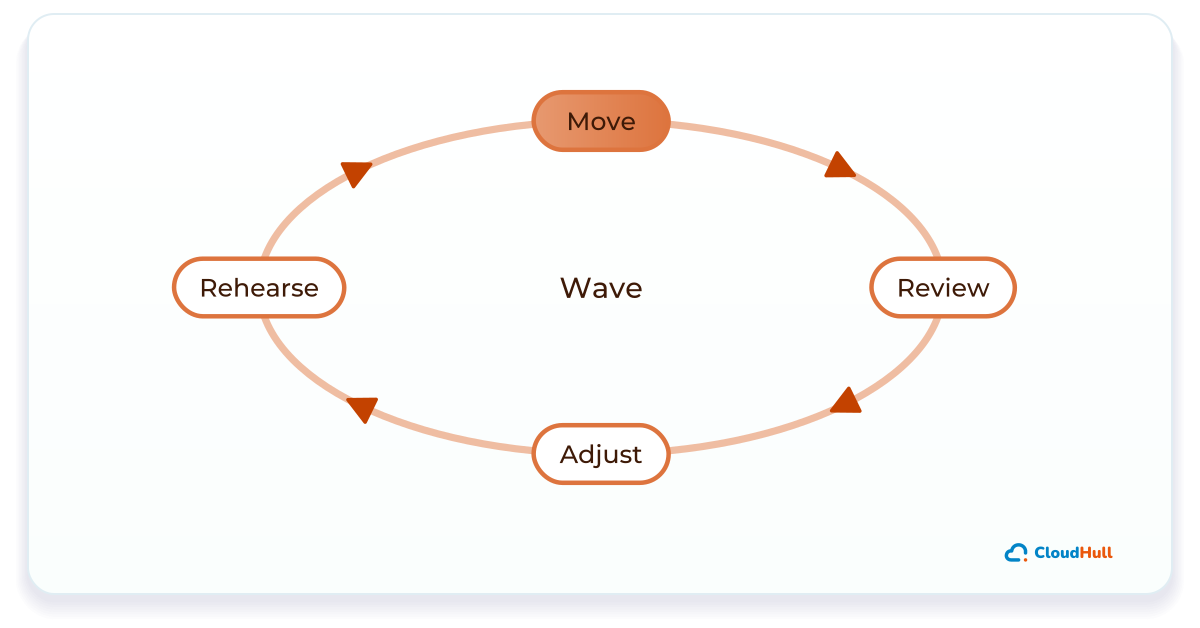
Waves of 10 to 25 workloads, each with a rehearsal in a copy of production, keep surprises small. Keep the old environment read-only for 30 days after cutover, so a rollback stays possible. Plan the schedule from the roadmap, and keep wave sizes steady.
Hold a short retrospective after every wave and feed the lessons into the next one. By wave three the cutovers should feel routine.
| Do this | Avoid this |
|---|---|
| Rehearse, move, watch, then retire the old system. | Run a single large cutover over a holiday weekend. |
8. Optimize and Train as You Go
Moving a workload is the start of its cloud life. Review each wave 60 to 90 days later: rightsize, buy commitments for steady usage and delete leftovers. Train engineers in the first wave and pair them with experienced practitioners. Skills gaps are one of the challenges that stall programs.
Share the monthly cost report with engineering. People change what they can see.
| Do this | Avoid this |
|---|---|
| Schedule a cost and performance review for every wave. | Declare victory at cutover and move the team to the next wave. |
Picking Your First Step
You do not need all eight at once. Look at where your program hurts most and begin there. If goals are fuzzy, start with practice 1. If teams argue about access and accounts, start with 2 and 4. If cloud costs surprise you every month, start with 6 and 8.
- Pick three practices and give each an owner and a date.
- Review progress in the monthly program meeting.
- Add the next practice once the first three are routine.
A free review of your current program usually shows which three to start with.
A 90-Day Plan for Putting the Practices to Work
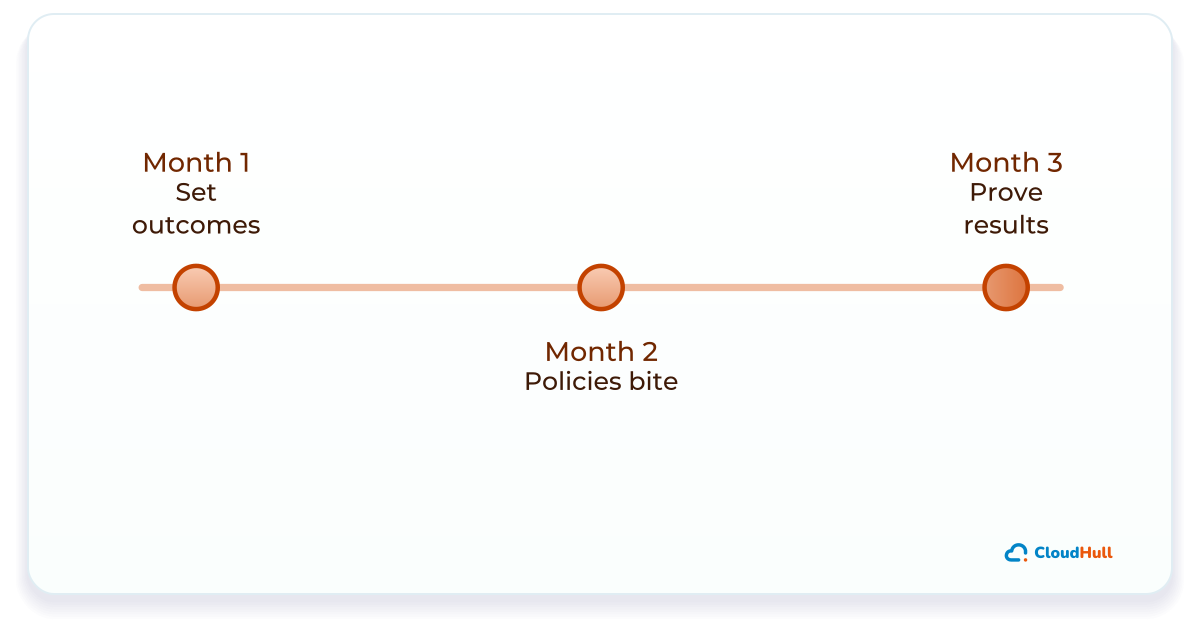
Teams often agree with the list and then stall on where to begin. This sequence fits a company that has picked a provider and has not moved much yet. It front-loads the cheap, high-impact habits and leaves the harder organizational ones until you have momentum.
| Days | Focus | Practices | Output |
|---|---|---|---|
| 1 to 30 | Goals and foundation | 1, 2, 3 | Outcome statement, landing zone design, application scores |
| 31 to 60 | Team and automation | 4, 5, 6 | Platform team named, pipeline live, policies in audit mode |
| 61 to 90 | First wave and review | 7, 8 | Pilot workloads running, first cost and performance review |
Expect friction in the second month, when policies start to bite and teams discover that their old habits need to change. Keep the platform team close to the product teams during that period, and fix noisy rules fast. A rule that triggers false alarms teaches people to ignore alarms.
By day 90 you should be able to answer four questions without a meeting: what you are moving first, who owns the foundation, how much the first wave costs per month and what you will do differently in wave two. If you cannot, extend the plan instead of pushing on.
Signs a Practice Is Working
Each practice should leave a trace you can check. The table lists one signal per practice, so you can tell the difference between doing it and talking about it.
| Practice | A signal you can check |
|---|---|
| Outcome-first goals | Every status report opens with the outcome numbers |
| Landing zone first | New accounts appear from a template, never by hand |
| Per-application assessment | Each application has a score and a disposition |
| Platform team | A new service reaches production through self-service |
| Infrastructure as code | No production change exists outside version control |
| Automatic guardrails | Non-compliant resources are blocked at creation |
| Small, rehearsed waves | Each cutover has a written rehearsal result |
| Optimize and train | Each wave has a dated cost review and a trained owner |
Check the table every quarter. A practice that has no signal after a quarter is not in place, whatever the status report says.
Adapting the Practices to Your Size
A company with twenty applications and a team of eight engineers cannot staff a platform team of five. Scale the practice down without dropping it: one or two engineers own the foundation part time, and the template still comes from one place. A company with several hundred applications needs the opposite, a dedicated team plus regional representatives who keep the standards close to the product teams.
Regulated companies add evidence to every practice. Guardrails produce logs, assessments produce signed scores and waves produce rehearsal records. Plan for that from the start, since collecting evidence afterward is slow and error-prone.
When the Practices Backfire
Good practices turn bad when applied mechanically. A landing zone with forty mandatory policies slows every team, and a platform team that says no by default becomes a bottleneck. An assessment with a 200-question survey exhausts application owners before it produces anything useful.
The test I use is simple: does the practice remove work from product teams, or add it? Keep the ones that remove work, and trim the ones that add it until they pay their way. Ask the product teams every quarter, and publish what you changed because of their answers.
Write down which practices you have decided to skip and why. A skipped practice with a stated reason is a decision, and one that nobody noticed is a risk. Review that list at the end of each wave, since a reason that held for the pilot may not hold for wave four.
Last, remember that the list is a starting point. Your own program will add habits that fit your teams, and the best ones come from retrospectives after each wave.
Questions About Cloud Transformation Best Practices
What Is the Most Important Cloud Transformation Best Practice?
Tying work to a business outcome. A clear outcome with a number and a date keeps scope, budget and priorities under control. Every other practice supports it.
How Many People Should a Cloud Platform Team Have?
Three to six people cover most mid-sized companies, with skills in identity, networking, automation and cost reporting. Larger organizations add people as the number of product teams grows.
Should We Use Infrastructure as Code from the Start?
Yes. It makes environments repeatable and auditable, and it lowers the risk of manual errors. Start with the landing zone and the first pipeline, and require all later workloads to follow the same approach.
How Big Should Migration Waves Be?
Pilot with two to five workloads, then run waves of 10 to 25. Keep sizes steady and rehearse each cutover in a copy of production.
How Do We Keep Cloud Costs Under Control?
Enforce tags, set budgets per account, review spend per product monthly and buy commitments for steady workloads after the first review. Share the cost report with engineers, not just finance.
When Should We Train Our Team?
Before the first wave. Pair your engineers with experienced practitioners on the first two or three workloads, then continue with short workshops each quarter.
Which Framework Should We Follow?
The major providers publish adoption and well-architected frameworks. Use the one from your primary provider as a checklist, and adapt it to your size. Copying every step of a large framework usually adds more process than you need.
Please note: this guide is general information and not legal, financial or tax advice. Numbers and examples are typical-project estimates; confirm current details with your providers and advisers.
Did this article help you?
Thanks, noted.
Garrett Linville
Garrett leads the Cloud Hull editorial team and works with the consultants to turn real client projects into practical guides on cloud migration, DevOps, security and cost control. Each article is edited together with the consultant who did the work, and every price and limit is checked against current provider documentation. He is based in the USA and works remotely.