Main Points
- Mark an item done only when you hold evidence for it.
- Identity, data recovery and reliability gaps should be fixed first.
- Run the checklist at design end, before launches and once a year.
- Pair the builder and the on-call engineer when you fill it in.
A checklist cannot design your architecture, but it stops you from shipping one with an obvious hole. I use the list below at the end of design reviews in cloud architecture consulting work, and again before every major launch. It has 11 points, each with the checks I want to see evidence for.
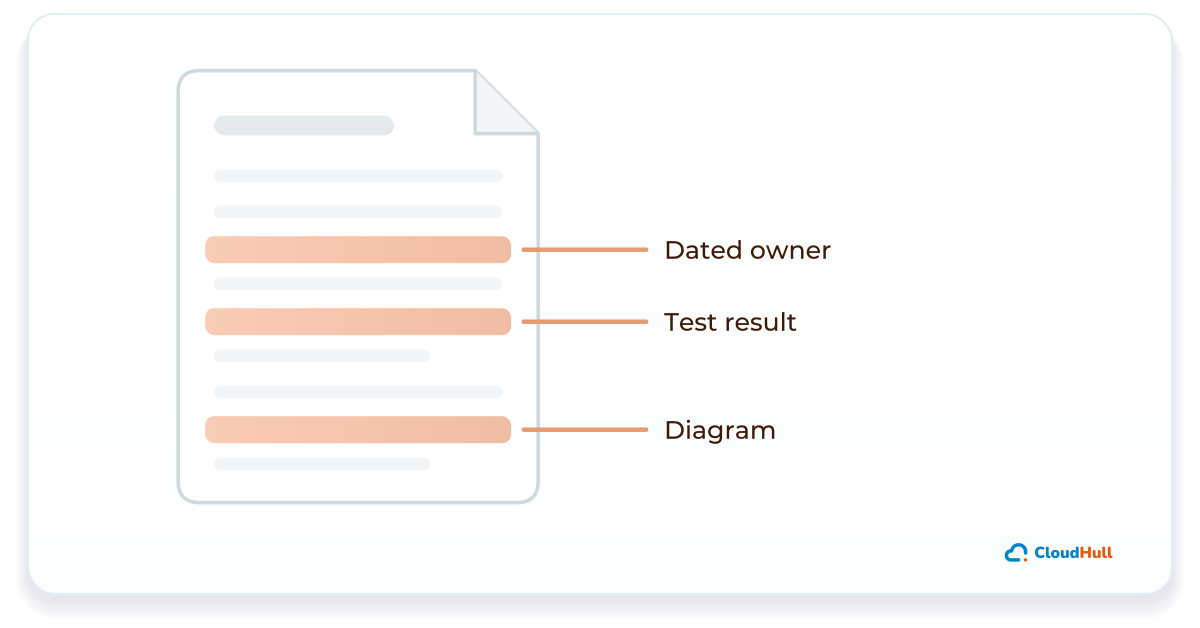
Go through it with the person who built the system and the person who will be paged for it. If an item is "probably fine", mark it open. Evidence means a screenshot, a test result or a policy file.
The 11 Points at a Glance
| Point | Proof you should have in hand |
|---|---|
| 1. Goals and limits | One-page goals, budget and deadline |
| 2. Inventory | Workload list with owners and dependencies |
| 3. Accounts | Account diagram and guardrail policies |
| 4. Identity | Role list and access review date |
| 5. Network | Network diagram and firewall rules |
| 6. Data | Backup test result and encryption settings |
| 7. Reliability | Failure test notes and recovery targets |
| 8. Observability | Dashboards and tested alerts |
| 9. Security | Log retention and findings report |
| 10. Cost | Tag report and budget alerts |
| 11. Delivery | Pipeline, code repository and runbooks |
1. Goals and Limits Are Written Down
Many architecture problems start with goals that live only in someone's head. A design built for five nines is a waste when the business needs three, and the reverse is worse. Write the targets in numbers: recovery time, recovery point, monthly budget and launch date.
- Recovery time and recovery point targets are stated
- A budget range exists and has an owner
- Compliance needs, such as PCI DSS or SOC 2, are listed
- Top two goals are ranked
2. The Workload Inventory Is Complete
Missing systems break migrations and reviews. During one retail review we found a monthly pricing job that ran on an old server under someone's desk. The inventory should include batch jobs, scheduled tasks and every integration, not just the main applications.
- Every application and database has a named owner
- Dependencies in both directions are mapped
- Data sensitivity is labeled per system
- Current monthly cost is known per workload
3. Accounts and Environments Are Separated
Production should never share an account with experiments. Separate accounts limit the damage from mistakes and make bills readable. Check that the guardrails exist as policy and are not just a wiki page.
- Production is in its own account or subscription
- Organization-level policies block public storage and unsafe regions
- Logs go to a separate locked account
- A new account follows a standard baseline
The reasoning behind these points sits in my list of cloud architecture best practices, if you want the do and avoid view.
4. Identity and Access Follow Least Privilege
Access is where I find the largest gap in most reviews. Wildcard roles and long-lived keys stay in place because removing them is nobody's task. Check the human and machine identities, not only the admins.
- Single sign-on and multi-factor are enforced for people
- Roles grant only the actions each job needs
- No long-lived access keys sit in code or laptops
- Access is reviewed at least twice a year
5. The Network Layout Limits the Blast Radius
Flat networks let one compromised service reach everything. Segment by tier and sensitivity, and make internet exposure a deliberate choice. Pay attention to the paths into the cloud from your offices or data centers.
- Databases sit in private subnets with no public address
- Only the load balancer or gateway faces the internet
- Firewall and security group rules have owners
- Traffic between environments is blocked by default
6. Data Is Stored, Protected and Recoverable
Backups that were never restored are hopes. Test one restore and write down how long it took. Check encryption and where copies of sensitive data end up, including logs and exports.
- Data is encrypted at rest and in transit
- Backups run on a schedule and one restore has been tested
- Retention and deletion rules match legal needs
- Sensitive fields are masked in non-production copies
Examples of storage and recovery designs appear in the cloud architecture examples collection.
7. Reliability and Failover Are Tested
A diagram with two zones is not proof. Check that the system keeps running after a single instance or zone loss, and that someone has actually tried it. Look for single points such as one NAT gateway or one queue consumer.
- Every tier runs in at least two zones
- Health checks and automatic replacement are on
- A failure test happened in the last six months
- Failover steps are written and the team has practiced them
8. Observability and Alerting Work
If you learn about an outage from a customer, observability failed. Alerts should point at symptoms that matter, and every alert needs an owner who responds. Check that the alert pages the right person at night.
- Metrics, logs and traces reach one place
- Alerts exist for error rate, latency and saturation
- Each alert has an owner and a runbook link
- On-call rotation is defined and tested
9. Security Controls and Logging Are in Place
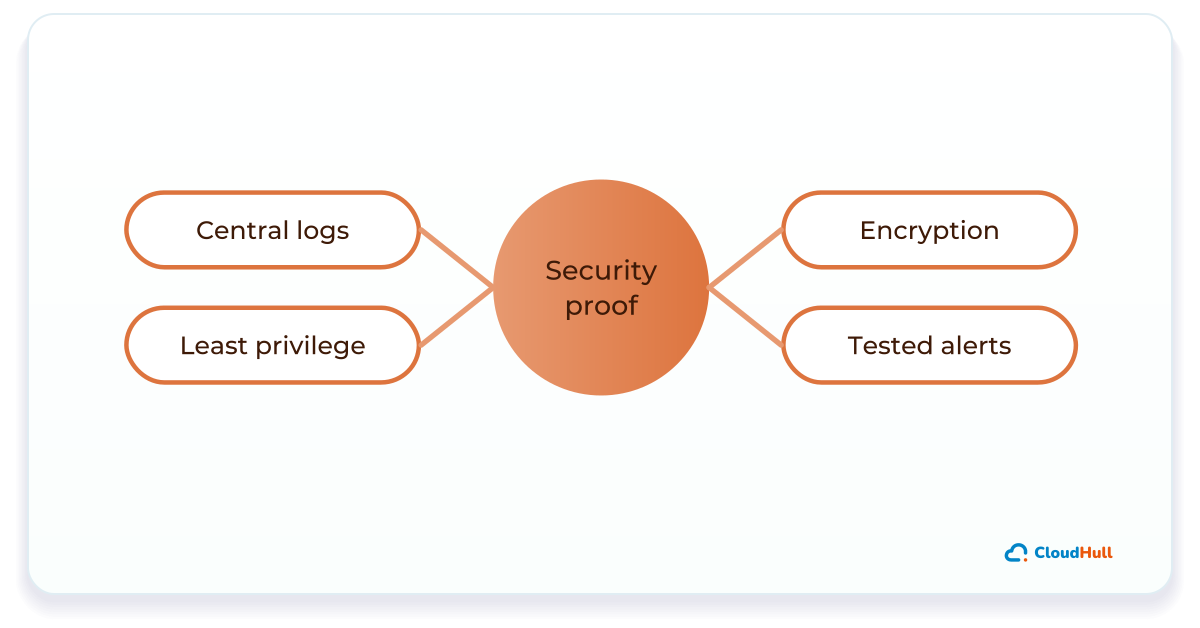
Check that administrative actions are logged, logs are kept long enough and someone looks at them. Add vulnerability scanning for images and dependencies, and a clear path to patch quickly.
- Audit logs are on for every account and region
- Log retention meets your compliance needs
- Container images and dependencies are scanned
- A process exists to patch critical findings fast
For the controls in this area, my notes on a cloud architecture assessment show how to rank the gaps you find.
10. Cost Tags, Budgets and Sizing Are Set
A bill that nobody can explain grows quietly. Enforce tags in the pipeline, set budgets with alerts and look at utilization at least once a quarter.
- Every resource carries owner, environment and purpose tags
- Budgets and alerts exist per team or product
- Idle and oversized resources were reviewed this quarter
- Commitments such as savings plans match steady usage
11. Delivery, Code and Runbooks Are Ready
The architecture has to be repeatable and operable by people other than its author. Check that infrastructure lives in code, the pipeline deploys it and runbooks cover the failures you named earlier.
- Infrastructure is defined in version-controlled code
- Changes pass review and an automated plan
- Runbooks exist for the top five incidents
- Rollback has been tested for the last release
Phases for rolling out the fixes you find are laid out in the cloud architecture framework.
How to Gather Evidence Without Slowing Everyone Down
Evidence collection is where checklists die. Teams treat it as paperwork and stop after three items. Make it light: one shared document, one link or screenshot per item and a date. Anyone can then see how fresh the proof is.
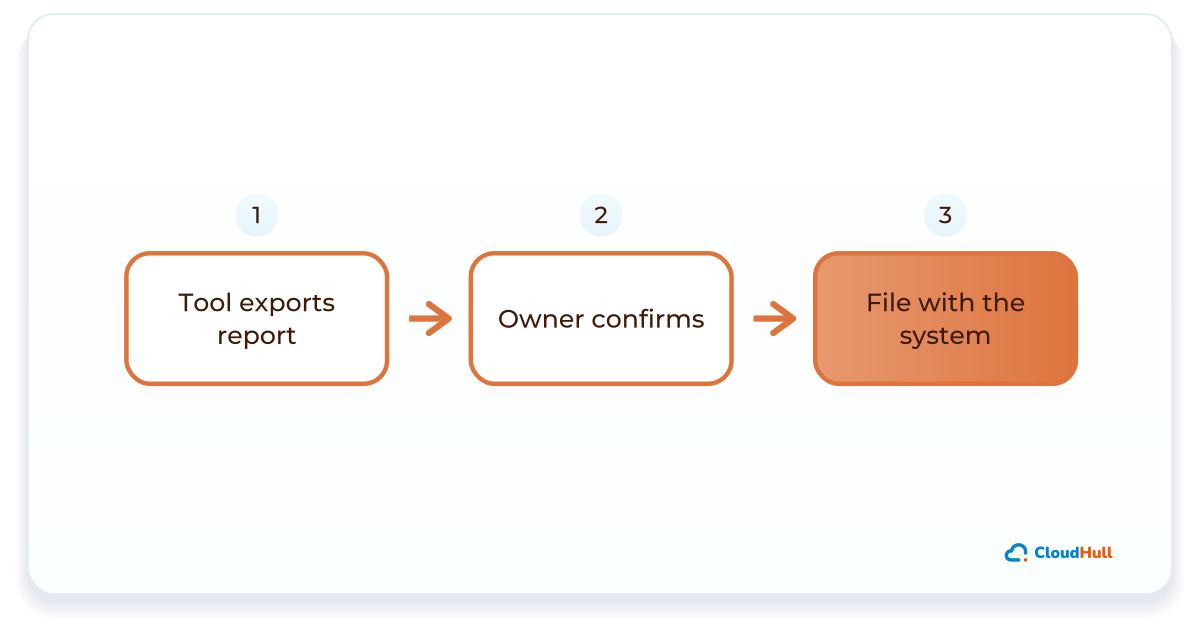
Where you can, let tools produce the proof. A policy report shows tag coverage, a scanner shows public exposure and the pipeline history shows who approved which change. Manual evidence should be limited to things a tool cannot see, such as the date of your last failure test or the name of the person on call.
What the Checklist Finds in Fintech and Ecommerce
The same eleven points show different gaps depending on the business. Across the reviews I run, patterns repeat enough to be useful as a warm-up before you start.
| Area | Typical fintech finding | Typical ecommerce finding |
|---|---|---|
| Identity | Broad admin roles shared between engineers | Long-lived keys in deployment scripts |
| Data | Cardholder data copied into test databases | Customer exports left in open storage |
| Reliability | Single-region payment API | Database connection limits hit at peak |
| Network | Flat network between services and data stores | Admin ports reachable from the internet |
| Cost | Idle analytics clusters running overnight | Oversized instances kept after the season |
| Delivery | Manual hotfixes in the console | No rollback plan for a Friday release |
If your findings look like these, you are in good company, and every one of them is fixable within a quarter. The ones that worry me are the findings nobody can explain, such as a resource with no owner and no tag. Unknown resources are where both cost and risk hide.
Most teams find the first run uncomfortable because the list exposes gaps that everyone half knew about. The discomfort is the value. A gap that is written down, with an owner and a date, is a task. A gap that stays unwritten is a risk that only shows up during an outage, an audit or a customer escalation.
A Lighter Version for Small Teams
A team of five does not need eleven sections of evidence for an internal tool. Cut the list down to the checks that protect you from the expensive failures: separate production from everything else, require single sign-on and multi-factor, prove one restore, set a budget alert and keep infrastructure in code. Those five take a day or two and remove most of the risk I find in small setups.
Add the other points as the system grows. When a second team starts to deploy, add accounts and network checks. When customers ask for security proof, add logging and access reviews. The list should grow with the stakes.
Keep the evidence in a place the whole team can open, and note who reviewed each item and when. A checklist held by one person goes stale the day they change roles, while a shared one survives staff changes and gives new engineers a quick tour of how the system is meant to work.
When a Failed Point Should Stop a Launch
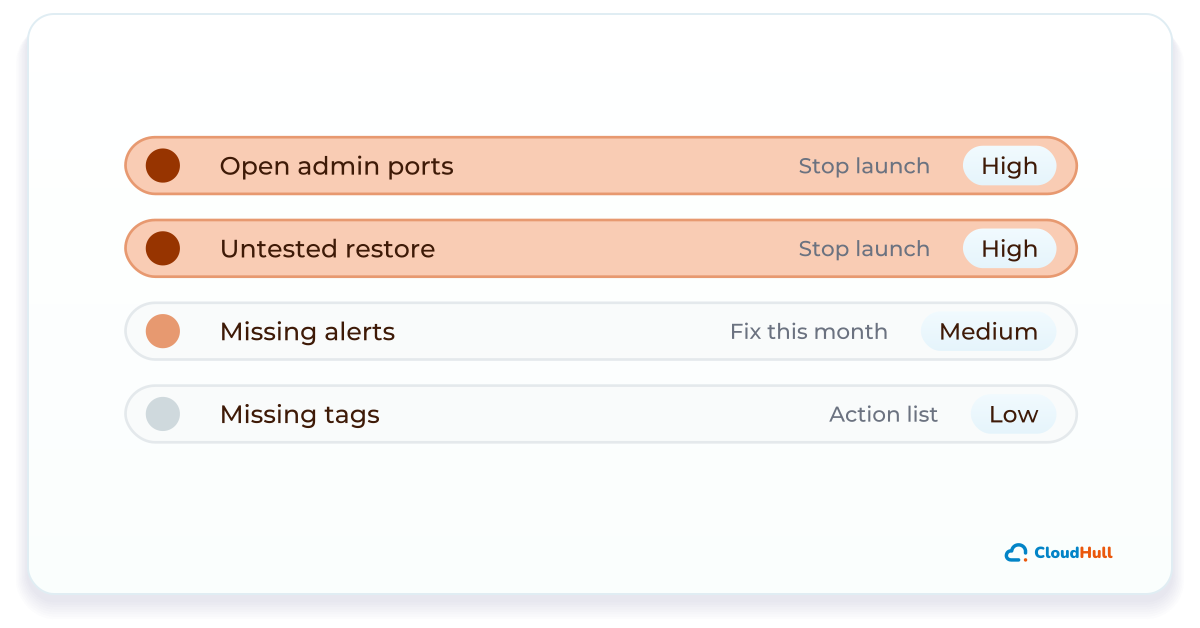
Not every open item blocks a release. Some do. A production database without a tested backup, an administrator role shared by the whole team or a public storage bucket holding customer data should stop a launch until fixed. Agree on this stop list before the review, so nobody has to argue it under deadline pressure.
Everything else goes onto a dated action list with an owner. Open items without a date are the ones that are still open a year later, so set the date in the meeting and not afterward.
How to Score the Checklist and Decide What Is Next
Give each point a status: done with evidence, partly done or open. Weigh the open items by what they put at risk. Identity, data recovery and reliability gaps come first, because they hurt customers. Cost and documentation gaps matter, but they rarely cause an outage tonight.
Then pick the five items that carry the most risk and give each an owner and a date. Tools help you keep the list live, and my overview of cloud architecture tools covers options for diagrams, reviews and drift checks.
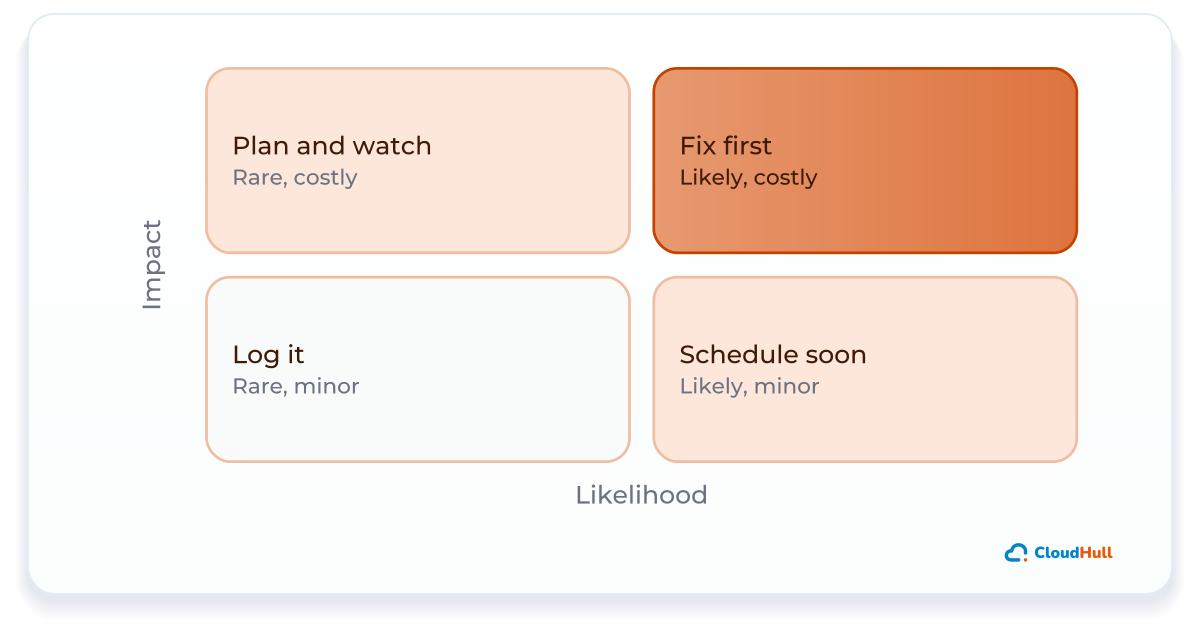
A simple scoring method works well. Count a done item as one point, a partly done item as half and an open item as zero. Eleven out of eleven is rare on a first pass, and nobody should worry about a score of six or seven. What matters is the trend between reviews, and whether the open items sit in the high-risk areas.
Keep the scored list with the system. When a new engineer joins, or when an auditor or a customer asks for proof of your controls, the checklist and its evidence become the answer. Teams that keep it current tell me that security questionnaires get faster too, because the answers already exist in one place.
Finally, repeat the exercise on a schedule. A yearly full pass and a short pass before each large launch is enough for most teams. Add the date of the last pass to the top of the document so everyone can see how stale it is.
Please note: this guide is general information and not legal, financial or tax advice. Numbers and examples are typical-project estimates; confirm current details with your providers and advisers.
Did this article help you?
Thanks, noted.
Garrett Linville
Garrett leads the Cloud Hull editorial team and works with the consultants to turn real client projects into practical guides on cloud migration, DevOps, security and cost control. Each article is edited together with the consultant who did the work, and every price and limit is checked against current provider documentation. He is based in the USA and works remotely.