Main Points
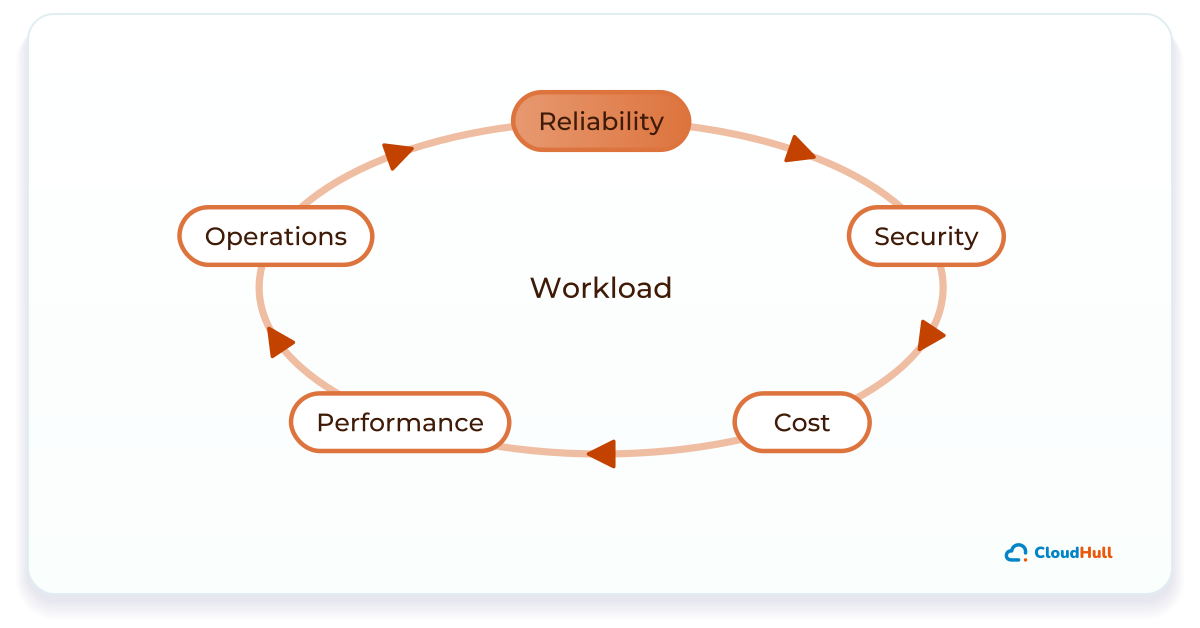
- Review one important workload at a time against five pillars: security, reliability, performance, cost and operations.
- Start with the last three incidents, then trace a request from user to database.
- Rate each finding by risk and effort, and give it an owner and a due date.
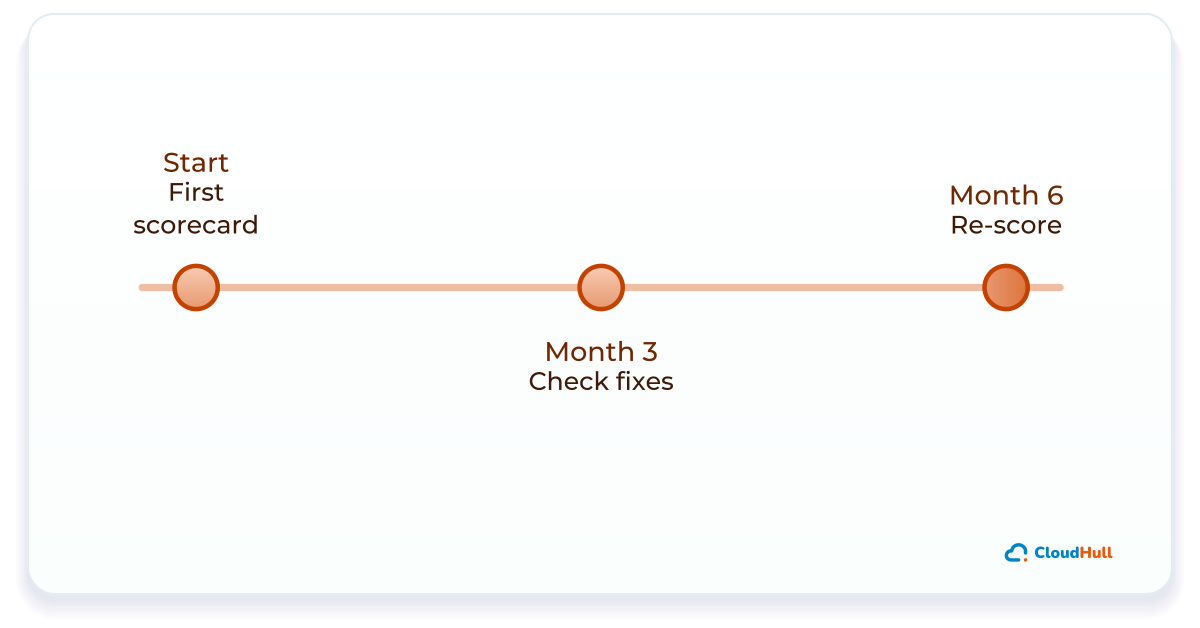
- Repeat the review every six months or after a major change.
A cloud architecture assessment is a structured review of how a workload is built, measured against a set of design principles. It answers three questions: what could fail, what is costing more than it should and what stops you from changing the system quickly. The output is a ranked list of findings with an owner and an effort estimate for each.
I run these reviews as part of cloud architecture consulting work, usually on one important workload at a time. The method here will work for your own team, and it shows what to expect if you hire someone to do it. For the wider program view, see the cloud transformation assessment, which covers the whole estate instead of one design.
What an Architecture Assessment Looks At
The major providers all publish a review framework. The AWS Well-Architected Framework uses six pillars: operational excellence, security, reliability, performance efficiency, cost optimization and sustainability. The Google Cloud Architecture Framework groups its guidance into similar pillars. I use the same structure on every provider, because the questions are the same even when the services have different names.
| Pillar | Core question | Typical finding |
|---|---|---|
| Security | Who can reach what, and can you prove it? | Broad admin roles and unencrypted storage |
| Reliability | What happens when a component or zone fails? | One database instance in one zone |
| Performance | Does the design hold at peak load? | No caching in front of a hot database |
| Cost | Do you know what each product costs? | Oversized instances and no tags |
| Operations | Can you see, change and recover the system? | Manual deployments and no runbooks |
I treat sustainability as a lower priority for most clients, and I mention it where it overlaps with cost, such as turning off idle resources. Your own priorities may differ, especially if you report on emissions.
Prepare Before the Review Starts
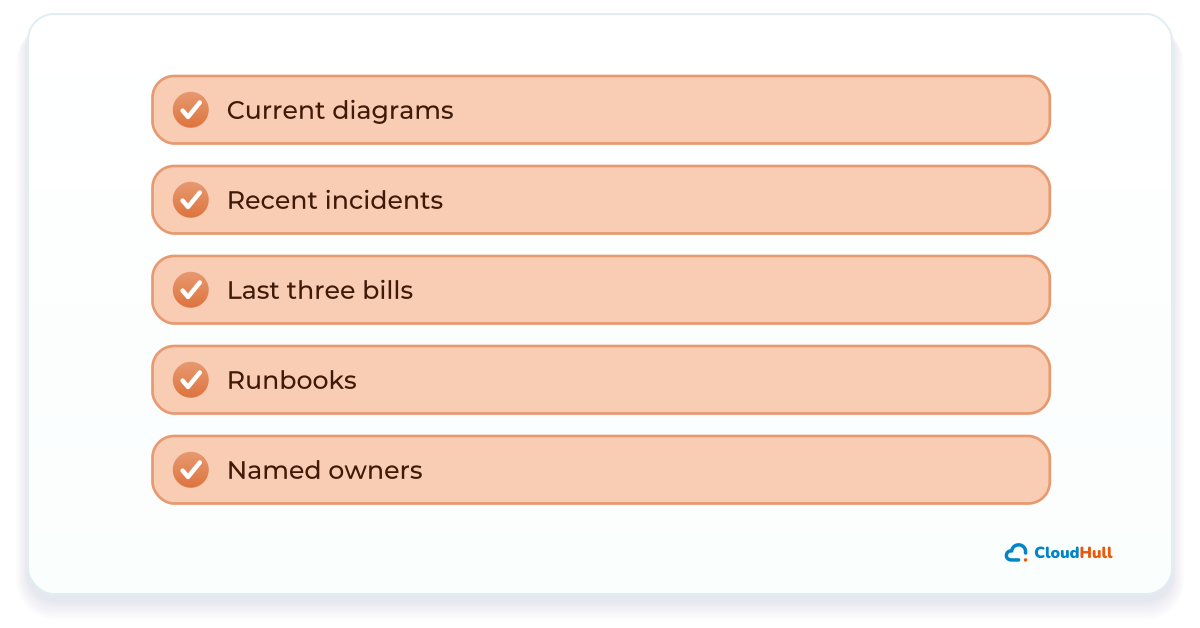
Pick one workload with real business weight, such as checkout or the customer portal. Reviewing everything at once produces a shallow list. Gather the current diagram, last month's cost report, incident history for the past year and access to a read-only role in the account.
Invite the people who built and run the system. A review without them turns into a theoretical exercise, and they know where the bodies are buried. Tell them it is a review of the design, not of their work, and mean it.
Six Passes Through the Design
Pass 1: Trace the Request Path
Follow one real request from the user to the database and back. Note every hop, every network boundary and every service in the way. This single exercise often reveals components that appear on no diagram, such as a legacy proxy or a forgotten queue.
Pass 2: Test Failure, On Paper First
For each component, ask what happens if it fails or becomes slow. Mark single points of failure and check whether backups exist and have been restored. A backup nobody has tested is a hope. The recovery time and data-loss targets should come from the business, not from what the current design happens to deliver.
Pass 3: Review Identity and Network Boundaries
List who and what has access, and compare it with who and what needs it. Look for shared accounts, long-lived keys, public endpoints and flat networks. Encryption in transit and at rest should be the default.
Pass 4: Check Capacity and Performance
Compare current load with limits and with your expected peak. Look for caches, queue buffers and autoscaling policies. Run a load test if none exists. A design that works at ten times quiet traffic and breaks at twice the peak is a common finding in ecommerce.
Pass 5: Follow the Money
Break the bill down by product, environment and service. Look for idle resources, oversized instances, data transfer charges and missing commitments. Check that tagging allows each cost to be assigned. Cost is a design property, which is why it belongs in the review.
Pass 6: Judge How You Operate It
Look at deployments, monitoring, alerts and on-call. Check whether infrastructure is defined in code, whether changes are reviewed and whether the team can restore service without the one engineer who built it. Many reliability findings turn out to be operations findings.
Turn Findings Into a Register You Can Act On
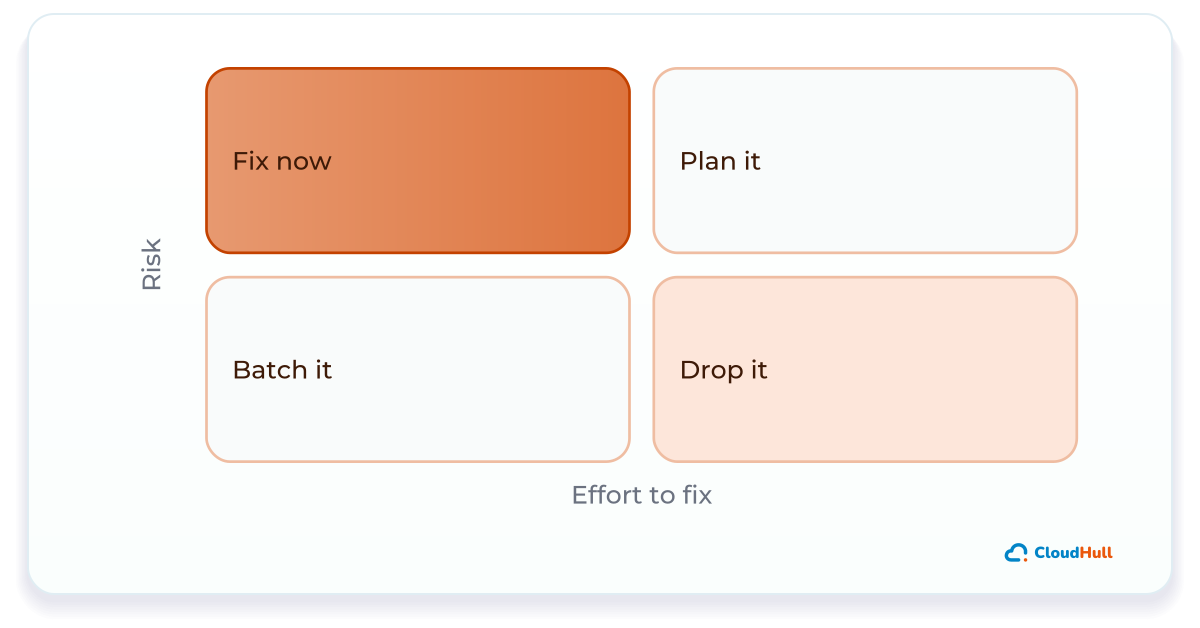
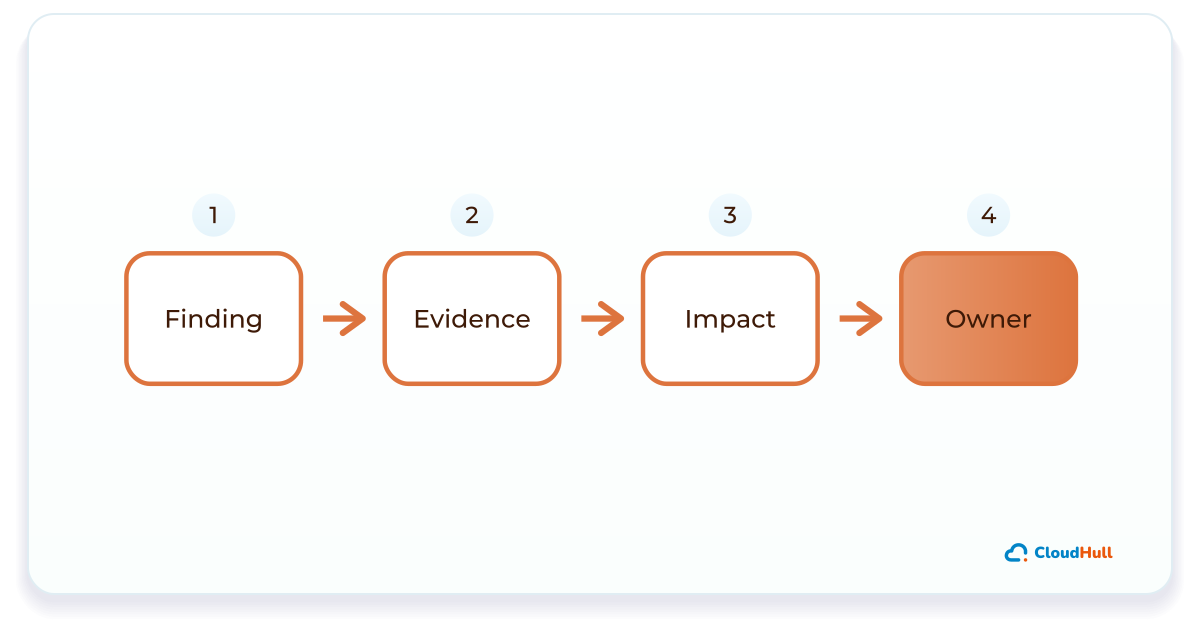
A long list of observations helps nobody. Rate each finding by risk and effort, assign an owner and add a due date. This is a trimmed sample from a review of an online retailer's checkout, with the details changed.
| Finding | Risk | Effort | First action |
|---|---|---|---|
| Single database instance in one zone | High | Medium | Enable a standby replica in a second zone |
| Admin role shared by seven engineers | High | Low | Move to named roles with single sign-on |
| No cache in front of product catalog | Medium | Medium | Add a managed cache for read-heavy queries |
| Production resources untagged | Medium | Low | Enforce owner and product tags by policy |
| Manual deployment of two services | Medium | Medium | Move to the shared pipeline |
Start with high risk and low effort. They are the quick wins that make the next round of funding easier. High-risk, high-effort items go on a roadmap with a date, and the cloud architecture framework guide describes how to shape the target design that those items lead toward.
Score Readiness for Change
A simple traffic-light score per pillar gives leaders an at-a-glance view. Use green when the design meets the target, amber when there are known gaps with a plan and red when a gap puts the business at risk. Avoid fine-grained numerical scores that suggest more precision than the review can deliver.
- Security: roles are individual, secrets are managed and logs are retained.
- Reliability: recovery targets are set, tested and met.
- Performance: peak load is tested with headroom.
- Cost: spend is tagged by product and reviewed monthly.
- Operations: infrastructure is code and deployments are automated.
Re-run the scorecard every six months or after a major change. Teams that do this tend to hold their gains, and teams that review once tend to drift back. Pair the scorecard with the cloud architecture checklist for the details to verify in each area.
Mistakes That Make Reviews Less Useful
Reviewing a design in isolation from its operations is the first. The second is producing a report so long that nobody reads past the summary, and the third is listing findings without owners. A fourth shows up when a vendor reviews a design and recommends more of its own services. Ask a reviewer how they stay neutral between options. The same habits that make reviews useful are described in my cloud architecture best practices, and the cloud architecture examples show what good designs look like in practice. If you are choosing software to help document your design, the cloud architecture tools ranking compares nine options.
How to Choose Who Runs Your Assessment
Your own engineers know the system, and an external reviewer sees what insiders stop noticing. The combination works best. Ask for a sample report with a client name removed, check that the reviewer will interview the on-call team, and confirm that findings come with effort estimates and owners.
- A fixed scope: which workload, which pillars, which output.
- A reviewer who has designed and run comparable workloads.
- Read-only access during the review, with no changes made.
- A readout for the team, with time for questions.
For a high-impact workload, a short outside review before a launch or an audit is cheap insurance.
What a Good Readout Sounds Like
The readout is the meeting where findings become decisions. Keep it to an hour, send the scorecard in advance and spend the time on the three highest risks. For each, state what could happen, how likely it is, what the fix costs and who owns it.
Expect pushback on cost findings, since someone built that design on purpose. Ask what the original reason was. Sometimes it is still valid, such as a licensing constraint or a customer contract, and the finding becomes an accepted risk with a review date. Often the reason expired two years ago, and the change gets approved in the room.
Close with a 30-day plan: which two or three findings are fixed first, who owns each, and when the team meets to check progress. A review that ends with a report and no calendar entry rarely changes anything. The shorter feedback loop after the first month is what makes the next full review shorter and easier.
What to Do in the 30 Days After the Review
Momentum fades quickly after a readout. Use the first week to turn the top findings into tickets with owners, and the second to fix every item marked high risk and low effort. Those are usually access changes, tagging and alert routing, and none needs a redesign.
In weeks three and four, schedule the larger items. A zone failover or a caching layer needs design time and a test plan, and it competes with feature work for the same engineers. Take the cost of delay to the product owner in plain terms, such as the revenue at risk per hour of checkout downtime. That framing gets items prioritized faster than a technical argument does.
Finish the month by re-scoring the pillars. Even a small move from red to amber builds confidence in the process, and it gives you the first data point for the six-month cycle.
Keep a short log of decisions made during the review, including the ones you rejected. Six months later, the log answers the question every new engineer asks, which is why the system looks the way it does. It also protects good choices from being reversed by accident.
Questions About Cloud Architecture Assessments
What Is a Cloud Architecture Assessment?
It is a structured review of a workload's design against principles such as security, reliability, performance, cost and operations. You receive ranked findings, owners and effort estimates, so you know what to fix first.
How Long Does a Cloud Architecture Assessment Take?
A single workload usually takes two to three weeks, including interviews, analysis and a readout. A multi-workload review takes longer, and most of the time goes into access and interviews.
How Is It Different from a Cloud Readiness Assessment?
A readiness assessment looks at the whole estate before a migration, covering applications, people and finances. An architecture assessment goes deep on one design, usually after it exists or while it is being planned.
Which Frameworks Can I Use?
Each major provider publishes one: the AWS Well-Architected Framework, the Google Cloud Architecture Framework and Microsoft's Azure Well-Architected guidance. They share most of their pillars, so pick the one that matches your provider.
How Often Should I Review My Architecture?
Every six months for important workloads, and after any major change such as a new region, a big launch or a change of provider. Lighter checks can run each quarter.
Can My Own Team Run the Assessment?
Yes, if they have time and some experience with reviews. Add an outside reviewer for the high-impact workloads, since insiders stop noticing familiar problems.
What Should the Final Report Include?
A short summary, a scorecard by pillar, a register of findings with risk, effort, owner and due date, and a plan for the first 30 days. A long list of observations without owners is a sign of a weak report.
Please note: this guide is general information and not legal, financial or tax advice. Numbers and examples are typical-project estimates; confirm current details with your providers and advisers.
Did this article help you?
Thanks, noted.
Garrett Linville
Garrett leads the Cloud Hull editorial team and works with the consultants to turn real client projects into practical guides on cloud migration, DevOps, security and cost control. Each article is edited together with the consultant who did the work, and every price and limit is checked against current provider documentation. He is based in the USA and works remotely.