Main Points
- Published prices run from $69 to $240 per agent per month, but telephony, add-ons and setup change the total.
- Usage pricing wins when agents spend little time on calls, and seat pricing wins when they talk all day.
- Minimum seat counts and annual terms matter as much as the list price.
- Budget for setup, integrations and training, and review seat usage every month.
Contact center quotes are hard to compare. One vendor charges per named user, another per concurrent user, another per minute, and each adds its own fees for voice, AI and reporting. In cloud contact center consulting work, the first thing I do for a client is put every offer into the same formula.
This guide shows you that formula, lists the prices vendors publish, works through an example for 50 agents and names the fees that most often blow up a budget. If you are still choosing a platform, my ranking of cloud contact center software compares ten of them.
The Budget Formula Behind Every Quote
Every cloud contact center bill is the sum of five parts. A quote that hides one of them is not a quote you can compare.
| Part | What it includes | How it is billed |
|---|---|---|
| Seats | Agent and supervisor licenses by plan tier | Per user per month, named or concurrent |
| Usage | Voice minutes, chat messages, AI features, storage | Per minute, message or unit |
| Telephony | Phone numbers, inbound and outbound calling | Per number and per minute, often separate |
| Add-ons | Quality, workforce, analytics and extra channels | Per seat or flat monthly fee |
| One-time costs | Setup, integrations, number porting, training | Fixed fee or hourly |
The monthly total is seats plus usage plus telephony plus add-ons. Divide it by the number of contacts you handle and you get the cost per contact, which is the number I would track every month. One-time costs are spread over the contract term when you compare options.
What Vendors Publish Today
Not every vendor shows a price, and the ones that do use different units. This table lists what I could read when I wrote this guide. Telephony is not included in these figures unless stated.
| Vendor | Published price | Billing basis and notes |
|---|---|---|
| Genesys Cloud CX | $75, $115, $155 and $240 | Per user per month for CX 1 to CX 4, billed annually; usage-based pricing may apply |
| Talkdesk | $85, $105, $165 and $225 | Per user per month for Digital Essentials, Voice Essentials, Elite and Industry Experience Clouds |
| Five9 | $119 and $159 | Per seat per month for Digital and Core, per concurrent user, 50-seat minimum; other tiers by quote |
| Dialpad | $89, $119 and $149 | Per user per month for Essentials, Advanced and Premium; billing period not stated on the page |
| Zoom Contact Center | $69, $99 and $149 | Per user per month billed annually, as listed by a third party; confirm with Zoom |
| Amazon Connect | $0.038 per voice minute | Plus $0.010 per chat message; telephony rates apply in addition |
| Twilio Flex | From $1 per active hour | Or from $150 per named user per month, or $35 per monthly active user plus metered charges |
| NICE CXone, 8x8, RingCentral | Not read | Ask for a quote; Capterra lists RingCX from $65 per user per month |
Use these as a floor for planning, not a promise. The pricing page of every vendor in the table says that final cost depends on your plan, region or usage.
A Worked Example for 50 Agents
Say you run a support team of 50 named agents on phone and chat. Here is what the seat part alone looks like at list prices for a mid-range plan from five vendors:
| Plan | Per agent per month | Monthly for 50 agents | Yearly |
|---|---|---|---|
| Zoom Premium | $99 | $4,950 | $59,400 |
| Talkdesk Voice Essentials | $105 | $5,250 | $63,000 |
| Genesys Cloud CX 2 | $115 | $5,750 | $69,000 |
| Dialpad Advanced | $119 | $5,950 | $71,400 |
| Five9 Core | $159 | $7,950 | $95,400 |
The spread between the cheapest and the dearest is about $36,000 a year, but the plans do not contain the same features. Five9 prices per concurrent user, so a team that works in shifts may need fewer seats than 50. Genesys notes that usage-based pricing may apply on top of seats.
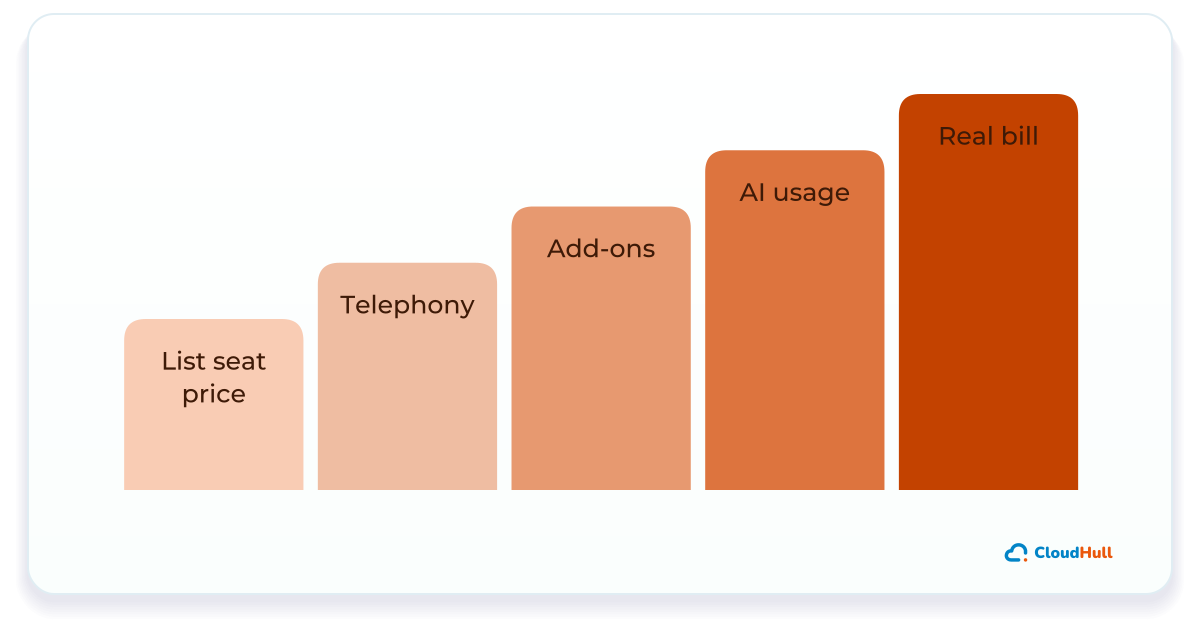
Now add what the table leaves out. Telephony and numbers, add-ons such as quality scoring or workforce tools, and one-time setup all come on top. In my client work, a first-year total of 15 to 40 percent above the seat line is a realistic planning range, and the add-ons decide where in that range you land. Treat it as a starting assumption and replace it with quotes.
When Pay-as-You-Go Beats Seats
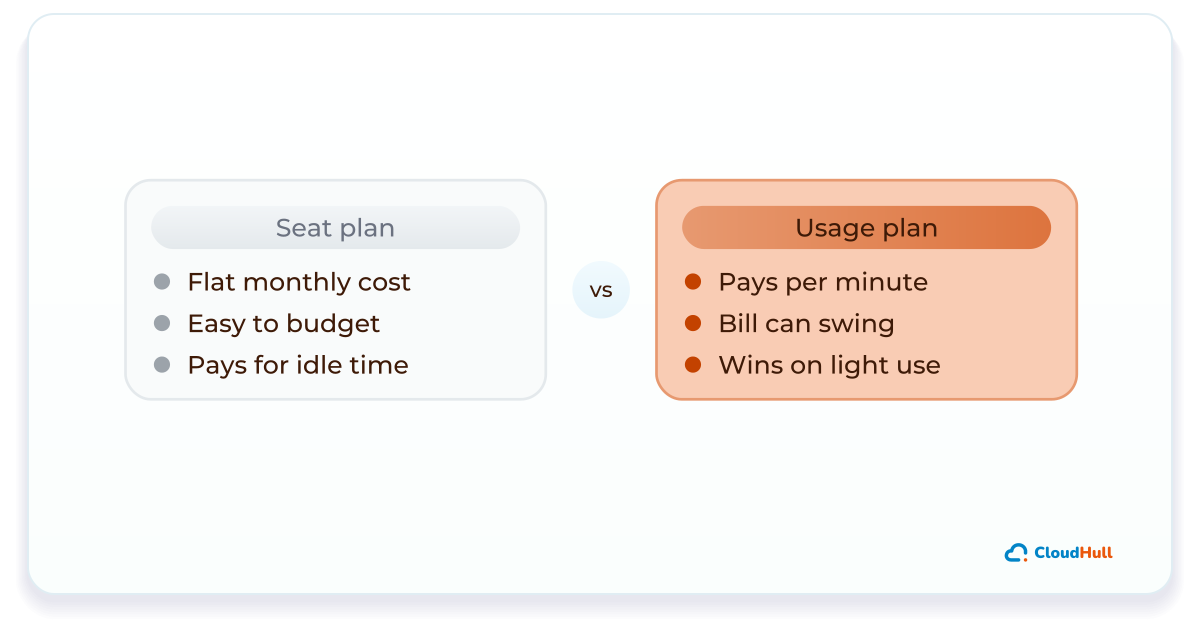
Usage pricing charges for what happens, not for who might log in. Amazon Connect lists $0.038 per voice minute, and Twilio Flex lists $1 per active user hour next to $150 per named user per month. You can find the break-even point with simple division.
| Comparison | Math | Break-even |
|---|---|---|
| $115 seat against $0.038 per voice minute | $115 ÷ $0.038 is about 3,026 minutes | About 50 hours of voice per agent per month, before telephony |
| $150 named user against $1 per active hour | $150 ÷ $1 is 150 hours | 150 logged-in hours per agent per month |
A full-time agent logs about 160 hours a month, so the active-hour model on Flex only wins for part-time or seasonal staff. For voice, an agent who talks fewer than 50 hours a month costs less on a per-minute model, and one who talks more costs more. Telephony is billed in addition, so compare it carefully. The Amazon Connect page says so explicitly.
Fees That Surprise Teams
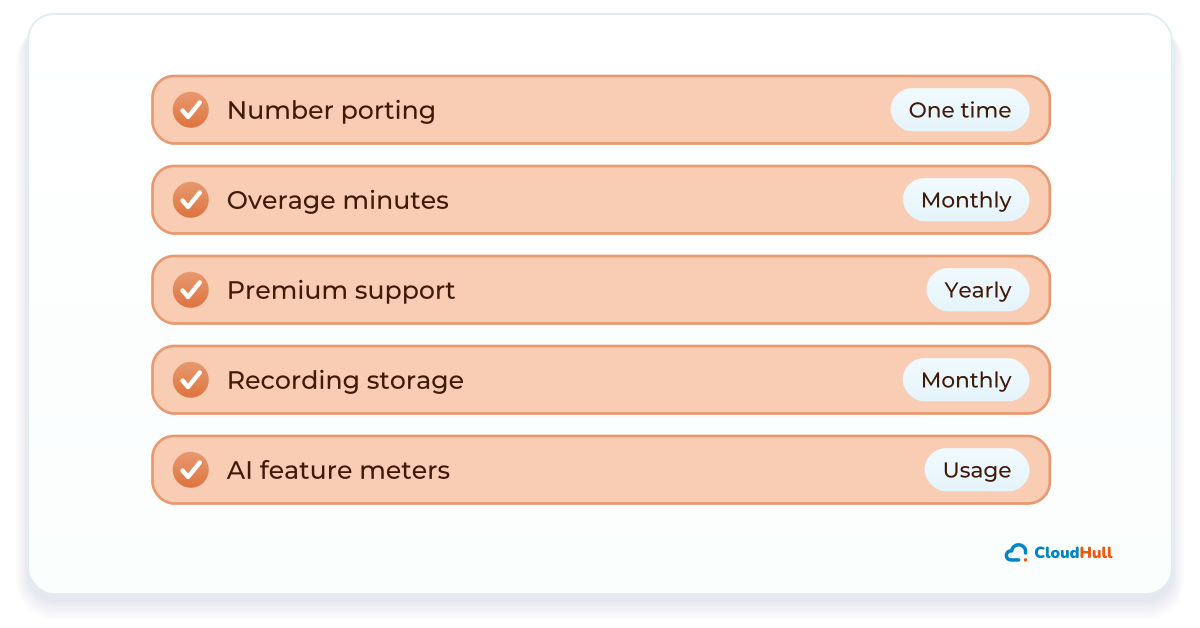
The seat price is on the pricing page. The following items usually are not, and I ask about each one in writing:
- Minimum seat counts, such as the 50-seat minimum on Five9's published prices
- Telephony, number rental and international calling charges
- Add-ons for quality management, workforce planning and analytics
- AI features billed by usage or by seat
- Storage for call recordings and transcripts
- Premium support, sandbox environments and extra regions
A few of these can double a bill that looked cheap. Ask for a three-year cost model, because year-one discounts often fade, and ask what happens to your price if you add 20 agents or remove 10.
How to Build Your Own Budget in an Afternoon
You do not need a consultant to start. You need six numbers, and most of them live in your current phone bill and reporting.
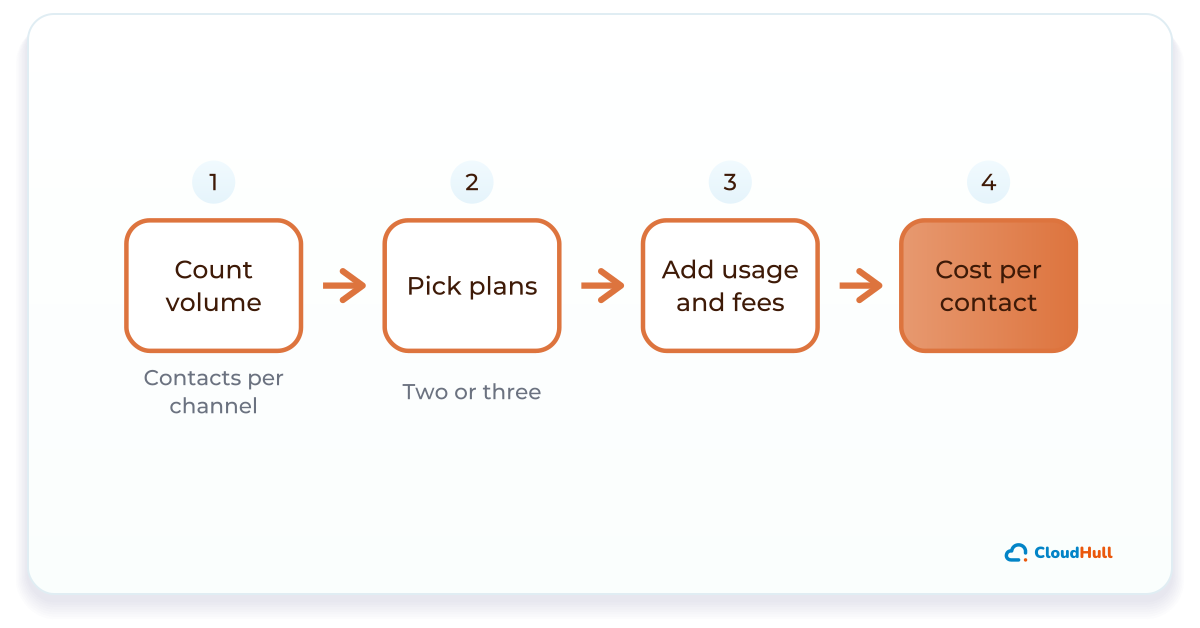
- Count your total agents and your peak simultaneous agents.
- Pull monthly inbound and outbound voice minutes from your current system.
- List chat and email volume per month.
- Write down the add-ons you want on day one and the ones that can wait.
- Collect quotes from three vendors built on those inputs.
- Put each quote through the five-part formula and divide by contacts handled.
The result is a cost per contact for each option. When you cannot get the numbers from your old system, estimate from a typical month and plan to correct the budget after the first quarter. My list of cloud contact center best practices covers the rules that keep those numbers from drifting.
Ways to Lower the Bill After You Launch
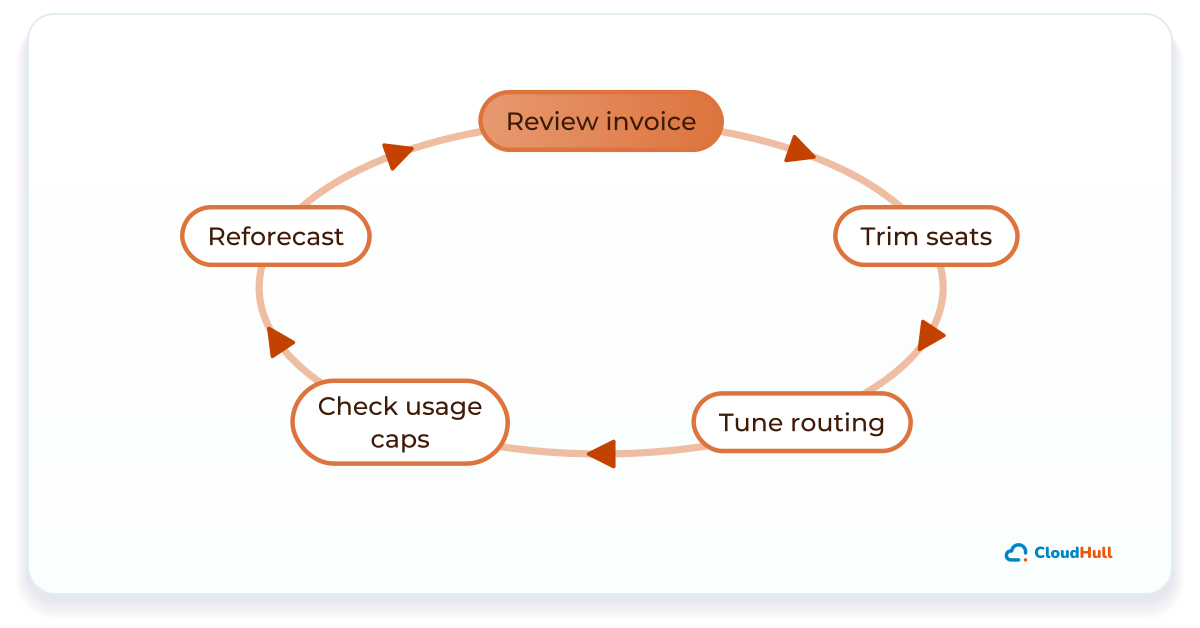
Most savings come from matching licenses to behavior, not from negotiating a few cents off a rate. Four habits do most of the work:
- Review seat usage monthly. Licenses assigned to people who no longer log in are common after the first year.
- Match tiers to roles. Not every agent needs the top plan. Put supervisors and specialists on higher tiers and standard agents on lower ones where the vendor allows it.
- Watch the handle time. On usage pricing every extra minute is billed. On seat pricing it forces you to hire more people.
- Audit add-ons yearly. Cancel what nobody opened.
Automation can reduce volume too. The cloud contact center examples I collected show where self-service and better routing cut repeat contacts, and the cloud contact center trends explain how AI pricing is evolving.
Run the same check on your own numbers once a quarter. Volumes change, agents move between phone and chat, and a model that was cheaper last year may not be cheaper now. Keep the calculation in a shared sheet so finance and operations look at the same figures.
Planning the One-Time Costs and the Timeline
Setup is not a rounding error. Number porting, integrations with your CRM, call flow design, agent training and testing all take time, and time costs money whether you pay a vendor, a consultant or your own staff. In my experience, the cheapest launches are the ones with the fewest integrations and queues on day one.
Budget for a pilot on one queue, then expand. A pilot gives you real usage data to replace your assumptions, and it limits the damage if a vendor turns out to be a poor fit. My notes on cloud contact center implementation walk through the phases and what each one needs from your team.
| Phase | What you pay for | Where costs slip |
|---|---|---|
| Pilot | A few seats, one queue, one integration | Extending the pilot without a decision date |
| Rollout | All seats, number porting, training | Running the old and new systems in parallel too long |
| Steady state | Seats, usage, support | Unused licenses and unreviewed add-ons |
How to Choose Where Your Money Goes
If you have limited budget, spend it in this order: a platform that connects to your CRM, good routing, agent training and only then extras such as AI summaries. Features are tempting, and I have seen several teams buy a top tier for one feature they never switched on.
- Do we pay for seats nobody uses?
- Does our plan match how our agents really work?
- Do we know our cost per contact?
- Have we priced telephony and add-ons?
Questions About Cloud Contact Center Cost
How Much Does a Cloud Contact Center Cost per Agent?
Published list prices in this guide run from $69 to $240 per agent per month depending on vendor and plan. Your real figure also includes telephony, add-ons, minimum seat counts and one-time setup, so ask each vendor for a quote based on your numbers.
Is Pay-as-You-Go Cheaper than Per-Seat Pricing?
It is cheaper when agents spend relatively little time on calls, and more expensive when they are on the phone all day. At Amazon Connect's $0.038 per voice minute, a $115 seat breaks even at roughly 50 hours of voice per agent per month, before telephony.
What Hidden Fees Should I Look For?
Telephony and number charges, add-ons for quality, workforce and AI tools, minimum seat counts, recording storage, premium support, overage charges and fees for extra environments. Ask for each one in writing.
How Much Should I Budget for Implementation?
In my client work, one-time costs for setup, integrations, number porting and training often land between one and three months of the subscription for a small team, and more for complex integrations. Treat this as a planning range and get a fixed quote.
Do Annual Contracts Save Money?
Published list prices are often quoted for annual billing, and monthly terms usually cost more. Annual terms lock you in, so negotiate seat flexibility and a clear exit before you sign.
How Do I Compare Concurrent and Named User Pricing?
Named licenses assign one seat per person, which suits fixed teams. Concurrent licenses count the people logged in at once, which suits shift work. Count your peak simultaneous agents and your total headcount, then price both.
Can a Consultant Lower My Contact Center Bill?
Often, yes. A review of seats, tiers, add-ons and telephony against real usage tends to find unused licenses and mismatched plans. Fees only make sense if the savings clearly exceed them, so ask for the scope and expected range up front.
Sources
- Genesys pricing
- Talkdesk pricing
- Five9 pricing
- Dialpad pricing
- TrustRadius: Zoom Contact Center pricing
- Amazon Connect pricing
- Twilio Flex pricing
- Capterra: RingCentral Contact Center
Disclaimer: Prices come from vendor and third-party pages read when this article was updated and change often. Confirm every figure with the vendor. This article is not legal, financial or tax advice.
Did this article help you?
Thanks, noted.
Garrett Linville
Garrett leads the Cloud Hull editorial team and works with the consultants to turn real client projects into practical guides on cloud migration, DevOps, security and cost control. Each article is edited together with the consultant who did the work, and every price and limit is checked against current provider documentation. He is based in the USA and works remotely.