Main Points
- Small companies need a short must-have list, not hundreds of features.
- Your first-year cost includes setup, training and running two systems side by side.
- Start with finance and orders, then add stock and approvals in phases.
- Test the system with your own data and check that you can export everything.
If you run a company with 10 to 100 people, a cloud ERP can replace a pile of spreadsheets, a separate accounting tool and an inventory sheet that only one person understands. In cloud ERP consulting work with small teams, the pattern is consistent: the projects that go well are small, scoped and finished in months, not years.
I wrote this guide for owners and finance or operations leads who are deciding whether a cloud ERP is worth it at their size. You will see what a small business really needs, what it costs to run, which approach fits which company and how to avoid the mistakes I see most often.
Why Small Businesses Move to Cloud ERP
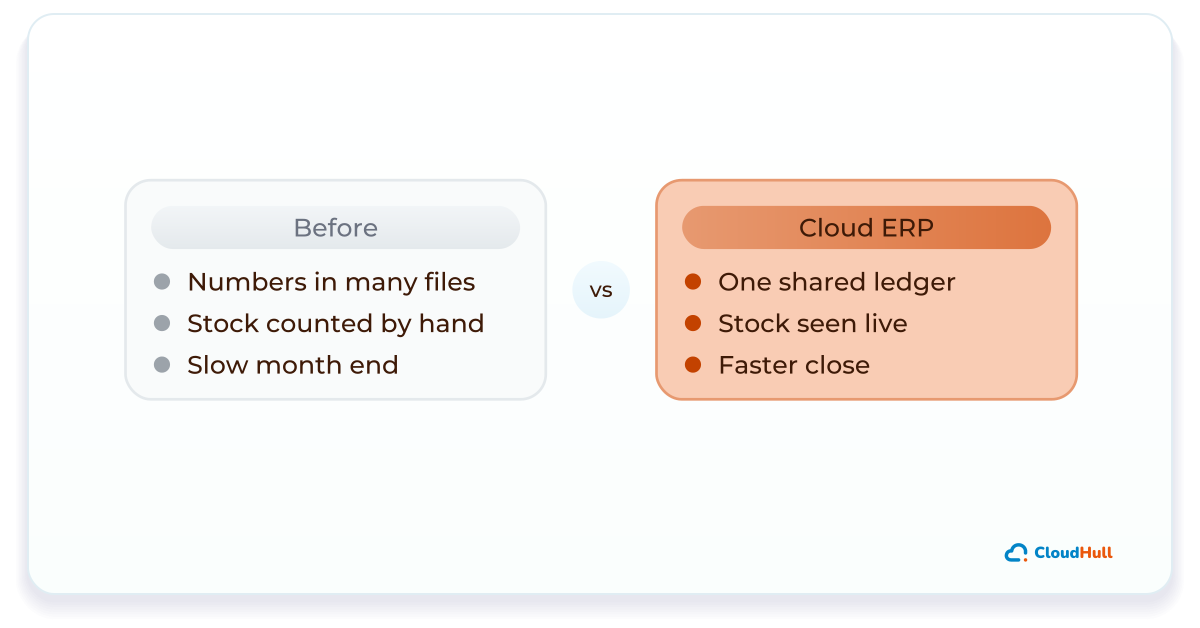
The trigger is rarely a strategy. It is usually a month-end close that takes eight working days, an inventory count that never matches the books or a lender who asks for numbers you cannot produce quickly. A cloud ERP puts finance, orders, purchasing and stock into one system, so one entry feeds every report.
The cloud part matters for a small team because nobody has to run servers. The vendor patches the software, backs it up and keeps it available, and you pay a subscription. The trade-off is that you rent a product you do not fully control, so you accept its way of working more than you would with custom software.
What a Small Business Really Needs From an ERP
Vendors list hundreds of features. A company of 30 people uses about a dozen of them. I ask clients to sort their needs into three groups before they see a single demo, because the demo will otherwise decide for them.
| Need level | Typical modules | How to treat it |
|---|---|---|
| Must have on day one | General ledger, accounts payable and receivable, bank reconciliation, sales orders, basic reporting | Test each one in the demo with your own data |
| Needed within a year | Inventory, purchasing, multi-entity or multi-currency, approvals, project costing | Confirm the module exists and what it costs to switch on |
| Nice to have | Advanced forecasting, manufacturing planning, built-in CRM, custom dashboards | Ignore for now and pay for them only when a real need appears |
Three Ways a Small Company Can Go Cloud
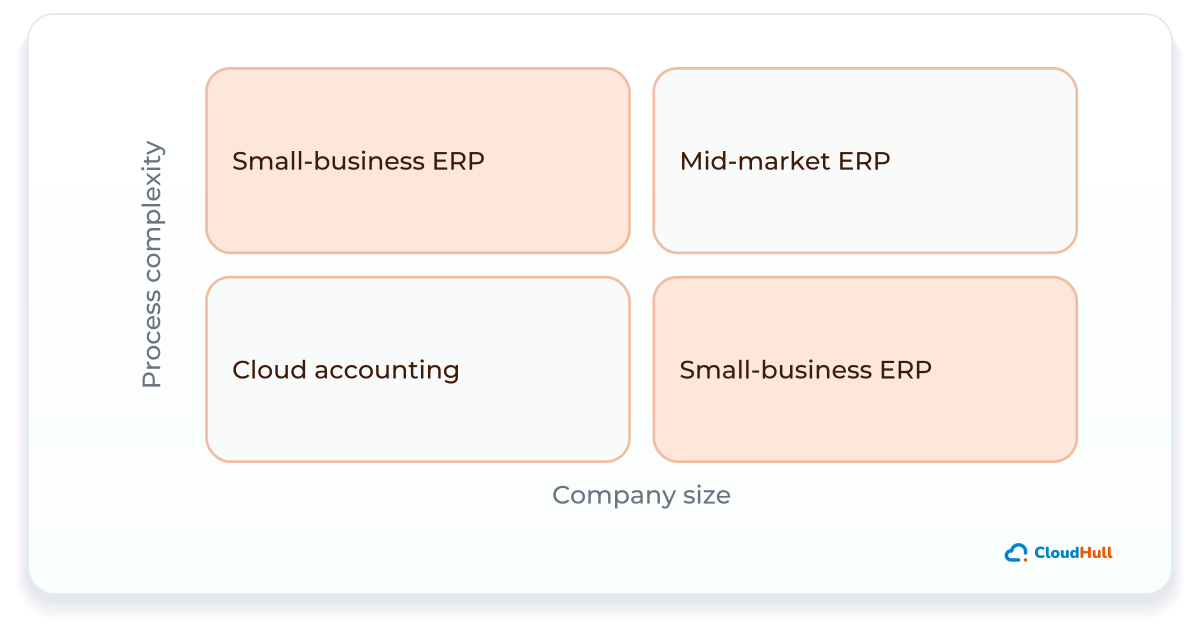
Most small businesses choose between three paths. Each fits a different stage, and the cheapest path today is not always the cheapest in three years.
| Path | Best for | Main risk |
|---|---|---|
| Cloud accounting plus add-ons | Under 15 people, simple stock, one entity | Add-ons pile up and sync breaks quietly |
| Small-business cloud ERP | 15 to 150 people, inventory or projects, growing order volume | Overbuying modules you will not use |
| Mid-market cloud ERP | Several entities, countries or complex stock | Implementation cost and a long project |
If you are between the first and the second path, ask how painful it is to move later. Data export, chart of accounts mapping and customer history are the parts that hurt. A tool that exports clean files costs little to leave, and that is worth a lot as a safety net. For a ranked look at the platforms themselves, see my list of the best cloud ERP software.
What Cloud ERP Costs a Small Business
Your bill has two parts: the subscription and the project to set it up. The subscription is easy to read on a vendor page, usually priced per user per month, with extra charges for modules, environments or storage. The project is harder to guess. In my client work, setup for a small company has ranged from a few weeks of part-time effort to a project of several months, and the difference came from data cleanup and the number of integrations.
Budget for the hidden lines as well: training, data migration, a few months of running two systems side by side and the internal time of your own people. A guide with benchmark ranges lives in my article on cloud ERP cost, and I suggest you read it before you ask for quotes.
Simple Wins Small Teams Get First
Do not switch on everything. These are the quick wins I would aim for in the first 90 days, because each one is visible to the owner and takes little change from staff.
- A close that finishes in three days instead of eight, because bank feeds and invoices post automatically.
- One live stock number that sales, purchasing and the warehouse all see.
- Approval rules for purchases above a limit you set, with a log of who approved what.
- A weekly cash view built from open invoices and bills, not from a spreadsheet someone updates on Fridays.
- Customer and supplier records with one owner each, so duplicates stop growing.
Small wins build trust in the system. When your team sees the stock number match the shelf, they stop keeping private spreadsheets, and the ERP becomes the one place the business runs from.
Industry Examples: Where It Fits Best
Cloud ERP fits well in ecommerce, where orders, stock and payments come from several channels. It also fits fintech and software companies that need clean revenue recognition and audit trails. Distribution and light manufacturing gain from live inventory and purchasing, while service firms care most about project costing and billing.
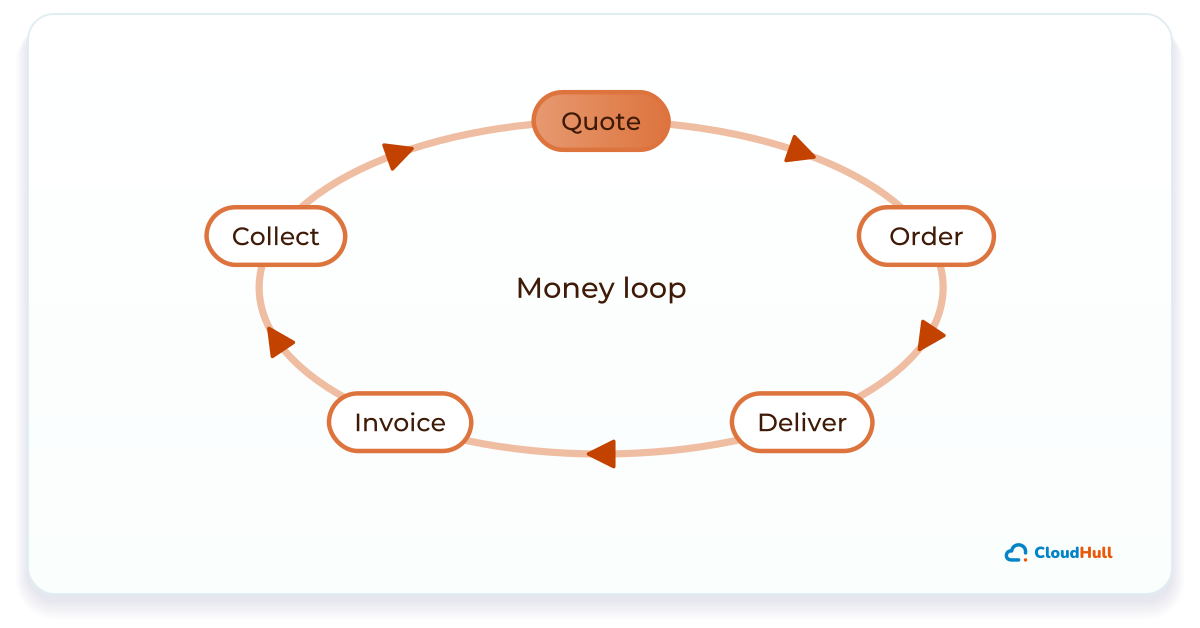
The common thread is repeat transactions with money attached. If you sell a few large custom projects a year, a spreadsheet with discipline can still do the job, and an ERP may be more than you need.
Mistakes That Sink Small ERP Projects
Small companies fail at ERP in predictable ways, and the causes are usually people and planning more than software. For a longer list with mitigations, read my breakdown of cloud ERP risks.
| Mistake | How it shows up | Safer move |
|---|---|---|
| Copying the old process | Every spreadsheet quirk is rebuilt in the new system | Redesign the three worst processes first |
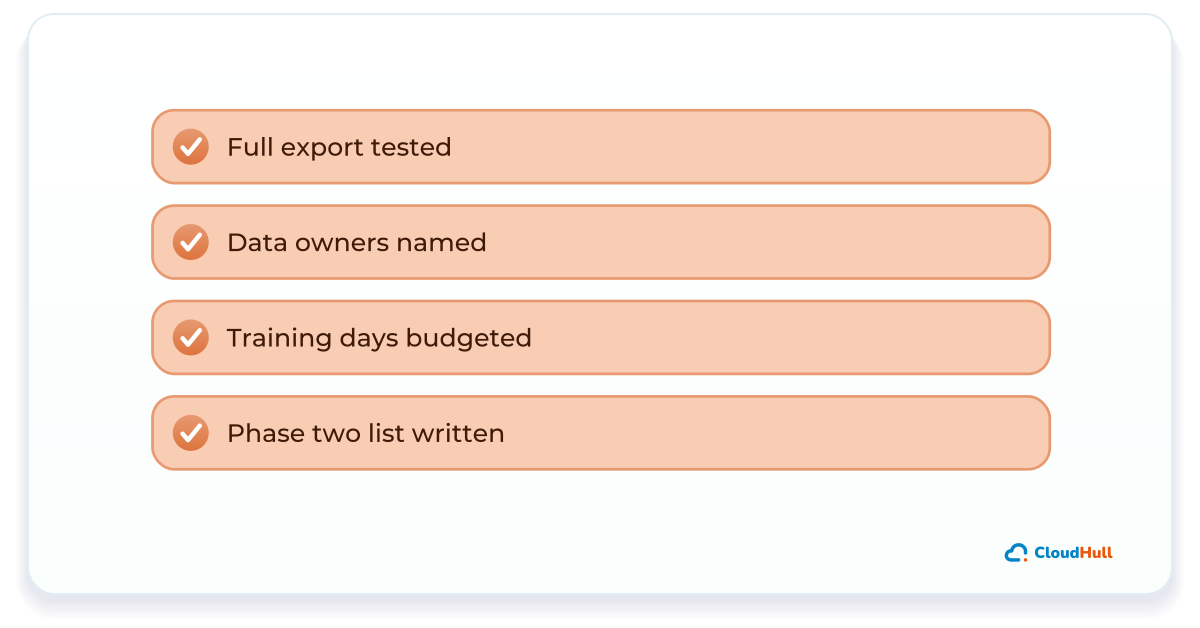
| No data owner | Duplicate customers and items arrive on day one | Name one person per data type before migration |
| Too many modules at once | Staff cannot learn it, so they work around it | Go live in two or three phases |
| Skipping the exit plan | Data is trapped in the vendor format | Test a full export during the trial |
| Underfunded training | Only the champion knows the system | Plan training days into the budget |
A 90-Day Plan for a Small Rollout
A short calendar keeps a small project from drifting. The plan below fits a company that goes live with finance and orders first, and it shows where your own time is needed.
| Weeks | Focus | Your part |
|---|---|---|
| 1 to 3 | Choose the system, clean customer, supplier and item lists, map the chart of accounts | Name a data owner and approve the must-have list |
| 4 to 7 | Configure finance and orders, connect the bank, test with 200 real invoices | Two hours a week of testing from finance |
| 8 to 10 | Train users, run old and new in parallel, fix import errors | Every user attends one training session |
| 11 to 13 | Go live, close the first month in the new system, review gaps | Decide what moves to phase two |
Delays are normal, and the usual culprit is data. If your item list has three spellings of every product, expect an extra two weeks. I would rather see a go-live move by a month than see a team start with data nobody trusts, because a bad first close damages confidence in the whole system.
Keep a short list of things you decided to leave for phase two. It protects the schedule, and it gives people who asked for a feature a clear answer about when they will get it.
What Good Looks Like After Six Months
By month six, a well-run small ERP project should show four things. Month-end close is shorter, and your accountant gets one export instead of five. Stock levels match counts within a small tolerance. Staff stop asking for spreadsheet copies of reports. Your monthly subscription is in line with the quote, with no surprise modules.
If those are not true at six months, find out why before you add more. In my experience the cause is nearly always a data problem or an unclear owner, and both are fixable without changing the platform. You can see how others got there in my collection of cloud ERP examples, and the market shifts that may affect your choice are in cloud ERP trends.
How to Choose Your Cloud ERP Approach
Pick the smallest system that covers your must-have list and can grow for three years. Then check these points before you commit:
- Does the trial work with your real data, not sample data?
- What does the third year cost with the users and modules you expect to have?
- Can you export every record in a usable format?
- Who is your implementation partner, and have they done a company of your size?
- Which integrations do you need, and are they built in or sold separately?
If you want a second opinion on the shortlist, the consultants I work with run a short fit check that compares two or three options against your must-have list and a three-year cost.
Questions About Cloud ERP for Small Business
Is a Cloud ERP Too Big for a Company with 10 Employees?
Not always. Many small-business ERPs start at a handful of users. The question is whether you have enough transactions, stock or entities to justify it. If accounting software plus a few add-ons covers your needs, start there and revisit when sync problems or manual work grow.
How Long Does a Small Business Cloud ERP Project Take?
From my projects, a focused finance-and-orders rollout takes a few weeks to a few months. Inventory, projects and several integrations push it longer. Data cleanup is the most common cause of delay, so start it before you pick a go-live date.
Can I Keep My Current Accounting Software?
Sometimes. Some ERPs connect to an existing accounting tool and handle orders and stock on top. That can work well for a while, but two systems of record often create reconciliation work. Ask your accountant which setup they prefer.
What Is the Biggest Hidden Cost?
Staff time. Your people have to clean data, test the system, attend training and run old and new side by side for a few months. Put a number on that time before you compare subscription prices.
Do I Need a Consultant, or Can I Implement It Myself?
You can do a small rollout yourself if you have one person with time, a clean data set and a vendor that provides good onboarding. A consultant helps most with vendor selection, data migration and process redesign, where mistakes are expensive to undo.
How Secure Is a Cloud ERP for Financial Data?
Major vendors invest heavily in security, but you control access. Use single sign-on, multi-factor authentication, role-based permissions and regular access reviews. Ask the vendor for its current security reports and read them before you sign.
What If I Outgrow the System?
Choose a platform with a clear upgrade path and clean export tools. Moving ERPs is possible but costly, so a vendor that scales from 20 to 200 users saves you a second project.
Please note: this guide is general information and not legal, financial or tax advice. Numbers and examples are typical-project estimates; confirm current details with your providers and advisers.
Did this article help you?
Thanks, noted.
Garrett Linville
Garrett leads the Cloud Hull editorial team and works with the consultants to turn real client projects into practical guides on cloud migration, DevOps, security and cost control. Each article is edited together with the consultant who did the work, and every price and limit is checked against current provider documentation. He is based in the USA and works remotely.