Main Points
- AI assistants are worth a small pilot with a measurable success test.
- Pricing is shifting toward usage and tiers, so model cost at double volume.
- Continuous releases need a short test routine and one owner.
- Mature trends such as industry editions and low-code help smaller companies most.
The cloud ERP market is changing in ways that affect your budget and your choice of platform. In cloud ERP consulting conversations, the same eleven shifts come up in nearly every planning meeting, whether the client is a fintech, a retailer or a distributor.
I sort them by how much they should change your decisions this year. A few are mature enough to build on. Others deserve a small pilot. Some are mostly marketing, and I say which. Where a claim needs a source, it is linked at the end.
The 11 Trends at a Glance
| Trend | Maturity | What to do now |
|---|---|---|
| 1. AI assistants inside the ERP | Growing fast | Pilot on one low-risk task |
| 2. Composable and modular ERP | Growing | Keep the core small |
| 3. Vendors push customers to the cloud | Mainstream | Check your vendor support timeline |
| 4. Industry-specific cloud editions | Mainstream | Look for your industry first |
| 5. Embedded finance and payments | Growing | Test with one payment flow |
| 6. Low-code extensions | Mainstream | Replace customization, not integration |
| 7. Real-time analytics on live data | Growing | Reserve for decisions that need it |
| 8. Usage-based and tiered pricing | Mixed | Model cost at double volume |
| 9. Continuous releases | Mainstream | Plan a test routine for each release |
| 10. Stronger security and zero trust | Mainstream | Enforce MFA and role reviews |
| 11. Sustainability and carbon reporting | Emerging | Check if a customer or law asks for it |
1. AI Assistants Move Inside the ERP
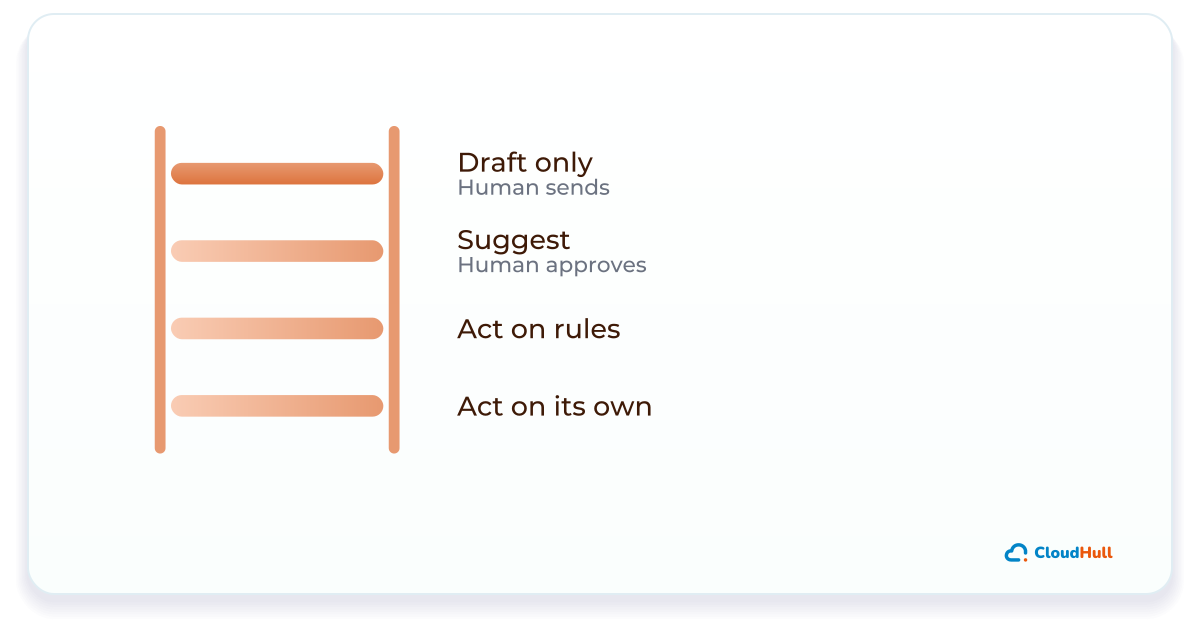
Major vendors now add assistants that summarize records, draft invoices and answer questions about your data in plain language. Oracle, SAP and Microsoft each describe AI features across their ERP lines on their product pages. Value depends on the quality of your data, so the assistant of a messy ERP gives messy answers.
Pilot one low-risk task, such as drafting collections emails or summarizing a supplier history. Check what the feature costs, where your data goes and whether a person reviews outputs. Keep it away from approvals and postings until you have measured accuracy.
2. Composable ERP Replaces the Big Suite
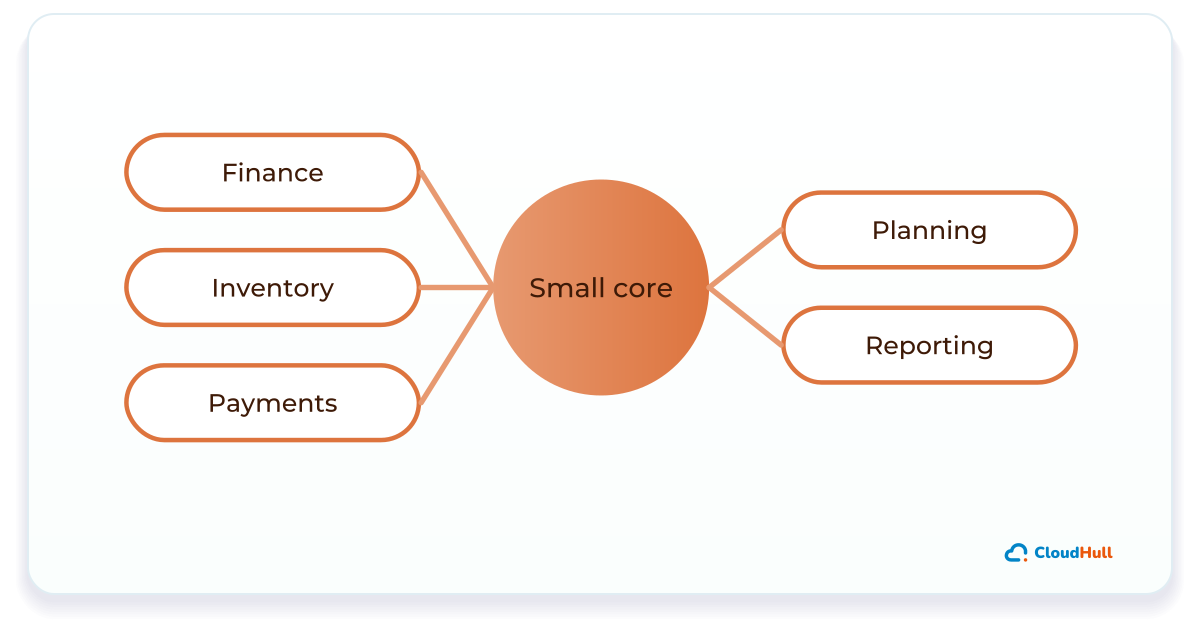
Some companies now keep a small ERP core for finance and add best-of-breed tools for billing, warehouse or planning. The appeal is flexibility. The cost is integration work and more vendors to manage.
Composable suits companies with a strong in-house technical team and unusual processes. Most small and mid-sized businesses are better off with one platform and a few well-chosen add-ons.
3. Vendors Push Customers Toward the Cloud
Legacy on-premise ERP products are moving to maintenance end dates, and vendors reward cloud moves with new features. SAP, for example, has published maintenance timelines for its older suite. Dates change, so check the current vendor statements before you plan around any of them.
If you run an older system, ask your vendor for the current support timeline in writing. Use it to set your own decision date rather than waiting for the last year, when partners are busy and prices rise.
4. Industry Editions Get Deeper
Instead of one generic product, vendors sell editions for distribution, retail, professional services and manufacturing, with prebuilt fields, reports and workflows. You start closer to how your business runs.
Before you customize anything, check whether an industry edition covers the gap. My cloud ERP examples show where industry features paid off most.
5. Payments and Finance Move Into the ERP
More ERPs now offer built-in payments, card issuing, bank connections and supplier payment runs. For a fintech or ecommerce team, this can cut the number of tools between an invoice and the bank.
Test one flow, such as supplier payments, before you move everything. Check fees, settlement times and who is responsible for fraud losses and disputes.
6. Low-Code Replaces Custom Code
ERP vendors increasingly offer low-code tools for forms, workflows and small apps. They let a trained business user adjust a process without a developer, and they usually survive upgrades better than custom code.
Use low-code for approvals, forms and small reports. Keep an owner for every app you build, or you will trade a code problem for a sprawl problem.
7. Real-Time Analytics Reach the Business User
Dashboards on live ERP data are now common, and some platforms add forecasting and anomaly alerts. Managers can see sales and cash today rather than at month-end.
Decide which decisions need live data. For monthly reporting, a daily refresh is enough and costs less. Define each metric once to prevent two dashboards with two answers.
8. Pricing Moves Toward Usage and Tiers
Besides per-user fees, vendors add charges for transactions, storage, AI features or premium editions. Per-user prices often look low until usage fees arrive. I cover the full picture in my guide to cloud ERP cost.
Ask each vendor for every metered item and model your cost at double your current volume. A plan that fits today can double in price as you grow.
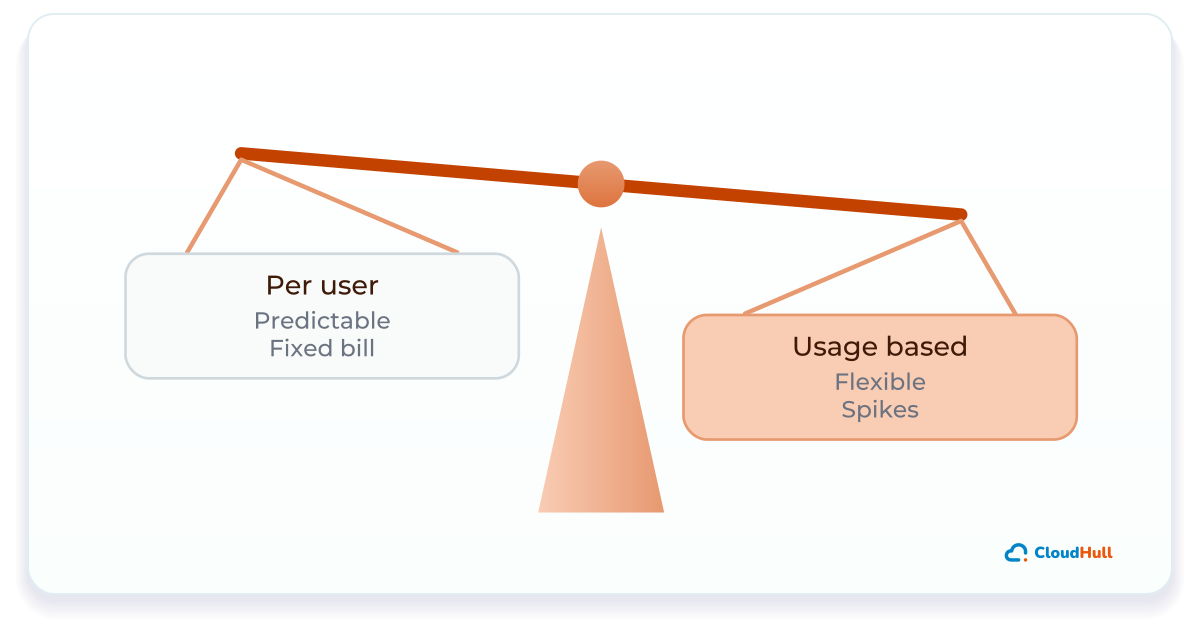
| Pricing model | Example charge | Good fit |
|---|---|---|
| Per user | Full and light user licenses | Stable teams |
| Per module | Finance, inventory, projects | Phased rollouts |
| Usage based | Transactions, storage, AI calls | Variable volume with budgets |
| Tiered editions | Standard, premium, enterprise | Companies that need one premium feature |
9. Continuous Releases Replace Big Upgrades
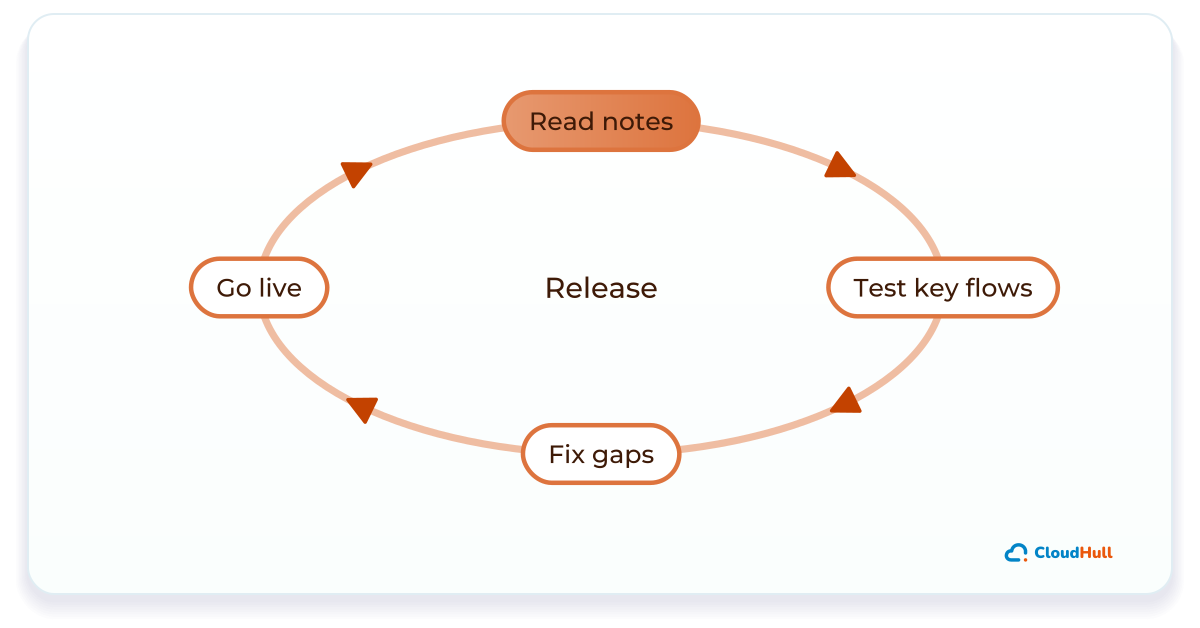
Cloud ERPs update several times a year without your approval. Features arrive without a project, and so do changes that break a custom report or integration.
Create a short test routine for each release: your five most important processes, run in a sandbox. Assign one person to read the release notes. Teams that skip this learn about changes from users.
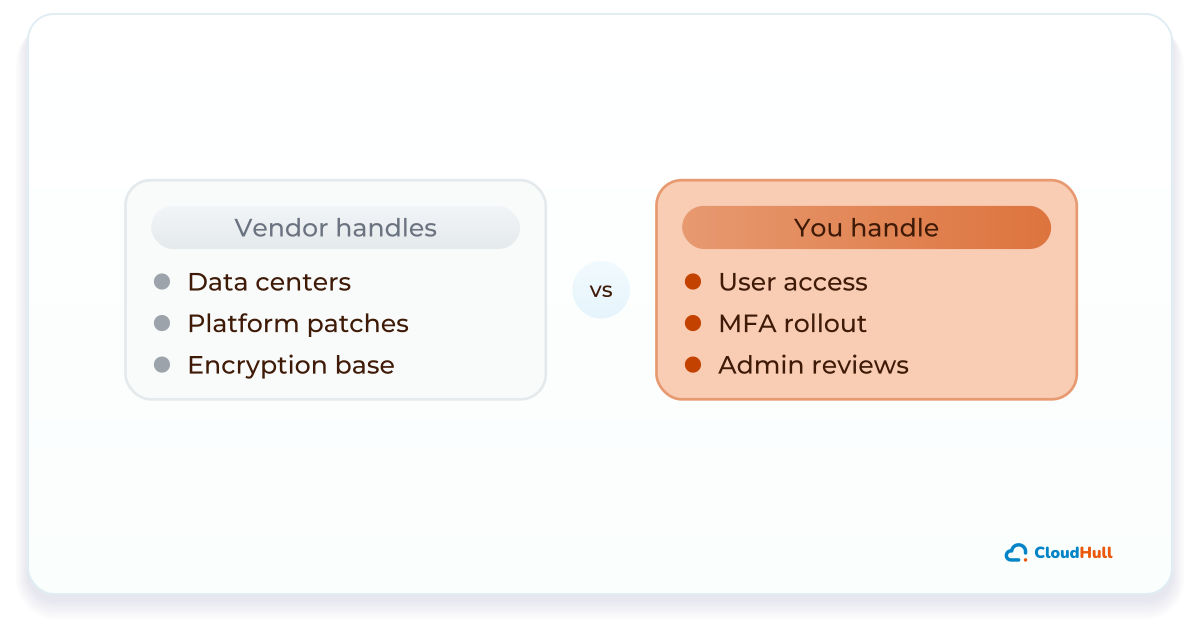
10. Security Becomes a Shared Job
Attacks on finance systems keep rising, and vendors respond with built-in multi-factor authentication, anomaly detection and audit logs. The shared responsibility model means you still configure roles and access. See the cloud ERP risks article for the checks I run first.
Enforce multi-factor authentication, review admin access every quarter and separate duties for payments. These cost little and block the most common incidents.
11. Sustainability Reporting Reaches the ERP
Vendors add modules to track emissions and supply chain data, as large customers and regulators ask suppliers for reports. Requirements vary by country and change, so confirm what applies to you with your advisers.
Do not buy a module because it exists. Ask whether a customer or a rule actually asks you for data, and what data you already hold in the ERP.
A Planning Rhythm That Keeps Up With the Market
Trends move faster than ERP contracts, so the useful habit is a rhythm, not a prediction. Twice a year, spend an hour on three questions. Which features did your vendor ship since the last review? Which of them touch a process you run? Which of your pains remain unsolved by the platform?
Write the answers on one page and keep the old versions. After two years you will see which vendor promises turned into products and which stayed on slides. That record is worth more in a renewal negotiation than any analyst report, because it shows your own experience with the vendor.
Involve more than IT in the review. The finance lead knows where the close hurts, the operations lead knows where stock goes wrong and the owner knows what the board asks. A trend that nobody in those chairs cares about can wait. A trend that three of them mention in the same meeting should move to the top of the list.
Trends I Would Not Chase Yet
Fully autonomous finance agents that post entries and approve payments on their own are the loudest claim. They work in demos and fail on exceptions, which is where finance work lives. Use AI to draft and flag, and keep a person on every posting that affects the books.
Another is moving platforms for a feature. A new ERP costs far more than any one feature saves. Switch only when your current vendor cannot meet a need that costs you real money, and even then price the move with the formula from my guide to cloud ERP cost.
What These Trends Mean for a Smaller Company
Small companies gain most from the mature trends: industry editions, low-code and built-in security. The growing trends deserve a watch list. A company with 30 users does not need a composable architecture. It needs a system that closes on time and an owner who reads release notes. If that describes you, my guide to cloud ERP for small business covers the basics.
When you compare platforms, ask each vendor what is on its roadmap for the next two years and which items are already shipping. Treat shipping features as facts and roadmap items as promises. My ranking of cloud ERP software compares the platforms as they are today.
Be honest about your own capacity as well. A trend can be mature and still be wrong for you if nobody has the time to run it. A pilot needs an owner, a budget and a stop date, and a company with one finance person and no technical staff should pick at most one pilot a year. Finishing one small pilot well teaches more than starting four that fade out.
How to Choose Which Trends to Act On
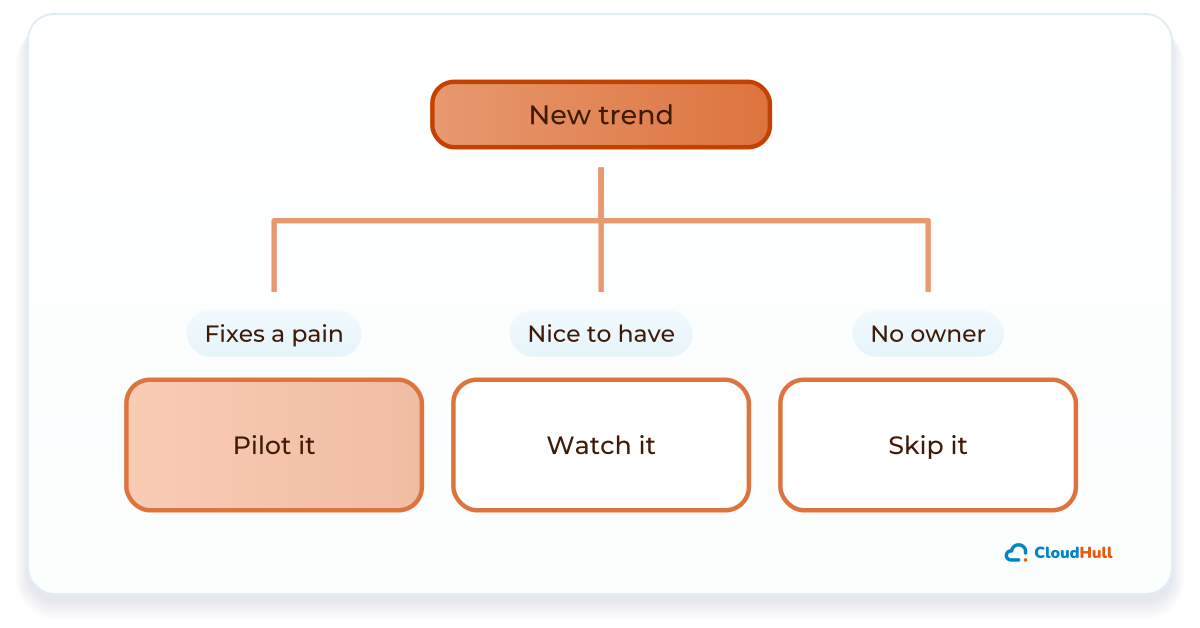
Rank each trend by two questions: does it solve a problem you have today, and is it mature enough to rely on? A yes to both goes into this year plan. A yes to only the first deserves a pilot with a deadline and a success measure.
- Which cost, time or risk problem would it fix?
- Does your platform ship it in production, or only in preview?
- What does it cost to run, and who owns it?
- How will you know in 60 days that it worked?
Questions About Cloud ERP Trends
What Is the Biggest Cloud ERP Trend Right Now?
AI assistants get the most attention, and the shift of vendors toward cloud-only products affects more companies. The biggest effect on your bill may come from pricing changes, so model cost before you adopt any feature.
Will AI Replace ERP Users?
No. AI drafts, summarizes and flags, and people approve. The roles change toward review and exceptions. Finance staff who learn to check AI output become more valuable, not less.
Should I Wait for AI Features Before I Buy an ERP?
No. Waiting costs you a year of manual work, and features arrive through updates. Choose on your core needs and make sure the vendor has a credible roadmap.
Is Composable ERP Right for a Small Company?
Rarely. Several vendors mean several contracts, integrations and support desks. A single platform with add-ons is simpler for most companies under 150 users.
How Often Do Cloud ERPs Update?
Most vendors release several times a year, and some release more often. Ask for the release calendar, and run a short test routine in a sandbox before each update reaches production.
Are ERP Sustainability Modules Required?
Requirements depend on your size, country and customers, and they change. Check the current rules with your advisers before you buy a module.
How Do I Know If an ERP Vendor Will Last?
Look at financial strength, product investment, customer references of your size and how long the vendor supports older versions. Ask for the support timeline in writing.
Sources
- Oracle Fusion Cloud ERP
- SAP Cloud ERP
- Microsoft Dynamics 365 Business Central
- Oracle NetSuite
- FinOps Foundation
Disclaimer: This article is for general information only and is not legal, financial or tax advice. Vendor features, support dates and prices change often, so check current vendor documentation before you decide.
Did this article help you?
Thanks, noted.
Garrett Linville
Garrett leads the Cloud Hull editorial team and works with the consultants to turn real client projects into practical guides on cloud migration, DevOps, security and cost control. Each article is edited together with the consultant who did the work, and every price and limit is checked against current provider documentation. He is based in the USA and works remotely.