Main Points
- Workato and Boomi are my first two trials for companies with many SaaS apps and a mixed cloud and data center estate.
- Zapier wins on speed for small teams, but its task pricing and limits show at volume.
- Azure Logic Apps and Google Cloud Application Integration fit best when your workloads already run there.
- Most enterprise platforms hide prices, so compare them on one real flow at your own volume.
The Best Cloud Integration Tools at a Glance
| Tool | Type | Best for |
|---|---|---|
| 1. Workato | Enterprise iPaaS with automation | Business and IT teams sharing one platform |
| 2. Boomi | Long-established iPaaS | Mixed cloud and on-premises estates |
| 3. MuleSoft Anypoint Platform | API-led integration platform | Large enterprises with API programs |
| 4. Celigo | iPaaS for business applications | Mid-sized teams connecting NetSuite, Shopify and Salesforce |
| 5. Zapier | No-code app automation | Small teams that need quick, simple connections |
| 6. Azure Logic Apps | Cloud provider integration service | Companies that already run on Microsoft Azure |
| 7. Google Cloud Application Integration | Cloud provider integration service | Teams on Google Cloud with moderate volume |
| 8. Jitterbit | iPaaS with API management | Mid-sized companies wanting integration and low-code apps |
| 9. SnapLogic | Visual iPaaS for data and apps | Teams that combine app and data integration |
| 10. Tray.ai | Developer-friendly iPaaS | Technical teams that build complex flows |
The 10 Best Cloud Integration Tools, Ranked
I rank by how widely a tool fits, then move toward specialist and provider-bound options. The platform is rarely the hardest decision: in my cloud integration consulting work, ownership and design cause more trouble than software. If you want to place the tool in a bigger plan, start with the cloud integration strategy playbook.
Workato
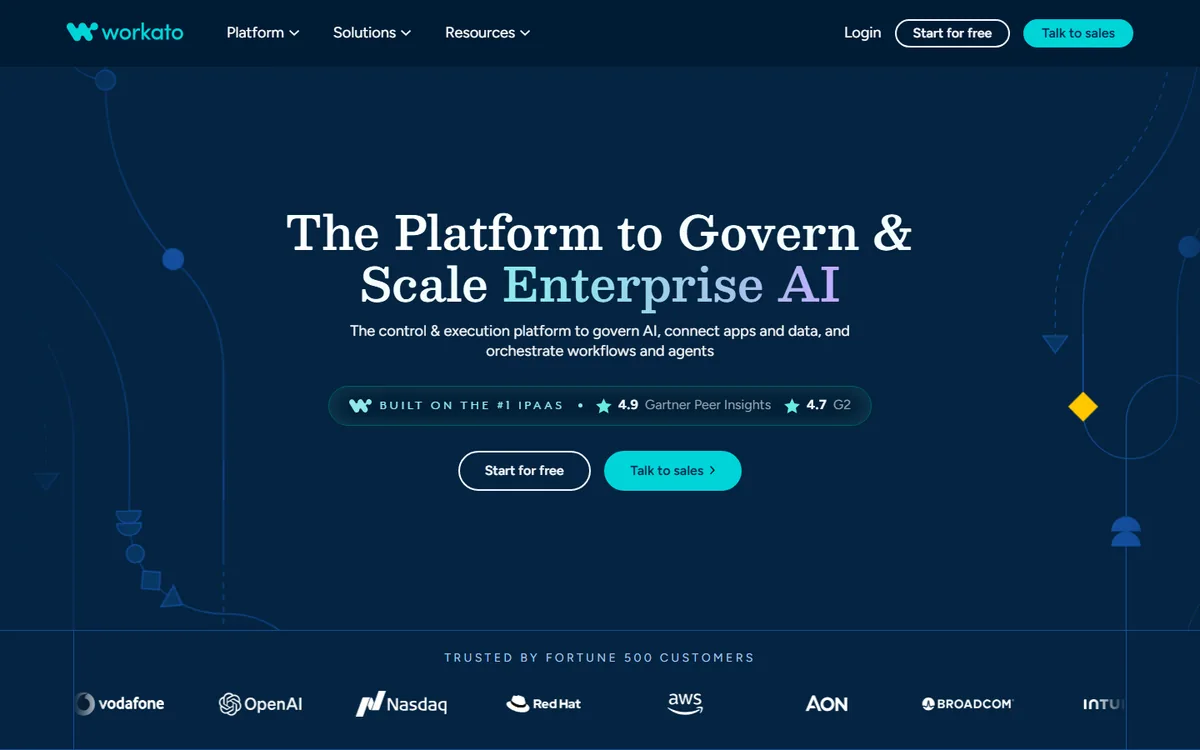
The Strongest All-Round Pick When Business Teams and IT Build Together
Workato is an integration and automation platform with thousands of connectors, recipe-based workflows and governance controls, now with AI agent features.
I recommend Workato when business teams want to build their own flows and IT still needs a say in security and standards. Recipes read like plain steps, so analysts can follow them, and admin controls keep the estate in order.
It is not a cheap tool, and its pricing is not public. I would shortlist it for mid-sized and larger companies, and skip it if you only need two or three simple connections.
Workato Strengths
- Recipes are readable by non-engineers
- Large connector library and strong enterprise governance
- Highest G2 score in this list
Workato Weaknesses
- Custom pricing and tends to rise with usage
- More platform than a small team needs
Workato Pricing
Workato's pricing page lists Standard, Business MCP, Enterprise MCP and Workato ONE plans. It publishes no dollar amounts, so pricing is quote-based. Ask for a quote based on your recipe volume and add-ons.
Workato Reviews
- G2: 4.7 of 5 stars (based on 859 verified reviews)
Boomi
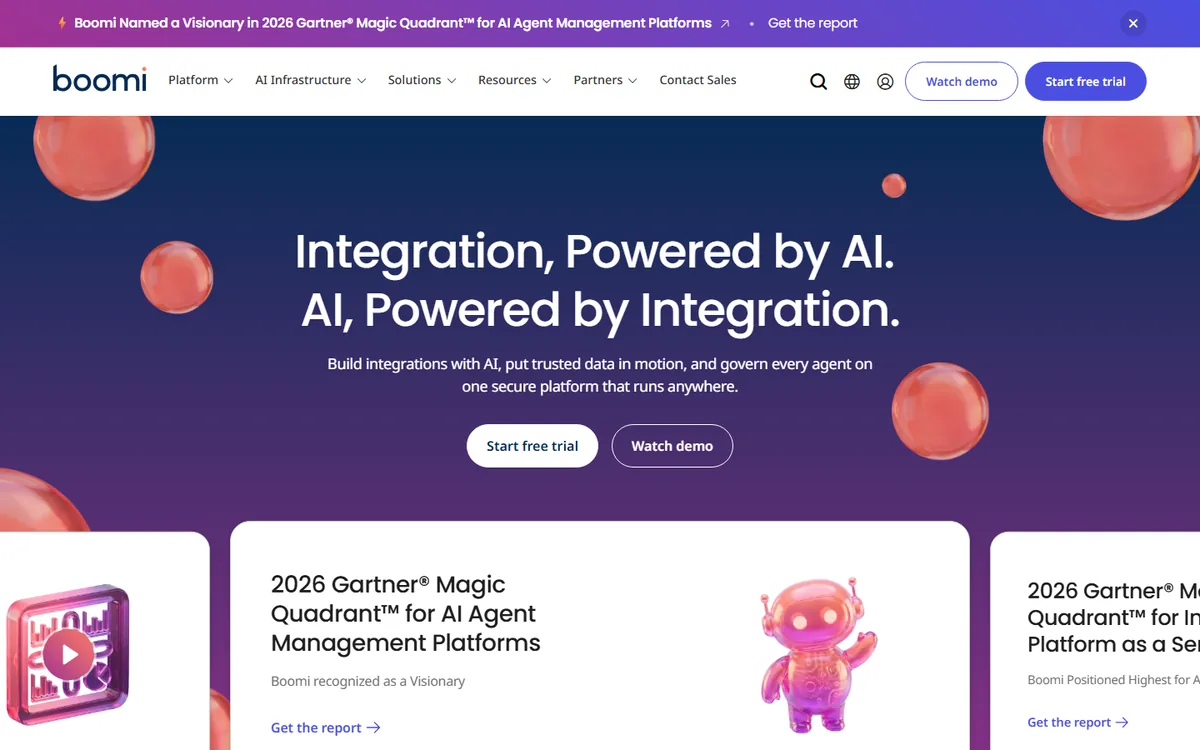
A Mature Platform for Companies With Cloud Apps and Data Center Systems Side by Side
Boomi is an integration platform that covers application integration, API management and data integration, with a runtime you can place in the cloud or in your own network.
The Boomi Atom, its lightweight runtime, is the reason I suggest it for hybrid estates. You build in the cloud and run the work next to the ERP in your data center. The visual designer has a short learning curve for common patterns.
Pricing becomes complicated once you add editions and connectors. The free trial helps, and the pay-as-you-go option suits a small start.
Boomi Strengths
- Runs well in hybrid setups
- Pay-as-you-go entry plan
- Wide connector coverage
Boomi Weaknesses
- Subscription editions are quote-based
- Advanced work takes training
Boomi Pricing
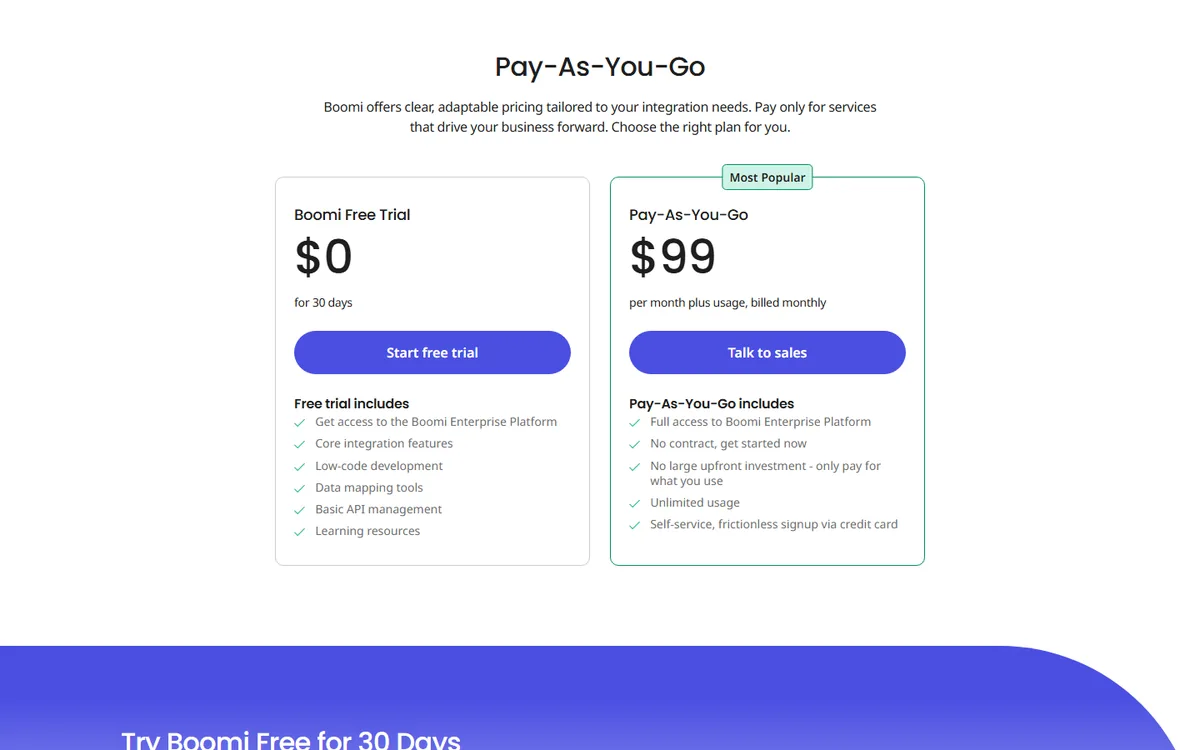
Boomi publishes a 30-day free trial at $0 and a Pay-As-You-Go plan at $99 per month plus usage, billed monthly. Its Integration, API Management, Data Hub and Data Integration subscriptions, with editions such as Professional and Enterprise, are quote-based.
Boomi Reviews
- G2: 4.4 of 5 stars (based on 511 verified reviews)
MuleSoft Anypoint Platform
The Heavyweight Choice for Large Companies That Treat APIs as Products
MuleSoft Anypoint Platform, part of Salesforce, combines integration, API design, API management and governance in one platform built around the API-led approach.
I see MuleSoft in large organizations that have dozens of teams publishing and reusing APIs. Its strength is the governance around those APIs: design, security policies, analytics and a shared catalog.
The cost and skills needed are high, and the published entry point reflects that. For a company with a handful of SaaS apps, it is too much platform.
MuleSoft Anypoint Platform Strengths
- Strong API design and governance
- Large partner and skills ecosystem
- Runs in cloud and hybrid models
MuleSoft Anypoint Platform Weaknesses
- Highest published entry price in this list
- Needs experienced developers
MuleSoft Anypoint Platform Pricing
MuleSoft says its packages start at $2,000 per month and include Mule Credits, billed annually. Pre-Commit needs a $50,000 minimum annual commitment, Pre-Purchase and Unlimited are quote-based, and a 30-day free trial is available.
MuleSoft Anypoint Platform Reviews
- G2: 4.4 of 5 stars (based on 894 verified reviews)
Celigo
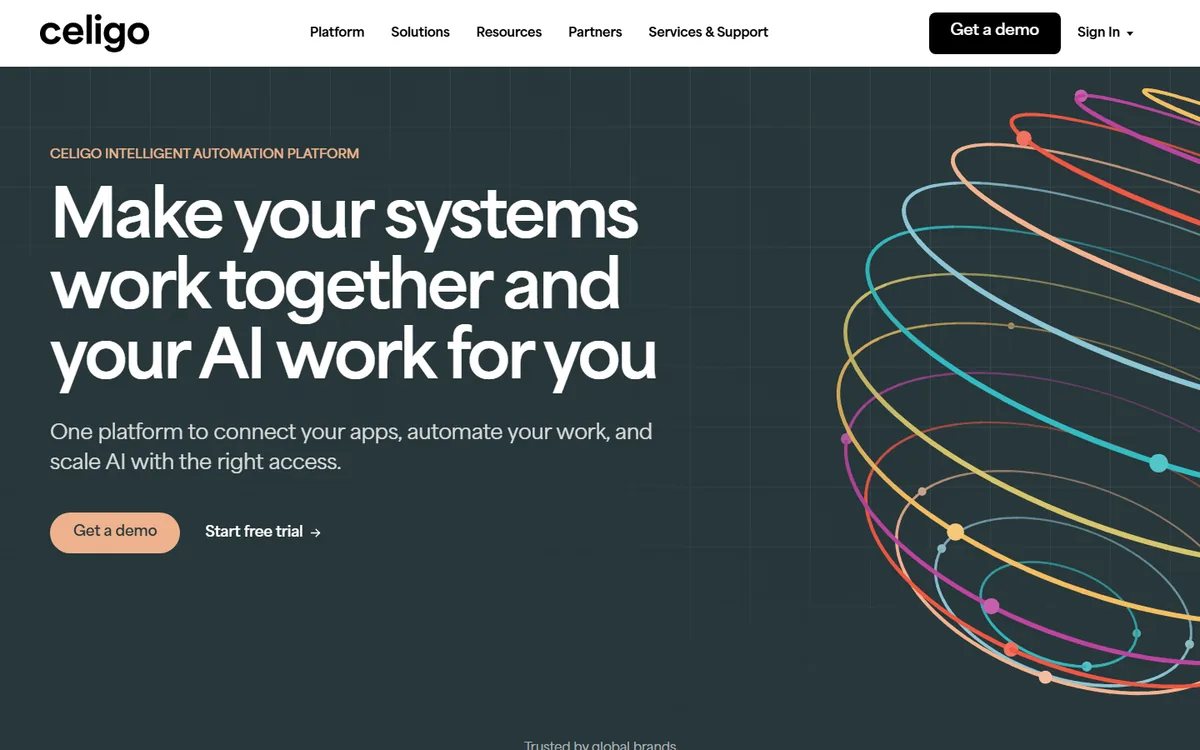
Ready-Made Flows for Popular Business Apps With a Friendly Learning Curve
Celigo is an integration platform with prebuilt flows for business applications such as NetSuite, Shopify and Salesforce, plus a low-code builder for custom ones.
I point ecommerce and finance teams to Celigo because the prebuilt flows cover common cases, like orders and inventory, out of the box. That shortens the first project from months to weeks when your apps match.
If your systems are unusual, the templates help less. Pricing is not public, so request a quote before you compare it to platforms that publish numbers.
Celigo Strengths
- Prebuilt flows for common business apps
- High G2 rating with many reviews
- 30-day free trial
Celigo Weaknesses
- Quote-based pricing
- Less suited to deep custom API programs
Celigo Pricing
Celigo offers Standard, Professional and Enterprise editions. The pricing page lists no dollar amounts and says price depends on the edition and how your team uses the platform. A 30-day free trial is available.
Celigo Reviews
- G2: 4.6 of 5 stars (based on 1,129 verified reviews)
Zapier
The Fastest Way to Get Two SaaS Apps Talking When Volume Is Small
Zapier is a no-code automation tool that connects thousands of apps through triggers and actions, and it has added AI and agent features.
Zapier is where I send small teams that want to automate a lead handoff or a notification this afternoon. Setup takes minutes, and the app directory is the largest of any tool here.
It is not an enterprise integration platform. Governance, private network access and high-volume throughput are limits, and the task-based price rises with volume.
Zapier Strengths
- Very quick to set up
- Huge app directory
- Free plan for testing
Zapier Weaknesses
- Task pricing grows with volume
- Limited for on-premises or high-volume flows
Zapier Pricing
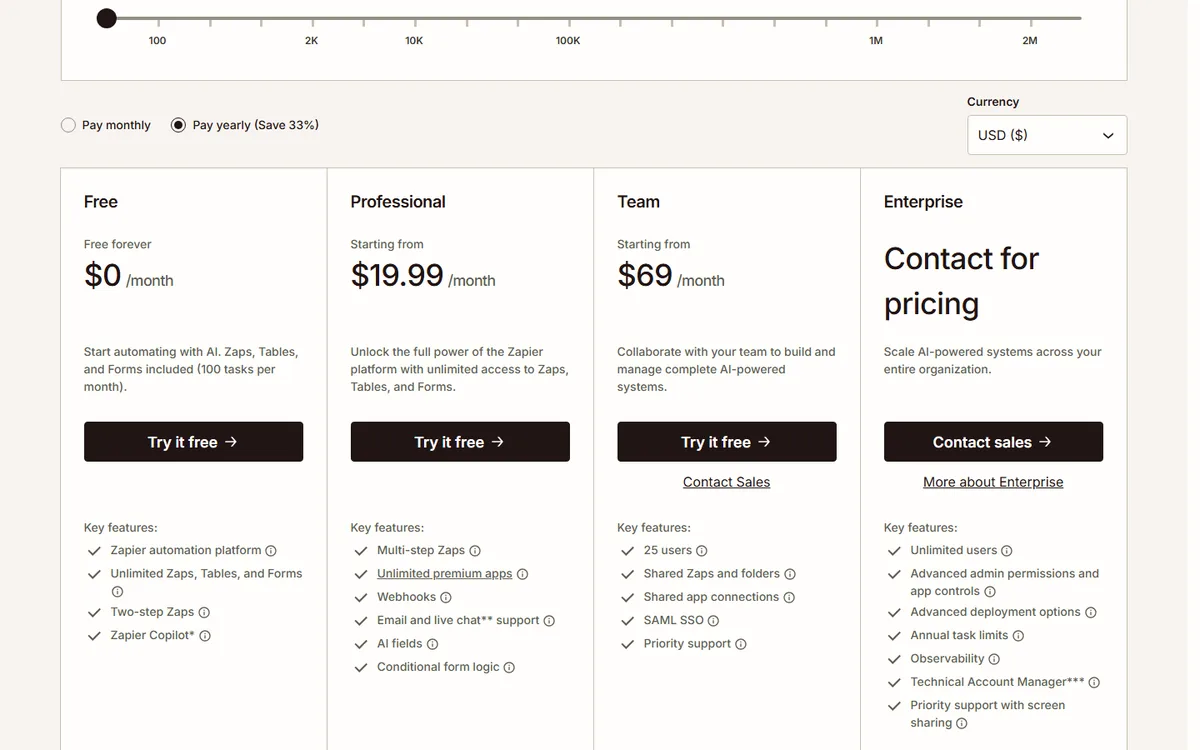
Zapier's pricing page lists a Free plan at $0 with 100 tasks per month, Professional from $19.99 per month and Team from $69 per month, with Enterprise on request. The page does not state which task tier those starting prices cover.
Zapier Reviews
- G2: 4.5 of 5 stars (based on 2,153 verified reviews)
Azure Logic Apps
The Natural Choice for Azure Teams Who Want Workflows Without Another Vendor
Azure Logic Apps is Microsoft's cloud service for automating workflows and integrating systems across cloud, on-premises and hybrid setups, with more than 1,400 prebuilt connectors.
If your workloads, identity and monitoring already live in Azure, Logic Apps keeps everything in one place. Microsoft offers a multitenant Consumption model and a single-tenant Standard model, so you can start small and move up.
Reviewers mention hard debugging in nested flows and costs that are hard to forecast at scale. I would give it a trial on one real flow before committing.
Azure Logic Apps Strengths
- Deep fit with Azure security and monitoring
- Visual designer with many connectors
- Pay-per-use option for small workloads
Azure Logic Apps Weaknesses
- Debugging nested flows can be slow
- Costs are harder to predict at scale
Azure Logic Apps Pricing
Microsoft prices Logic Apps by hosting model: Consumption and Standard, with Standard billed on vCPU and memory, plus connector calls and storage. The price cells on the page did not display amounts when I checked, so use the Azure pricing calculator for your region.
Azure Logic Apps Reviews
- G2: 4.3 of 5 stars (based on 104 verified reviews)
Google Cloud Application Integration
A Pay-As-You-Go Integration Service With the Clearest Published Price in This List
Google Cloud Application Integration is a managed integration platform with a drag-and-drop designer, a data mapping editor and more than 90 connectors for Google services and third-party apps.
Its pricing is the easiest to read of any tool here. You pay per execution and per connection node hour, so you can estimate a bill from your inventory. The free tier lets you test one flow without a contract.
The connector library is smaller than at the big independent vendors. Check that your key applications are covered before you start.
Google Cloud Application Integration Strengths
- Transparent usage pricing
- Free tier for testing
- Fits Google Cloud projects
Google Cloud Application Integration Weaknesses
- Fewer connectors than the largest vendors
- G2 shows no rating yet
Google Cloud Application Integration Pricing
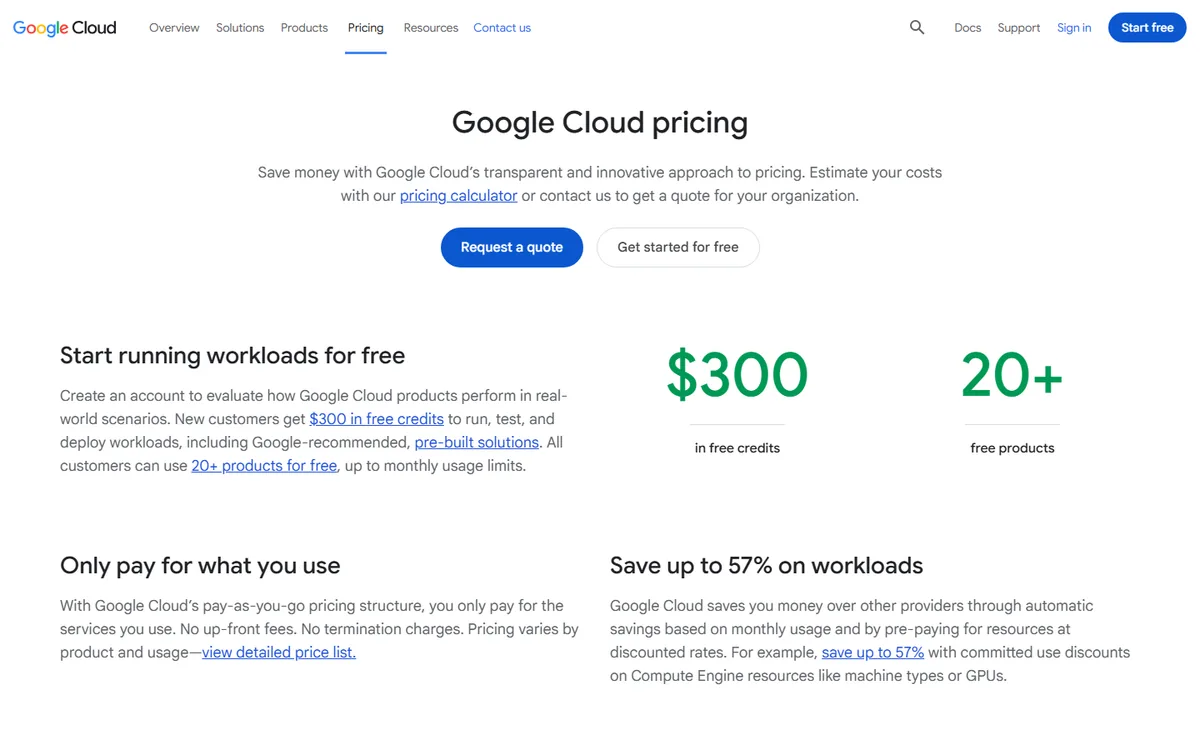
Google lists a free tier of 400 integration executions and 20 GiB of data per month. Pay-as-you-go is $0.50 per 1,000 executions, $0.35 per hour for each extra Google connector node and $0.70 per hour for third-party connector nodes, with data over 20 GiB at $10 per GiB. A subscription option is sold through Google sales.
Google Cloud Application Integration Reviews
- G2: No overall rating shown on the G2 product page when I checked.
Jitterbit
A Practical Mid-Market iPaaS With Integration and App Building in One Place
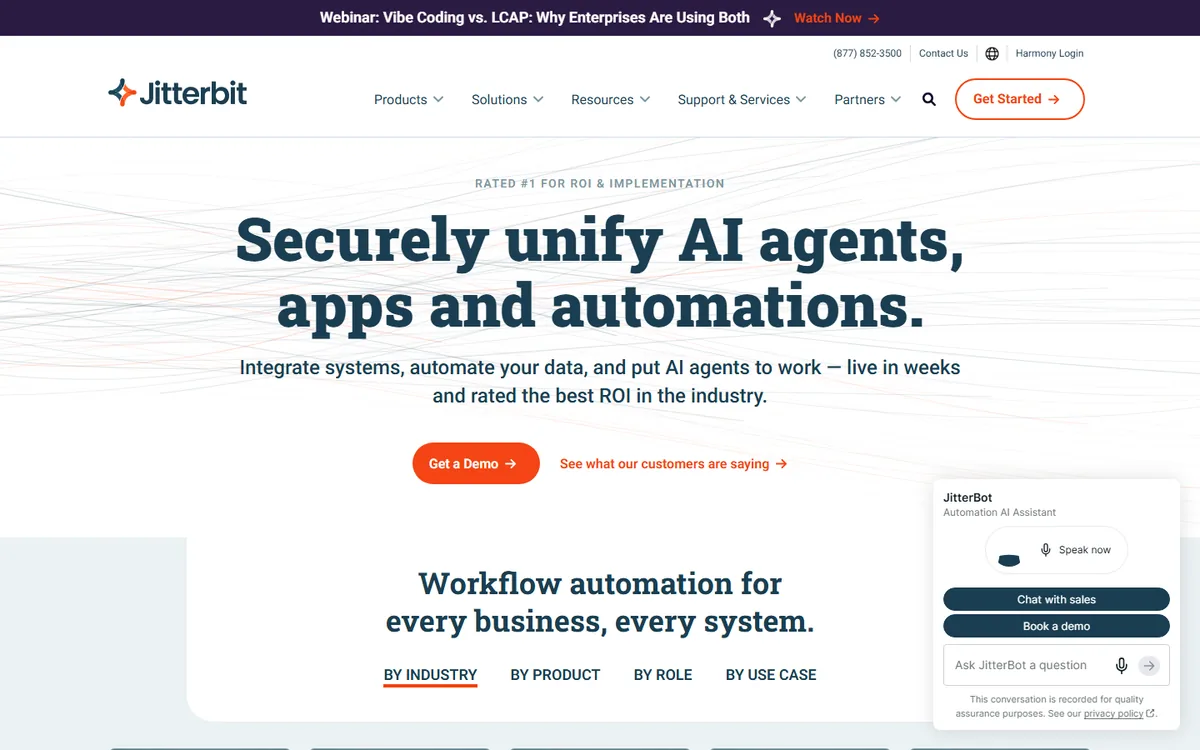
Jitterbit offers an iPaaS, API management and a low-code app builder, with prebuilt templates and an agent you can run in your own network.
I tend to see Jitterbit in mid-sized firms that want one vendor for integration and light custom apps. Its templates speed up common flows, and the private agent covers on-premises connections.
Pricing is annual and quote-based, so budgeting takes a sales call. Compare it to others on a real flow list.
Jitterbit Strengths
- Integration and app building in one vendor
- Private agent for hybrid setups
- Solid G2 rating with many reviews
Jitterbit Weaknesses
- Annual contract required
- No published prices
Jitterbit Pricing
Jitterbit's iPaaS comes in Standard, Professional and Enterprise plans, and its App Builder in Standard, Professional, Enterprise and Enterprise Plus. It lists no prices, requires an annual contract and offers discounts to nonprofits and educational institutions.
Jitterbit Reviews
- G2: 4.5 of 5 stars (based on 641 verified reviews)
SnapLogic

A Visual Platform That Handles Both Application and Data Pipelines
SnapLogic is an integration platform built around reusable components called Snaps, covering application integration, data pipelines and API management.
The same visual builder serves both app integration and data pipelines, which is handy when one team owns both jobs. Snap packs add connectors for specific systems, and groundplex agents run inside your network.
Premium Snap Packs and add-ons raise the total, and prices are not published. Ask what your connectors really need before you compare quotes.
SnapLogic Strengths
- One builder for apps and data pipelines
- Reusable Snaps speed up builds
- Cloud and on-premises runtimes
SnapLogic Weaknesses
- Premium packs add cost
- Quote-based pricing
SnapLogic Pricing
SnapLogic's packages are Essential, Professional and Enterprise One. The page lists no dollar amounts and routes you to a demo for pricing. Add-ons such as API Management, AI Gateway and Premium Snap Packs are priced separately.
SnapLogic Reviews
- G2: 4.4 of 5 stars (based on 412 verified reviews)
Tray.ai
Flexible for Engineers Who Want Logic and Scale Without Writing a Whole Service
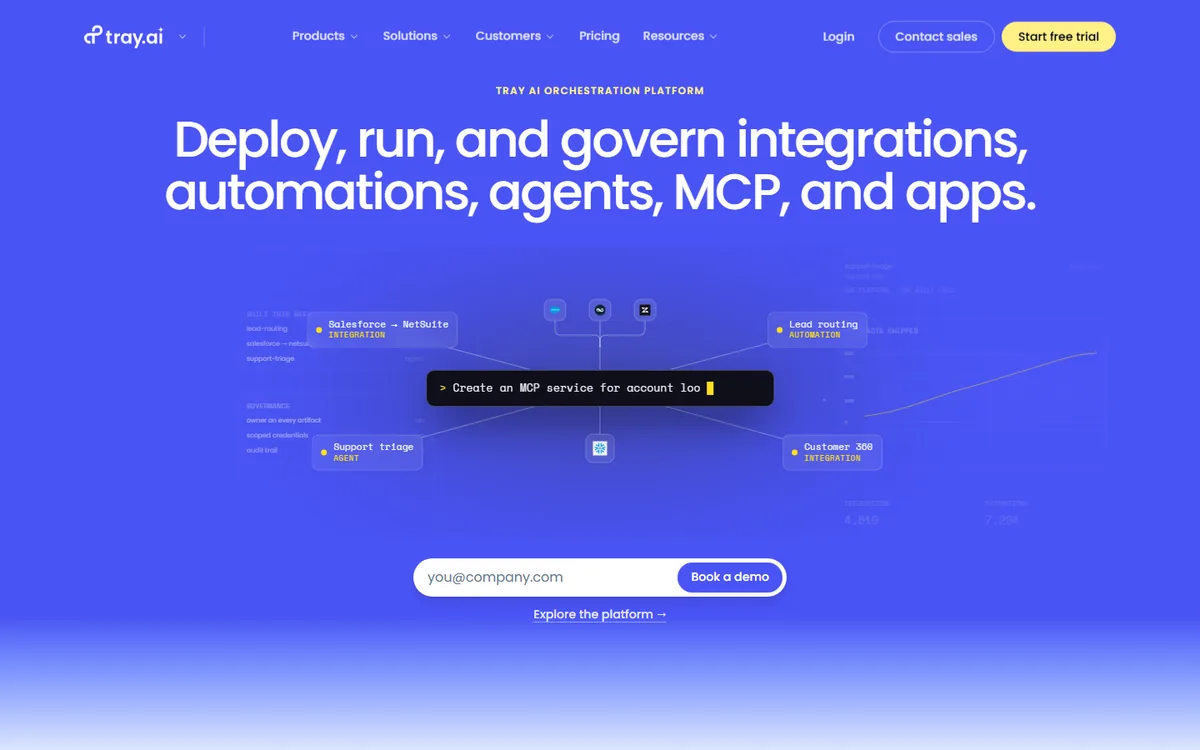
Tray.ai is an iPaaS that mixes a visual workflow builder with code steps, built for complex logic and customer-facing integrations.
Tray suits technical teams that outgrew simple tools but do not want to run their own orchestration service. It handles branching, loops and custom connectors, and it supports embedding integrations in your own product.
Its smaller review base means fewer opinions to learn from, and the plans are sized to your needs. I would run the 30-day trial on one complex flow.
Tray.ai Strengths
- Handles complex logic and loops
- Free trial with 1 million tasks
- Good for embedded integrations
Tray.ai Weaknesses
- Quote-based plans
- Smaller review base than older vendors
Tray.ai Pricing
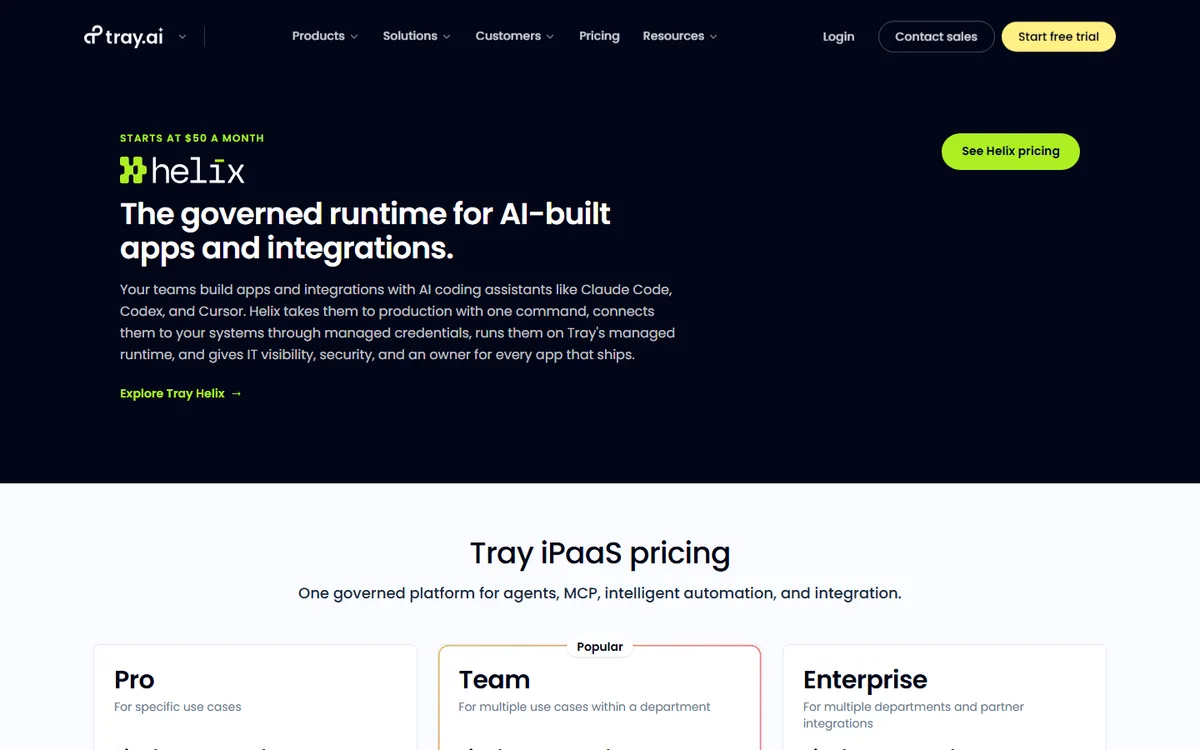
Tray lists a 30-day free trial with 1 million tasks and iPaaS plans called Pro, Team and Enterprise, all sized to your needs. The page says Tray starts at $50 per month and ties that to its Helix Builder Edition, which has its own pricing page.
Tray.ai Reviews
- G2: 4.5 of 5 stars (based on 158 verified reviews)
Estimate What Better Integration Tooling Is Worth
Manual fixes, failed syncs and slow requests eat real hours. Enter the hours your team spends each week on them and the monthly price of the tool you are considering to see what it could return in a year.
Does the Tool Make Sense for You?
Drag the sliders to reflect your tasks and the plan you want to compare.
How to Choose the Right Cloud Integration Tool
The right tool depends on your systems, your team and your volume. Before you compare vendors, I suggest you answer four questions:
- How many applications and data sources must you connect, and how fast will that grow?
- Do you need to reach on-premises systems, and through which network path?
- Who will build and maintain the flows: business analysts, IT or engineers?
- How many messages will you move each month, and how does the vendor bill them?
If your answers point to many SaaS apps and few engineers, shortlist Workato, Boomi and Celigo. Hybrid estates should look at Boomi, MuleSoft and Jitterbit, while small, simple needs fit Zapier. Provider services make sense when your workloads already live in that cloud. Look at cloud integration examples to see which pattern each tool type serves, and use the cloud integration best practices to judge a trial. Know the usual problems from the cloud integration challenges article before you sign, and use the cloud integration framework to check that your tool covers all six layers.
Questions About Choosing Cloud Integration Tools
What Is the Best Cloud Integration Tool for Most Companies?
For mid-sized and larger companies with many SaaS apps, Workato and Boomi are my first two to trial. A small team with simple needs should start with Zapier. If you already run on Azure or Google Cloud, test the provider's own service first.
What Does IPaaS Mean?
iPaaS stands for integration platform as a service. It is a cloud service that hosts connectors, workflows and monitoring so you can connect applications and data without running your own integration servers.
Which Tool Is Cheapest to Start With?
Zapier has a free plan, and Google Cloud Application Integration has a free tier with 400 executions per month. Boomi has a $99 per month pay-as-you-go plan plus usage. Several others are quote-based.
Do I Need an IPaaS or Can I Write Code?
Writing your own code costs more engineering time and ongoing maintenance, but gives you control. An iPaaS speeds up common connections. Many companies combine both.
Can These Tools Connect On-Premises Systems?
Boomi, MuleSoft, Jitterbit, SnapLogic and Azure Logic Apps offer runtimes or gateways for on-premises or hybrid setups. Check the exact network and pricing rules for each.
How Do Platform Prices Grow with Volume?
Tools bill by tasks, executions, connectors or credits, so cost follows volume differently in each. Estimate your monthly message count first, then compare.
How Should I Run a Trial?
Pick one real flow with a measurable result, build it in two or three tools and compare effort, failures and projected cost at your volume.
Important: prices, plans and ratings move quickly. They were checked on vendor and G2 pages when this article was last updated, so confirm them before you buy. Nothing in this article is legal or financial advice.
Did this article help you?
Thanks, noted.
Garrett Linville
Garrett leads the Cloud Hull editorial team and works with the consultants to turn real client projects into practical guides on cloud migration, DevOps, security and cost control. Each article is edited together with the consultant who did the work, and every price and limit is checked against current provider documentation. He is based in the USA and works remotely.