Main Points
- A good assessment covers technical fit, cost, security, people and business priority together.
- Readiness is scored per workload, and a single score for the whole estate hides the risks.
- The output should be a ranked plan with owners, a cost comparison and a first wave you can start.
- Small estates can assess themselves with a spreadsheet and native tools, while large or regulated ones benefit from outside help.
A cloud migration assessment answers one question before you spend money: which of your systems are ready to move, how, and at what cost and risk. Done well, it turns a vague idea into a ranked plan. Done badly, it is a spreadsheet nobody reads. It is the first deliverable in most cloud migration consulting projects I run.
This guide explains what an assessment covers, how to score readiness, what you should receive at the end and how to run one yourself if your estate is small. Use the checklist near the end to test whether you are ready to start.
What a Cloud Migration Assessment Covers
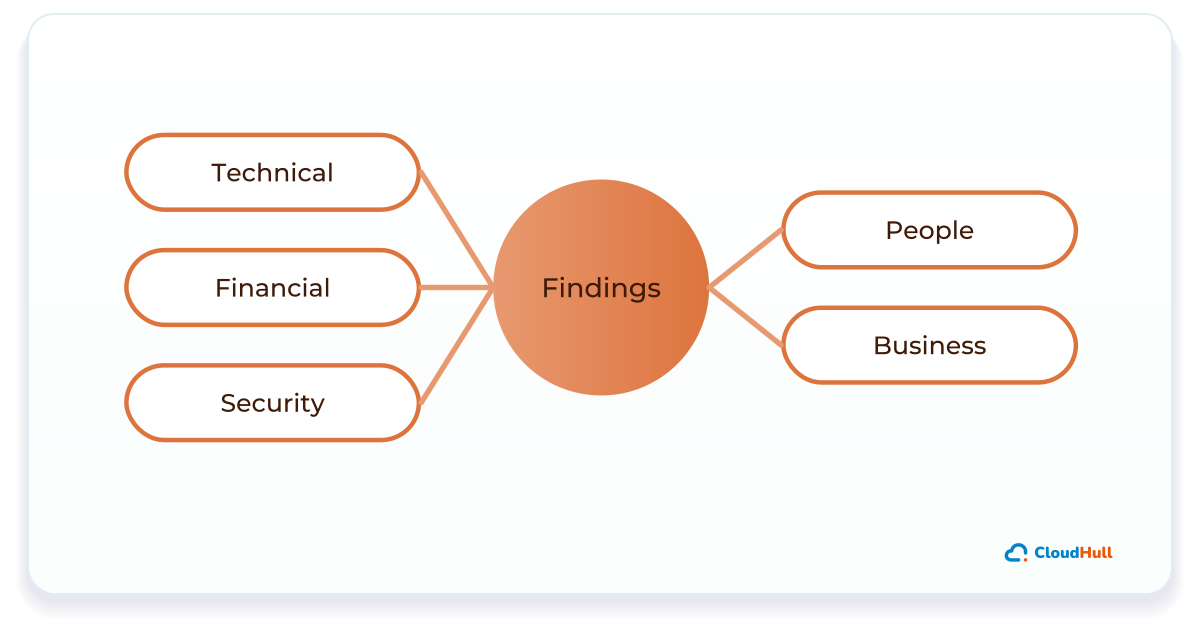
An assessment looks at five things at once. A technical review alone misses the reasons projects stall, which are usually money, people and rules.
| Area | What it answers | Typical evidence |
|---|---|---|
| Technical | Can each workload run in the cloud, and how? | Inventory, operating system and version, dependencies, utilization |
| Financial | Does the move save money or add value? | Current run cost, licenses, cloud estimate, one-off project cost |
| Security and compliance | What controls and rules apply to this data? | Data classification, access model, regulatory duties |
| People and process | Can your team run it, and who decides? | Skills list, owners, support model |
| Business | Which systems matter most, and when must they move? | Criticality, deadlines, planned changes |
Each area produces findings that feed the same ranked list. A system may be technically easy and still wait because the data rules are unclear, or the other way around.
How to Run the Assessment, Step by Step
The order matters, because each step needs the one before it. A rough run for a mid-sized estate takes a few weeks.
Discover What You Run
Collect an inventory from your hypervisor, your configuration database and your monitoring, then reconcile it by talking to the owners. A discovery tool collects utilization and dependency data at the same time. The Azure Migrate service, for example, covers discovery, readiness and cost assessment and dependency analysis in one place. Microsoft states that the service itself is free to use. The comparison of cloud migration tools shows what else is available.
Classify Each Workload
Give every workload a criticality, a data sensitivity and an owner. Then choose a strategy for it: rehost, replatform, repurchase, refactor, retire or retain. Retirement candidates are often the fastest savings, because an unused server costs money to keep and more to move.
Score Readiness and Effort
Use a simple score, such as one to five, for technical fit, data risk, dependency count and business value. The point is to rank, not to be exact. Systems with a high value, low effort and low risk make up your early waves.
Build the Cost Picture
Compare what you pay today with what the cloud will cost, and include the one-off project cost, licenses and staff time. The first estimate will be rough. Utilization data makes it better, since cloud sizing should follow measured use and not the old hardware. A saving that exists only on paper is the most common reason a business case collapses later.
Turn Findings Into Waves
Group workloads by dependency and risk and attach dates and owners. The result is a wave plan with a first wave that is small and typical of the rest. The failures you want this plan to prevent are covered in my list of cloud migration challenges.
A Worked Example of Scoring
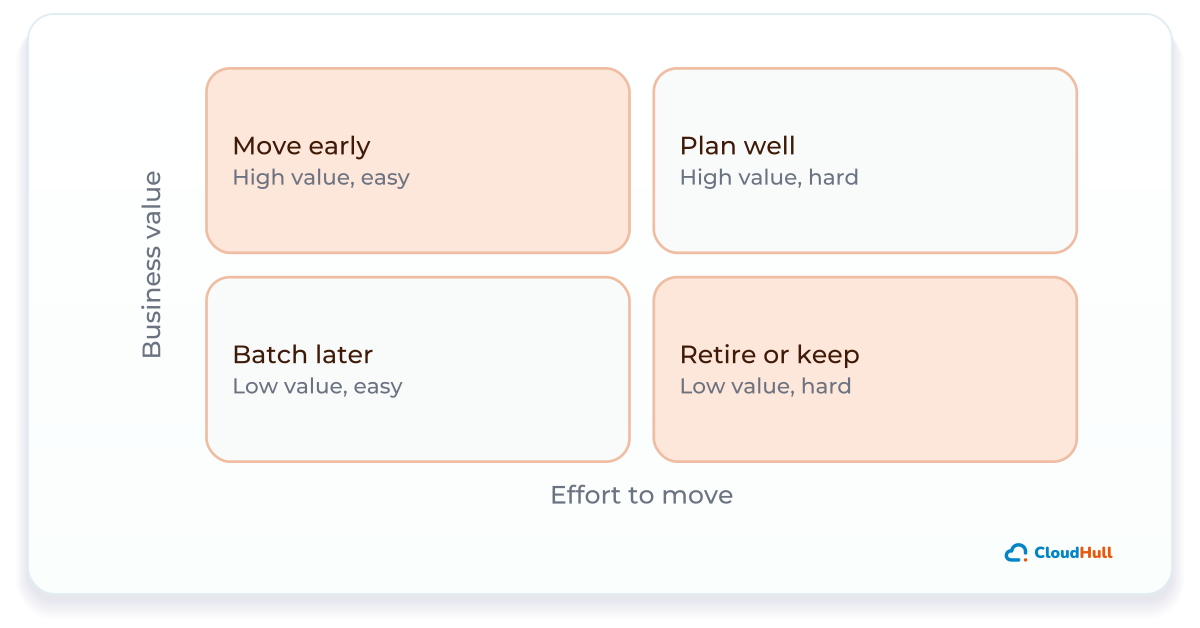
Take a company with a customer portal, an internal reporting server and a ten-year-old order system. The portal scores high on value and medium on effort, because it is a modern application that needs small changes to run on managed services. The reporting server scores low on value and low on effort, and its owner confirms that only two people still use it, so it becomes a retirement candidate. The order system scores high on value and high on effort, because it depends on an operating system that its vendor no longer supports.
The ranking that comes out is useful. The reporting server is retired in the first month, which saves a server and a migration. The portal moves in the first real wave, since it is valuable and fairly easy. The order system gets its own track with a vendor conversation and a decision between replacing it, hosting it on a compatible platform or leaving it in place. Without the assessment, all three would have sat in one list called "applications".
This is also where you find out which questions you cannot answer yet. In the example, nobody knew whether the order system had a regulatory retention rule on its data. That went on the risk list with an owner and a date, and it was settled before the plan was signed off. An assessment that surfaces open questions early has done its job.
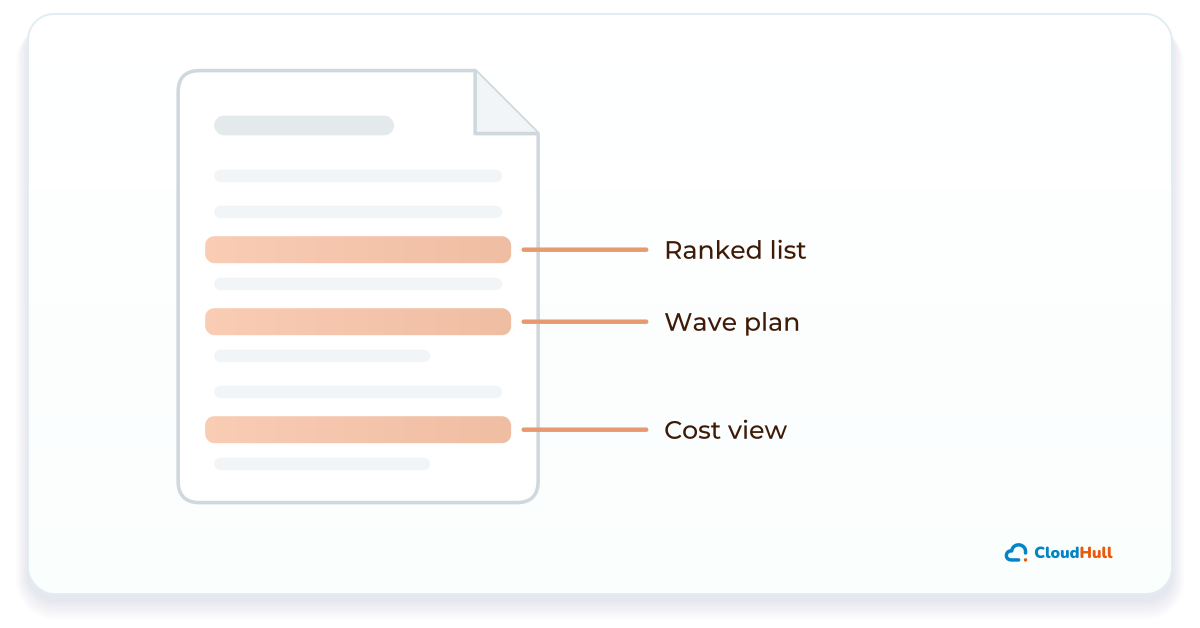
What You Should Receive at the End
A good assessment ends with documents you can act on. If you are paying for one, ask for each of these.
- An inventory with owners, criticality and a chosen strategy per workload
- A dependency map and a proposed wave plan with dates
- A cost comparison: current run cost, target run cost and project cost
- A risk list with security and compliance findings, each with an owner
- A recommendation on tools and target platform, with the reasoning
- A first-wave plan you can start within weeks
A report that only says "ready" or "not ready" for the whole estate is a warning sign. Readiness is a property of each workload, and the report should say so.
Readiness Signs to Check Before You Start
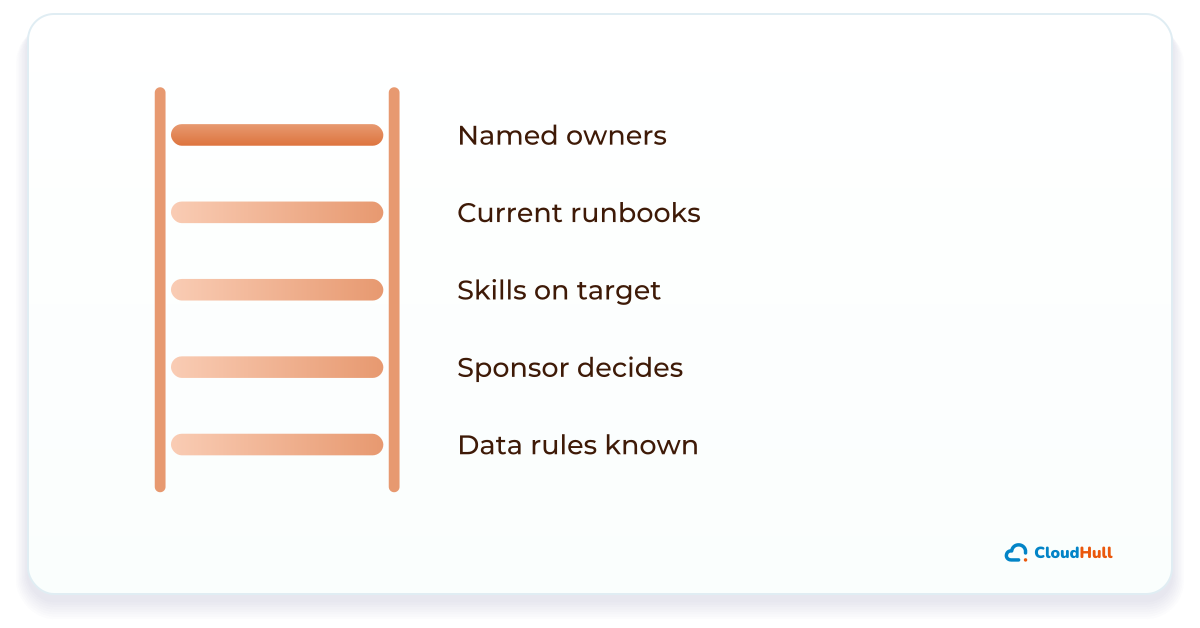
Some conditions make an assessment easier and a migration safer. Others suggest you should fix something first.
| Sign | Good | Needs work first |
|---|---|---|
| Ownership | Every system has a named owner | Systems nobody claims |
| Documentation | Diagrams and runbooks exist and are current | Knowledge lives in one person’s head |
| Team skills | Engineers have used the target platform | No cloud experience at all |
| Governance | A sponsor and a decision process exist | Decisions wait in committees |
| Data rules | Data is classified and rules are known | Nobody knows where regulated data sits |
Many teams discover that the biggest gaps are not technical. Ownership and documentation fix quickly once someone is asked to own them, and they make every later step cheaper. The rules that keep the project on track after the assessment are in my cloud migration best practices guide.
Can You Run an Assessment Yourself?
Yes, for a small or simple estate. A spreadsheet inventory, a native tool for discovery and a clear scoring sheet are enough for a few dozen servers. Custom applications are a harder case: CAST Highlight, for example, analyzes code for cloud readiness and effort, which is more than a spreadsheet can tell you. Its site offers a 14-day free trial.
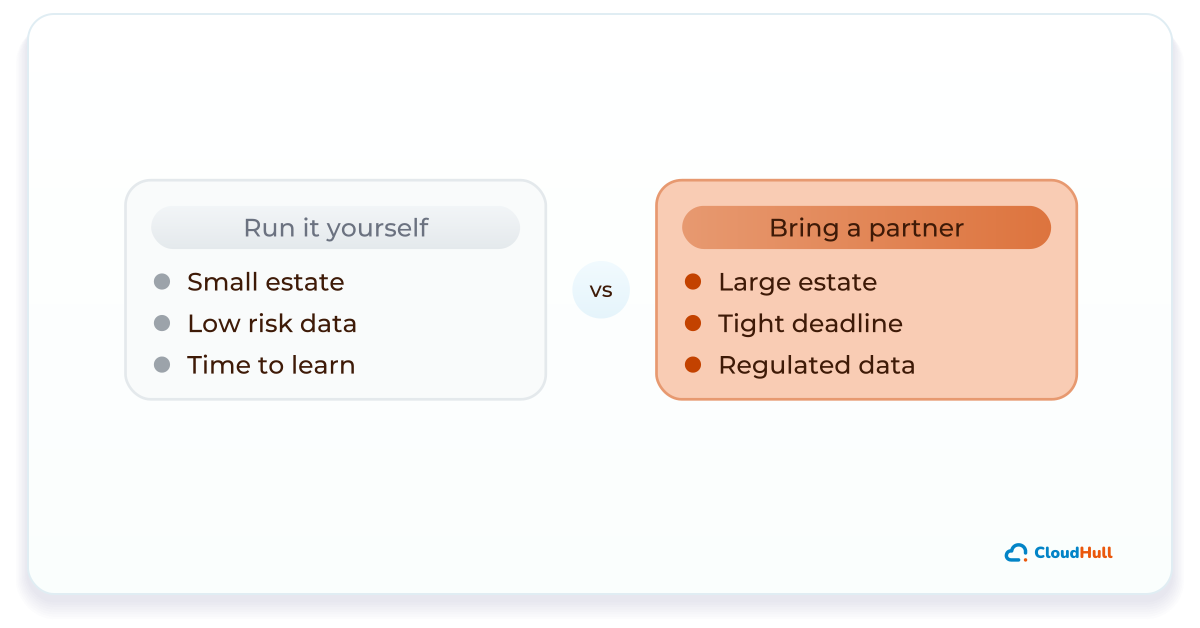
Outside help pays off for larger estates, tight deadlines or regulated data, because the mistakes are costlier and the volume of decisions is higher. For a smaller business, the lighter path in my guide to cloud migration for small business covers the same questions in fewer steps. Once the assessment is done, the cloud migration checklist turns the plan into tasks.
How Long Each Part Takes
Teams often underestimate the interview work. Tool data arrives within days, but confirming dependencies, owners and data rules with real people takes longer, because they have day jobs. Plan a week of calendar time for owner conversations in a small estate and several weeks in a larger one. Scoring and cost work move faster once those answers are in, and the report itself is a few days of writing. Start the interviews first, and let the tools collect data in the background while you talk.
Keep the owners informed while this happens. People who are asked for an hour in week one and hear nothing afterward tend to ignore the second request. A short update with the draft ranking, sent to every owner, brings corrections you would not otherwise get, and it builds the support you need once their systems are scheduled to move.
Mistakes That Make an Assessment Useless
I see four mistakes often. The first is stopping at the technical review, which leaves money, data rules and people unaddressed. The second is scoring once and never updating, so the plan drifts from reality in the first month. The third is a single score for the whole estate, which hides the workloads that matter. The fourth is no owner for the findings, so the report sits unread.
The remedy for all four is the same: give every finding an owner and a date, and review the ranking before each wave.
How to Choose Who Runs Your Assessment
If you hire help, ask how they score workloads, who does the work and what you receive. I suggest you check four things:
- Do they assess each workload, not only the estate as a whole?
- Will they involve your owners, or work only from tool data?
- Do they include cost and security, not only technical fit?
- Is the result a plan you can start within weeks?
A partner who answers these clearly will give you a better assessment, whatever the price. A short free call is often enough to tell.
Questions About Cloud Migration Assessments
What Is a Cloud Migration Assessment?
It is a structured review of your systems, costs, security needs and team readiness that ends with a ranked plan: which workloads move, in which order and by which method. It happens before you commit to a build.
How Long Does a Cloud Migration Assessment Take?
A small estate can be assessed in a week or two, and a mid-sized one usually takes a few weeks. Large or regulated estates take longer, mostly because of interviews, data classification and dependency work.
How Much Does a Cloud Migration Assessment Cost?
It depends on the size of the estate and who does the work. Native discovery tools are free to use, as the Azure Migrate and Google Migrate to Virtual Machines services are stated to be. Consulting fees depend on scope, so ask for a fixed quote.
What Is the Difference Between an Assessment and a Migration Plan?
The assessment produces the facts and the ranking. The plan turns them into waves, dates, owners and runbooks. In practice the two overlap, and good assessments end with a first-wave plan.
How Do I Know If My Business Is Ready for the Cloud?
Check ownership, documentation, team skills, governance and data rules. Gaps do not stop you from moving, but they tell you what to fix or plan for first. Readiness is also per workload, so some systems may be ready while others are not.
Which Tools Help with an Assessment?
Native discovery tools such as Azure Migrate cover inventory, dependency analysis and cost estimates for their own platform. For code-level readiness, tools such as CAST Highlight analyze applications. Many assessments also use a plain spreadsheet for the scoring.
Do I Need an Assessment for a Small Migration?
A short one, yes. Even a handful of servers benefits from a list of owners, dependencies and a decision about what to retire. The assessment can fit on a page.
Sources
Please note: this guide is general information and not legal, financial or tax advice. Numbers and examples are typical-project estimates; confirm current details with your providers and advisers.
Did this article help you?
Thanks, noted.
Garrett Linville
Garrett leads the Cloud Hull editorial team and works with the consultants to turn real client projects into practical guides on cloud migration, DevOps, security and cost control. Each article is edited together with the consultant who did the work, and every price and limit is checked against current provider documentation. He is based in the USA and works remotely.