Main Points
- Start with email, files and accounting, where the cloud version is clearly better and the risk is low.
- A small estate can skip the wave calendar, but not the backup, the owner list and the rollback.
- Count the one-off project, the monthly bill and the savings from what you switch off.
- Outside help pays off with a tight deadline, regulated data or a custom application.
If you run a small business, a cloud migration does not need a project office. It needs a short list of what to move, an order and a person who owns it. This is the route I suggest to the smaller clients who come to cloud migration consulting unsure of where to begin, and most of them finish in weeks, not months.
Below you find which systems give the biggest wins, what the move costs, how to plan the first thirty days and when it makes sense to bring in help. The steps are deliberately short.
The Simple Wins Worth Moving First
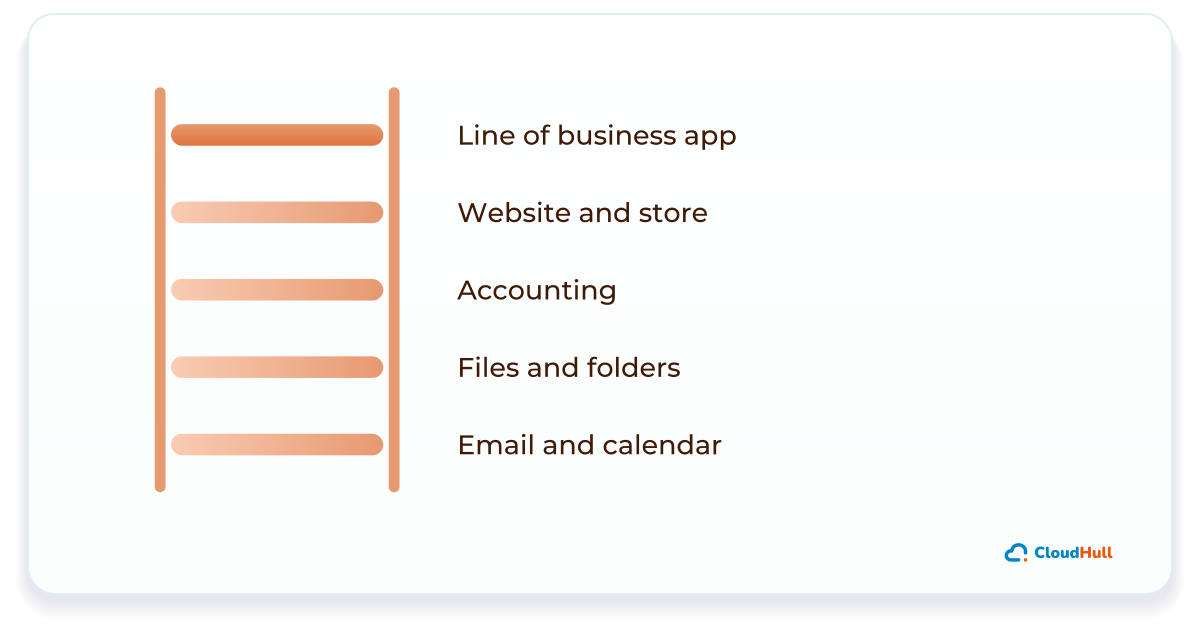
Not every system deserves to move. Start with the ones where the cloud version is clearly better and the risk is low. For most small businesses, that is a short list.
| System | Why move it | Effort | Watch for |
|---|---|---|---|
| Email and calendar | Reliable, secure and available from any device | Low | Mailbox size and domain records |
| Files and shared folders | Easy sharing, backup and access control | Low to medium | Folder permissions and sync clients |
| Accounting and invoicing | Updates and backups handled for you | Medium | Data export and the accountant’s access |
| Website and online store | Better uptime and scaling at busy times | Medium | DNS, certificates and downtime window |
| Line-of-business application | Removes a server you have to maintain | High | Vendor support and licensing |
If you already use software as a service for email and accounting, you have done part of this. The remaining work is usually the file server, the old application server and backups.
Why Small Businesses Can Move Faster
A small estate has fewer dependencies, fewer approvals and one person who knows how it works. Those are real advantages. You can often skip the wave calendar, the formal dependency study and the weekly steering meeting that bigger companies need.
What you cannot skip are the basics: a list of what you run, backups you have tested and a way back if something fails. The checks in my cloud migration checklist apply in short form, and you can drop the points that only matter at scale.
What a Small Business Migration Costs
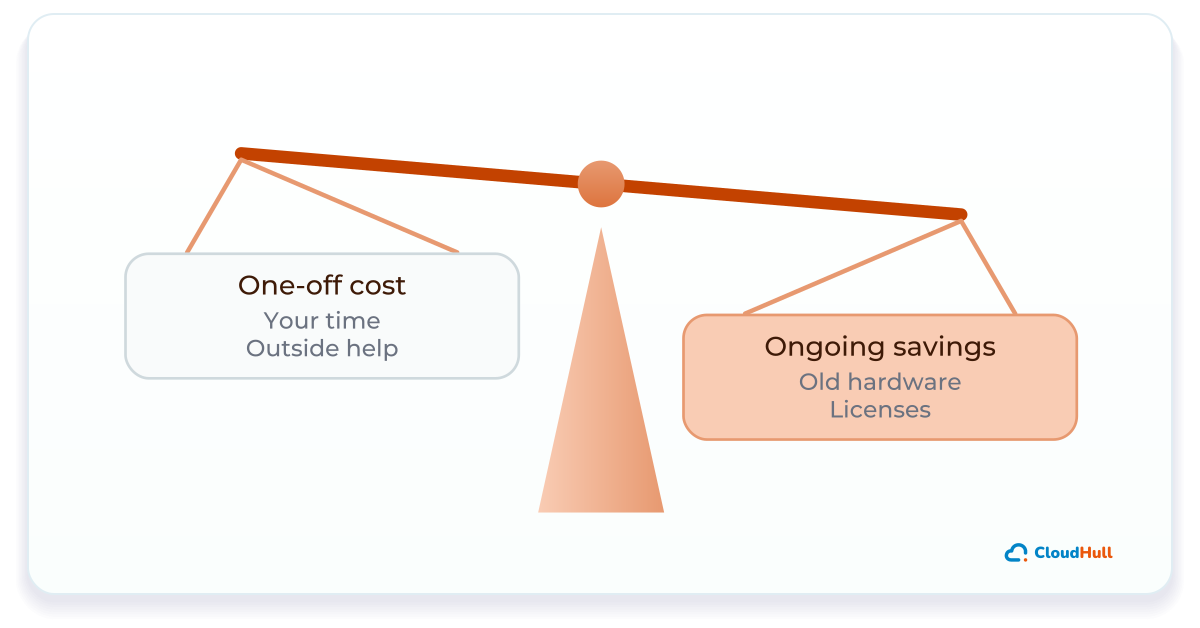
The cost has three parts: the one-off project, the monthly cloud bill and the savings from what you switch off. Many owners compare only the monthly bill with the old maintenance cost and forget the others.
| Cost item | What it includes | How to estimate |
|---|---|---|
| One-off project | Your time, any outside help, data transfer and testing | Hours multiplied by the hourly cost of the people involved, plus quotes |
| Monthly cloud bill | Subscriptions, storage and any virtual servers | Price calculators from the provider, using your real storage and user counts |
| Savings | Old hardware, support, power and licenses you stop paying | Last year’s invoices for each item |
| Hidden items | Internet upgrade, training, overlap while both run | Add a margin and review after the first month |
Provider tools are often free to use, such as Google’s Migrate to Virtual Machines, which Google states is free for migrations into Google Cloud. You still pay for the cloud resources the process uses. Prices change, so use the provider’s own calculator for a current number.
If the numbers do not favor the move, that is a valid result. Some small systems are cheaper on an existing server or as a subscription, and a good assessment says so. The approach in my guide to cloud migration assessment scales down to a page for a small business.
A Thirty-Day Plan for Your First Move
This plan fits one person working part of the week, with outside help where needed. Adjust the order to your own priorities.
| Week | Focus | Result |
|---|---|---|
| 1 | List systems, owners, costs and data. Decide what to retire. | A one-page inventory and a decision for each item |
| 2 | Choose target services, set up accounts, access and backups. | A secure place to move into |
| 3 | Move the first low-risk system with a test run and a rollback. | One system running in the cloud |
| 4 | Move the next system, fix issues and check the bill. | Two systems moved and a cost check |
After the first month, repeat weeks 3 and 4 for each remaining system. When the old server is no longer needed, retire it on a planned date and cancel its support.
Choosing Between Subscriptions, Virtual Servers and Managed Services
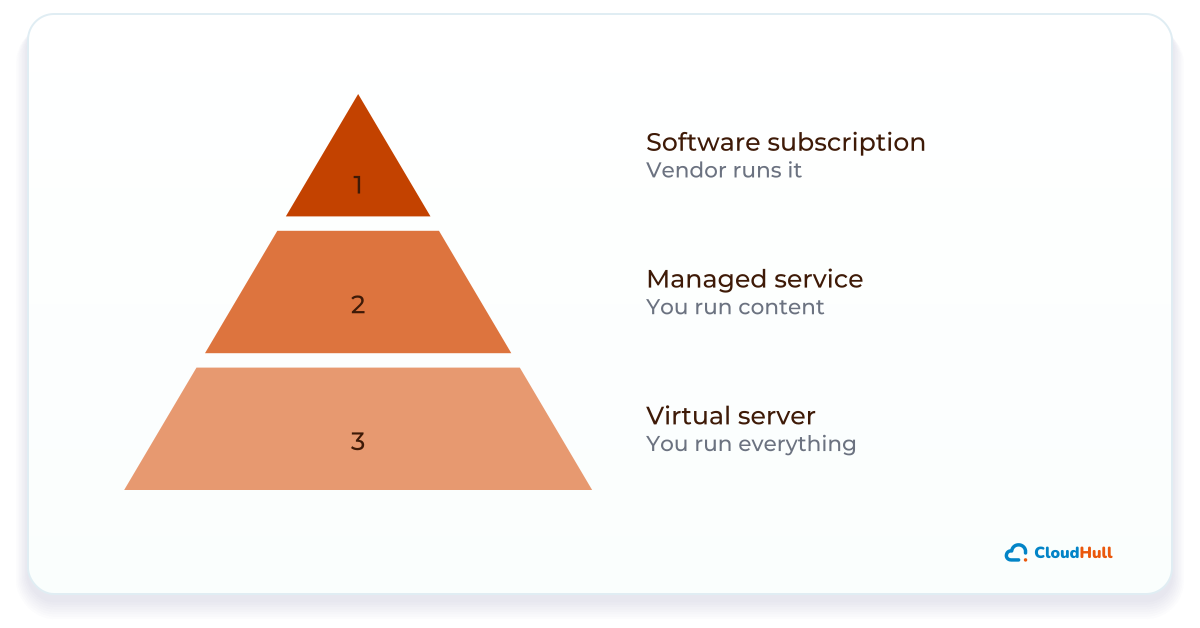
Small businesses usually have three ways to run a system in the cloud, and the right one depends on how much you want to maintain.
| Option | What it means | Best for | Trade-off |
|---|---|---|---|
| Software subscription | The vendor runs the whole application | Email, accounting, customer management | Less control, monthly fee per user |
| Managed service | The provider runs the platform and you run the content | Websites, databases, file storage | Some learning, fewer chores |
| Virtual server | You get a server in the cloud and run it yourself | Old applications that need a full server | You patch and back it up yourself |
My general advice is to go as far up that table as the system allows. Every step up removes a task you would otherwise have to do on a Sunday evening. Keep a virtual server for the systems that really need one, and plan to retire it when a subscription or managed service becomes available.
Security Basics for Your First Cloud Setup
Most problems in small business cloud accounts come from a few habits. Turn on multi-factor authentication for every account, starting with administrators. Use separate accounts for daily work and for administration. Give each person only the access their job needs, and remove access on the day someone leaves.
Block public sharing on storage unless you choose it for a specific folder, and keep backups in a place that one compromised account cannot erase. These steps take an afternoon and remove most of the risk that small businesses face. If you hold regulated data or customer payment details, ask a specialist to review your setup before you go live.
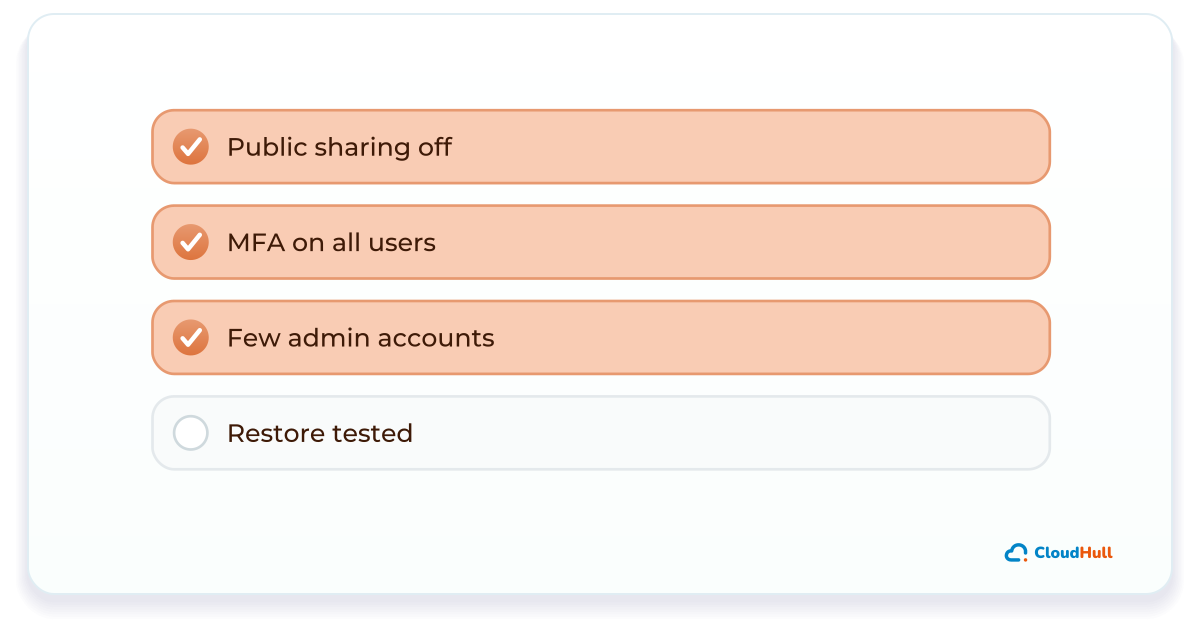
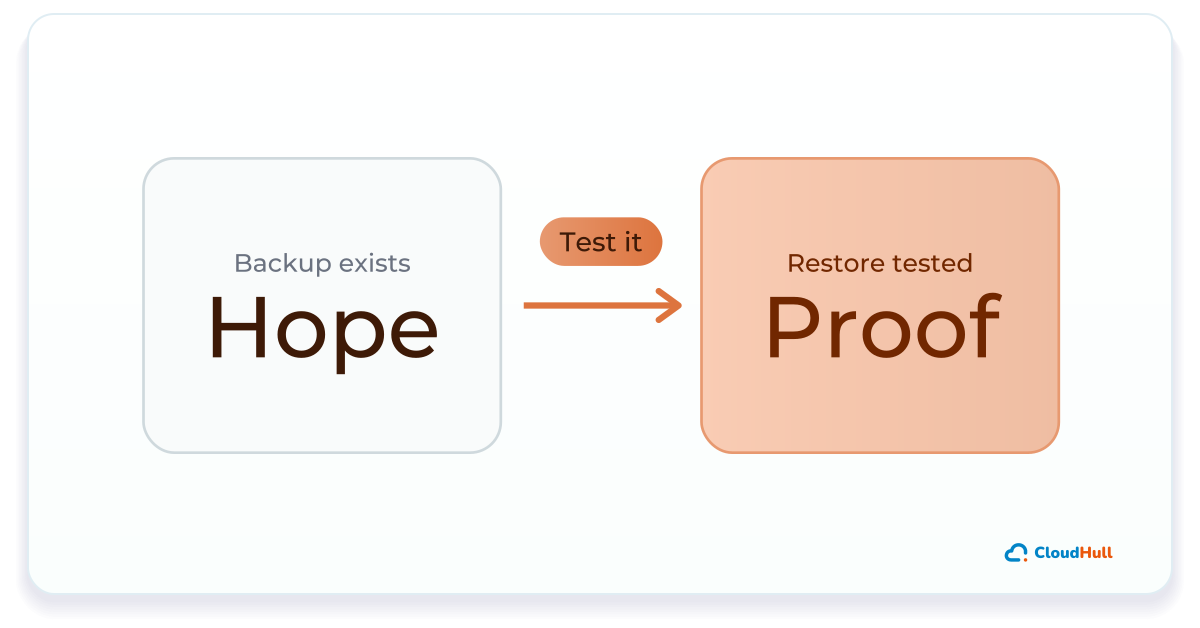
Test the restore on a different machine than the one that made the backup. People often find that the backup is complete but the permissions, the licence key or the database version were not captured, and it is far better to learn that now than during an outage. Write down the steps you used, so that anyone in the business can repeat them.
What to Do With Your Old Server
Once everything has moved and you have confirmed it for a few weeks, the old server becomes a cost. Take a final backup and store it safely, wipe the disks properly and cancel any support contract. If you leased or financed the hardware, check the end date before you plan the shutdown. A written note with the date and the owner is enough, and it saves you from paying for a machine that does nothing.
Pitfalls That Catch Small Businesses
Small teams make fewer mistakes of scale and more mistakes of habit. These are the ones I see most.
- Moving without a tested backup and a way back
- Giving everyone admin access to save time
- Forgetting DNS, certificates and email records during cutover
- Leaving the old server running, so you pay for both
- Letting one person hold all the passwords and knowledge
The first and last items matter most. A backup you have restored once is worth ten you have not, and a second person with access keeps the business running during holidays and illness. The longer list of practical rules is in cloud migration best practices.
What the First Month Looks Like in Practice
A ten-person design studio I can describe in general terms had a file server in a cupboard, email on a hosted plan and accounting in a subscription. The inventory took an afternoon and showed that only the file server needed to move. They chose a managed file storage service, set up access by team, and moved the files over a weekend after testing a restore from backup. The old server stayed on for four weeks as a safety net, then it was switched off and its support contract was cancelled.
The whole project took about three weeks of part-time work. The savings were modest, but the studio no longer worried about a failed disk, and remote work got easier. That is a typical result: fewer worries and a smaller bill, not a dramatic transformation.
When to Bring In Help
You can do a lot yourself. Outside help makes sense when you have a tight deadline such as a lease or support end date, regulated data, a custom application, or nobody in the business who has done it before. A few hours of review often catch the problems that would cost days. Larger estates meet a different list of issues, described in my cloud migration challenges guide.
If you do hire, ask for a fixed price, a written plan and a handover with documentation. If your options include software, the ranking of cloud migration tools explains what each one does and costs.
How to Decide What to Do This Month
Answer four questions, and your next step usually becomes clear:
- What is your fixed deadline, if any, such as a support end or lease date?
- Which system causes the most pain or risk today?
- Do you have a tested backup of it?
- Who owns the project and who is their backup?
If you have a deadline or a risky system, start there. If not, move email or files first, because they are quick and show the benefit early.
Questions About Cloud Migration for Small Business
Is Cloud Migration Worth It for a Small Business?
Often yes, for systems such as email, files and accounting, where the cloud version is more reliable and removes maintenance. For a stable on-premises application with no deadline, the numbers may favor staying, so compare costs first.
How Much Does It Cost to Move a Small Business to the Cloud?
It depends on how many systems you move and how much help you need. Count the one-off project, the monthly bill and the savings from old hardware and support. Use each provider’s price calculator for current figures.
How Long Does a Small Business Cloud Migration Take?
A first system can move within a few weeks, and a typical small estate can be done in one to three months while you run the business. Tight deadlines can be met with outside help.
What Should a Small Business Move to the Cloud First?
Email and calendar, then shared files, then accounting. They are low risk and quick, and they show benefits early. Applications and servers come after that.
Will I Lose Data During the Move?
Not if you take a backup first, test the restore and keep the old system until the new one is confirmed. Those three steps matter more than any tool.
Do I Need an IT Person to Migrate?
Not always. Many small businesses move email and files with the provider’s own guides. A short consultation helps for servers, custom applications or regulated data.
Which Cloud Provider Is Best for a Small Business?
It depends on what you already use. If your team lives in Microsoft or Google tools, the matching platform is often simplest. For servers, compare the price and support of the big three for your actual workload before choosing.
Sources
Please note: this guide is general information and not legal, financial or tax advice. Numbers and examples are typical-project estimates; confirm current details with your providers and advisers.
Did this article help you?
Thanks, noted.
Garrett Linville
Garrett leads the Cloud Hull editorial team and works with the consultants to turn real client projects into practical guides on cloud migration, DevOps, security and cost control. Each article is edited together with the consultant who did the work, and every price and limit is checked against current provider documentation. He is based in the USA and works remotely.