Main Points
- The free native tools from Azure, AWS and Google Cloud cover most server moves into their own platform.
- Databases need their own tool, because server replication does not carry stored procedures or queries.
- Specialist platforms such as RackWare and Zerto earn their cost in mixed estates and when recovery matters too.
- Choose by target cloud and source platform, then pilot on your hardest workload before committing.
The Best Cloud Migration Tools at a Glance
| Tool | Type | Best for |
|---|---|---|
| 1. Azure Migrate | Microsoft discovery, assessment and migration hub | Teams moving servers, SQL databases and web apps to Azure |
| 2. AWS Application Migration Service | Lift-and-shift server migration to AWS | Moving physical, virtual and cloud servers to AWS with short cutovers |
| 3. Migrate to Virtual Machines | Google Cloud VM migration service | Moving VMs from vSphere, AWS or Azure to Google Cloud |
| 4. Zerto | Continuous data protection and workload mobility | Moving workloads between data centers and clouds with disaster recovery built in |
| 5. VMware HCX | Application mobility for VMware environments | Moving vSphere workloads between data centers and VMware-based clouds |
| 6. AWS Database Migration Service | Database migration and replication to AWS | Moving databases to AWS with ongoing replication |
| 7. RackWare | Infrastructure-independent workload migration | Moving workloads between mixed infrastructures without hypervisor lock-in |
| 8. OpenText Migrate | Server migration formerly sold as Carbonite Migrate | Moving Windows and Linux servers with near-zero downtime between any platforms |
| 9. CAST Highlight | Application portfolio and cloud readiness analysis | Scoring your application portfolio for cloud readiness before you pick methods |
| 10. Flexera One | Cloud cost and IT asset management platform | Right-sizing and cost control before and after the move |
The 10 Best Cloud Migration Tools, Ranked
I start with the native tools from the big three providers, which cost the least and cover most moves, and then move to specialist platforms for mixed estates, databases, planning and cost. Keep in mind that the tool is only part of the result. In the cloud migration consulting projects I review, the wave plan and the cutover rehearsal matter more than the tool that copies the bytes.
Azure Migrate
The Free Starting Point If Azure Is Your Target and You Run Windows, SQL Server or VMware
Azure Migrate is Microsoft’s central hub for discovering, assessing and moving workloads to Azure.
Azure Migrate covers servers (VMware, Hyper-V, physical and other clouds), SQL Server instances, web apps and offline bulk data through Azure Data Box. Microsoft states that using the service itself is free, and partner tools plugged into the hub may charge for their own work. I like that discovery, readiness reports, dependency analysis and cost estimates all live in one place, which is the same ground a good cloud migration assessment covers by hand.
In my client work, Azure Migrate is the tool I reach for first when the target is Azure, because the assessment output feeds straight into sizing and cost. The weak point is that it assumes you have decided on Azure. If you are still comparing providers, the assessment numbers are not a neutral comparison, so treat them as one input.
Azure Migrate Strengths
- The hub is free to use and covers assessment and migration in one place
- Servers, SQL databases, web apps and bulk data are all supported
- Dependency analysis helps you build waves instead of guessing
Azure Migrate Weaknesses
- It only serves Azure targets, so it will not compare providers fairly
- Appliance setup and permissions take time on large estates
Azure Migrate Pricing
Microsoft states that Azure Migrate is free to use for discovery, assessment and migration with in-product or Microsoft tools. Partner tools in the hub may charge their own fees, and the Azure resources you create during testing and after cutover are billed at normal Azure rates.
Azure Migrate Reviews
- G2: 4.4 of 5 stars (based on 17 verified reviews)
AWS Application Migration Service
The Default Choice for Rehosting Servers to AWS With Cutover Windows Measured in Minutes
AWS Application Migration Service, now listed in AWS documentation as AWS Transform MGN, replicates your servers to AWS and launches them when you are ready.
The service installs an agent on each source server, reads the volumes once at block level and then keeps replicating changes to lightweight staging instances in your AWS account. AWS documents cutover windows of typically minutes, and you can group servers into applications and waves for bulk operations. It works with physical, virtual and cloud sources, including Windows Server and common Linux distributions.
What I like is how predictable it is. You launch test instances, fix what breaks, then cut over with the same steps, which fits the wave plans in a cloud migration best practices approach. It rehosts, so you carry your old sizing and old habits into AWS unless you rightsize afterward. I also tell clients to budget time for network and agent rollout, since that is where schedules slip.
AWS Application Migration Service Strengths
- Continuous replication keeps cutover windows short
- Waves and applications make bulk operations manageable
- Test launches let you rehearse before the real cutover
AWS Application Migration Service Weaknesses
- Rehosting alone does not improve your architecture or cost
- An agent must be installed and reachable on every source server
AWS Application Migration Service Pricing
I could not read a per-server price on the AWS pages when I checked, and the pricing page points to the AWS Pricing Calculator. Replication staging resources and test or cutover instances are billed at normal AWS rates, so model those before you commit.
AWS Application Migration Service Reviews
- I could not read a live G2 or Capterra rating for this product when I checked, so I am not quoting one.
Migrate to Virtual Machines
A Free Migration Path to Compute Engine From VMware, AWS or Azure Sources
Migrate to Virtual Machines is Google Cloud’s service for lifting and shifting VMs onto Compute Engine.
It continuously replicates disk data from the source VM without downtime on the source, lets you create test clones from the replicated data and then runs a cutover. Supported sources are vSphere data centers, AWS, Azure and Google Cloud VMware Engine. Google states that the service is free for migrations into Google Cloud, and you pay for the Compute Engine resources, storage and networking you use.
Test clones are the feature I value most. You prove a workload boots and behaves before you touch production, which removes much of the fear around a cutover weekend. It is a rehosting tool, so for databases and app changes you will use other services. When you are also deciding what to change on the way, a cloud migration checklist keeps the extra steps from being missed.
Migrate to Virtual Machines Strengths
- The service itself is free for migrations into Google Cloud
- Test clones let you validate before cutover
- Sources include vSphere, AWS and Azure
Migrate to Virtual Machines Weaknesses
- It only targets Google Cloud
- Databases and app changes need other tools
Migrate to Virtual Machines Pricing
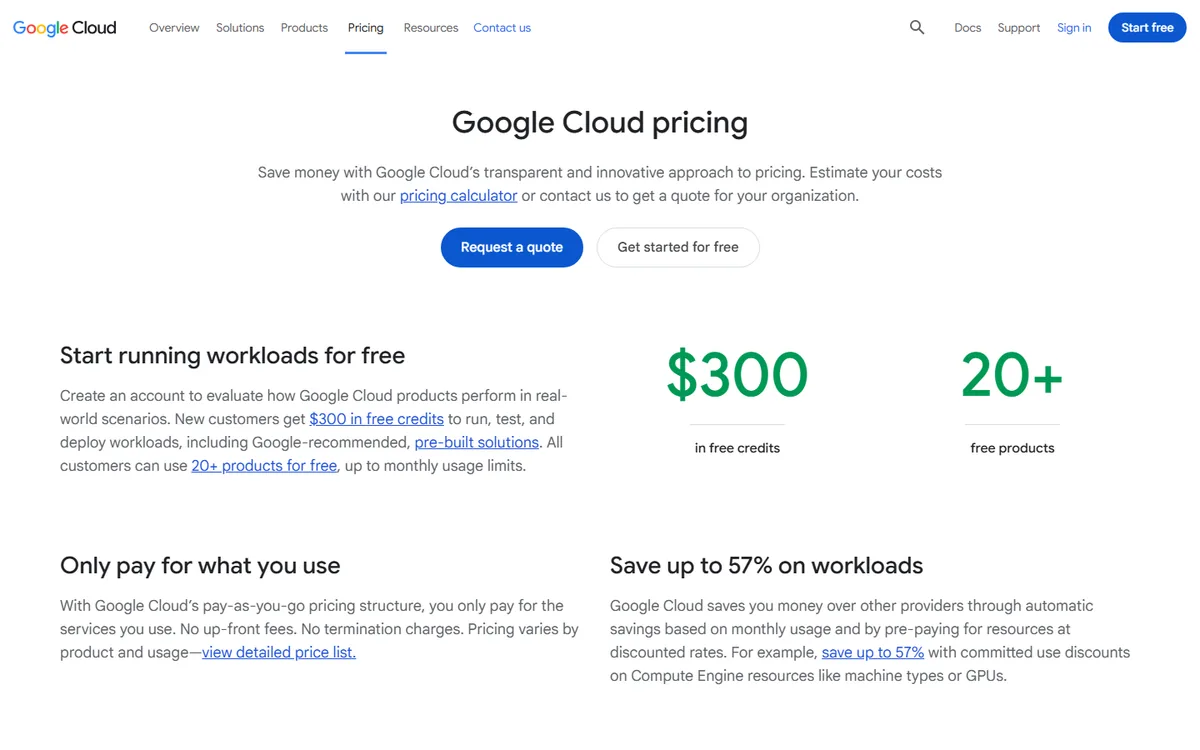
Google states that the migration service is free for migrations into Google Cloud. You pay for Compute Engine instances created by test clones and cutovers, plus storage and networking. Migrating from AWS or Azure also incurs charges on those platforms for the resources the process launches there.
Migrate to Virtual Machines Reviews
- I could not read a live G2 or Capterra rating for this product when I checked, so I am not quoting one.
Zerto
Best When You Want One Platform for Migration and Disaster Recovery Across Clouds
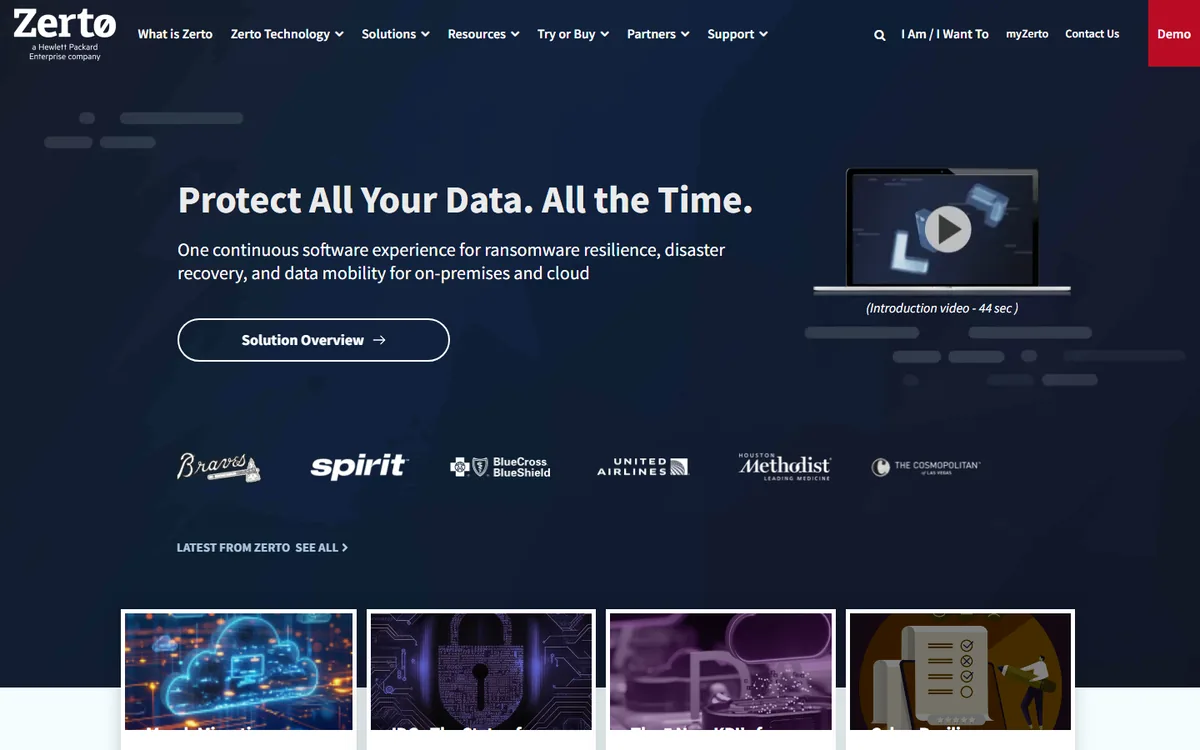
Zerto is a continuous data protection platform that also handles workload mobility between data centers and clouds.
Zerto replicates continuously and keeps a journal, so you can test a failover or recover to a point seconds before a problem. Its pages describe migration between on-premises environments and clouds such as Azure, AWS, IBM Cloud and Oracle Cloud, plus data center consolidation. Teams that already protect VMware workloads with it can reuse the same replication for the move.
In my experience the strongest case for Zerto is when disaster recovery and migration overlap. You replicate once, test without disturbing production and keep the same tool for recovery after you land. If you only need a one-time migration into a single cloud, the native tools from the provider are cheaper and usually enough. Check the licensing model early, because it shapes the business case.
Zerto Strengths
- One replication platform for migration and recovery
- Failover tests run without hurting production
- Works across several clouds and data centers
Zerto Weaknesses
- Licensing is quote-based, so cost is hard to compare upfront
- Native provider tools are cheaper for a one-time move
Zerto Pricing
Zerto lists a free 14-day license and a total cost of ownership estimator. I could not find published price figures on its site, and the pricing and licensing page directs you to sales, so expect to request a quote.
Zerto Reviews
- G2: 4.7 of 5 stars (based on 75 verified reviews)
VMware HCX
The Natural Fit If You Run vSphere and Your Target Is a VMware-Based Cloud
VMware HCX moves virtual machines between vSphere environments and VMware-based clouds without changing IP addresses in many setups.
HCX is built for moving VMware workloads between sites, including VMware-based cloud services. It offers several migration types, such as scheduled bulk moves and live moves of running machines, plus network extension so a VM can keep its address while its neighbors are still on the old side. I could not read the vendor’s current product page when I checked, so confirm the exact feature set and licensing for your version with Broadcom.
What I like is the network extension, because dependencies on IP addresses are one of the most common reasons a wave gets blocked. The catch is the scope. If your target is a native cloud such as AWS EC2 or Azure VMs, HCX is the wrong tool, and a cloud migration challenges review often shows that the licensing change is the bigger risk than the technology.
VMware HCX Strengths
- Network extension helps keep addresses stable during waves
- Several migration types for different downtime needs
- Familiar for teams that already run vSphere
VMware HCX Weaknesses
- It fits VMware-based targets, not native cloud VMs
- Licensing and packaging have changed, so check current terms
VMware HCX Pricing
I could not read current pricing on the vendor page. HCX is typically included with certain VMware cloud offerings, so confirm the licensing for your version and your target with the vendor.
VMware HCX Reviews
- I could not read a live G2 or Capterra rating for this product when I checked, so I am not quoting one.
AWS Database Migration Service
The Standard Tool for Moving Databases to AWS With Little Downtime
AWS Database Migration Service copies data from a source database to a target on AWS and can keep the two in sync until you cut over.
It supports moves between the same engine, such as one PostgreSQL to another, and between different engines when paired with schema conversion. Continuous replication keeps changes flowing until you are ready, which keeps the final outage short. I have used it for both a straight lift and for moving a database to a managed service.
The honest caveat is that DMS moves data, not logic. Stored procedures, application queries and performance tuning still need human work, and that is where database migrations usually run over. Plan a test migration with production-sized data early, and use the best practices from your overall plan for the rest. I did not verify current price figures, so check the AWS pricing page for your setup.
AWS Database Migration Service Strengths
- Continuous replication keeps cutover downtime short
- Works between the same or different database engines
- Fits well with managed database targets on AWS
AWS Database Migration Service Weaknesses
- Stored procedures and application logic need separate effort
- Tuning large initial loads takes testing
AWS Database Migration Service Pricing
I did not verify current price figures for this service. AWS bills for the replication resources you run and for the data transferred, so use the AWS Pricing Calculator with your own sizing before you commit.
AWS Database Migration Service Reviews
- I could not read a live G2 or Capterra rating for this product when I checked, so I am not quoting one.
RackWare
A Strong Option for Mixed Estates Where the Source Hypervisor Gets in the Way
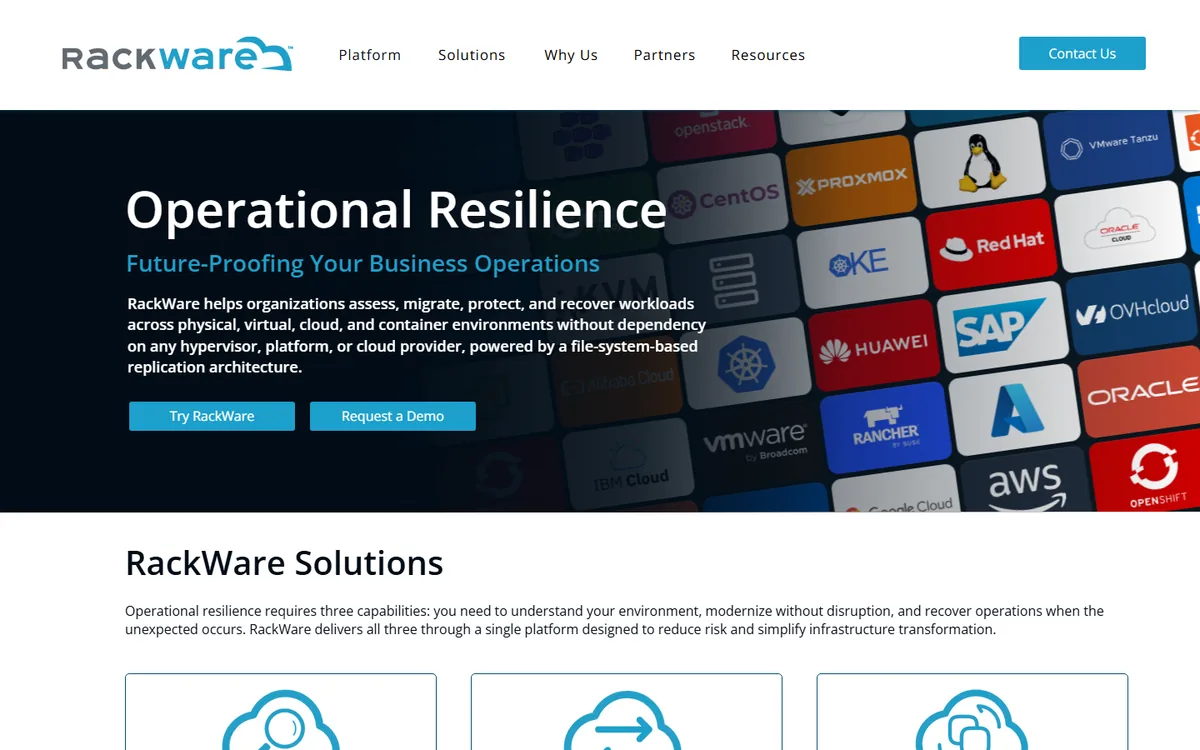
RackWare moves workloads between infrastructures using file-system-level replication that does not depend on the source hypervisor.
Its site lists automated target provisioning, driver injection at cutover, near-zero downtime by pre-staging data and syncing only changes, and tests at the target without disturbing production. That mix helps with older or unusual sources where image-based tools struggle.
I treat RackWare as a specialist. If your estate is mostly VMware going to one hyperscaler, the native tools are simpler. If you have physical servers, mixed hypervisors or several clouds in play, a hypervisor-independent approach saves time. Run a pilot on your hardest server first, since that server decides whether the tool earns its license.
RackWare Strengths
- Replication does not depend on the source hypervisor
- Driver injection and target sizing are automated
- Tests can run at the target without hurting production
RackWare Weaknesses
- Pricing on request
- Smaller community than the hyperscaler tools
RackWare Pricing
RackWare does not publish prices. Its site offers a trial and a demo request, so budget time for a quote.
RackWare Reviews
- G2: 4.3 of 5 stars (based on 6 verified reviews)
OpenText Migrate
A Server-to-Server Mover for Mixed Platforms, Now Under the OpenText Name
OpenText Migrate, formerly Carbonite Migrate, moves servers between physical, virtual and cloud platforms.
I could not open a current product page for this tool when I checked, so I am limiting claims to what I know well: it replicates server data to a target ahead of time and lets you cut over with a short outage. It has been used for moves between physical, virtual and cloud environments for many years.
Its small G2 footprint matters for you. Only two reviews are listed, which is not enough to judge, so run a proof of concept before you buy. It earns a place in this list because it comes up in mixed estates and as a fallback when a native tool does not support a source.
OpenText Migrate Strengths
- Long track record for server-to-server moves
- Supports mixed physical, virtual and cloud sources
OpenText Migrate Weaknesses
- Very few public reviews to learn from
- Pricing on request, and the brand change makes research harder
OpenText Migrate Pricing
I could not find published prices. Ask for a quote and compare it against the free native tools from your target cloud.
OpenText Migrate Reviews
- G2: 4.8 of 5 stars (based on 2 verified reviews)
CAST Highlight
The Tool for Deciding What to Change Before You Move It
CAST Highlight analyzes your application code and portfolio to show cloud readiness, blockers and effort.
CAST’s site says Highlight charts migration routes automatically, flags blockers, estimates the fix and effort and points to best-fit cloud-native services for each application. That is useful when you have hundreds of applications and no time to read the code of each.
This is a planning tool, not a mover. In my work it helps most with the replatform-or-refactor decision for custom applications. Pair it with an infrastructure tool for the actual move. The 14-day trial is a cheap way to run it on a few applications before you roll it out.
CAST Highlight Strengths
- Scores applications for cloud readiness and effort
- Flags blockers and suggests target services
- Trial lets you test before buying
CAST Highlight Weaknesses
- It plans but does not migrate anything
- Works from code, so it fits custom applications better than packaged software
CAST Highlight Pricing
CAST’s site gives no prices and offers a 14-day free trial. A separate pricing page is linked, so confirm the current plan with the vendor.
CAST Highlight Reviews
- G2: 4.5 of 5 stars (based on 92 verified reviews)
Flexera One

Strongest on Cost and License Visibility, Which Decides the Business Case for Many Moves
Flexera One is a broader IT and cloud cost platform that supports migration planning through cost, license and usage data.
Flexera’s own page focuses on cloud cost optimization across AWS, Azure, Google Cloud and other providers, and on FinOps processes. A migration-specific feature list was not on the page I read, so I treat it as a cost and license layer around your migration and not as the mover.
That layer matters more than it seems. Software licenses and idle servers often decide whether the cloud saves money, and Flexera One helps you see them before you pay twice. Use it for the business case and for tracking spend afterward. For the actual move, pair it with a native tool.
Flexera One Strengths
- Covers cost across several cloud providers
- Brings license and usage data into the business case
- Largest review base in this list
Flexera One Weaknesses
- Custom pricing
- It supports the move but does not perform it
Flexera One Pricing
Flexera lists no prices on the page I read. It offers an ROI calculator and a demo request, so expect a quote tied to your scope.
Flexera One Reviews
- G2: 4.4 of 5 stars (based on 195 verified reviews)
How to Choose the Right Cloud Migration Tool
In my experience, your target cloud and your source platform decide most of the choice. Before you compare vendors, answer four questions:
- Which cloud are you moving to, and is that decision final?
- What are your sources: VMware, physical servers, another cloud or databases?
- How much downtime can each workload accept at cutover?
- Do you also need disaster recovery, cost tracking or application scoring?
If you are going to a single hyperscaler, start with its free native tool, which means Azure Migrate, AWS Application Migration Service or Migrate to Virtual Machines. Add AWS DMS for databases and CAST Highlight when you need to score a large application portfolio. If you run mixed or physical sources, test RackWare or OpenText Migrate on your hardest server, and if recovery matters as much as the move, look at Zerto. Smaller companies can follow the lighter path in my guide to cloud migration for small business. If you want a second opinion on your setup, a short call usually settles it.
Questions About Choosing Cloud Migration Tools
What Is the Best Cloud Migration Tool?
There is no single best tool. For a move into one provider, I recommend that provider’s free native tool: Azure Migrate, AWS Application Migration Service or Migrate to Virtual Machines. Mixed estates, databases and disaster recovery needs may call for a specialist tool as well.
Are Cloud Migration Tools Free?
The Azure Migrate and Google Migrate to Virtual Machines services are stated to be free to use, though you pay for the cloud resources created during testing and after cutover. Other tools, such as Zerto, RackWare and Flexera One, are quote-based. Check each vendor’s page, because terms change.
Do I Need a Tool for a Small Migration?
Not always. A handful of servers can be rebuilt by hand or moved with a native tool in an afternoon. Tools earn their place once you have dozens of servers, tight cutover windows or dependencies that make manual moves error-prone.
What Is the Difference Between Rehosting and Replatforming Tools?
Rehosting tools such as AWS Application Migration Service copy a server as it is. Replatforming means making small changes to use a managed service, which often needs a database tool, an application scoring tool or manual work. Many projects use both.
Can One Tool Handle Databases and Servers?
Rarely. Server replication copies disks, while database tools such as AWS DMS replicate tables and changes. You will usually run both, and you will test the database move on production-sized data well before cutover.
How Do I Avoid Downtime During Cutover?
Use a tool with continuous replication, run a test cutover first and agree a rollback plan. Most downtime comes from DNS, network and application changes, not from the data copy, so rehearse those steps as well.
Should I Hire a Consultant or Just Use the Tools?
If you have a small, simple estate and experienced engineers, the tools may be enough. A consultant helps most with wave planning, dependency mapping and the decisions about what to change, because those decide your cost and risk.
Important: prices, plans and ratings move quickly. They reflect our last update, so double-check each vendor’s site before purchasing. Nothing in this article is legal or financial advice.
Did this article help you?
Thanks, noted.
Garrett Linville
Garrett leads the Cloud Hull editorial team and works with the consultants to turn real client projects into practical guides on cloud migration, DevOps, security and cost control. Each article is edited together with the consultant who did the work, and every price and limit is checked against current provider documentation. He is based in the USA and works remotely.