Main Points
- Five problems appear in almost every small cloud setup, and none needs a big budget.
- Do three things first: MFA, named accounts instead of shared logins and blocked public storage.
- Use your provider's built-in security features before buying enterprise platforms.
- Move to a formal assessment when a customer asks for proof or you handle payment or health data.
Small businesses are not too small to be targeted. Attackers scan the internet for open storage and weak logins automatically, and they do not check how big your company is first. The good news is that a handful of cheap steps blocks most of what those scans find. If you have ten to a hundred employees and no security team, this guide shows you what to do this month and what can wait. When you outgrow it, cloud security consulting picks up where this list ends.
I have helped small online shops, software startups and local service companies tidy up their cloud setups. The pattern repeats: one or two people run everything, security is nobody's job and the same five problems appear every time.
The Five Problems I See in Almost Every Small Setup
- One shared admin login that half the team knows
- No multi-factor authentication on the accounts that matter most
- Storage or backups open to anyone with the link
- A website or database reachable from the whole internet
- No logs, or logs nobody looks at
None of these needs a large budget. They need a few hours, a decision on who owns each fix and the habit of checking again every quarter. Fix them in the order below and you remove the easiest ways in.
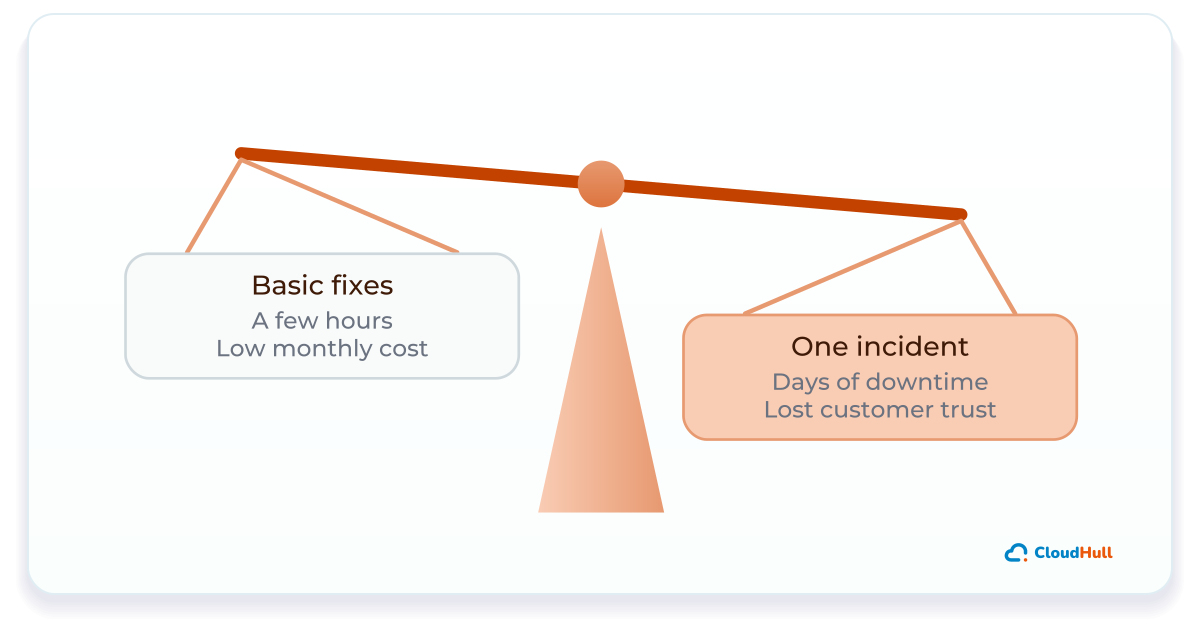
Seven Simple Wins in Priority Order
| Win | Effort | Typical cost | What it blocks |
|---|---|---|---|
| 1. Turn on MFA everywhere | 1 to 2 hours | Free to low | Stolen passwords |
| 2. End shared logins | Half a day | Free | No trail, no way to remove one person |
| 3. Block public storage | 1 hour | Free | Data leaks |
| 4. Use a password manager | Half a day | Low per user | Reused and leaked passwords |
| 5. Turn on audit logs and billing alerts | 2 hours | Low | Attacks you would not notice |
| 6. Automate backups and test a restore | Half a day | Low to moderate | Ransomware and mistakes |
| 7. Review who has access every quarter | 1 hour | Free | Former staff keeping access |
Prices depend on your providers and the number of users, so check current rates before you decide. Most of these use features your cloud provider and identity service already include.
Why Each Win Matters and How to Do It
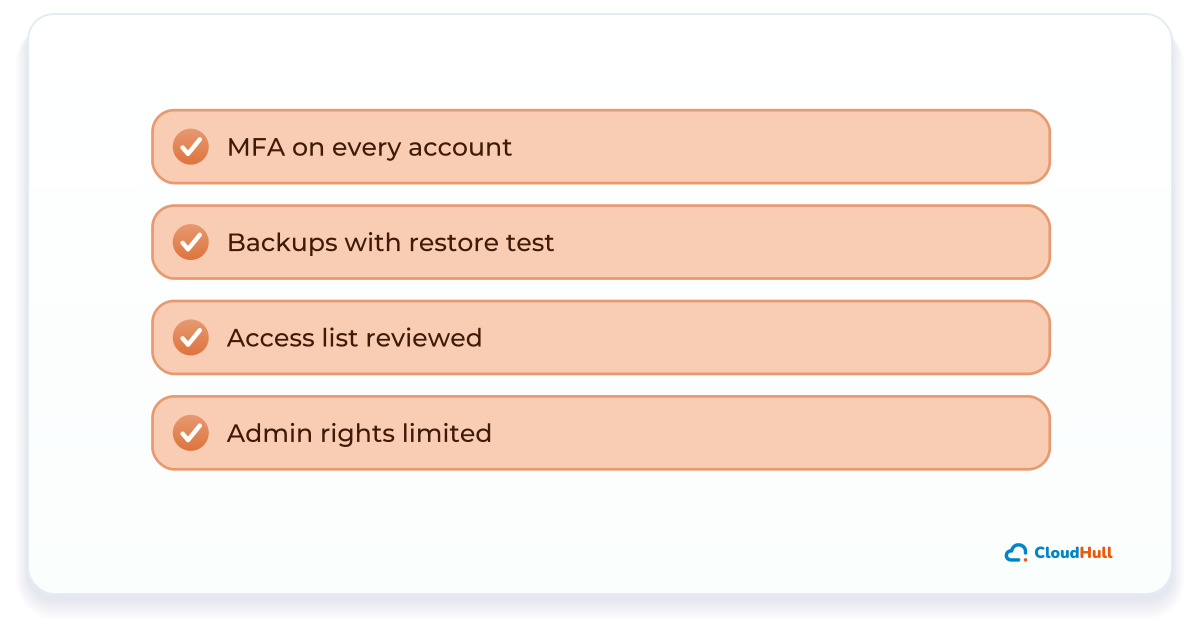
Multi-factor authentication comes first because stolen passwords are the most common way in. Enable it for your cloud console, email, code repository and accounting tools. Use an authenticator app or a hardware key rather than text messages when you can.
Ending shared logins is about accountability. When four people use one admin account, you cannot tell who changed what, and you cannot remove one person without changing the password for everyone. Create a named account for each person and remove the shared one. In a ten-person online shop I worked with, this took an afternoon and surfaced two former contractors who still had access.
Blocking public storage takes one setting at the account level on most providers. Turn it on, and if something breaks, you learn which files were public. Decide for each one whether it should be.
A password manager sounds unrelated to the cloud, but your cloud accounts are only as safe as the passwords that protect them. Pick one for the whole team and make it the only place secrets live.
Logs and billing alerts are your early warning. A sudden bill from crypto mining on a hijacked account is often the first sign a small company gets. Set a billing alert at a level slightly above your normal spend, and enable audit logging so you can see what happened.
Backups need two properties: they run automatically and you have tested a restore. Keep a copy in a separate account or location that your daily logins cannot delete.
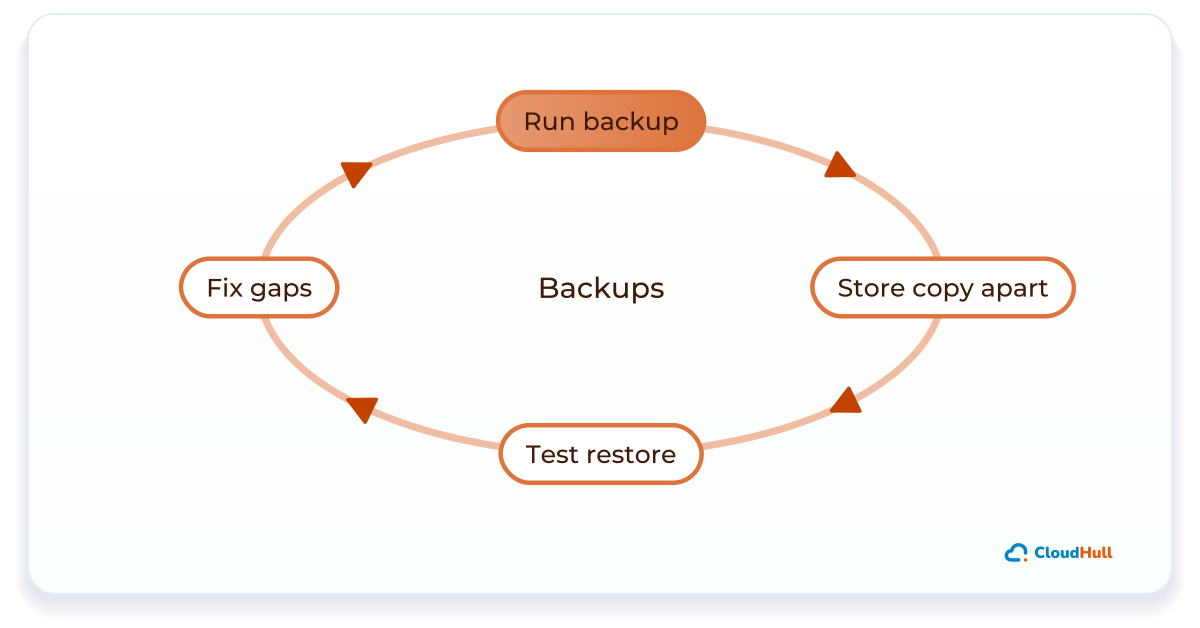
A 90-Day Plan You Can Actually Finish
Spread across three months, the work feels small. In the first month, do the three urgent wins: MFA, named accounts and blocked public storage. In the second month, add the password manager, logging and billing alerts. In the third, set up automated backups, run a restore test and hold your first quarterly access review. Put each task in your calendar with a name next to it.
Do not add more than that. I have watched small teams write a long list in week one and abandon it by week three. A short plan that is completed beats a long one that stalls, and the habits stick because the effort stays low.
| Month | Focus | Done when |
|---|---|---|
| 1 | Stop the easiest attacks | MFA on, shared logins gone, public storage blocked |
| 2 | See what is happening | Password manager in use, audit logs and billing alert on |
| 3 | Recover from mistakes | Backups automatic, restore tested, first access review signed off |
What It Looked Like at an Online Shop With Eight People
An online shop with eight employees asked for help after its hosting bill tripled in a month. A forgotten server had been taken over and used to mine cryptocurrency. The attacker got in through an old shared login with a weak password and no second factor. The fix took two days: remove the login, create named accounts with MFA, close the open port and rebuild the server from a clean image.
The costly lesson was that the billing alert would have caught it in a day. The shop had no alert, so the bill grew for three weeks. After the cleanup we added the alert, turned on logging and set up backups. Total ongoing cost was a few dollars a month and about an hour each quarter. The owner told me the most useful change was simply knowing who had access to what.
What It Costs and What You Can Skip
A realistic first year for a company of 20 people is mostly staff time. The tools above are free or cost a few dollars per user per month. What you can skip at this size are expensive enterprise platforms. A posture management product, a managed detection service or a security operations center is overkill when you have one account and ten servers. Use your provider's built-in security service, which usually has a free tier or trial, and revisit paid tools when your environment grows past a few accounts. My comparison of cloud security tools shows where the price jumps start.
Cyber insurance is worth a look too. Insurers now ask for MFA, backups and logging before they quote, so the simple wins above often decide whether you qualify and what you pay.
What Your Cloud Provider Already Handles
Your provider protects the data centers, the hardware and the core of the services. You protect everything you configure: logins, storage settings, network rules and your own applications. Small teams often assume the provider handles more than it does. Read the shared responsibility page for your provider once, and keep the one-line summary for each service you use.
| Who | Responsible for |
|---|---|
| Cloud provider | Physical security, hardware, core service software |
| You | User accounts, permissions, storage and network settings, data, your applications and backups |
| Shared | Patching and configuration of some services, depending on whether the service is managed or self-managed |
Train People for Ten Minutes, Not Ten Hours
Most small-business cloud breaches begin with a person, not a server: a phishing email, a reused password or a shared link. You do not need a long training course. Spend ten minutes once a quarter showing the team two real examples of phishing messages, how to report one and why MFA prompts they did not trigger should never be approved. Make reporting easy and blame-free, and people will use it.
Working With Vendors and Freelancers Safely
Small companies lean on agencies, freelancers and software vendors, and each one often gets access to your cloud. Treat that access the way you treat an employee's. Give each person a named account with only the permissions the job needs, set an end date and review the list every quarter. When a project ends, remove the account the same day.
Ask any partner who touches your data a few plain questions: where do they store it, who on their side can reach it and do they use multi-factor authentication. A good partner answers in a paragraph. If they cannot, that tells you something. Keep a one-page list of every outside party with access, because during an incident you will need it within minutes.
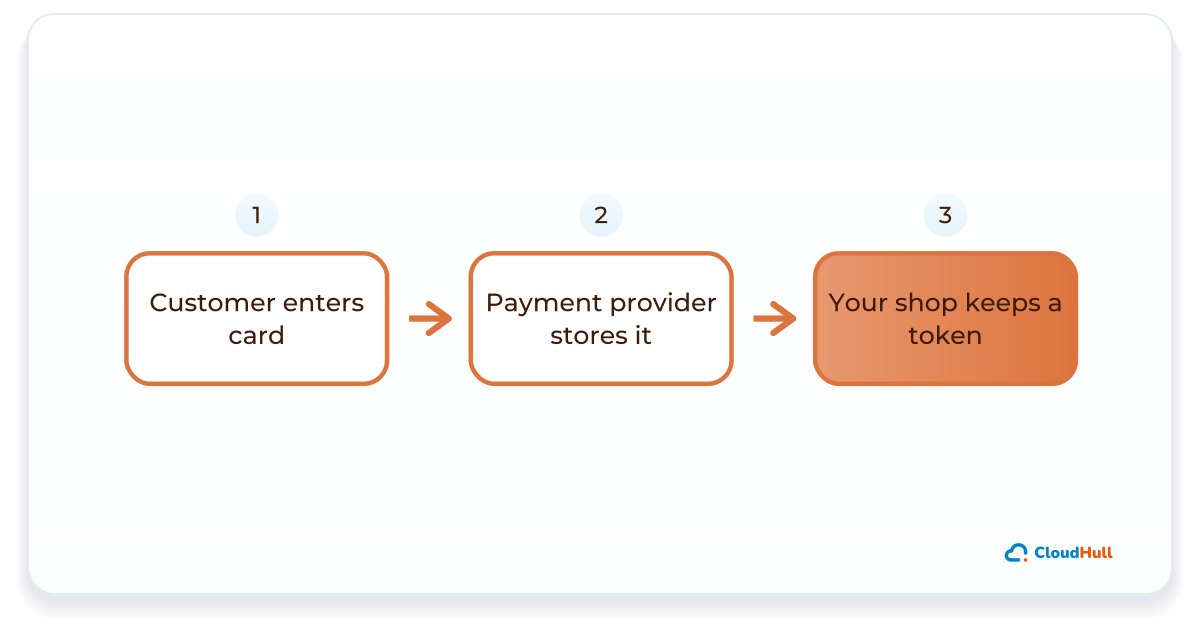
For payment data, use a payment provider that handles card details for you, so card numbers never touch your systems. This is the cheapest way to shrink your compliance burden, and it removes a high-value target from your own cloud.
When to Move Beyond the Basics
You are ready for more when one of these is true: a customer asks for a security questionnaire, you handle payment or health data, you pass about 25 employees or you run more than a few cloud accounts. At that point a scored cloud security assessment shows you what to fix next, and a working cloud security checklist keeps engineers honest. Later, a written cloud security strategy ties the effort to a budget, and a formal cloud security audit gives customers proof.
How to Choose Between DIY and Outside Help
If you have someone technical who can spare a week, do the seven wins yourself. Use outside help when nobody has the time, when a customer wants a written report or when you are not sure what is exposed. Ask for a fixed price, a short written findings list and an explanation of each fix in plain language. Avoid any provider who sells a long-term monitoring contract before they have looked at your setup.
Sources
Questions About Cloud Security for Small Business
Is My Small Business Really a Target for Cloud Attacks?
Yes. Automated scans look for open storage, weak passwords and exposed services across the whole internet, regardless of company size. Small companies get hit because they are easier, not because they are chosen.
What Is the First Thing I Should Do?
Turn on multi-factor authentication for your cloud console, email and code repository. It takes an hour or two and blocks the most common type of account takeover.
How Much Should a Small Business Spend on Cloud Security?
Most of the first-year work is staff time, plus low per-user costs for tools such as a password manager. Avoid enterprise platforms until your environment has grown. Check current provider prices before budgeting.
Do I Need a Dedicated Security Person?
Not at first. Give security ownership to one named person, such as the most technical founder or your IT lead, and set aside a few hours each month. Bring in outside help for reviews and projects.
Does My Cloud Provider Keep My Data Safe?
Your provider secures the infrastructure. You are responsible for your accounts, settings, data and applications. Most small-business incidents come from misconfigurations on the customer side.
What Is the Cheapest Way to Back Up My Data?
Use your provider's native backup service and keep a copy in a separate account that daily logins cannot delete. Test a restore at least once a year.
When Do I Need a Formal Assessment?
When a customer asks for a security review, when you handle payment or health data or when you grow beyond a few accounts. An assessment gives you a ranked list of what to fix.
Please note: this guide is general information and not legal, financial or tax advice. Numbers and examples are typical-project estimates; confirm current details with your providers and advisers.
Did this article help you?
Thanks, noted.
Garrett Linville
Garrett leads the Cloud Hull editorial team and works with the consultants to turn real client projects into practical guides on cloud migration, DevOps, security and cost control. Each article is edited together with the consultant who did the work, and every price and limit is checked against current provider documentation. He is based in the USA and works remotely.