Main Points
- VMware Cloud Foundation suits teams that already run vSphere, but licensing since the Broadcom acquisition needs a careful cost model.
- OpenStack and Proxmox cut license cost, and the money moves into engineering time.
- OpenShift is the strongest pick for container-first private clouds, and Azure Local and AWS Outposts fit teams already in Azure or AWS.
- Choose by workload type and team skills, then pilot on one real workload before a multi-year commitment.
The Best Private Cloud Platforms at a Glance
| Platform | Type | Best for |
|---|---|---|
| 1. VMware Cloud Foundation | Full private cloud stack from Broadcom | Teams already running vSphere that want one supported stack for compute, storage and networking |
| 2. OpenStack | Open source cloud operating system | Teams with strong Linux skills that want full control and no license fee |
| 3. Nutanix Cloud Platform | Hyperconverged private cloud platform | Teams that want a simpler alternative to a traditional three-tier stack |
| 4. Red Hat OpenShift | Kubernetes application platform | Teams building a container-first private cloud on their own hardware |
| 5. Azure Local | Microsoft hybrid infrastructure on your hardware | Microsoft-centric teams that want Azure management for on-premises hardware |
| 6. HPE GreenLake | Private cloud delivered as a service | Teams that prefer to pay for use and have a vendor manage the infrastructure |
| 7. AWS Outposts | AWS infrastructure installed in your site | Teams on AWS that need low latency or local data processing on site |
| 8. Proxmox VE | Open source virtualization platform | Small teams and budget-conscious organizations that want a capable platform with paid support options |
The 8 Best Private Cloud Platforms, Ranked
I start with the platforms I see most often in real estates and then move to the specialist and budget options. Keep in mind that the platform is only part of the result. In the private cloud consulting projects I review, sizing, networking and the operating model matter more than the brand on the invoice.
VMware Cloud Foundation
The Default Choice If You Already Run vSphere and Want One Vendor to Call
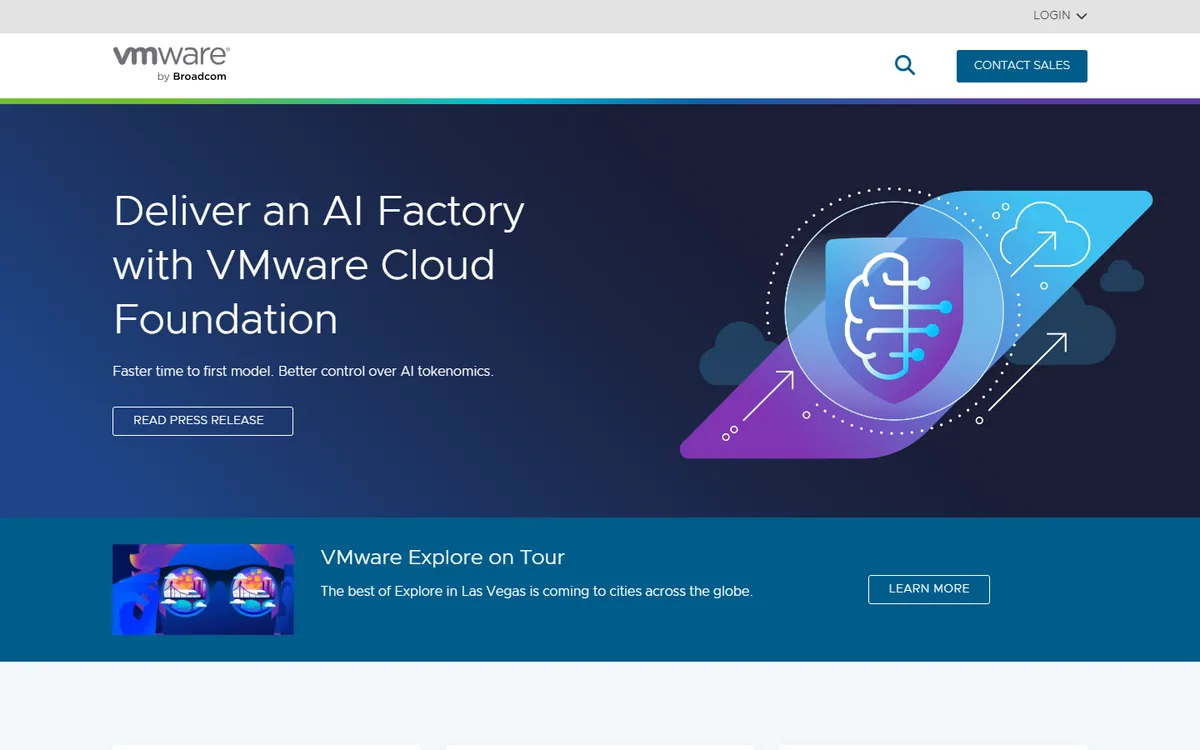
VMware Cloud Foundation bundles the vSphere hypervisor with software-defined storage, networking and cloud operations tooling into one private cloud platform. Broadcom positions it as the foundation for running virtual machines and containers in your own data center.
I still meet more private clouds built on VMware than on anything else, mostly because the staff already know it. The hard part today is commercial, not technical. Since Broadcom bought VMware, licensing has moved to subscriptions, and several clients have told me their renewal quote changed shape more than their usage did. Model the next three years of licensing before you decide to stay, and read my private cloud cost guide for the other lines of the budget.
VMware Cloud Foundation Strengths
- A mature, widely understood stack with a large pool of skilled engineers
- One platform for virtual machines, storage, networking and operations tooling
- Strong ecosystem of hardware and backup partners
VMware Cloud Foundation Weaknesses
- Licensing changes since the Broadcom acquisition make long-term cost harder to predict
- Advanced services are separate purchases, so the bundle is not the whole bill
VMware Cloud Foundation Pricing
Broadcom does not publish a price on the product page. Its page points to a Private Cloud Modernization Program form and to the partner portal for licensing details, and states that advanced services such as Advanced Security and Data Services are separate purchases. Get a written quote and compare it with your current renewal.
VMware Cloud Foundation Reviews
- G2: 4.3 of 5 stars (based on 733 verified reviews)
OpenStack
The Open Source Option for Teams That Want Control and Can Staff for It
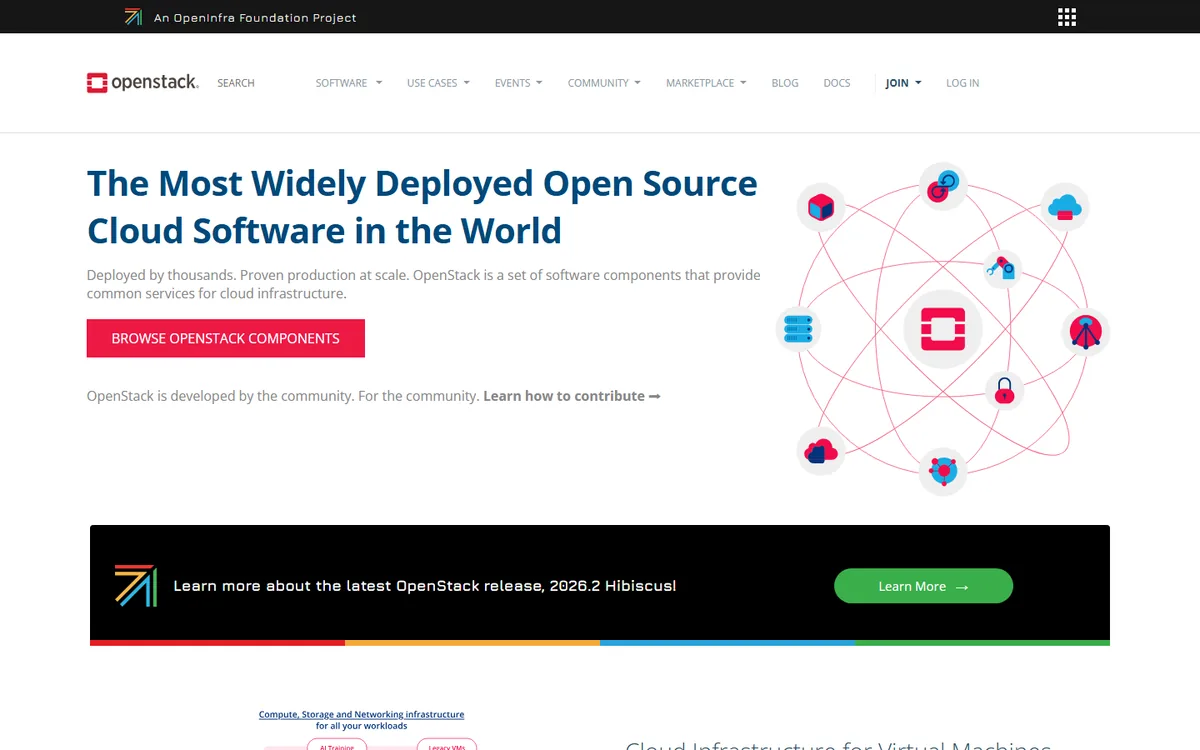
OpenStack is an open source cloud platform that lets you run compute, storage and networking as self-service services in your own data centers. The OpenStack site states it is provided under the Apache 2.0 license and supported by the OpenInfra Foundation, and it lists 2026.2 Hibiscus as the latest release.
No license fee does not mean no cost. In my client work, the money moves from licenses to people: you need engineers who can run, upgrade and debug it, or a managed distribution from a vendor. When it works, it works very well for large, steady fleets. A first rollout is a project, so read the private cloud implementation steps before you commit.
OpenStack Strengths
- No license fee and no single vendor controlling your roadmap
- Mature building blocks for compute, storage, networking and identity
- A strong fit for large, steady fleets and service-provider setups
OpenStack Weaknesses
- Operations and upgrades need real engineering time or a managed distribution
- Integration choices are many, which makes early design decisions harder
OpenStack Pricing
The software itself is open source under the Apache 2.0 license. Your costs are hardware, engineering time and, if you want support, a commercial distribution or managed service from a vendor. Get quotes from at least two vendors if you go that way.
OpenStack Reviews
- G2: 4.2 of 5 stars (based on 53 verified reviews)
Nutanix Cloud Platform
The Simple Hyperconverged Pick for Teams Leaving a Three-Tier Stack
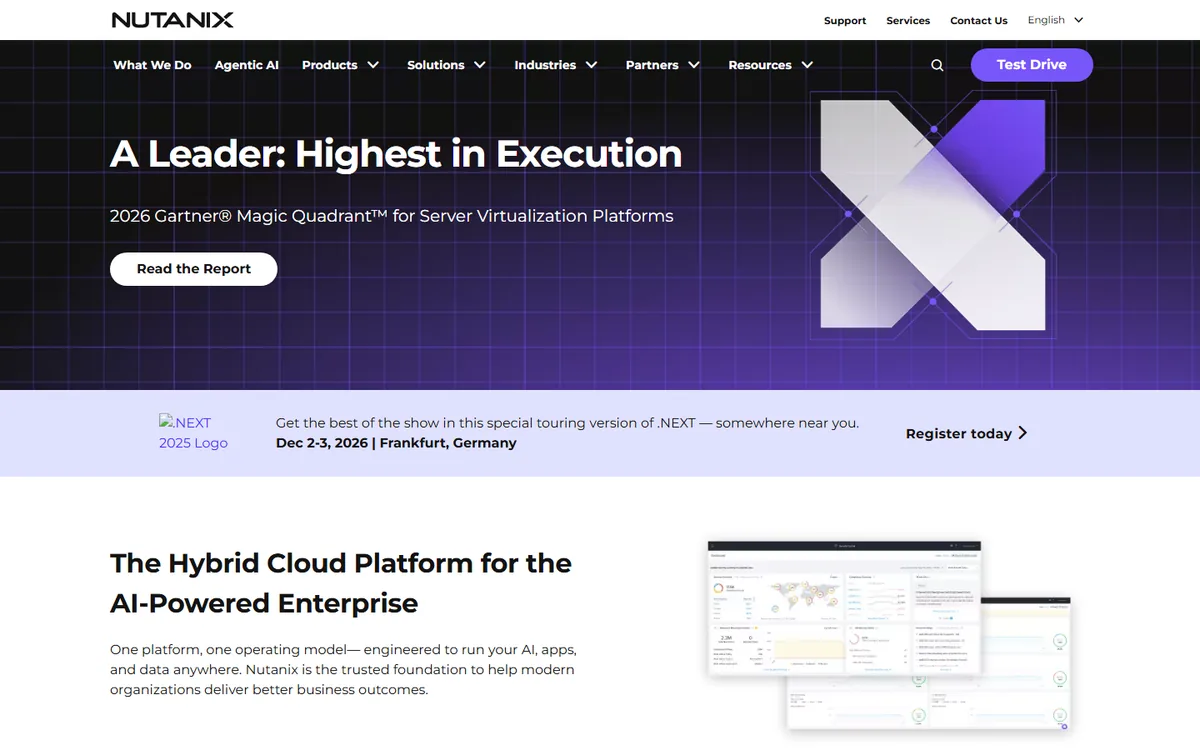
Nutanix combines compute and storage on standard servers and manages them from one console, with its own hypervisor, AHV, alongside support for other hypervisors. The G2 listing is called Nutanix Cloud Infrastructure.
I often see Nutanix on the shortlist when a VMware renewal looks painful. The appeal is a management experience that smaller infrastructure teams pick up quickly. Plan the migration carefully, because moving virtual machines between hypervisors is a project with its own testing, and the hardware compatibility list matters. Smaller organizations should compare this with the lighter options in my guide to private cloud for small business.
Nutanix Cloud Platform Strengths
- One console for compute, storage and day-to-day operations
- Scales by adding nodes, which makes capacity planning easier
- Own hypervisor reduces dependence on a separate virtualization license
Nutanix Cloud Platform Weaknesses
- Hyperconverged scaling ties compute and storage growth together
- Moving workloads in from another hypervisor needs planned testing
Nutanix Cloud Platform Pricing
Nutanix did not publish prices on the page I could read, and licensing is sold through the vendor and partners. Ask for a quote that lists software, support and hardware separately, so you can compare it with other options.
Nutanix Cloud Platform Reviews
- G2: 4.5 of 5 stars (based on 339 verified reviews)
Red Hat OpenShift
The Strongest Pick When Your Private Cloud Is Mostly Containers
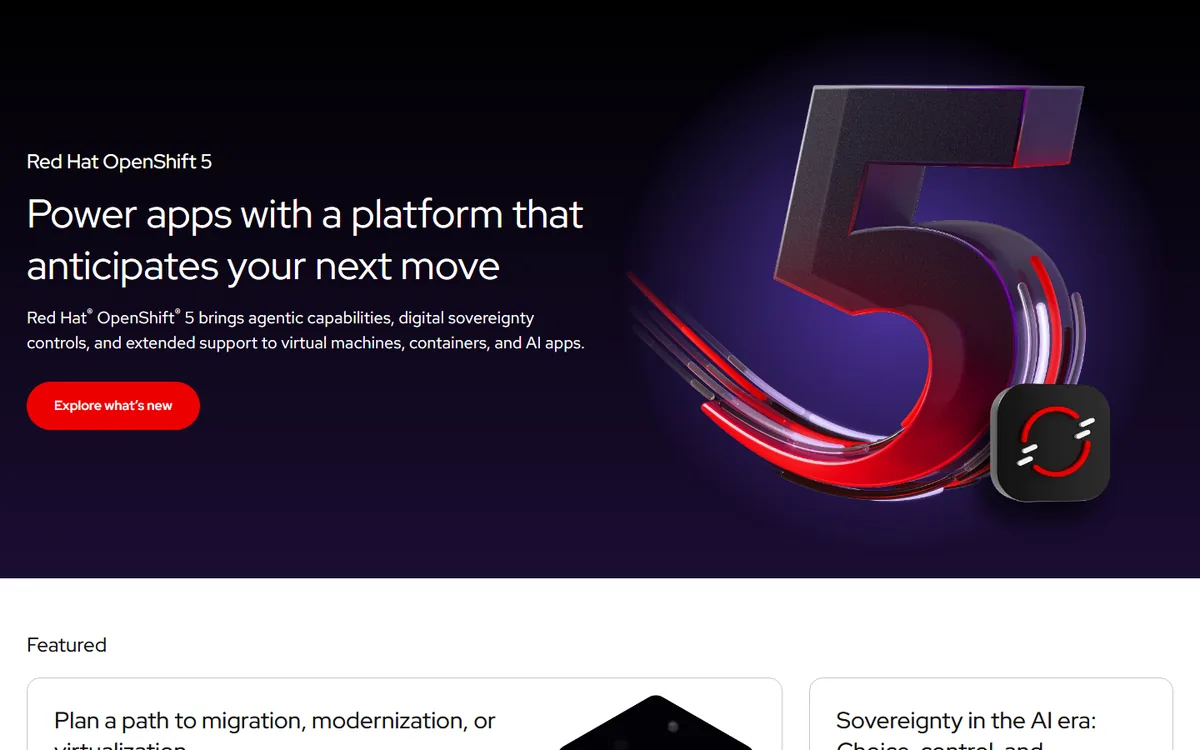
OpenShift is Red Hat’s Kubernetes platform, and you can run it on your own hardware, on virtualization platforms or as a managed service on public clouds. Red Hat lists self-managed editions from Virtualization Engine (virtual machines only) up to Platform Plus.
If your workloads are already containers, OpenShift gives you a private cloud with the developer experience built in. If most of what you run is legacy virtual machines, it is a bigger change than it looks. I would pair it with a clear platform team and review the trade-offs in private cloud pros and cons first.
Red Hat OpenShift Strengths
- Enterprise Kubernetes with security and developer tooling included
- Same platform on your hardware and on major public clouds
- Several editions, including one for virtual machines only
Red Hat OpenShift Weaknesses
- Needs a platform team that understands Kubernetes
- Self-managed pricing is quote-based, which slows early comparison
Red Hat OpenShift Pricing
Red Hat states that self-managed pricing varies with sizing and subscription choices and gives no figures. For managed cloud options, it lists reserved instances from $0.076 per hour on a 4 vCPU configuration with a 3-year contract and a minimum worker node setup. Confirm current rates with Red Hat.
Red Hat OpenShift Reviews
- G2: 4.5 of 5 stars (based on 306 verified reviews)
Azure Local
The Natural Fit for Windows and Azure Shops That Need Workloads on Site
Azure Local, formerly Azure Stack HCI, runs on validated hardware in your location and is managed through Azure. It suits teams that already use Azure tooling for identity, monitoring and policy.
In practice, it works well for sites that cannot move everything to the public cloud, such as plants, branches and regulated workloads. Check the hardware list early, because validated systems limit your choices. Real deployments are summarized in my private cloud examples.
Azure Local Strengths
- Azure management and policy applied to on-premises systems
- Daily billing per physical core, with a 60-day free trial on the host fee
- Windows Server guest licensing can be bought as a subscription
Azure Local Weaknesses
- Hardware must come from validated systems
- Cost depends on Azure benefits and licensing details that take time to model
Azure Local Pricing
Microsoft bills the host service fee per physical core per month, on a daily basis while the system is registered. The page I read showed no amount for the L1 and L2 fee, and asked you to contact Microsoft for L3. The optional Windows Server guest subscription is listed at $23.3 per physical core per month, and the host fee and Windows subscription each include a 60-day free trial. Hardware is not included.
Azure Local Reviews
- G2: 4.2 of 5 stars (based on 12 verified reviews)
HPE GreenLake
The Pay-Per-Use Route When You Want Hardware Without Owning the Risk
HPE GreenLake delivers cloud-style services on infrastructure that sits in your data center, a colocation facility or at the edge, managed from one control plane. HPE describes consumption options as pay per use, subscription or traditional purchase.
The attraction is predictability and less capacity guessing. The trade-off is commitment. HPE notes pay-per-use can have minimums or reserve capacity, so read those terms before you sign. I treat it as a financing and operations model first and a technology choice second.
HPE GreenLake Strengths
- Pay-per-use and subscription options reduce upfront spend
- One control plane across data center, colocation and edge
- The vendor can take on part of the operations work
HPE GreenLake Weaknesses
- Minimums and reserve capacity can erode the savings
- Very few public user reviews to cross-check claims
HPE GreenLake Pricing
HPE gave no prices on the page I read. It states that pay per use may be subject to minimums or reserve capacity. Ask for the reserve level, the metering rules and the exit terms in writing.
HPE GreenLake Reviews
- G2: 4.7 of 5 stars (based on 3 verified reviews, a very small sample)
AWS Outposts
The Choice for AWS Teams Who Need the Same APIs in Their Own Building
AWS Outposts puts AWS-managed infrastructure and services in your own facility and connects it to a parent AWS Region. You use the same APIs and tools as in the cloud, which keeps your team on one skill set.
I recommend it when data must stay local or latency to the Region is too high, and your team already works in AWS. It is not the cheapest way to run steady workloads. Ordering requires AWS Enterprise Support, which affects the budget.
AWS Outposts Strengths
- Same AWS APIs, tools and services on site
- AWS maintains the infrastructure and patches it
- Data transfer to the parent Region is stated as free
AWS Outposts Weaknesses
- Three-year capacity term and an Enterprise Support requirement raise the entry cost
- Tied to the AWS ecosystem and to a connection to the parent Region
AWS Outposts Pricing
AWS states capacity is bought for a three-year term with All Upfront, Partial Upfront or No Upfront payment, and charges begin 24 hours after installation. Prices cover EC2 instances, EBS storage and S3 on Outposts, including delivery, installation and maintenance. The page lists no figures, so request a quote for your configuration.
AWS Outposts Reviews
- G2: 4.6 of 5 stars (based on 12 verified reviews)
Proxmox VE
The Budget Pick That Punches Above Its Price for Small and Mid-Sized Estates
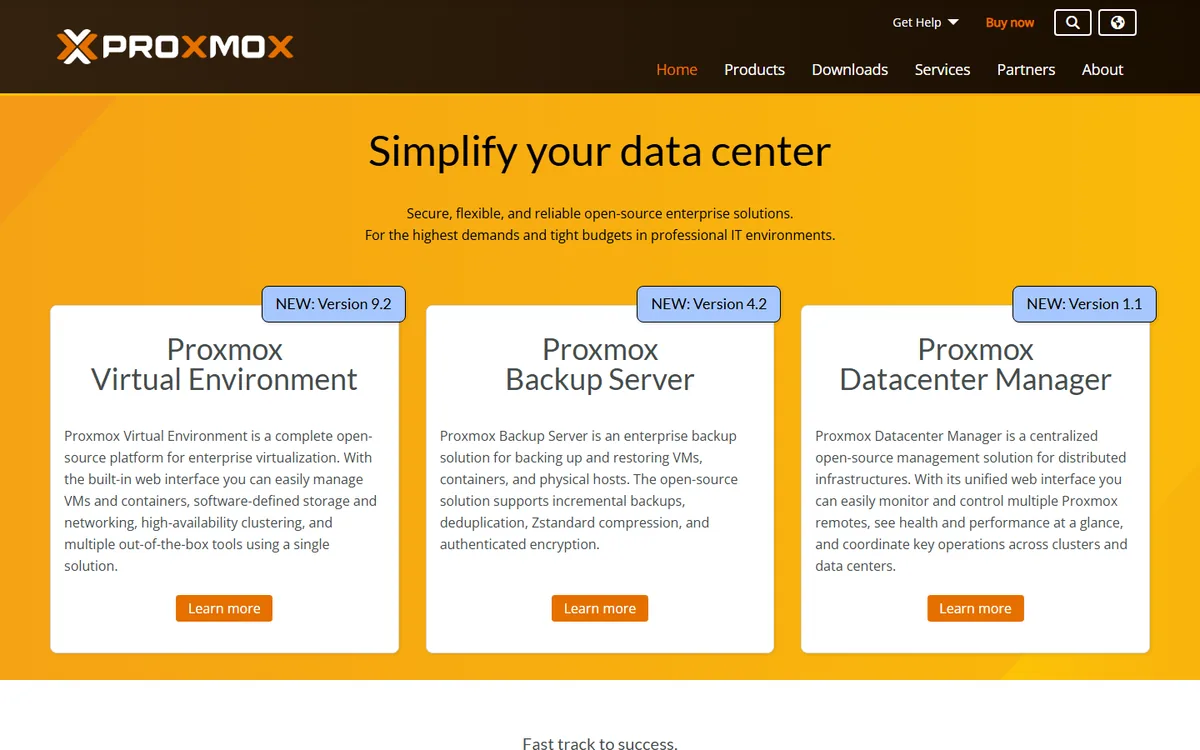
Proxmox Virtual Environment is a virtualization platform that manages virtual machines, containers, storage and clustering from one web interface. The vendor describes it as free software with paid support.
It is not a full cloud with self-service portals and billing, so I call it a private cloud foundation. For many smaller organizations, that is enough, and the cost is a fraction of the large stacks. Expect to do more of the integration and automation yourself.
Proxmox VE Strengths
- Low cost, with software free and support sold as optional subscriptions
- One interface for virtual machines, containers and clustering
- Good fit for organizations leaving an expensive virtualization renewal
Proxmox VE Weaknesses
- Fewer self-service and enterprise governance features than the larger platforms
- Smaller partner and skills market than VMware
Proxmox VE Pricing
Proxmox lists subscription prices per CPU socket per year: Community at €120, Basic at €370, Standard at €550 and Premium at €1,100. Prices are net, and VAT is added where applicable.
Proxmox VE Reviews
- G2: 4.6 of 5 stars (based on 39 verified reviews)
How to Choose the Right Private Cloud Platform
In my experience, three things decide most of the choice: the skills you already have, the workloads you run and how much licensing risk you can accept. Before you compare vendors, answer four questions:
- Are your workloads mostly virtual machines or mostly containers?
- Which platform skills does your team already have?
- Do data, latency or compliance rules force workloads onto your own site?
- Do you want to own the hardware or consume it as a service?
If you run virtual machines and have VMware skills, price a renewal and one alternative such as Nutanix or Proxmox. If you are container-first, look at OpenShift. If you are an Azure or AWS shop, Azure Local or Outposts keeps your tooling. Want no license fee and have engineers? OpenStack. Run a pilot on one real workload before you sign a multi-year deal.
Questions About Choosing a Private Cloud Platform
What Is the Best Private Cloud Platform?
There is no single best platform. VMware Cloud Foundation is the most common for virtual machine estates, OpenShift for container-first teams, Nutanix for simpler hyperconverged setups and OpenStack for teams that want open source control. Your skills and workloads decide.
Is OpenStack Free?
The software is open source under the Apache 2.0 license, so there is no license fee. You still pay for hardware, engineering time and any commercial support or managed service you choose.
Is a Private Cloud Cheaper than a Public Cloud?
Sometimes. Steady, predictable workloads with high utilization can cost less on your own hardware, while spiky workloads usually cost less in the public cloud. Model both with realistic staffing before you decide.
What Is the Difference Between a Private Cloud and Virtualization?
Virtualization splits hardware into virtual machines. A private cloud adds self-service, automation, metering and policy on top, so teams can request resources without a ticket.
Can a Small Company Use These Platforms?
Yes, but choose carefully. Proxmox and managed options suit small teams. Large platforms need skills and budgets that many small companies do not have.
How Long Does It Take to Deploy a Private Cloud?
A small, focused deployment can take a few weeks to a few months. Large multi-site programs run longer, mainly because of migration planning, security review and training.
Do I Need a Consultant to Choose a Platform?
Not always, but an independent review helps when licensing is changing or you are moving off a platform. A short assessment compares platforms against your workloads and costs.
Important: prices, plans and ratings move quickly. They reflect our last update, so double-check each vendor’s site before purchasing. Nothing in this article is legal or financial advice.
Did this article help you?
Thanks, noted.
Garrett Linville
Garrett leads the Cloud Hull editorial team and works with the consultants to turn real client projects into practical guides on cloud migration, DevOps, security and cost control. Each article is edited together with the consultant who did the work, and every price and limit is checked against current provider documentation. He is based in the USA and works remotely.